

Forum Replies Created
-
AuthorPosts
-
Hunter
ModeratorHey Andreas!
Welcome to the support forums and thank you so much for giving our products a shot! I’ll do my best to answer your questions 🙂
My first question is, You offer full refunds within 30 days of purchase. Am I right?
That is correct! While our support team members will give everything we’ve got, sometimes there are issues/customizations that are outside what we’re able to cover. Should that be the case, visit our Refunds page within 30 days of your purchase and we’d be happy to process a refund for you. We also have a list of customizers available for hire that might be able to help further assist you.
I installed all your plugins. But the Filter Bar destroys the ability to edit the Revoultion Slider. It show an ajax error.
I just did a quick check of our logged bug report and don’t see anything relating to a conflict with the Revolution Slider. As much as we’d love to, we’re limited on the amount of support we can provide regarding theme/plugin conflicts. We don’t build any specially-coded compatibility with Revolution Slider, and so whether any Revolution Slider-specific feature will work or not is dictated by Revolution Slider itself, not our events plugins.
It is also no longer possible to license the plugins.
If you wouldn’t mind, can you elaborate on this issue? Additionally, can you test to see if the issue still occurs while reviewing our Testing for conflicts guide? We have a ‘License for multisites‘ article that can hopefully help solve that problem. Please make sure you’ve reverted back to the default WP theme and deactivated all other plugins other than ours while following the instructions found on the ‘License for multisites’ article.
Again, thanks for choosing us for your event & ticketing needs and I look forward to your response. Have a great day.
Cheers!ModeratorHi Ingrid!
I would be more than happy to explore these issues with you. If you wouldn’t mind, please check to see if the issue still occurs while reviewing our Testing for conflicts guide. Please include your System Information as a private reply.
Once we can narrow down the exact source of conflict, we’ll be able to approach this a bit better. Thank you for reaching out and enjoy the rest of your day.
Cheers!ModeratorHey Kezie 🙂
If you haven’t already, check out this Knowledgebase article on Moving your license keys. If you still have questions or run into any issues, provide as much detail and I’d be happy to help further assist.
Take care and have a good Tuesday.
Cheers!ModeratorHey Emiliano 🙂
Thank you for reaching out. Would you mind sharing your System Information as a private reply?
While we’re always working towards optimizing our code for performance, I don’t have any solid solution right off the bat to alleviate the issues you’re experiencing. Additionally, we don’t have any logged bugs of users reporting similar issues.
We’ve got a few resources focused on performance which I’ll link below. Thank you again for posting and I look forward to your response. Cheers!
https://theeventscalendar.com/the-events-calendar-performance-considerations/
ModeratorHey Simon,
At this time, our plugin displays events prioritized by date rather than distance. We don’t have any snippets available at this time that can alter that function, but we do have a list of customizers available for hire that might be able to help you out.
I apologize I don’t have a better answer at this time. You could always visit our UserVoice Feature Ideas and submit your idea as a feature request if it hasn’t been already.
Take care and best of luck with the customizations. Enjoy the rest of your week 🙂
Cheers!ModeratorHey Ryan 🙂
Sorry to hear about the issue! I just tested to see if I could reproduce the issue but was unable to do so (see screenshots below).
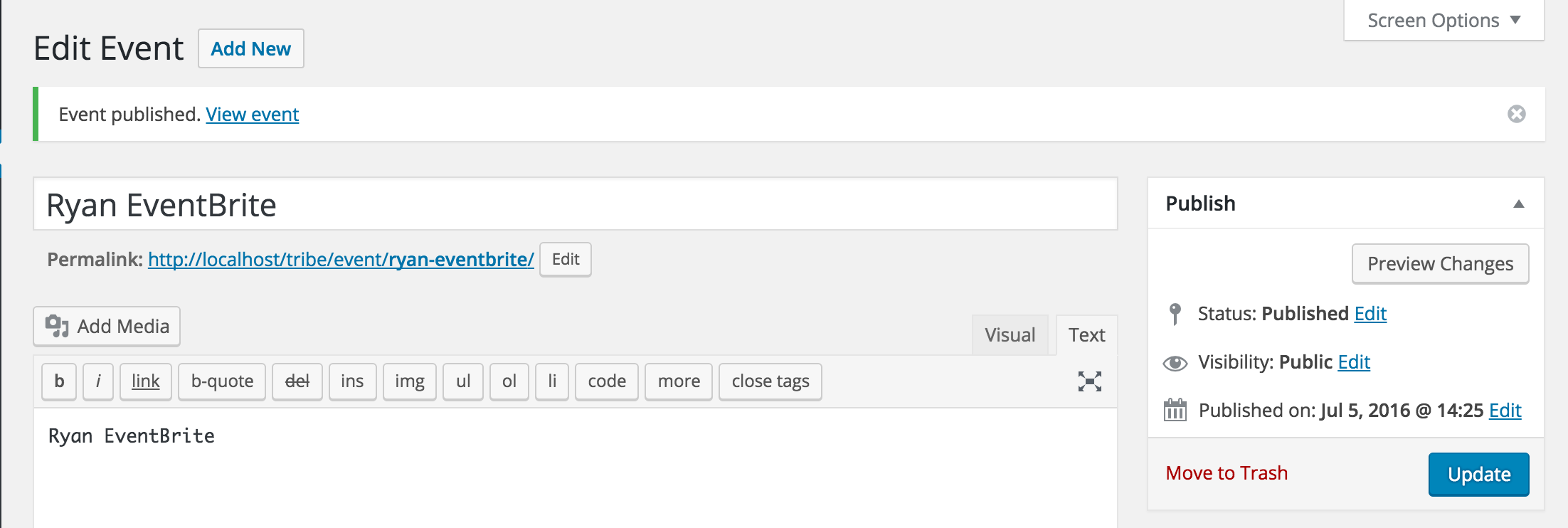
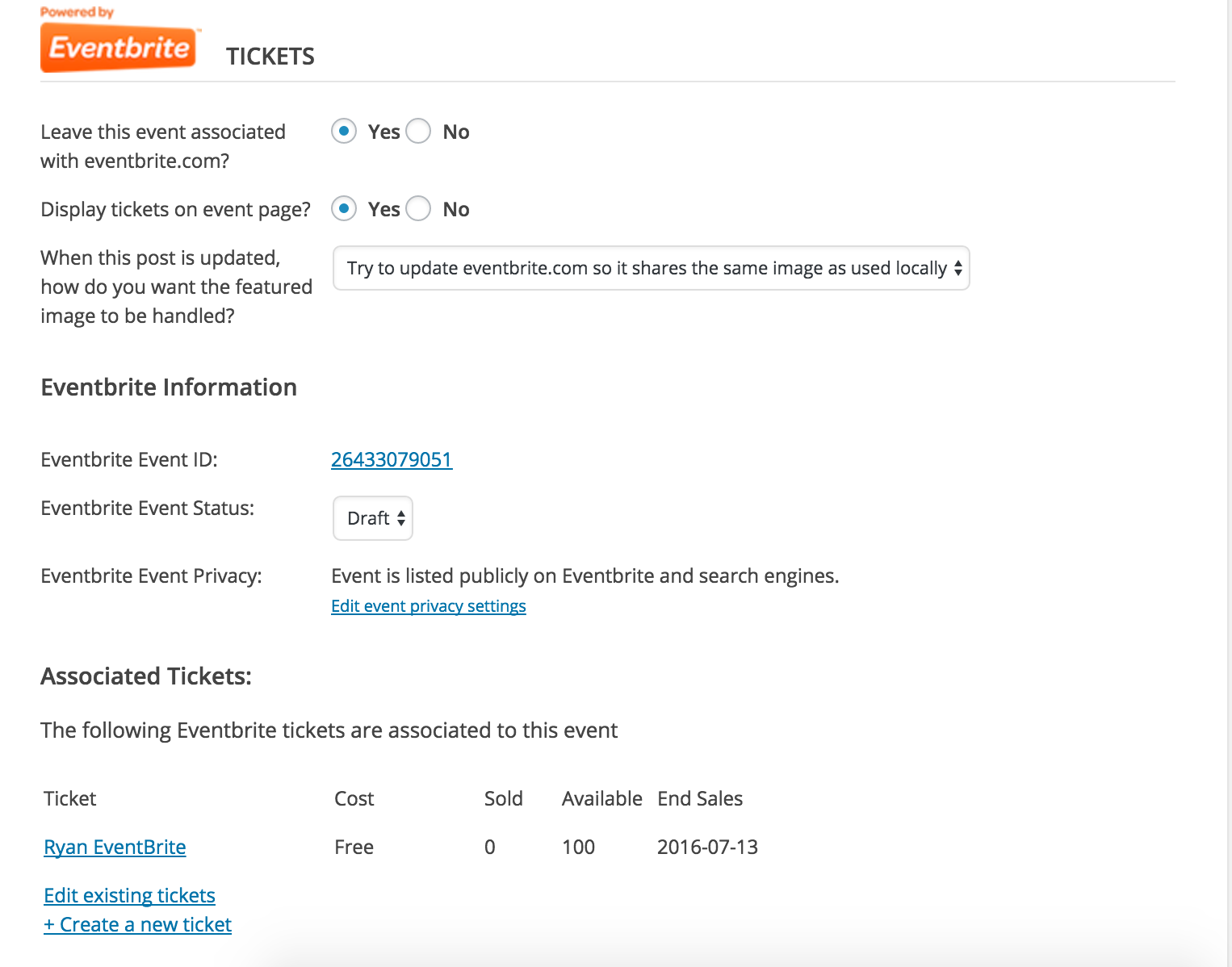

Can you please confirm the issue still occurs while testing as outlined in our Testing for conflicts guide?
Let me know and also include your System Information as a private reply. Thank for reaching out and have a great Tuesday.
Cheers!
ModeratorHey Sandi,
As much as I would love to help you figure out this issue, we are unfortunately unable to explore theme conflicts due to the sheer number of themes available. You may want to try contacting the theme author to see if they have any insight on the issue and if gets beyond your capabilities, we have a list of customizers available for hire.
One other idea I have would be to try out a plugin like Easy WP SMTP which can help with the email delivery process.
I wish I had a better answer for you but as previously mentioned, we’re fairly limited on theme/plugin conflicts. Thank you for understanding and please feel free to respond with any feedback you might have.
ModeratorHey Karen!
Welcome back 🙂
I don’t see any logged bug reports of users reporting similar issues. Can you please run through our Testing for conflicts guide to see if you can narrow down the source?
Reply back with your findings and please include your System Information as a private reply too.
Thanks and have a great Tuesday!
ModeratorWelcome back 🙂
I just tested the code and everything appeared to work as designed for me. I updated line 54 on rsvp.php to:
<input type="number" class="tribe-ticket-quantity" min="1" max="2" name="quantity_<?php echo absint( $ticket->ID ); ?>" value="0" <?php disabled( $must_login ); ?> >Can you please copy/paste exactly what I have below and replace line 54 on the custom rsvp.php template you’ve created and let me know if it works properly?
July 5, 2016 at 1:34 pm in reply to: Day list view – time order scrambled when click < Previous day or > Next day #1135694ModeratorHey Lucy,
I’m glad to hear you’ve found the source of conflict! I’ll close this thread out but feel free to open a new one if you have any more questions or concerns. Have a great week!
ModeratorHey Julian,
Thank you for getting back to me. That UI you sent over doesn’t seem like it would be too difficult to achieve, however we won’t be able to assist with that customization. Also, would you mind sending over your System Information as a private reply?
If you’re running out of time for the project deadline and need some immediate help, you could always check out this list of customizers that might be able to help you.
Thanks again and take care 🙂
ModeratorHey John!
Welcome to the forums and thank you for choosing PRO!
Can you please review our Testing for conflicts guide to see if we can narrow down the source? We don’t have any logged bug reports as of now of users reporting similar issues. Reply back and we’ll go from there.
Thanks again and have a great Monday.
Cheers!ModeratorHey Karly,
Thanks for letting me know it worked out for you! I’ll close this thread out and if you wouldn’t mind, we’d appreciate you rating our support performance 🙂
Feel free to open a new thread if you have any more questions or concerns. Have a great week!
ModeratorHey Fred,
Before I get to testing myself, can you confirm if the issues still occur when reverting back to the default WP theme and deactivating all other plugins other than ours as outlined in our Testing for conflicts guide?
Don’t forget to copy the tribe-events folder you currently have saved in your theme folder into the Twenty Sixteen theme folder so the changes you’ve made overwrite the plugin. Let me know if this makes sense!
Cheers!
ModeratorWelcome back and thanks for the responses 🙂
I see you’re running outdated versions of our plugins. Can you updated to the latest versions and let me know if the problem still occurs? Also, I see you checked ‘Yes’ to reverting back to the default WP theme and deactivating all other plugins as recommended in our Testing for conflicts guide, but can you please confirm this?
Keep me posted and have a good week.
Cheers! -
AuthorPosts