Forum Replies Created
-
AuthorPosts
-
November 19, 2015 at 2:42 pm in reply to: Divi search function returns all recurring events, making search useless #1028274
Cliff
MemberHi Hans.
The main WordPress site search (e.g. example.com/?s=party) and Tribe Bar search both return the the same as you’re experiencing — it’s not a Divi issue.
I found this previous forum post with code to possibly accomplish what you’re wanting (or at least possibly point you in the right direction for your own custom coding): https://theeventscalendar.com/support/forums/topic/show-only-first-instance-of-recurring-event-in-search-results/
Please review and test and let me know how it goes for you.
Thanks!
MemberThanks for helping me debug this issue.
Would you be able to provide me some screenshots of what you’ve discovered with the cron viewer?
I see you have the current version of our iCal Importer plugin, but do you also have the current version of the Woo add-on?
If you do, it might also help to send us the plugin .zip along with the screenshots. You can mark your reply as Private.
November 19, 2015 at 2:13 pm in reply to: Community Events – Add venue or organizer fields no longer available. #1028253MemberVery glad to hear it!
November 19, 2015 at 12:31 pm in reply to: Missing top navigation when event selected – cannot edit event #1028217MemberCaroline, would you mind enabling WP_DEBUG and sharing any PHP errors you see while navigating your site’s home page, events page, single-event pages, and any other of your site’s pages relevant to this ticket?
Once you share your WP_DEBUG findings, we may be able to get an idea of any plugin or theme conflicts.
Please enable WP_DEBUG on your site. You’ll need to edit to your site’s wp-config.php file and change this line of code:
define('WP_DEBUG', false);to this:define('WP_DEBUG', true);
(or add this line of code if you can’t find mention of ‘WP_DEBUG’ in your wp-config.php file)If any errors do appear while navigating your site’s pages, please copy and paste them in their entirety into a new ticket reply — along with the URL of where you saw the error(s) — and make sure you set it as a Private reply.
Let us know what you find. 🙂
MemberI cannot comment on past or future pricing. I can simply say that your renewal would be a significant discount off the then-current price.
I hope this helps.
MemberExcellent. Thanks for letting me know.
November 18, 2015 at 9:29 pm in reply to: Having issues with importing a CSV file of events #1027833MemberHi Johnathan.
Sorry you’re experiencing this issue.
Please note that the license type wouldn’t affect this functionality. If you need a refund simply for this reason, please reference our Refund Policy.
To help me troubleshoot, could you please make sure you’re on the latest version of all Modern Tribe plugins?
You can get them via https://wordpress.org/plugins/the-events-calendar/ and https://theeventscalendar.com/my-account/downloads/
If updating to the latest versions doesn’t fix it, could you please provide me the CSV file giving you this issue?
Additionally, would you mind grabbing your system information and pasting it here? Make sure to use the “Set as private reply” checkbox to protect your private information from the public.
You can find the system info by going to WP Admin > Events > Settings, clicking on the “Help” tab, and scrolling down to the “System Information” box. (Or by going to [yoursite]/wp-admin/edit.php?post_type=tribe_events&page=tribe-events-calendar&tab=help)
That will give me a lot of extra information to help diagnose the problem.
MemberHi Jobou.
We do not provide support in the Pre-Sales Forum, and all other forums are for paid customers.
Changing the background color should be very simple — and you may even already have the correct CSS code for it, but I cannot tell without a link to your site. We would probably be able to provide you such a snippet once you have a paid account and post in the proper forum.
===
However, I can give you this bit of advice if you’re just trying to make CSS tweaks — instead of having to follow the Themer’s Guide and create new CSS files: You can add custom CSS code via your child theme’s style.css file or via a plugin like Simple Custom CSS or, my favorite, Jetpack. Jetpack supports regular CSS and the LESS and Sass pre-processors.
===
Last but not least, we have a pretty great Refund Policy so you can buy one or many of our add-ons and thoroughly test them.
Let me know if you have any follow-up questions.
MemberHi Jennifer and Tom.
When you purchase an add-on, you’ll have access to the latest version (including automatic updates in wp-admin if you install your license key) for 1 year.
After 1 year, your pre-existing / already installed add-on will continue to function with whatever version you have installed.
You will not have access to future version updates after this time period.
Posting to this forum (our only method of support) will not be permitted if your license expires.
You should receive a license renewal email in advance of your expiration date. If you renew prior to expiration (1 year), you should receive a significant discount — but, yes, you do need to renew to continue receiving access to the latest add-on version and the premium support forums.
Reference: https://theeventscalendar.com/knowledgebase/renewing-your-license/
Last but not least, we have a pretty great Refund Policy so you can buy one or many of our add-ons and thoroughly test them.
Let me know if you have any follow-up questions.
MemberDavid, I understand this is an important issue for you.
Here is our current knowledgebase article on the topic: https://theeventscalendar.com/knowledgebase/using-one-license-for-your-live-and-dev-sites/
I’m not sure if that article existed at the time of your previous forum post or not, but it’s our current policy (as you’ve observed to create this new ticket).
I’ll pass along your feedback to management. If they have any other immediate thoughts to pass along to you, I’ll update this ticket.
November 18, 2015 at 8:39 pm in reply to: Enter events on one site and have them feed across multiple sites #1027822MemberHi Victoria.
By default, things only work on 1 site.
However, you might be able to install our plugins on all 3 sites but have just 1 site be the “main” (data entry) site.
Then the other 2 could have the iCal Importer add-on installed and essentially import (nearly duplicate) the data from the 1 main site.
Last but not least, we have a pretty great Refund Policy so you can buy one or many of our add-ons and thoroughly test them.
Let me know if you have any follow-up questions.
MemberHi Yani.
Community Tickets (requires both Community Events and WooTickets) is our newest plugin, and it allows you to receive a flat fee and/or percentage of each ticket your members sell to their customers.
However, you may be interested in this existing feature request: https://tribe.uservoice.com/forums/195723-feature-ideas/suggestions/3762678-charge-for-event-submission-and-premium-featured-e
You could add your vote there if you’d like. Voting is mostly how we evaluate and prioritize our enhancements.
Please let me know if any other questions. Thanks!
MemberDorys, are you sure our default “List View” isn’t what you’re wanting?
With this custom CSS and using the Twenty Fifteen theme:
.tribe-theme-twentyfifteen .tribe-events-list .type-tribe_events,
.tribe-theme-twentyfifteen .tribe-events-list .type-tribe_events.tribe-events-first {
padding:0;
}
.hentry, .page-header,
.page-content {
box-shadow: 0 0 0 transparent;
}
.tribe-events-list-event-description {
display: none;
}
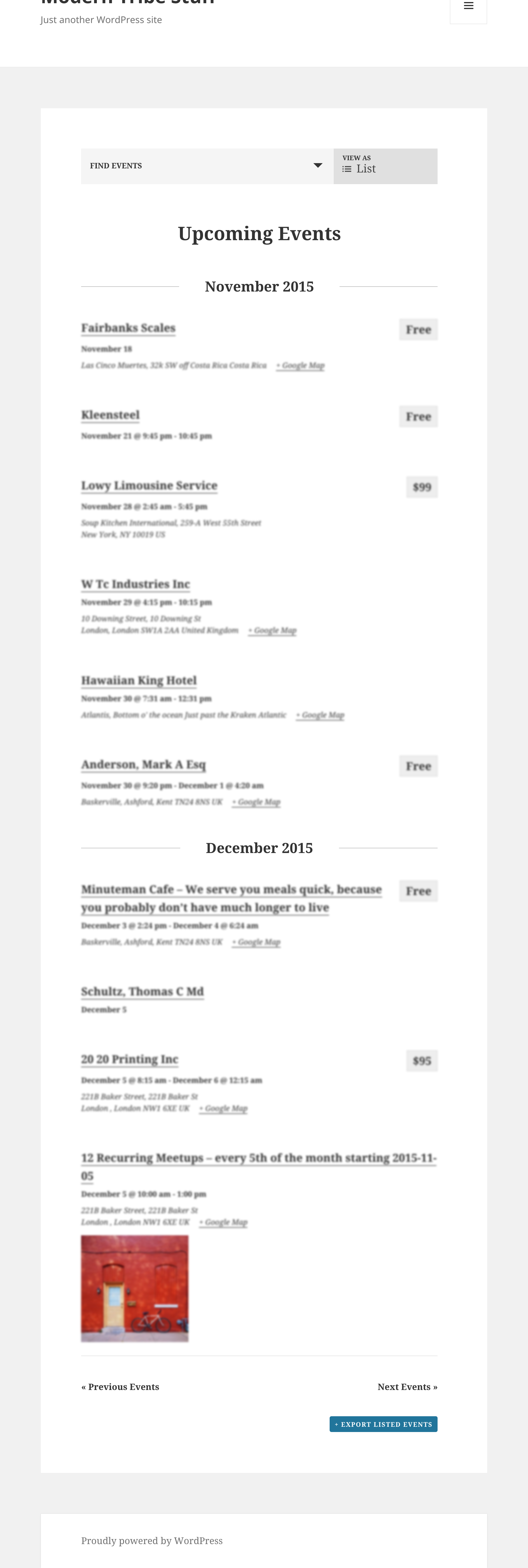
Here’s what I got on the List View (e.g. example.com/events/list/) — click to open full size image in new window:

Are you looking for something different or is this pretty much in line with what you are wanting?
Thanks!
MemberThanks for the update. I’m glad you were able to narrow the issue down a bit.
You may find what you’re looking for at https://theeventscalendar.com/knowledgebase/find-a-customizer/
Let me know if there’s anything more I may be able to do for you on this topic.
MemberPRO is currently at version 3.12.6 (3.5.1 is quite outdated) and can be downloaded from https://theeventscalendar.com/my-account/downloads/
To provide further support for this ticket, we’d definitely need the latest version of PRO — and then to create the ticket from the account that purchased PRO if at all possible.
Thanks!
-
AuthorPosts