Forum Replies Created
-
AuthorPosts
-
Andras
KeymasterHi neuroticartist,
Thanks for reaching out! Let me try to help you with your questions.
Is there a way to add a php call in the loop where if it is a tribe events post, to display the tribe-events-event-meta under the post title?
You could use get_post_type to check if the post type is tribe_events and then show the meta.
Id love to be able to change the “Read More” to “Get Tix or RSVP”
For this I recommend the snippet found in this article in our knowledge base.
Note, the source text that you want to replace is “Find out more” and <span style=”text-decoration: underline;”>not</span> “Find out more »”.
Let me know how these work out for ya.
Cheers,
AndrasAugust 18, 2016 at 4:14 pm in reply to: Size issue with featured image for recurring events in list view #1153435KeymasterGrüss dich Sebastian,
I’m sorry you are experiencing that problem. Let me help you with this.
Can you switch over to a default theme like twentysixteen and check if the problem still exists? I tried it locally and I couldn’t recreate the issue. Testing with a default theme can help us eliminate a theme conflict.
Also, could you please share your system information with me in a private reply?
Here’s a handy guide how you can do that:
https://theeventscalendar.com/knowledgebase/sharing-sys-info/Danke und Grüsse
Andras
KeymasterHmmm… interesting. 2 of us tested it here and it works for us with these steps:
- Create an event with a tag.
- Publish the event. (So that the event gets an id and the tag gets saved in the taxonomies.)
- Add a WooCommerce ticket
- Check in WooCommerce Products whether the created ticket appears and it has the tag of the event.
Did you use these steps?
If you add the ticket before the event is published with a tag, then the tag will not transfer over to the ticket.
Andras
KeymasterIn your account I only see one product, that is the one with the license key in your screenshot.
Also on the screenshot I see a link where you can edit the cart and go back. Can you go back and remove the EC Pro which is non-renewal?
In the cart you can just set the amount of that to zero and update the cart to remove it.Let me know if that works.
A.KeymasterHi Kate,
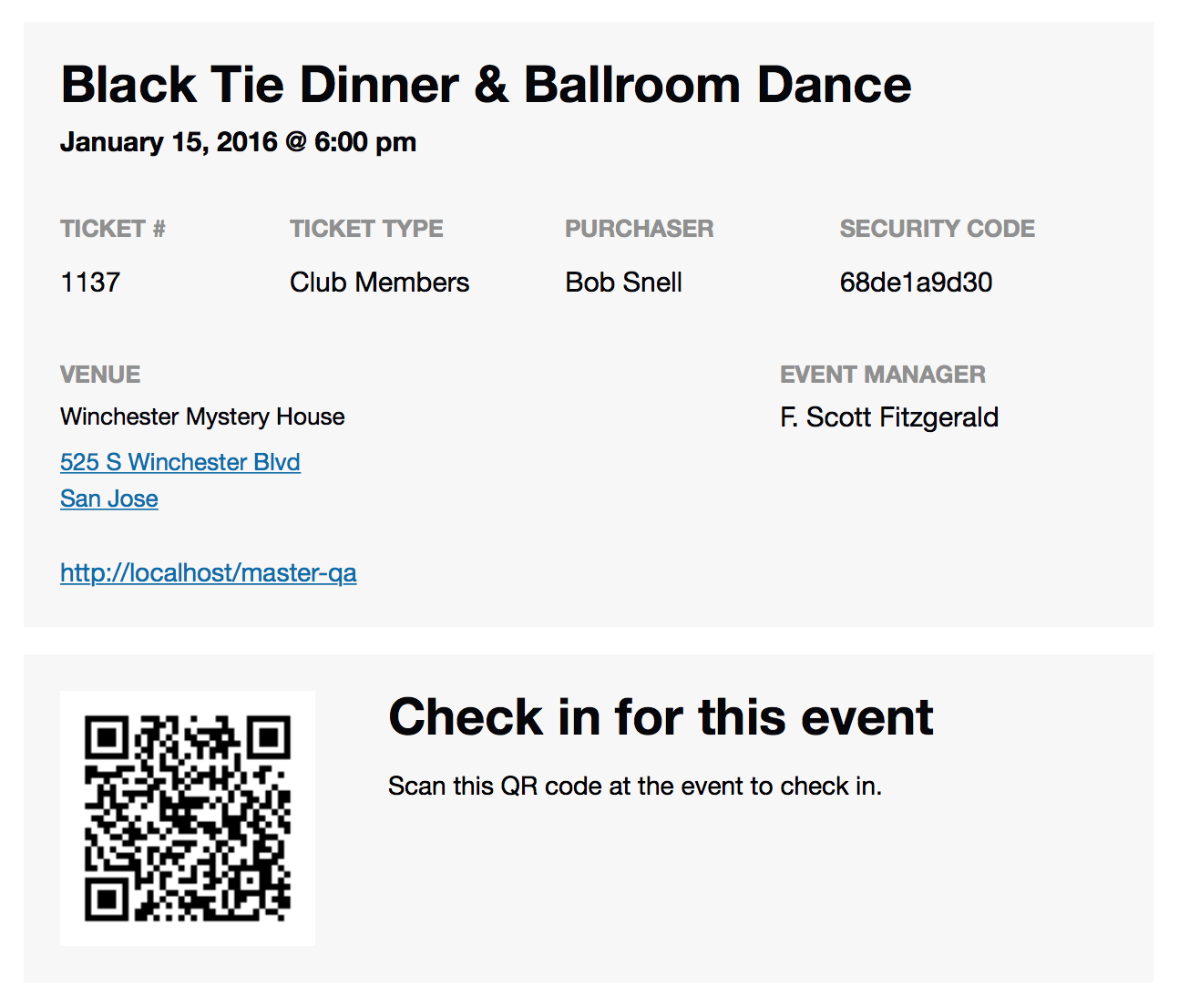
That’s curious. By default the address should be included in the email with the ticket:
https://theeventscalendar.com/content/uploads/2015/12/Screen-Shot-2015-12-02-at-12.59.45-PM.pngIf there is extra info you would like to add, then you need to do some customization.
As a start I recommend you to look at our themer’s guide:
https://theeventscalendar.com/knowledgebase/themers-guide/and our template overview:
https://theeventscalendar.com/knowledgebase/template-overview/This should get you started. Please let me know if you need any further help.
Cheers,
AndrasKeymasterHey Nadine,
Happy to hear it worked.
I guess you are using the map view. In this case if you would like to only show “Find out more…” on post that have a description, then you will need to override the \wp-content\plugins\events-calendar-pro\src\views\pro\map\single-event.php file. Copy this file to this folder:
wp-content\themes\{your-theme-folder}\tribe-events\pro\map\
and open the file for editing.
Line 71 looks like this:
" class="tribe-events-read-more" rel="bookmark"> »
Change it to this:
" class="tribe-events-read-more" rel="bookmark"> »
This should do the trick. Let me know how that works out for you.
Cheers,
AndrasKeymasterHi Philipp,
You could re-design how your comments look like with a bit of CSS tweaking. If you want additional functionality, then you will need to do some customization.
The carpool events plugin is not made by us and I don’t know how it works, so I cannot really support you in that, I’m sorry.
Do you have any other questions relating this topic I can help you with?
Andras
KeymasterHey Melanie,
I’m super stoked to hear that works and that you are launching soon! I know just how exciting that is. 🙂
Please, do let me know how it works and would be great if you shared the site with us once it’s launched.
Cheers,
AndrasKeymasterHello marthamcevoy,
I’m sorry you are experiencing this issue. We will look into this.
Meanwhile could you please share your system information with me in a private reply?
Here’s a handy guide how you can do that:
https://theeventscalendar.com/knowledgebase/sharing-sys-info/I see from your post in the .org forums that you tested this with only The Events Calendar active and twentysixteen. Could you please confirm that?
Thanks and cheers,
AndrasKeymasterHi Victoria,
Thanks for hanging in there.
From the error description in the log I see there’s an issue with the paypal accounts that are configured.This is beyond our support but some googling might help you find a solution, like this for example:
Let me know if you need any other help.
Cheers,
AndrasAugust 17, 2016 at 2:43 pm in reply to: Ticket Plus – Not Showing Attendee Detail on Order Screen #1152838KeymasterHello again Michael,
Thanks for sharing your system information with me and updating your plugins. All seems ok there.
To the question in hand:
The attendee list is not supposed to show up on the WooCommerce order page. Currently that is not a functionality of the Event Tickets Plus plugin.I’m sorry for this confusion, the _tribe_wootickets_attendee_output: on your first screenshot mislead me, making me think this is. But as I see it, it might have been like that with our old WooTickets plugin.
It most probably can be done with some customization, but unfortunately we are limited in supporting that. Though here is a list of freelancers who could help you with that and who are not affiliated with us: https://theeventscalendar.com/knowledgebase/find-a-customizer/
I hope this clarifies. Let me know if I can be of any other help.
Cheers,
AndrasKeymasterHey Melanie,
Thanks for your patience! I team mate took a look at it and came up with this snippet, that works as you would like it. When a ticket is created for an event, then the event’s tag is also added to the WooCommerce product ticket.
Just paste this snippet into your functions.php file.
/* Tribe port event tags as product tags for woo tickets */

function tribe_add_tag_to_woocommerce_tickets($ticket_id, $event_id, $raw_data ) {
// get event 'post_tags'
$event_tags = wp_get_object_terms( $event_id, 'post_tag', array('fields' => 'names' ) );// bail if no 'post_tags' for event
if ( empty( $event_tags ) || is_wp_error( $event_tags ) ) return false;// set event 'post_tags' as product 'product_tags'
wp_set_object_terms( $ticket_id, $event_tags, 'product_tag', true );
}
add_action( 'wootickets_after_save_ticket', 'tribe_add_tag_to_woocommerce_tickets', 10, 3 );
Please let me know how that works out for you.
Cheers,
AndrasKeymasterThanks for sharing that! It seems to be OK, but definitely worth checking what happens without it, as the plugin setting should just do that. So this would be a duplicate.
Please let me know how the test works out.
Cheers,
AndrasKeymasterHi liblogger,
Thanks for those screenshots.
I tried to recreate the issue locally, but I didn’t manage yet. I’ll keep trying, maybe something pops up.
Were these settings the same when you created that recurring event?
Does this also happen if you create a new event with similar rules?
Please also try to do a test for conflicting plugins, this guide should help you in that: https://theeventscalendar.com/knowledgebase/testing-for-conflicts/
Thanks and cheers,
AndrasKeymasterHello Nadine,
I checked the code of your site a little bit and I found a CSS declaration which hides the ‘find out more’, namely this:
.tribe-events-read-more {
display: none !important;
}You will need to find where this is added, highly likely in your style.css file, and remove it. Then you’ll have the ‘find out more back’.
Let me know if you manage to find it.
Cheers,
Andras -
AuthorPosts