How to Move Your Virtual Worship Activities to WordPress
Estimated reading time:
1 minute
It goes without saying that people are now considering transferring all of their previously in-person activities online. There are so many advantages to going virtual that it is likely to become a standard practice in the future.
When it comes to conducting worship events, relocating your church, synagogue, mosque, temple, or other houses of worship to an online platform can really help you reach your community in new and exciting ways. Ways that in-person observances simply did not previously allow. With virtual worship, you can reach a larger online audience and connect with supporters who may not have been able to attend for various reasons.
By shifting your services to WordPress, you can manage everything in one place. Add a virtual event link directly to your event page for members to easily access your service. You can also embed your YouTube or Facebook Live stream on your event page and keep users on your website. In addition, if you’re hosting RSVP or ticketed events, you’ll be able to see a list of all of your attendees on the backend of your website.
Read on and learn how to smoothly transition to a virtual worship WordPress site without missing a beat.
The Events Calendar Pro setup
Setting up a WordPress site is simple. WordPress itself has a famous five-minute install so that you can be up and running quickly. Once your WordPress site is all set up, you’ll need a few key plugins in order to host your worship activities on your website.
Here’s what you’ll need:
- The Events Calendar Pro (add events and virtual event links to your website)
- Event Tickets (free, add RSVPs and tickets)
- Event Tickets Plus (optional, premium plugin, additional ticketing and ecommerce functionality)
Adding a calendar is the first step towards migrating to an online format. After you’ve populated your calendar, include virtual event features to allow users to attend your events online. You can set up a Zoom meeting or webinar or stream your event from another platform, like YouTube or Facebook Live.
The benefit of this approach is that your participants will be able to view everything in one convenient location. They can access your sermons, talks, and community gatherings directly from the event page that you create. This way, your members will have a personalized experience to feel like they are right there with you.
Lastly, the ticketing and RSVP details can help you plan for your event by allowing guests to mark themselves as attending to help you prepare for attendance.
See it in action
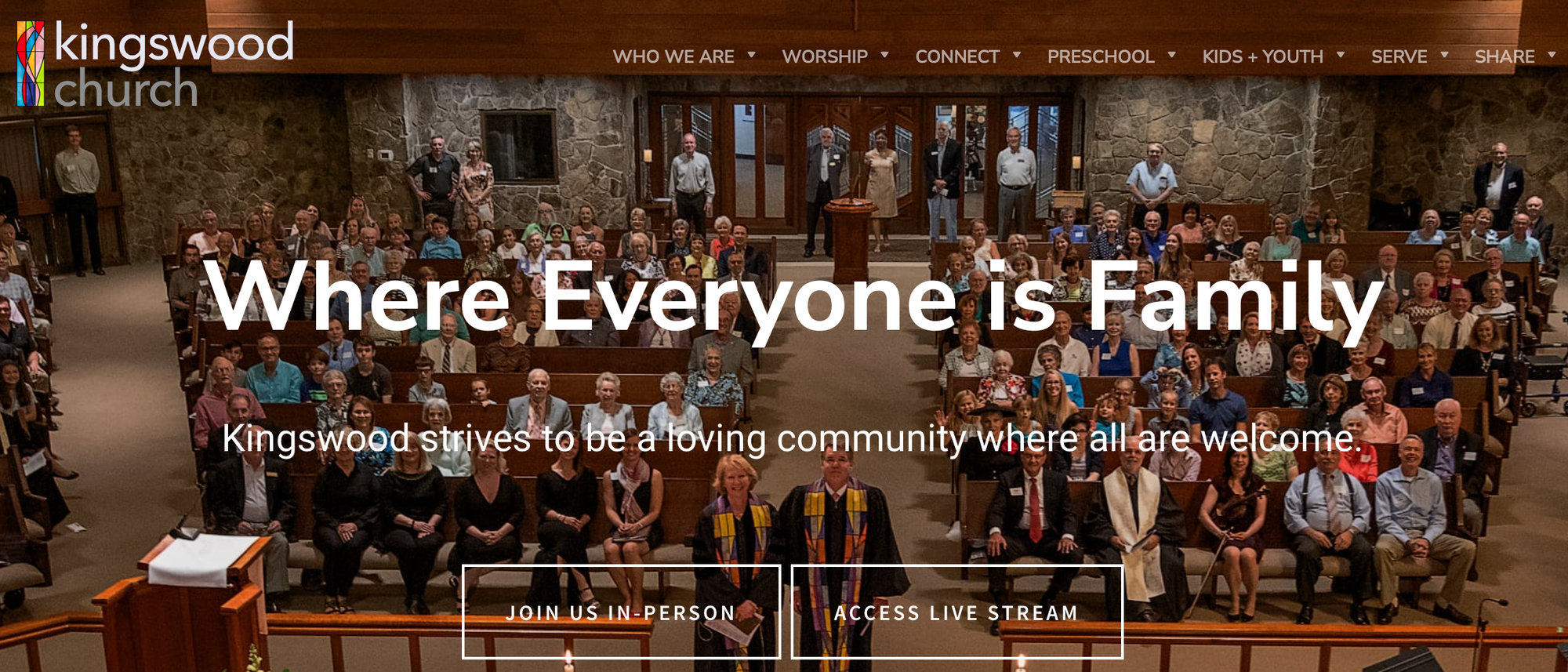
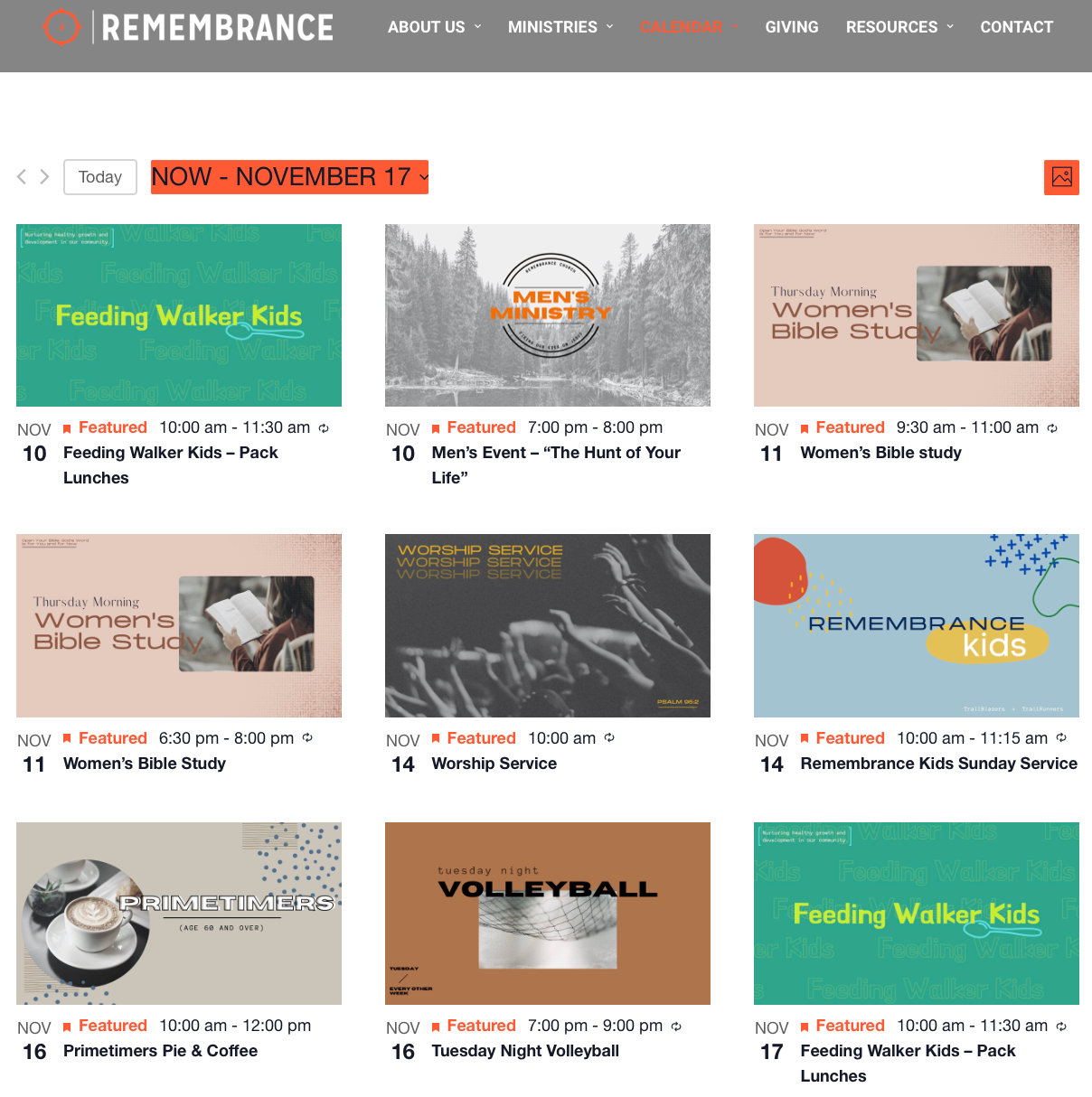
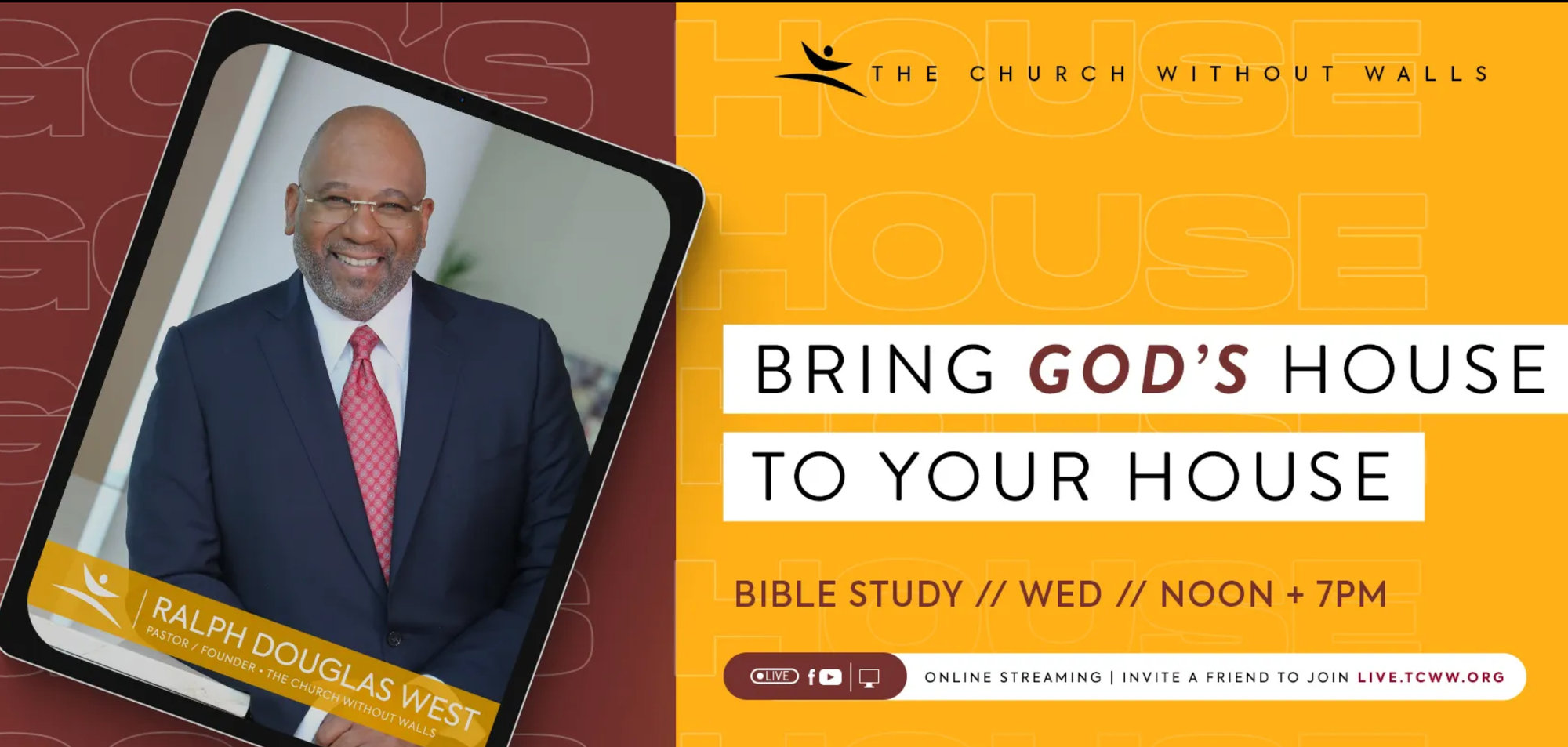
Here, we’ve got some great examples of how churches add virtual event and live streaming capabilities to their WordPress websites.
Bundles for the win
With The Events Calendar Pro and its suite of plugins in hand, moving your virtual worship activities to WordPress couldn’t be simpler! And if you bundle our products, you can even save some money while creating your website.
You’ll have the whole congregation singing praises when they see your new WordPress site 🙌

Jaime
View author page