Forum Replies Created
-
AuthorPosts
-
October 5, 2015 at 11:15 pm in reply to: Is there a way to search through attached content for an event #1011752
Cliff
MemberHi Ricky. Thanks for considering our calendar plugin suite.
Each event is a WordPress custom post type post. So editing an event via wp-admin is just like writing a blog post or page.
That being said, you can attach media files (images, PDFs, etc), just like you can in the regular WordPress post editor used on posts and pages.
Additionally, the PRO add-on lets you easily add additional custom fields. You could create a URL field type (e.g. “Minutes”) and put a link there (e.g. Dropbox or Google Drive).
Notes:
- Uploading files to an event post will add them to your WordPress Media Library.
- Displaying PDFs (hosted in Media Library or off-site) in the content area of an event post would be done via a third-party plugin (e.g. PDF Embedder or Google Doc Embedder).
Our plugins do not support indexing all of the PDFs’ content and searching through it. SearchWP’s site says it can do that for all PDFs uploaded to your Media Library. It’s a third-party plugin, and it isn’t a specific integration with our plugins.
I hope this information helps you make an informed decision.
Let me know if you need anything else from us.
MemberHey Tim. I created this plugin, which may be just what you were looking for: Plugin: Add new widget areas to TEC pages
Looking forward to hearing back from you if it does help!
October 5, 2015 at 11:01 pm in reply to: 'Events List' widget not showing the month, just day-name and day-number #1011749MemberHi Peter. Thanks for your thorough question.
I tested the Events List widget with the TwentyFifteen theme and it looks just like that link’s screenshots, displaying the month name too.
I checked out the website your system information provided us with, and I see the month name on your /romsley page’s Events List widget… so it seems like it’s working.
If you still think it’s not working, please send a screenshot and a link where I can view that widget in action.
Thanks!
MemberHi Eric. Thanks for the detailed request.
To my knowledge, Genesis doesn’t add the widget “Visibility” button; Jetpack does.
Jetpack’s widget visibility settings cannot control display on our plugin’s Calendar/archive or Single/event pages at this time.
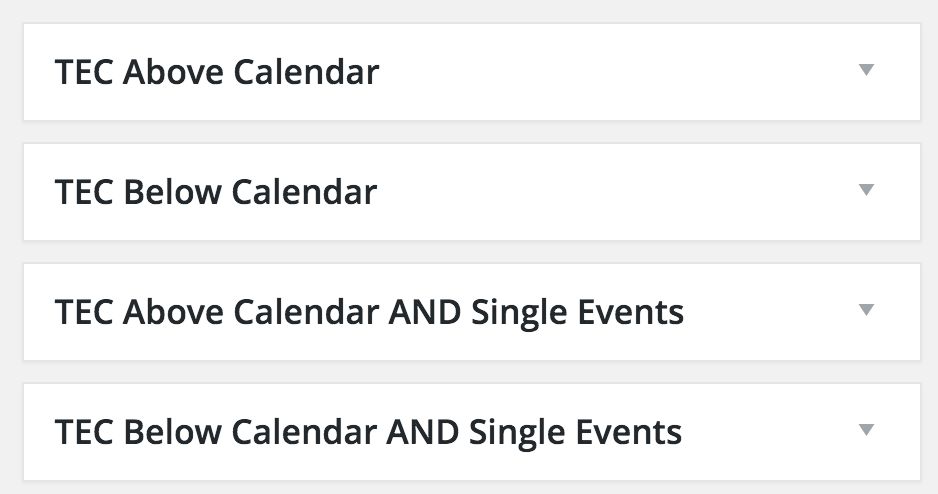
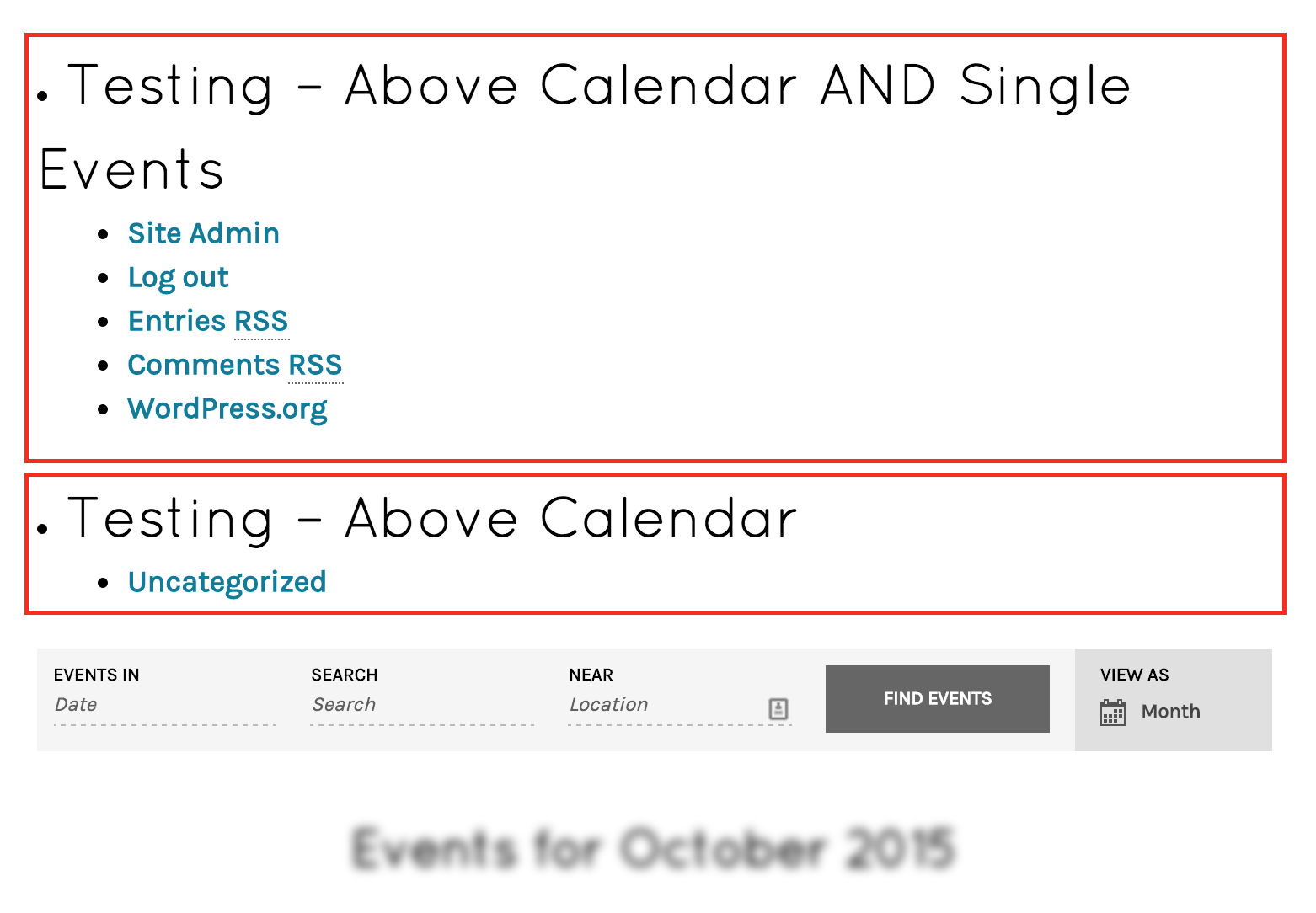
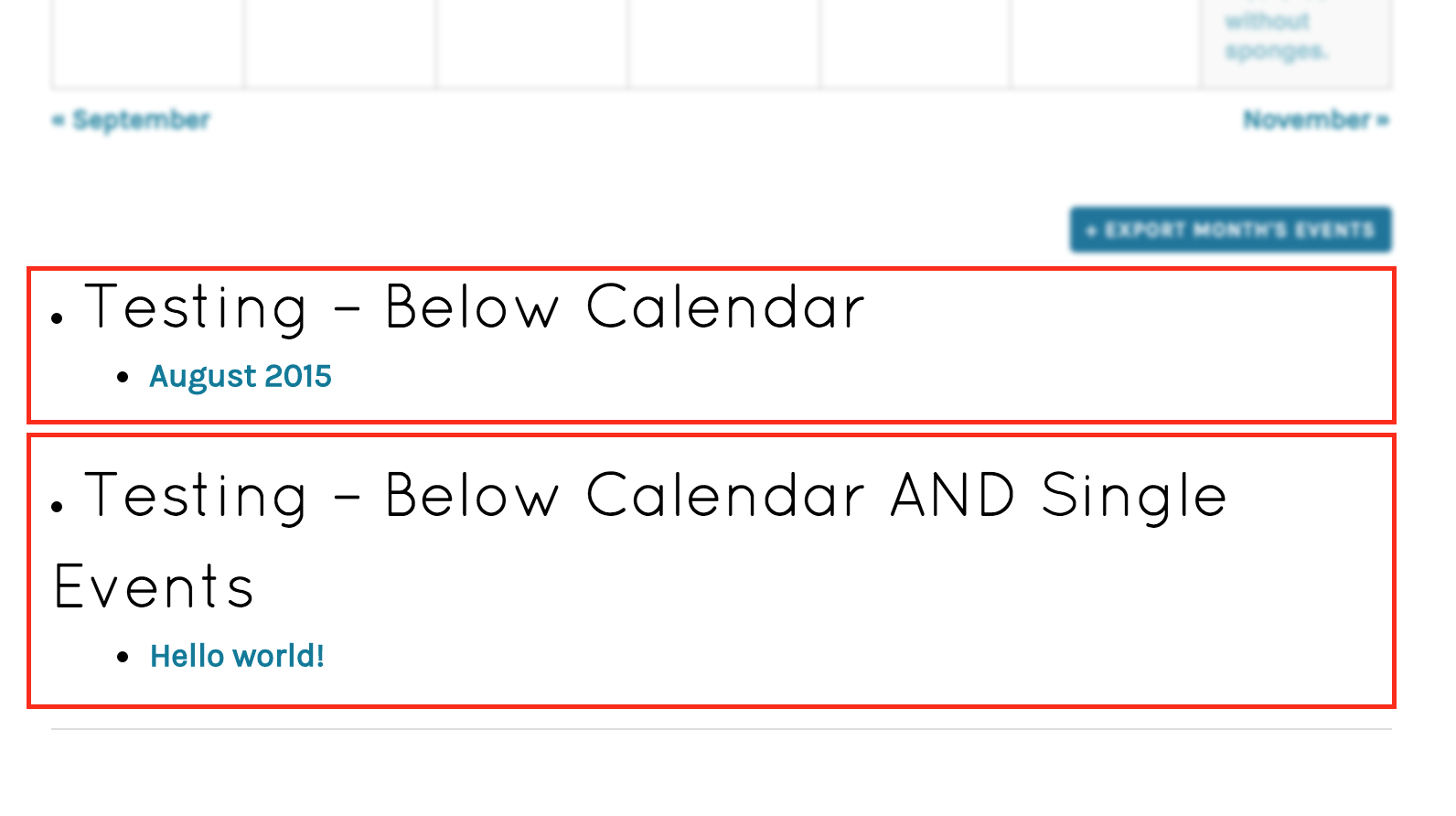
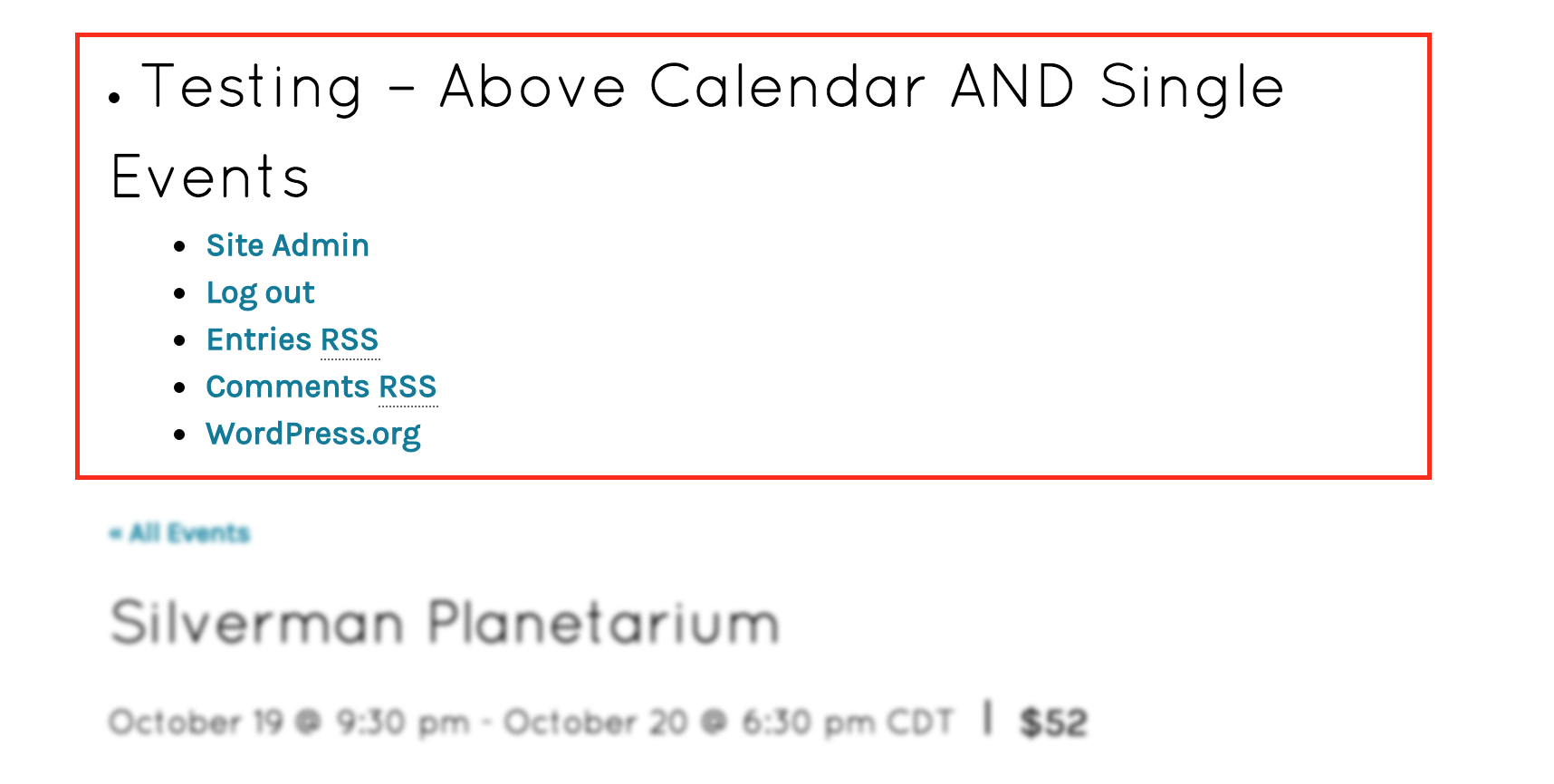
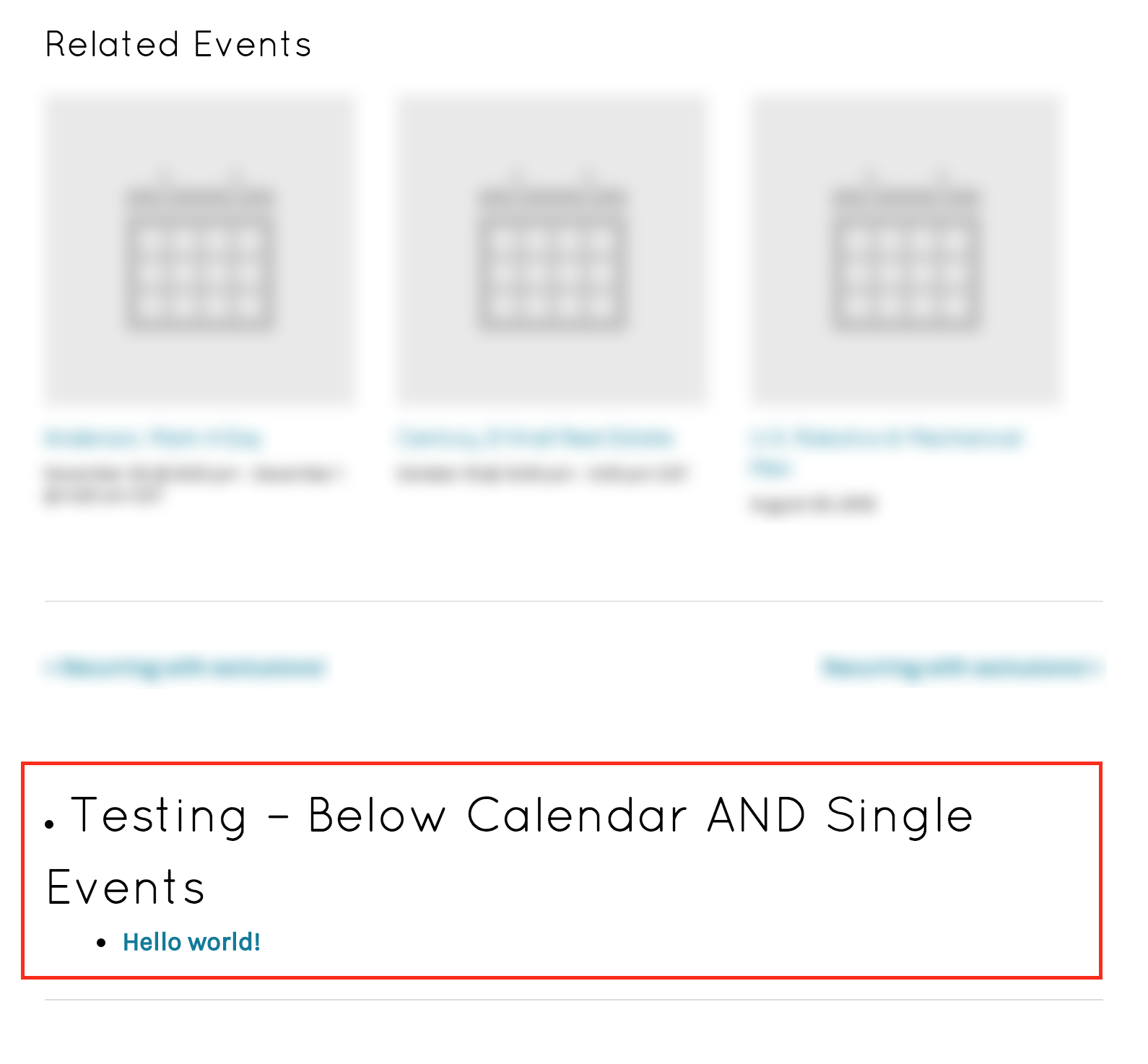
However, I did make a plugin for you (and others who have asked). Download this .zip, install and activate it as a new WordPress plugin, and it’ll add new widget areas that you should be able to leverage for your needs: http://cl.ly/1L1Y0M0L2X07
Here are some screenshots:
[caption id="attachment_1011738" align="aligncenter" width="665"]
 1- New Widget Areas[/caption]
[caption id="attachment_1011739" align="aligncenter" width="665"]
 2- Above Calendar[/caption]
[caption id="attachment_1011740" align="aligncenter" width="665"]
 3- Below Calendar[/caption]
[caption id="attachment_1011741" align="aligncenter" width="665"]
 4- Above Event Single[/caption]
[caption id="attachment_1011742" align="aligncenter" width="665"]
 5- Below Event Single[/caption]
Please let me know if it meets your needs.
MemberHey man. Sorry to frustrate you and that you had trouble with getting this implemented. Hopefully I can make you happy with a little extra help just for you. No worries, my friend. 🙂
I added a few tweaks. Plus, I made it into an installable plugin.
Here’s a screenshot of what it adds to a single event selling tickets via WooCommerce Tickets add-on:

Here’s a .zip file you can download, install, and activate on your site: http://cl.ly/3w190E1S0o3R
Please let me know whether or not this worked well for you.
I hope it does!
MemberNo worries. Thanks for the update.
I trust you completed the refund request steps.
Please check us out again if you need anything else in the future.
MemberThanks for the additional info. I believe you mentioned this plugin: https://wordpress.org/plugins/shortpixel-image-optimiser/
We don’t have that as a known conflicting plugin, but I have seen some other users recently reporting the license key isn’t staying in the plugin settings.
Sorry I don’t have a resolution for you at this time. I’ll suggest trying to disable that plugin (and others if it turns out not to be the conflicting one) and seeing if your license key stays on the settings page with that plugin (and/or other plugins) disabled.
If you find out anything more, please advise so we can determine any cause of this frustrating issue.
In the meantime, know that I’ve reported your issue and the other users reporting it. Additionally, you can always download the latest versions of our add-ons at My Account > Downloads.
Thanks for being a valued customer! 🙂
MemberHowdy. I passed the request on to our developers and got this information… maybe it’ll help you get started along the correct path:
<p class=”p1″><span class=”s1″>Sadly, there isn’t a super easy way to execute the Ajax logic that submits the form. The closest thing might be to replicate a few of our JS functions here (note the #L references which line number, which might be slightly different but should get you in the right area):</span></p>-
<li class=”p3″><span class=”s2″><span class=”s3″>the-events-calendar-filterbar/src/resources/js/filter-scripts.js #L367</span></span>
<li class=”p3″><span class=”s2″><span class=”s3″>the-events-calendar-filterbar/src/resources/js/filter-scripts.js #L326</span></span>
<li class=”p3″><span class=”s2″>and Hook those functions to change events: the-events-calendar-filterbar<span class=”s3″>/src/resources/js/filter-scripts.js #L400</span></span>I hope it goes well for you.
Please let me know if you come up with anything awesome leveraging our Filter Bar add-on!
MemberSuper! Thanks for letting me know.
MemberThanks for the info. Yeah, sounds like a plugin conflict. Sorry to hear about that. We can’t provide support for every possible plugin conflict. It sounds like you’re going down the right path, pursuing the other plugin’s resolution. Please let us know if it turns out to be something else.
Thanks!
October 2, 2015 at 1:50 pm in reply to: ng: sprintf(): Too few arguments in …../wp-content/plugins/the #1011088MemberThe developers asked for you to double-check if it’s still happening with the most recent version of our plugins.
You can download the latest version of core at https://wordpress.org/plugins/the-events-calendar/ and of the add-on(s) at https://theeventscalendar.com/my-account/downloads/
If it IS still happening on the latest versions of our plugins, would you mind grabbing your system information and pasting it here? Make sure to use the “Set as private reply” checkbox to protect your private information from the public.
You can find the system info by going to WP Admin > Events > Settings, clicking on the “Help” tab, and scrolling down to the “System Information” box. (Or by going to [yoursite]/wp-admin/edit.php?post_type=tribe_events&page=tribe-events-calendar&tab=help)
That will give me a lot of extra information to help diagnose the problem.
Thank you!
MemberHey, Lisa. It’s me, Cliff.
Good to see you here!
Thanks for the details. To clarify, I see you’ve purchased PRO but you posted in the Community Events forum. I moved this ticket to the PRO forum, but if it turns out to be CE, I’ll move it back.
On my own site, I entered a license key for PRO and did an update recently and my license key is still in tact at Events > Settings > Licenses.
The system details you shared with me included your PRO license key so it seems it’s saved in your database…
Please confirm which product’s license key is getting wiped out and if you’ve noticed anything else that may help us resolve this issue for you.
Thanks!
October 2, 2015 at 1:20 pm in reply to: ng: sprintf(): Too few arguments in …../wp-content/plugins/the #1011075MemberOliver and Christian,
I didn’t mean to suggest you should actually change your production site to English. I understand that’s not practical.
I meant that IF you did, the error would go away… since it’s caused by using a translation.
Sorry for the miscommunication.
===
As far as getting a fix goes, I’ve clarified with the developers that it is a bug on our side and not with the actual translations. I’ve filed an official internal bug report. We’re keen to get these things resolved but don’t offer estimates of when they’ll be released.
Thanks for getting to the bottom of this with me and for bringing it to our attention!
MemberDiane, I’m stoked to hear your update to v3.12.2 helped. We’re almost there!
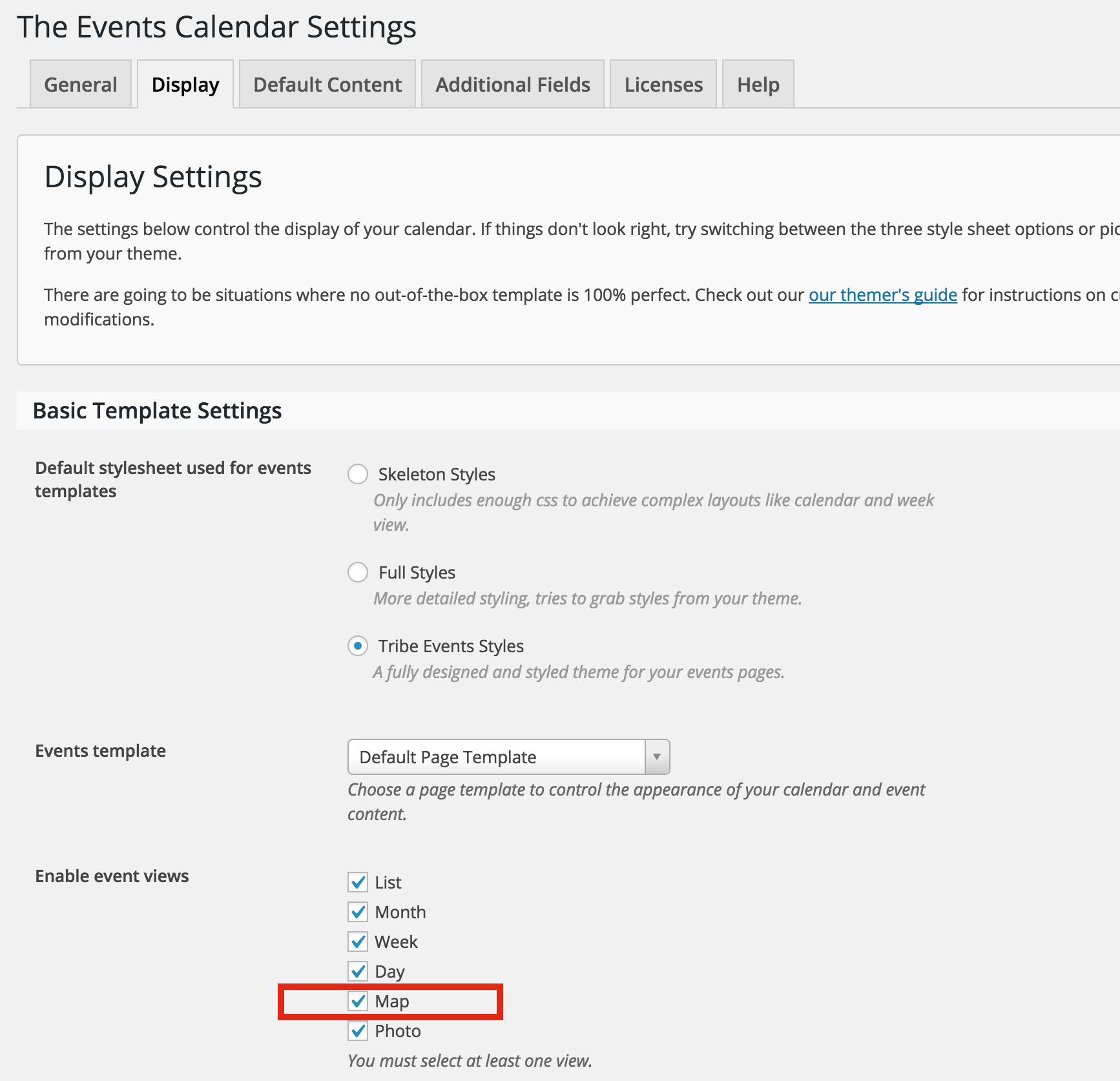
As far as Google Maps script goes, if you’re not going to use the Events Map view, what if you uncheck it in your settings?

I’m guessing that’ll make our plugin’s Google Maps script not load.
Let me know whether or not that does the trick for you.
MemberI am now clear on what you’re asking for, and I appreciate your question and the desire to customize it for your use. However, we cannot provide such in-depth customization help, per our scope of support Terms.
If there’s something else I can help you with, please update this ticket or create a new ticket if it’s a separate issue.
Thank you very much for your understanding. You are a valued customer.
If you do create a snippet, you’re welcome to reply back with the code so others could possibly benefit from it.
Thanks!
-
AuthorPosts