Forum Replies Created
-
AuthorPosts
-
Cliff
MemberGlad to help. Enjoy using the plugins! 🙂
MemberRod, thanks so much for the quick reply and the good news!
MemberHey Kevin. Great question. Check out this feature request’s current status at https://tribe.uservoice.com/forums/195723-feature-ideas/suggestions/5580014-filters-in-filter-bar-based-on-additional-fields
We’d all like to see it released sooner than later!
MemberHi Kevin. Thanks for the detailed question.
Did you try
tax_inputas documented at that link?MemberHi Jameson. Sorry to hear about this issue.
I saw someone else reported something similar at https://theeventscalendar.com/support/forums/topic/events-registering-for-wrong-date/
Would you mind grabbing your system information and pasting it here? Make sure to use the “Set as private reply” checkbox to protect your private information from the public.
You can find the system info by going to WP Admin > Events > Settings, clicking on the “Help” tab, and scrolling down to the “System Information” box. (Or by going to [yoursite]/wp-admin/edit.php?post_type=tribe_events&page=tribe-events-calendar&tab=help)
That will give me a lot of extra information to help diagnose the problem.
Would you mind grabbing your system information and pasting it here? Make sure to use the “Set as private reply” checkbox to protect your private information from the public.
You can find the system info by going to WP Admin > Events > Settings, clicking on the “Help” tab, and scrolling down to the “System Information” box. (Or by going to [yoursite]/wp-admin/edit.php?post_type=tribe_events&page=tribe-events-calendar&tab=help)
That will give me a lot of extra information to help diagnose the problem.
If you can, please also send a link to such a recurring event where this ticketing issue is occurring.
Thank you.
MemberHi David.
I did a test checkout on your site from that link and experienced the same thing. I didn’t get a confirmation email from your site, but it did display the Nov 3 date on the confirmation page (I wouldn’t have noticed if I wasn’t looking for it!):

I also saw someone else report a similar issue at http://theeventscalendar.com/support/forums/topic/reocurring-event-ticketing-issues/
Would you mind grabbing your system information and pasting it here? Make sure to use the “Set as private reply” checkbox to protect your private information from the public.
You can find the system info by going to WP Admin > Events > Settings, clicking on the “Help” tab, and scrolling down to the “System Information” box. (Or by going to [yoursite]/wp-admin/edit.php?post_type=tribe_events&page=tribe-events-calendar&tab=help)
That will give me a lot of extra information to help diagnose the problem.
Thanks!
MemberHi Birchmere.
Thanks for mentioning some examples like http://ncmusicfactory.com/events and http://hotelcongress.com/events/
I looked through both of those calendars and couldn’t find any all day events.
Regardless, I tested on my local site and an all day event worked just fine. Of course, Google isn’t crawling my local site, but they get the data from the
application/ld+jsonpart of the code on the event single page. So you can view the page source of a single event and find that part of the document.I created an event in Central Standard Time so my test/demo event showed 6am to 5:59:59 am the following day. But this is actually correct in regards to UTC since CST is -6.
I don’t know how an all day event would look like it’d start at a time like 7:30 AM (on a half-hour).
What timezone is set at /wp-admin/options-general.php ?
And what timezone is set at wp-admin > Events > Settings — “Timezone Settings” and is “Show timezone” checked?
Lastly, it’d be helpful to have a link if one of these “wrong time” events is accessible online.
Thanks.
MemberHi Judy.
Yes, you can have a separate WordPress install (or a Multisite network) to create separate events calendars.
Another option is to use event categories as a way to organize different things on a single calendar, which would be easier to maintain.
I hope this information helps you make your decision.
Let me know if you need anything else.
MemberRod, thanks for the detailed report.
Is the issue present when you…
- have the free version active (and not pro)?
- have the pro version active (and not free)?
- have either free or pro active (but I assume you shouldn’t have both at the same time)?
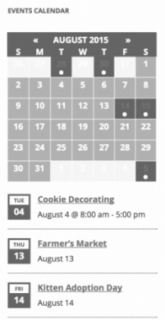
MemberHi Edwin. If I understood your question correctly, you’re trying to recreate this:

(image from https://theeventscalendar.com/knowledgebase/events-calendar-widgets/ and demo/example of it in use can be seen at http://wpshindig.com/event-widgets/)
Correct?
Well then you’re in luck; that’s easy.
Go to your WordPress Widgets and add the “Events Calendar” widget:
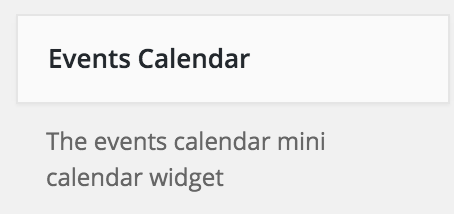
Then you can customize it like this:

I hope this information was helpful.
Let me know if you need anything else regarding this ticket.
If you have any different questions, please create a new ticket so we can keep the forums organized.
Thanks so much!
MemberHey Mike. I think you’d find what you’re looking for in this file instead: /wp-content/plugins/wootickets/src/Tribe/Main.php
You’ll probably want to leverage one or more of the hooks in that file.
Let me know if that does it for you.
MemberDavid, thanks for the additional information. I’ve added this to the current bug we’re tracking and working on a fix for. This thread should get updated once the fix is released; however, we do not provide ETAs for software updates.
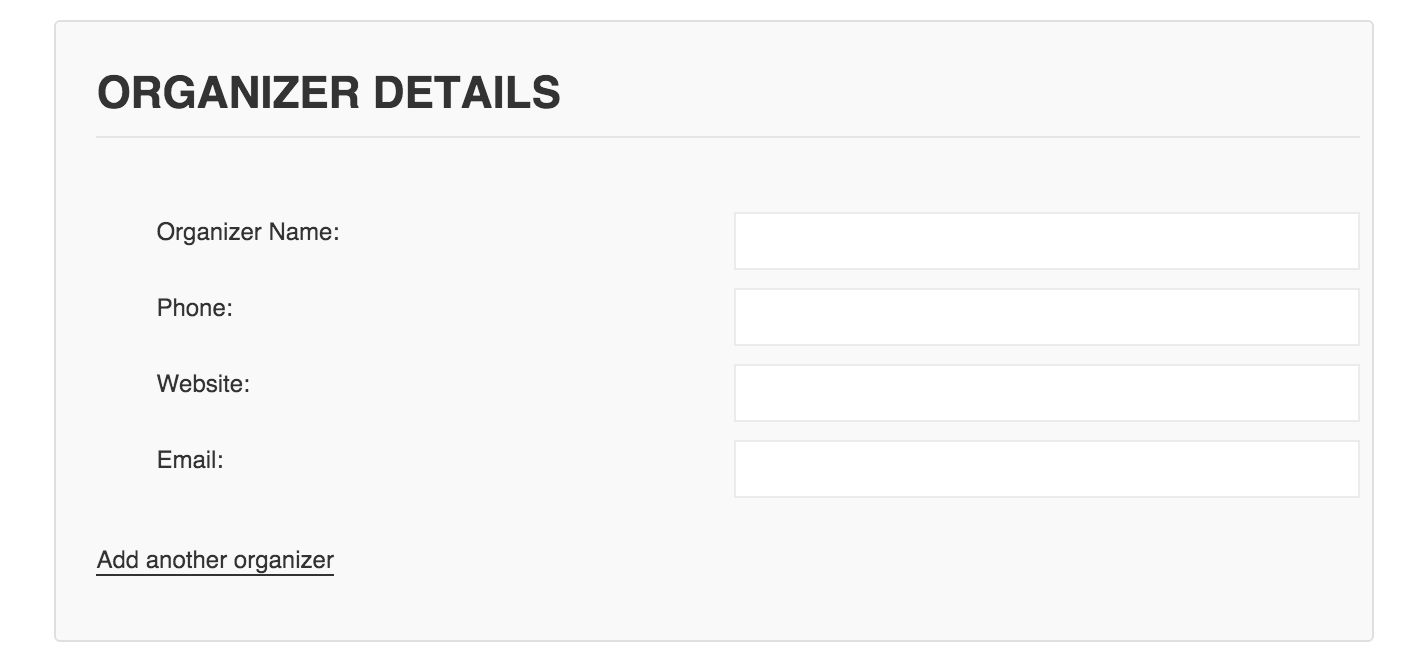
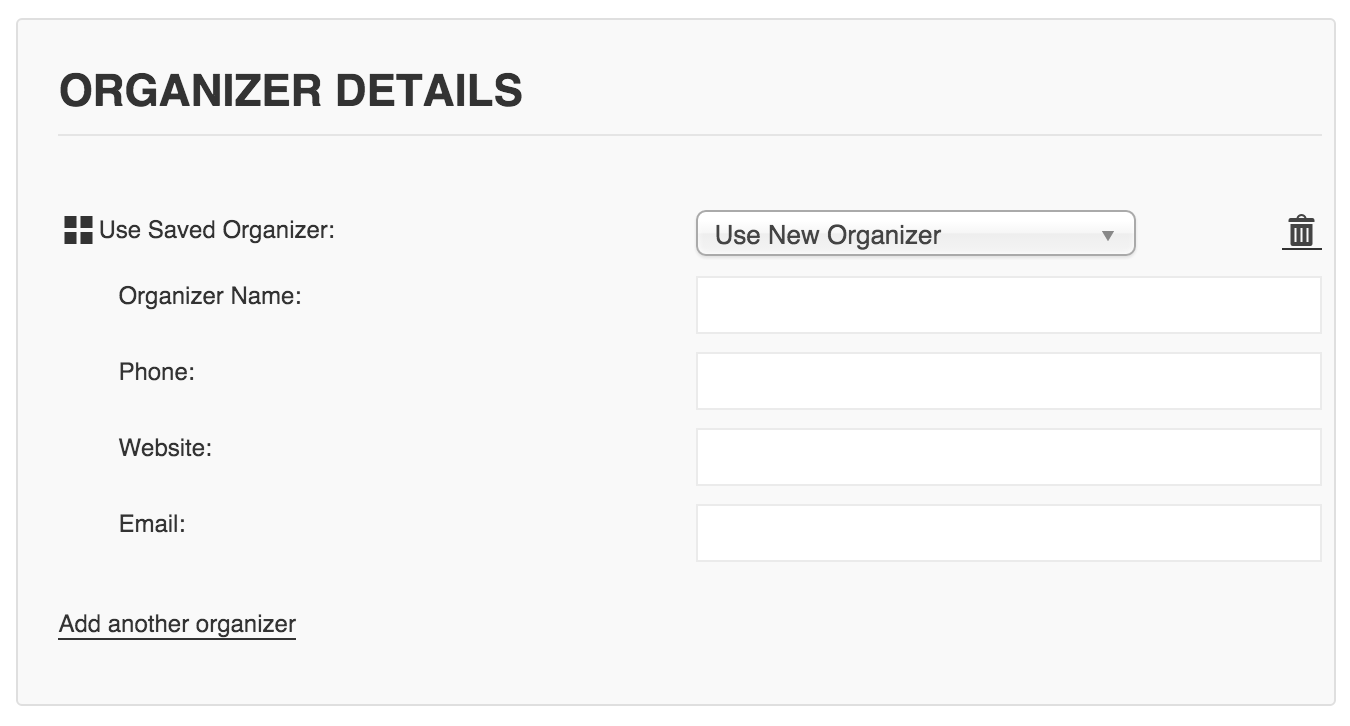
MemberKevin, is this thread about Community Events (front-end event submissions)?
Assuming it is, could you simply do something with CSS?
#tribe-community-events tr.saved_organizer { display: none; }So it’d look like this:

Instead of this:
 November 2, 2015 at 6:37 pm in reply to: 404 errors on recurring events & cannot edit series #1021066Member
Angie, you’ve been great with all the feedback here.
The bad news is that I don’t know what to tell you to fix it (yet?) because this issue isn’t being reported by others.
The good news is that we’re still trying and our developers will do their best to figure out if there’s any way we can help with your issue.
To that end, I think it best to request you do a database dump in a private reply.
You can do this via PHPMyAdmin or another method you’re comfortable with, but we’ll need a copy of the entire database to try to debug this further.
Thanks!
November 2, 2015 at 6:33 pm in reply to: Google Maps causing JS error (though map is disabled) #1021063MemberSam, I reported the issue but upon further testing it turned out to NOT be a bug in the current version of the plugins. Instead, with all those map settings disabled, my testing was still loading that script due to browser caching.
So just make sure you have the latest version of all Modern Tribe plugins and it should work correctly.
To get the script to not display:
- Settings -> General -> Enable Google Maps is unchecked
- Settings -> Display -> Enable event views -> “Map” is unchecked
- and on that same page “Hide location search” is checked
Have a good one!
-
AuthorPosts