This article is intended as an overview of the available widgets. For detailed information on settings and customization options, go to the widget-specific articles:
- Events List
- Events Calendar aka Mini Calendar
- Events by Week
- Event Countdown
- Featured Venue
Events List Widget
The Events Calendar (free version) comes with a core widget: Events List widget. You can use this widget to display your calendar on pages other than your default events page.
You can customize the widget with a unique title and choose to show anywhere from 1-10 events. There’s also an option to show the widget only when events are present, which hides the widget if there are no upcoming events. The widget displays the event title (with a link) as well as the date and time.
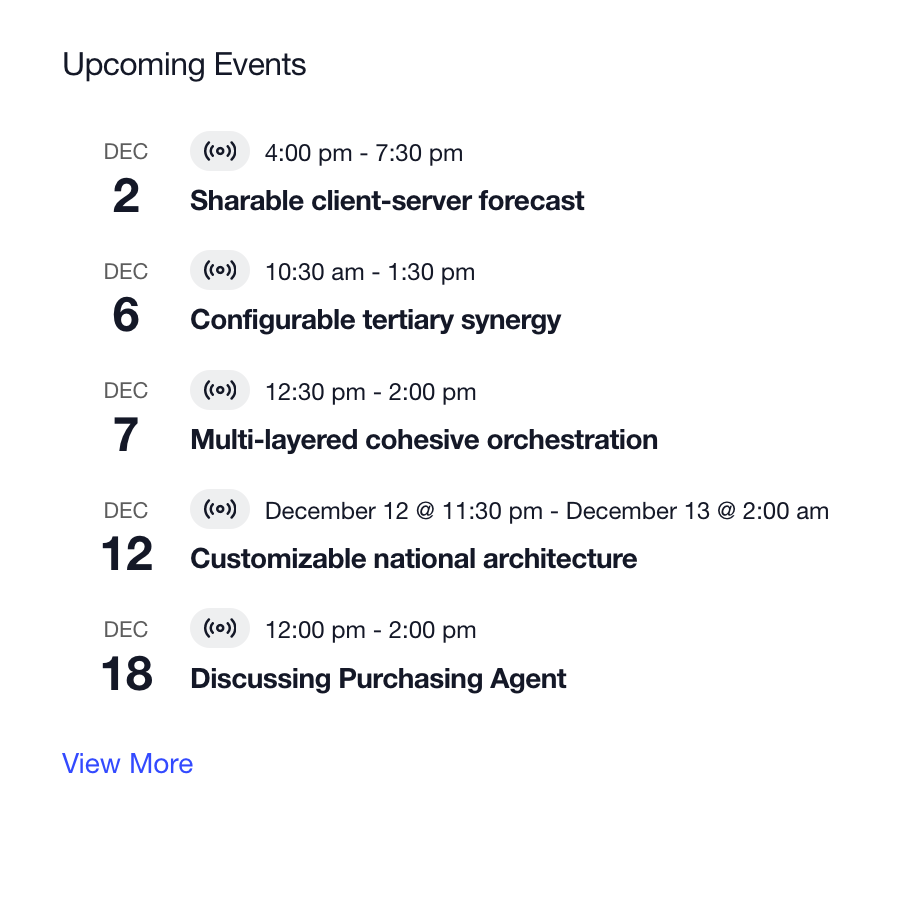
The Events Calendar and Events Calendar Pro both include The Events List widget. Additional features are available to Events Calendar Pro users. All of the same options as the basic Events List Widget are included. With Events Calendar Pro, you can also use category-specific filtering to display events from one category.
It also gives site administrators more flexibility regarding what displays and what doesn’t on the frontend. With 10 display check boxes that can be turned on/off at a moment’s notice, you control how much — or how little — information about the event is seen in the widget.
Events Calendar Widget
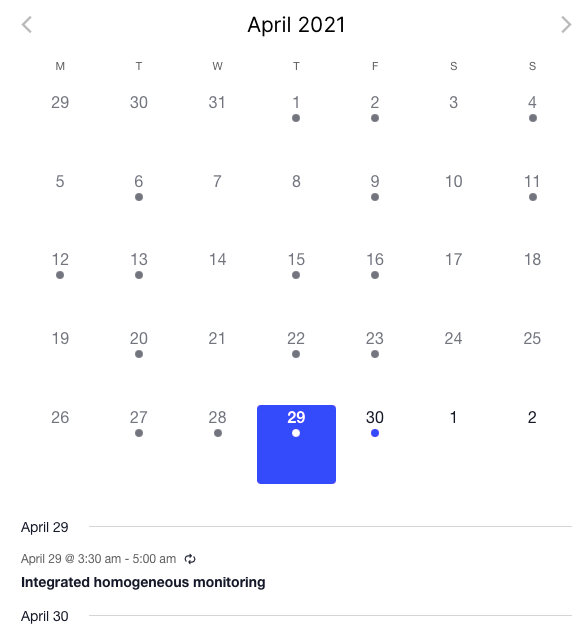
The Events Calendar widget creates a mini-grid calendar in your sidebar. Days with events are darker and show a dot. The current month is clearly labeled in the widget’s header. Readers can view events in the future or past months using the AJAX navigation at the top of the calendar.
You can choose how many events to list below the calendar (if any). Users can click on days with events to update the list with that day’s events. The listed events are linked to the individual event pages. If you choose to show no listed events, the calendar date will link to a Day View showing those events. If you do not enter a title on the widget admin page, none will appear when viewing the widget on the frontend.
Events By Week Widget
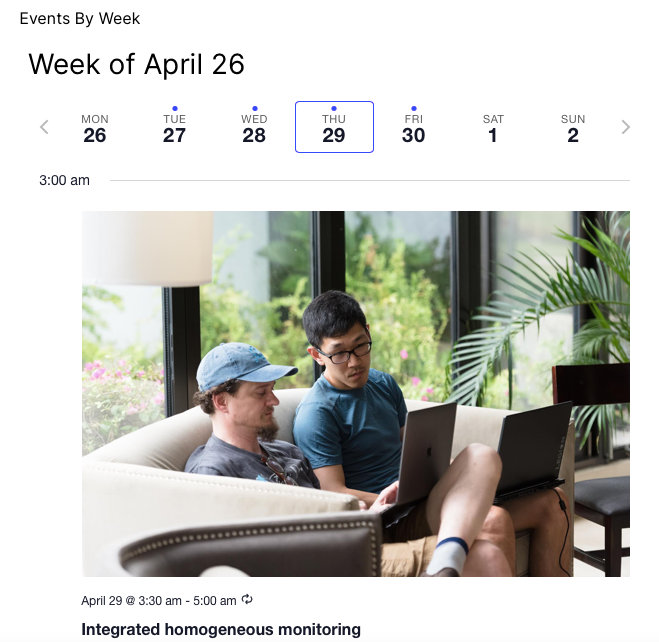
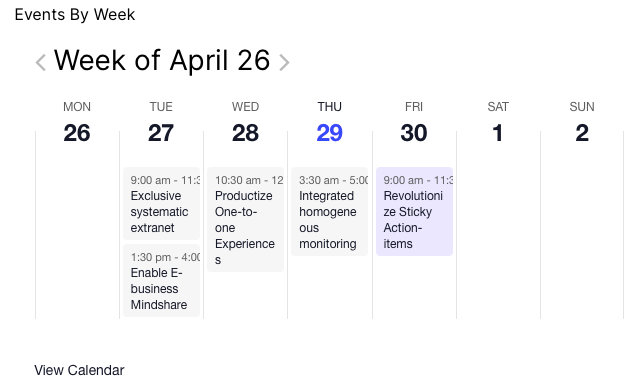
You can display events happening this week with the Events By Week widget. You can display the events happening during the current week in horizontal or vertical layouts. The widget can show up to 10 events per day.
Also, it incorporates a category-specific filter that allows you to pull from one given category instead of the full events list.
Events Countdown Widget
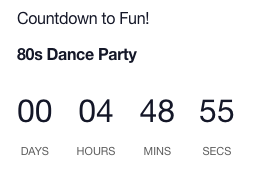
You can use the Events Countdown widget to count the days until a special event. Select an event to showcase and the widgets shows a countdown in your sidebar. You control the title, time increments, and what message to display when the start time of the event is reached.
Featured Venue Widget
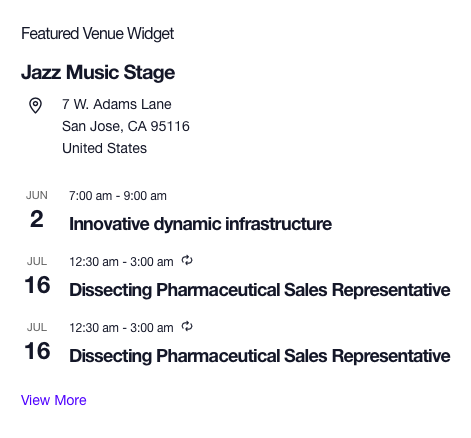
You can show a list of events from one venue using the Featured Venue widget which displays the upcoming events for a particular venue. You can edit the title and chose how many events to show. Also, you can opt to have the widget not show if there are no upcoming events.