Forum Replies Created
-
AuthorPosts
-
August 8, 2018 at 7:02 am in reply to: Fatal error when submitting page using tribe_events shortcode in 4.4.30 #1592835
Jeremy
KeymasterThis reply is private.
KeymasterThis reply is private.
KeymasterHi,
I visited your website again and I don’t see the pop up anymore.
Did you find a solution to get rid of it?
Cheers,
JeremyKeymasterHi icekun91,
Thanks for reaching out to us! I’d be happy to help you 🙂
Is there only one event with that problem? Could you send me a screenshot of the edit screen?
It’s possible there is a conflict somewhere. Did you go through our process regarding testing for conflicts? Did that change anything?
Waiting for your reply,
Cheers,
JeremyKeymasterHi rols733,
Thanks for reaching out to us! I’d be happy to help you 🙂
You would like to hide the prev/next navigation in the single event view, right? Then you might add the following css snippet in Appearance > Customize > Additional CSS:
.single-tribe_events #tribe-events-footer {
  display: none;
}
I hope this helps.
Cheers,
JeremyKeymasterThis reply is private.
August 8, 2018 at 12:49 am in reply to: Google Map appears in theme pages but not event location map (2) #1592661KeymasterThank you very much Mathew for your suggestion!
Please let us know, @edgarsourcecode, how it goes.
Cheers,
JeremyKeymasterHi,
Could you tell me if your events appear by using coordinates? In order to do so, navigate to Events → Venues. If you click Edit on one of the venues, there is an option to use latitude and longitude coordinates. Click on that option for each venue. Confirm the coordinates, save the venue, and then see if that makes a difference in the map’s appearance.
You might also find more resources in our article about troubleshooting Google Maps.
Please let me know how it goes.
Cheers,
JeremyKeymasterHi B.M.,
Thanks for your interest in our plugin!
The PRO version wouldn’t really help you achieve what you want, even though it has plenty of nice features such as more views (week, map, photo), additional fields, recurring events, venue & organizer view…
Maybe a plugin like WP-Print would be more suitable to help you optimize your print view.
I hope this helps.
Cheers,
JeremyKeymasterHi,
Thanks for reaching out to us!
I’m glad your website is working correctly now 🙂
I’m going to close this thread then, but feel free to start a new one if you have further concerns 🙂
Cheers,
JeremyAugust 7, 2018 at 2:41 am in reply to: Fatal error when submitting page using tribe_events shortcode in 4.4.30 #1591662KeymasterHi Bill,
Thanks for reaching out to us! I’d be happy to help you 🙂
On my local installation, I just tried the same shortcode with Events Calendar PRO 4.4.30, and I didn’t get that PHP error.
There might be a conflict somewhere. Could you try to deactivate all other plugins, to see if that makes a difference? Also, could you switch back to the default theme (Twenty Seventeen), and try the shortcode again? Please read our documentation about testing for conflicts before doing anything.
Please let me know how it goes.
Cheers,
JeremyAugust 7, 2018 at 2:30 am in reply to: Viewing monthly calendar shows all events at 7:30pm and no description #1591653KeymasterHi Howard,
Thanks for reaching out to us! I’d be happy to help you 🙂
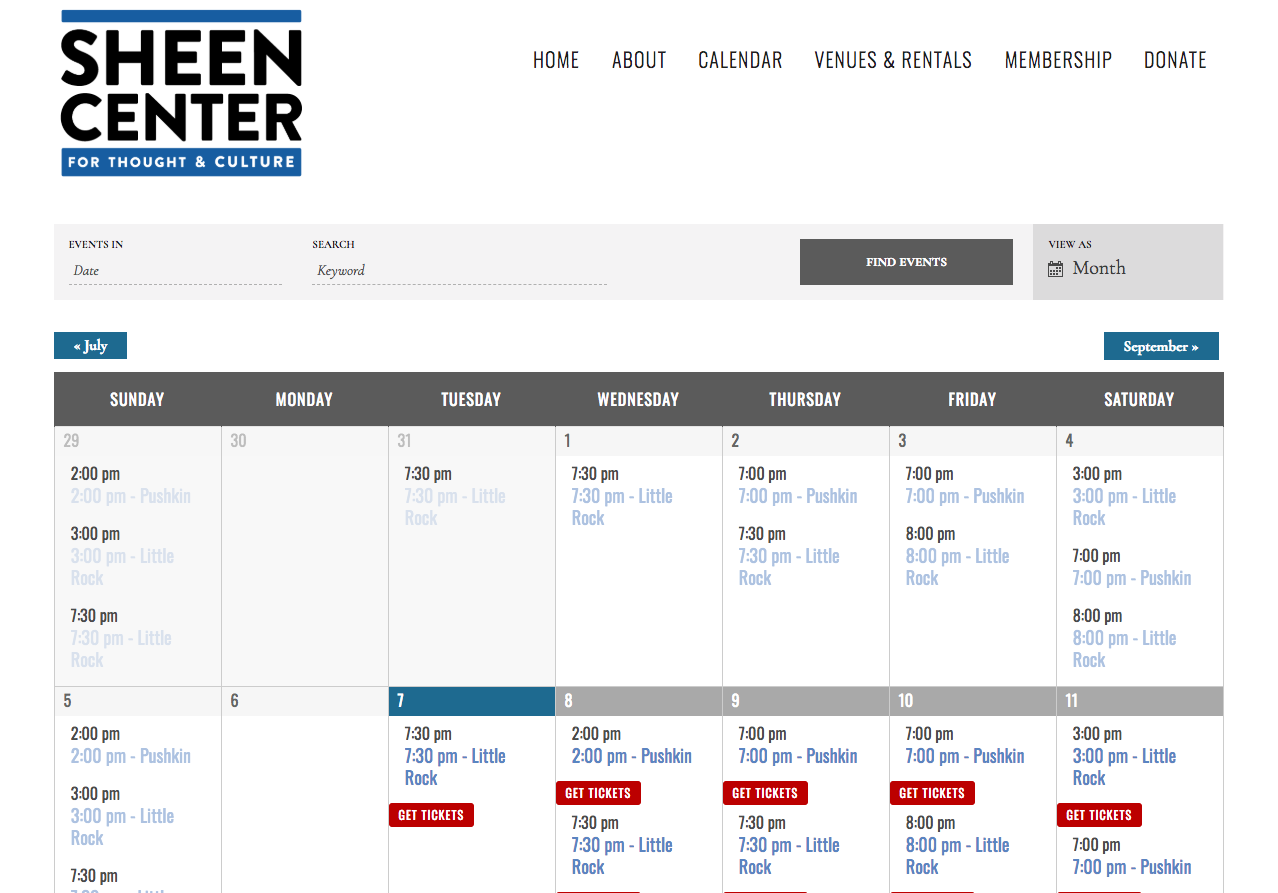
I visited your calendar, but not all events show a 7:30pm time (only some of theme). Could you have a look at this screenshot and tell me if you see the same thing on your side? If not, could you send me a screenshot in return, and tell me if you have the problem only when logged in, or also when logged out?
Cheers,
JeremyKeymasterHi again 😉
To remove the tooltip, you may try to add the following snippet in Appearance > Customize > Additional CSS:
.recurring-info-tooltip {
    bottom: 0px;
    display: block;
    opacity: 1;
    position: relative;
    width: auto;
    background-color: transparent;
    border: none;
    box-shadow: none;
}
.recurring-info-tooltip p {
    font-size: inherit;
    color: #333;
}
Please let me know how it goes.
Cheers,
JeremyKeymasterThis reply is private.
KeymasterHi,
Thanks for reaching out to us! I’d be happy to help you 🙂
In order to do so, could you please share your System Information with me? (you may set your reply as “Private”).
Also, do you remember when you encountered that problem for the first time? Was it after a recent update of our plugins?
Did you try to deactivate all other plugins to see if that makes a difference? And did you try with the default theme, Twenty Seventeen? I would recommend you to read our documentation about testing for conflicts before doing anything.
Cheers,
Jeremy -
AuthorPosts