

Forum Replies Created
-
AuthorPosts
-
Hunter
ModeratorMartha,
Glad to hear you’ve got it resolved and thank you for keeping me updated. I’ll go ahead and close this thread out. Have a great weekend!
ModeratorHello Peter 🙂
Sorry to hear about your troubles. Have you read through our Themer’s Guide? We provide instructions on how to successfully overwrite essentially every aspect of our plugins. Here is an article put out by the Avada team on how to use The Events Calendar with Avada.
Additionally, try different options found under Events > Settings > Display in your WordPress admin dashboard. You may be able to get what you’re looking for through these options without doing any template overrides.
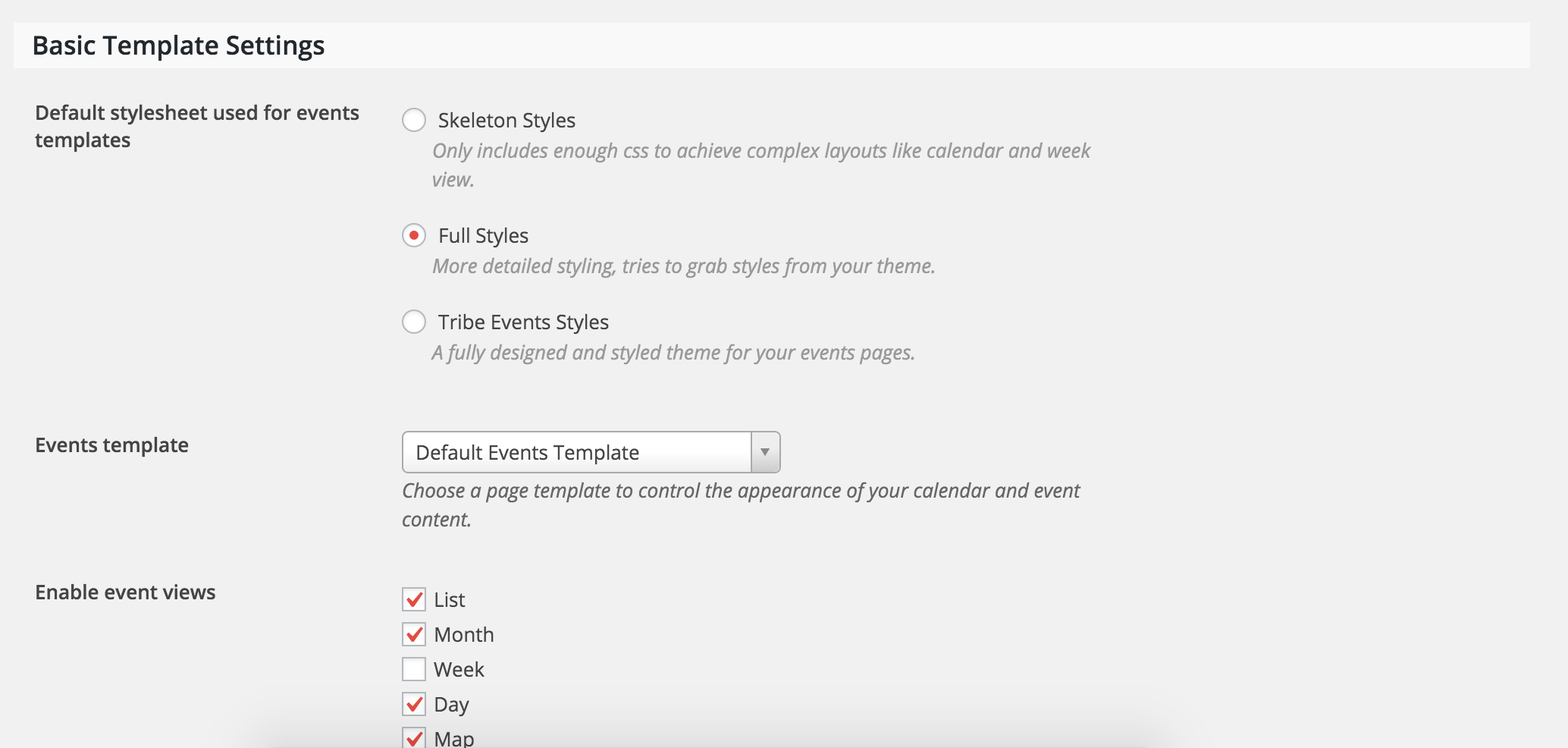
– It doesn’t show the map
Make sure “Show Google Map” is enabled when adding/editing an event. If the map doesn’t display even when enabled, refer to the Themer’s Guide.
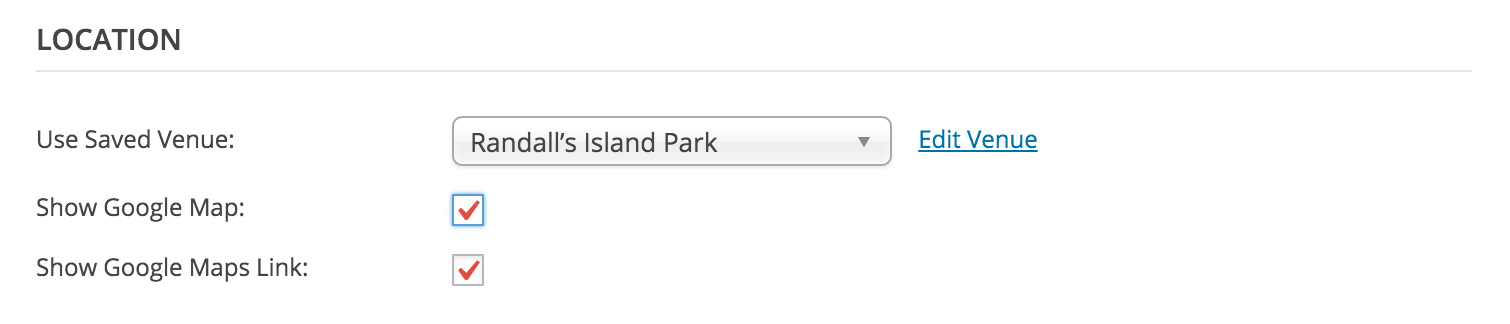
– I cannot choose the pro view as options (week etc..)
Can you elaborate on this a little more? I’m a little confused by the wording :-*>
Is there a conflict with the Plugin and the Avada theme (integrated so should be ok !!)
We don’t have any logged conflicts with the Avada theme, but that may be a question worth asking their support team as well.
Keep me informed on the status of your situation and thanks for being a great customer!
January 28, 2016 at 6:05 pm in reply to: Event Calendar Pro problems after WordPress update #1064080ModeratorHi Michal,
Welcome back to the forums 🙂
Can you describe what problems you are experiencing after the WordPress update? Additionally, would you mind sharing your System Information with me as a private reply? This will help me better understand your scenario and will aid in moving the process along quicker.
Thanks for choosing PRO and have a good Friday!
January 28, 2016 at 6:01 pm in reply to: Regarding past events appearing into upcoming events page #1064079ModeratorHey Graham,
Welcome back and thanks for posting to the forums.
I checked the link you shared with me and it looks like the dates for the event span from December 1, 2015 at 8:00 am to December 1, 2016 at 5:00 pm.
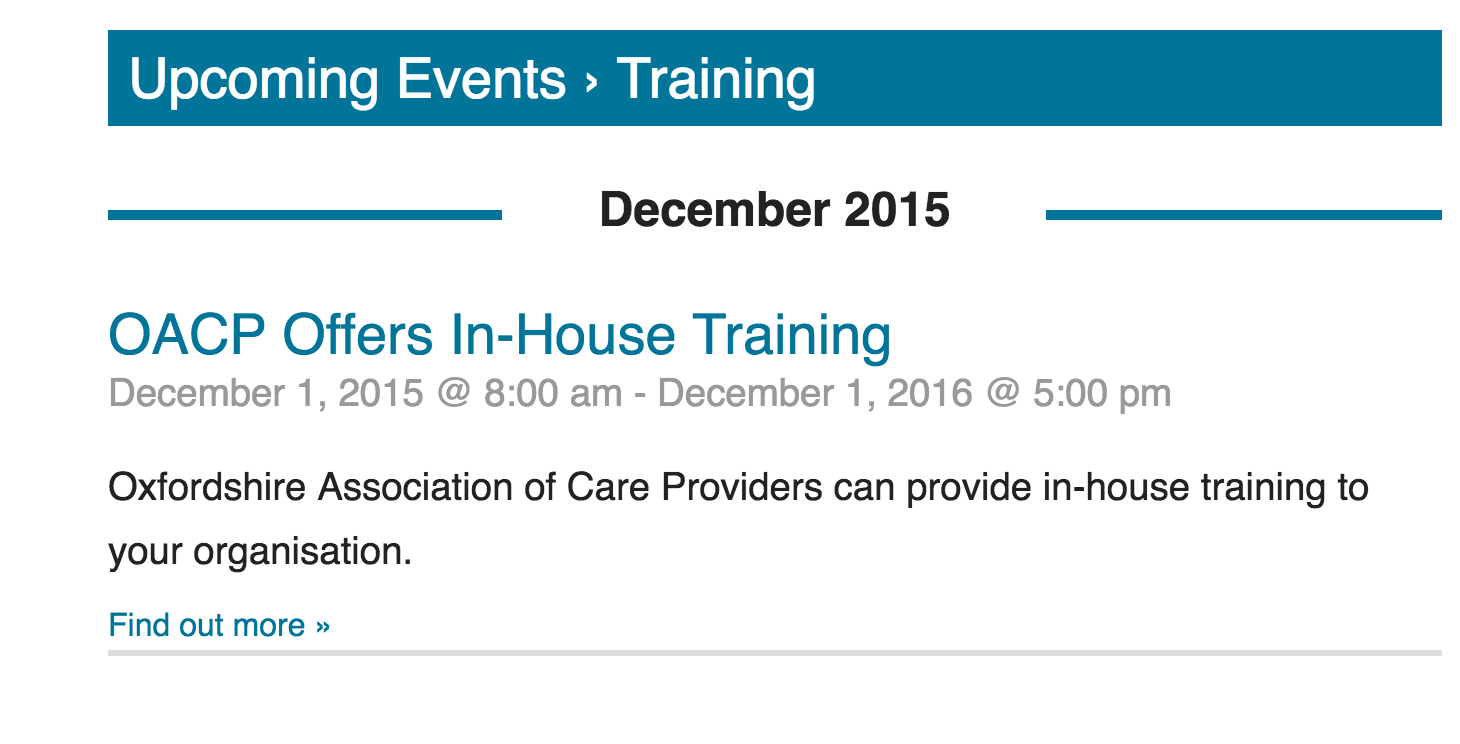
I’m unsure of what the desired dates are, but it appears you have the event spanning for 1 year and I imagine you meant to have it span from 8:00 am to 5:00 pm on the same day.
Let me know if the dates are incorrectly set on the edit event screen. Thanks for choosing PRO and have a good weekend!
ModeratorHey Rhonda,
Sorry to hear about your frustrating issue – I know Facebook can be tricky sometimes. I’m not entirely sure the issue you’re experiencing is a result of upgrading to PRO, but let’s explore some options…
The first thing I would try is pasting the link to Facebook as you normally would. Once you see the image doesn’t display correctly, refresh the page and paste the link in again. Sometimes it takes Facebook a couple times to recognize the data.
A good page to check your snippet preview and investigate possible errors is through Facebook’s DeBugger tool for Developers.
Let me know if this information helps and best of luck in resolving the issue. Have a great week!
January 28, 2016 at 1:34 pm in reply to: Recurring events repeating multiple times in the same day #1064016ModeratorHey Sean,
Welcome back to the forums 🙂
I checked your site and do indeed see “Group Active” repeated multiple times on Sundays. I can see how that would be confusing to your clients! Let’s see if we can figure this out.
First off, thanks for sharing your System Information with me and deactivating other plugins and reverting back to the default WP theme. Would you mind taking a screenshot of the Time & Date settings for the “Group Active” event and sharing that with me?
Thanks for contacting us and I look forward to hearing back from you. Have a good one!
ModeratorHey Angela,
Thanks for posting to the forums 🙂
One thing I can think of is the amount of events is exceeding your memory limit. Try increasing your WordPress memory limit – information on how to do that can be found here.
Let me know if this helps. If not, we’ll continue troubleshooting for solutions. Thanks for choosing PRO and have a good day!
ModeratorHello Martha 🙂
I tried creating events with the recurrence rules you described in your post and everything worked properly for me (see screenshot below):

Refer to our PRO Recurring Events Knowledgebase article for more information on setting up recurring events.
Also, can you tell me what I have to do to adjust the spacing on this page: http://www.womenarts.org/swandates/community/add Is this something I can fix in the stylesheet or is it some other file.
I was unable to access your submit event page, but you should be able to adjust the spacing as desired using CSS. To view CSS classes, visit your submit event page and open “Inspect” by right-clicking on your mouse. From there, you can locate the classes and make changes through your style.css file.
I hope this answers your question and please let me know if you need more assistance. Thanks for choosing PRO and have a good rest of your week!
ModeratorHey Olivia,
Thanks for the response, but would you mind reading over this quick article on how to share your System Information with me? Again, reply privately and I’ll get back to you with more information.
Thanks for the patience and have a great rest of your day.
January 28, 2016 at 9:34 am in reply to: Can I change the colour of the blocks on mini calendar view #1063905ModeratorClaire,
I just tested the plugin and it appears to have styled the mini calendar view using the shortcode [tribe_mini_calendar] as desired. The styling also appears to work properly for widgets. Make sure you have the “Colorize Widgets” setting checked in your Category Colors settings.
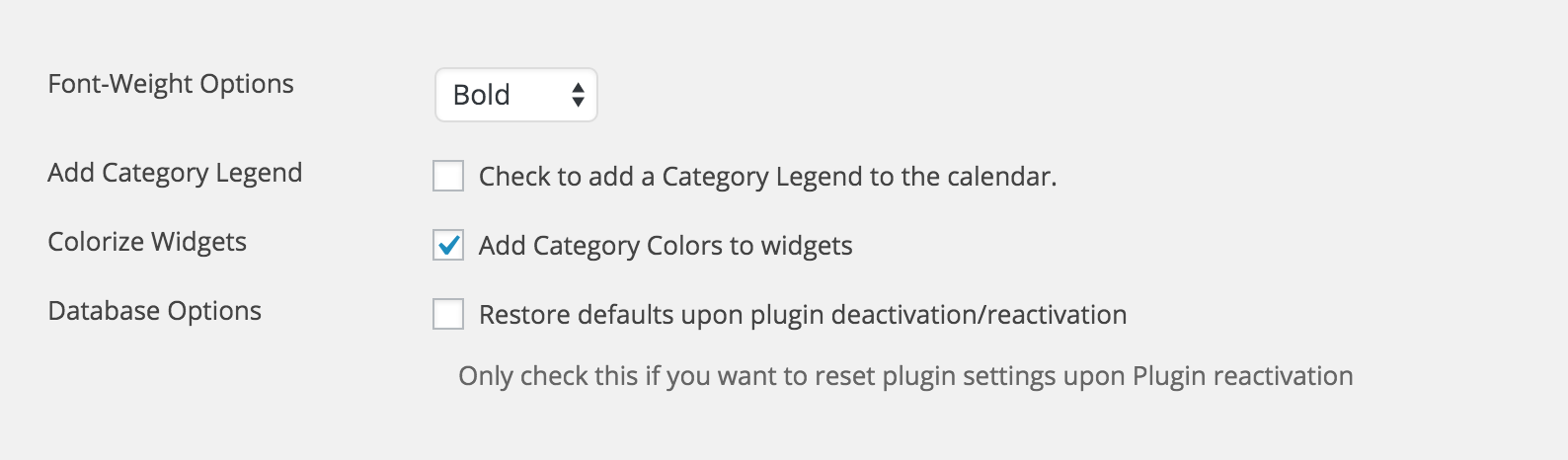
If the styling doesn’t work properly, try right-clicking (when viewing page with [tribe_mini_calendar]) and open “Inspect” or “Inspect Element”. You should be able to locate the CSS class and overwrite with desired colors in your styles.css file.
I hope this helps and wish you the best of luck. Have a good day!
ModeratorMikhail,
My apologies! Apparently the link didn’t save correctly. Here is the snippet. Let me know how it goes and thanks again for your patience!
ModeratorHello, and thank you for posting to the forums 🙂
Unfortunately the functionality you seek is unavailable “out-of-the-box” – but we are always looking for new ideas added under our UserVoice Feature Ideas page.
Another option would be to look into tribe_get_related_posts function. Hopefully this information points you in the right direction.
Thank you again for posting to the forums and have a good week!
January 27, 2016 at 11:08 pm in reply to: Can I change the colour of the blocks on mini calendar view #1063496ModeratorHi Claire,
Welcome back 🙂
One of our support team members has created a plugin to achieve exactly what you describe! Let me know how it works for you. Thanks for being a great customer and have a great rest of you week!
ModeratorHello Olivia,
Welcome to the forums! Would you mind sharing your System Information with me as a private reply?
Let me know if you have any questions on how to do so any I’d be happy to help. Thanks again for reaching out to our support forums and I look forward to hearing back from you 🙂
ModeratorWelcome back to the forums, Edwin!
There are a few ways to hide/remove the “Details” section from your single event pages. The first is through CSS. Try adding the following code to your style.css file:
.tribe-events-meta-group tribe-events-meta-group-details {
display: none;
}
Your next option would be to overwrite the existing code through a template override (as you mentioned in your original post). The file you’ll need to look into is the-events-calendar/src/views/modules/meta/details.php.
Hopefully this helps point you in the right direction! Let me know if there is anything else I can help with and have a great rest of your week 🙂
-
AuthorPosts