

Forum Replies Created
-
AuthorPosts
-
Hunter
ModeratorHey Lisa,
Glad to hear things are working out for you. It sounds like you might have a few plugin conflicts in play based on your response, so if you ever run into any issues in the future, always refer to the handy dandy Testing for conflicts guide.
Also, I’m stealing your <knockonwood>Yaaayy!!!</knockonwood> quote. That had me cracking up! Thanks for the laugh and I’ll keep this thread marked as is until you say otherwise. Have a great Thursday evening and thanks for the patience while we troubleshooted the issue. Cheers!
ModeratorThis reply is private.
September 29, 2016 at 2:03 pm in reply to: Export week events is not working on Category Week View on navigation #1170697ModeratorExcellent – thank you so much for the informative response and I’ll be sure to note it in the logged bug report. Our apologies you’re having to deal with these bugs and I’ll make this thread as ‘Pending Fix’ until we get a remedy out in an upcoming maintenance release.
Thanks again and have a good upcoming weekend. Cheers!
ModeratorHello,
Go ahead and send over a link to the code you’re using and share a Pastebin link with me. The reason it stopped working is most likely related to outdated code from your current default-template.php file, but I’ll have a better idea once I can view the code.
Please include screenshot of your Events > Display > Basic Template Settings too. Thanks and take care 🙂
September 28, 2016 at 10:40 pm in reply to: Export week events is not working on Category Week View on navigation #1170221ModeratorHi and thank you for posting 🙂
I’ve reviewed your findings and tested the issue myself. I can confirm the issue lies within the Filterbar plugin, meaning the issue goes away when you deactivate Filterbar. With that said, I’ve logged a bug report and linked this thread for the developers to review while making improvements. Keep your eye on our Release Notes for maintenance release info. Sorry I don’t have a concrete time when that will be nor a solution in the mean time.
Please feel free to reply back with any more questions or concerns you might have and enjoy your Thursday. Cheers!
ModeratorHey Brian,
Welcome to our premium support forums! Before we get started, can you please review our Testing for conflicts guide and reply back with your findings?
Thanks and have a great Thursday. Cheers!
September 28, 2016 at 9:22 pm in reply to: Imported events do not allow me to add the organizer or venue #1170208ModeratorHi and welcome back,
We are unfortunately unable to log into customer sites, so I’ve gone ahead and removed the credentials provided in your private follow-up. What methods did you use while exporting from site A and importing to site B? Have you tried setting up a test environment using only our plugins and the default WP theme as outlined in our Testing for conflicts guide?
I understand you’ve tested for conflicts on your new site, but it would be best if you could essentially start over by exporting events, venues, and organisers from site A and import them into a test site. If you’re not aware of this article, it’s helpful in this instance.
Additionally, have you tried setting WP_DEBUG to ‘true’ on your wp-config.php file to see if any errors display at the top of the imported events you’re having troubles with?
Sorry I don’t have an answer right away and thanks for understanding. Have a great Thursday. Cheers!
ModeratorThank you for letting me know. I’ll close this thread out but please create a new one if you have any more questions. Cheers!
ModeratorGreat! Glad to hear everything is cleared up. If you need any more assistance, don’t hesitate to create a new thread. Until next time!
Cheers 🙂
ModeratorLisa,
Can you reply back with your System Information as a private reply again? It is important you review the Testing for conflicts guide yet again to ensure a theme and/or plugin conflict is not in play. I retested on the same version (4.3rc4 – see screenshot 1) and was able to import the events into both my test WP site (screenshot 2) and my Apple Calendars app (screenshot 3).
.

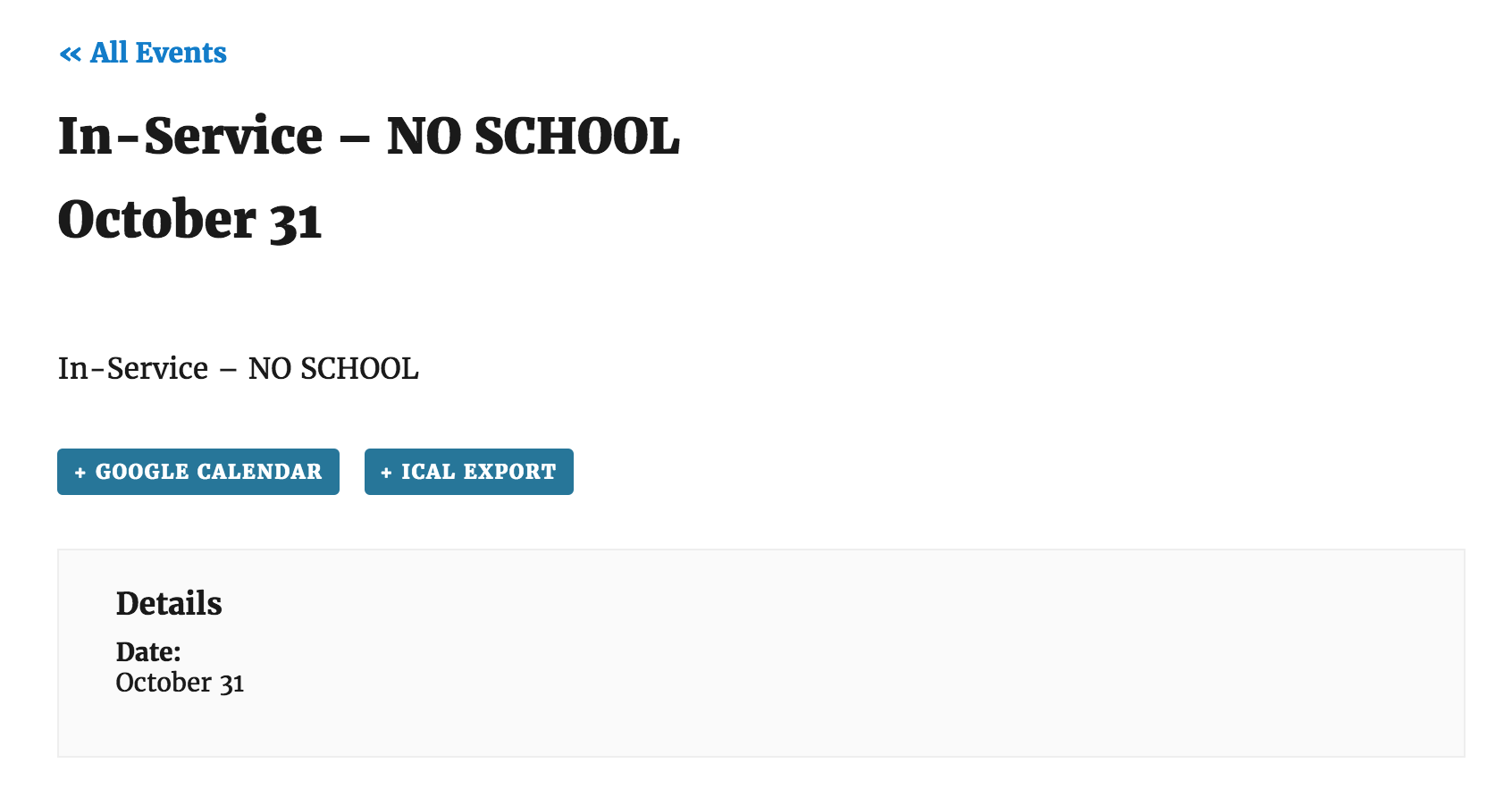
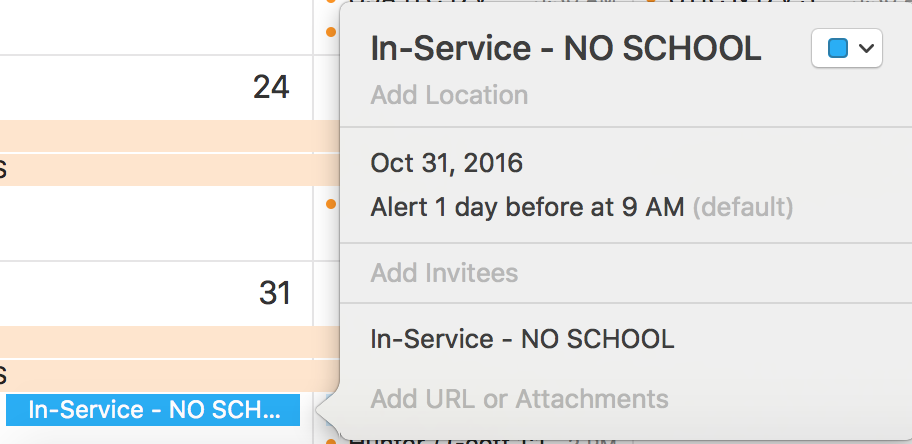
This leads me to believe there is an error in either your setup or process. Can you please walk me through the exact step-by-step process you’re doing, and where things are breaking down? Screenshots are always helpful here. And just to be clear, have you deactivated the iCal importer plugin?
Rest assured we will get this resolved in a timely fashion. Thanks for your patience and I look forward to hearing back. Cheers 🙂
ModeratorHello,
My apologies for not thinking of using CSS sooner, but I’d try adding the following code to your theme options CSS panel or directly into your theme’s style.css file:
.tribe-community-tickets-payment-options-link {

    margin-left: 28px;

    display: none !important;

}
Let me know how it works out for you and again, sorry it took longer than necessary to think of using CSS! Cheers 🙂
September 28, 2016 at 10:38 am in reply to: iCal Importer is showing 12am as start time on all events #1169932ModeratorWelcome back,
I’m at a bit of a loss here as I’m able to copy/paste any URL you provided and fetch events into both my Google Calendar app and my test WordPress site using the default WP theme and the iCal Importer plugin. Below are the results from copy/pasting this URL into the ‘Source’ URL field: https://calendar.google.com/calendar/ical/barringtonhills-il.gov_r3hhuc18sf5hjpokj9ci2ik13s%40group.calendar.google.com/public/basic.ics
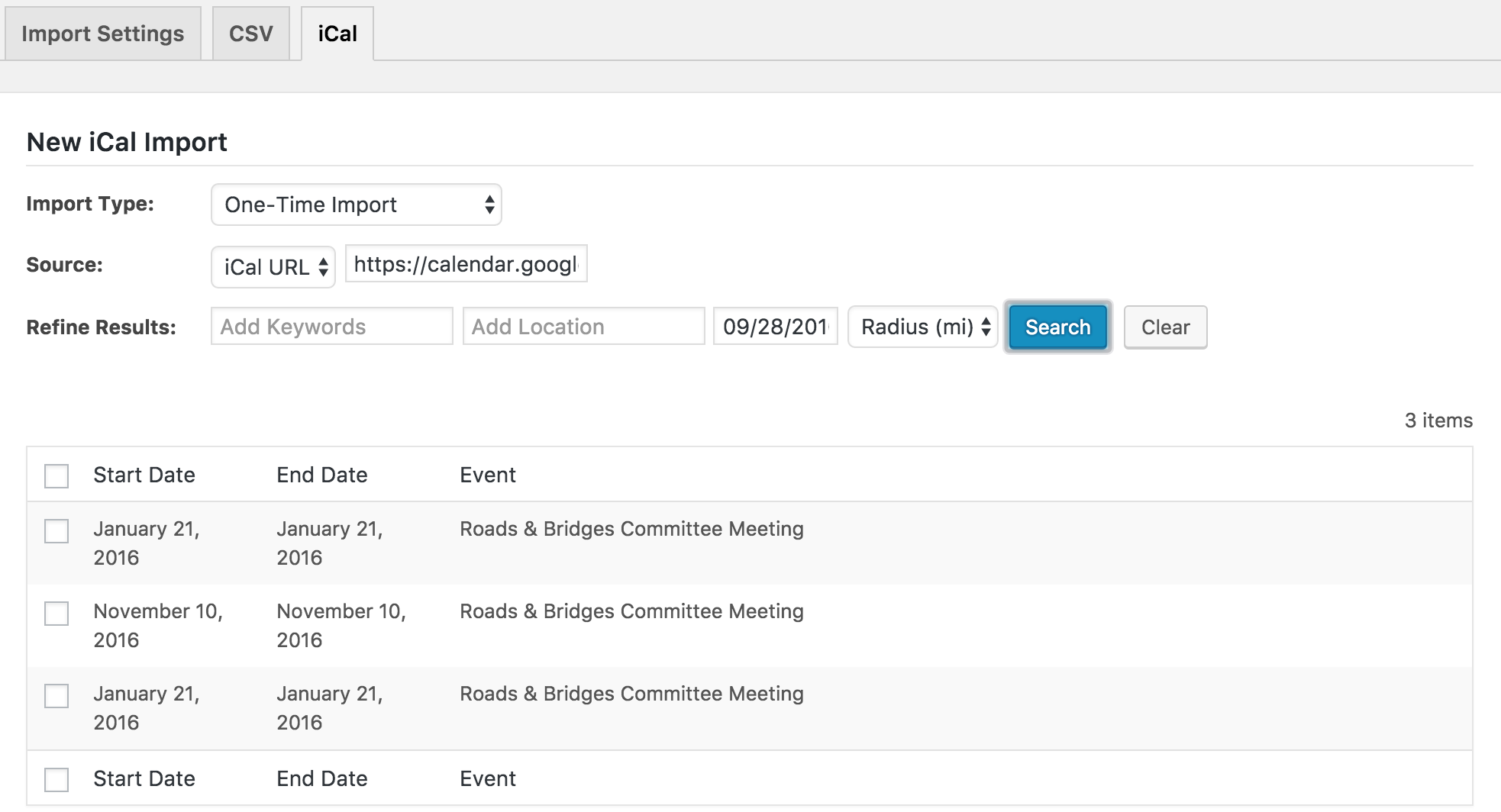
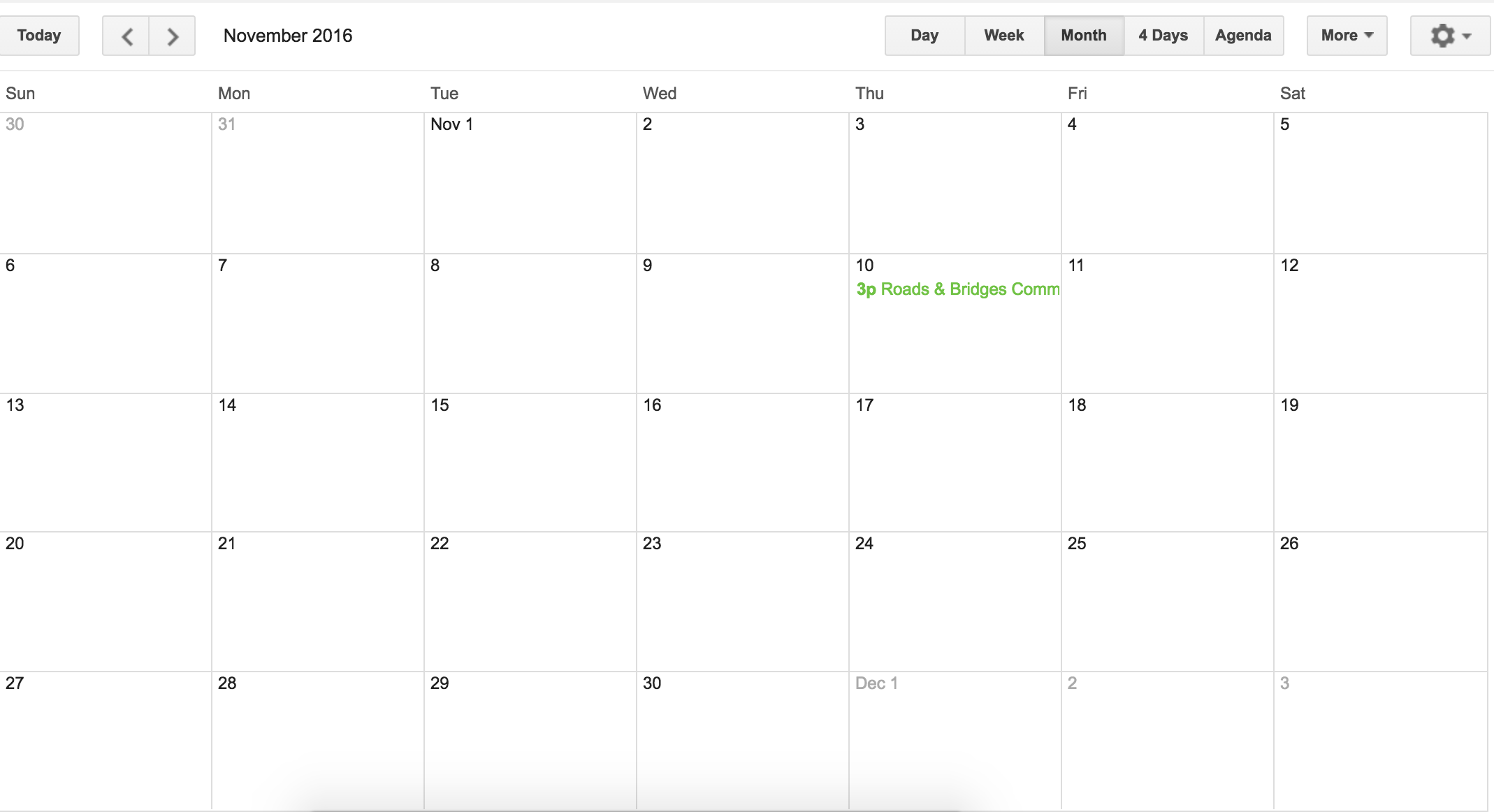
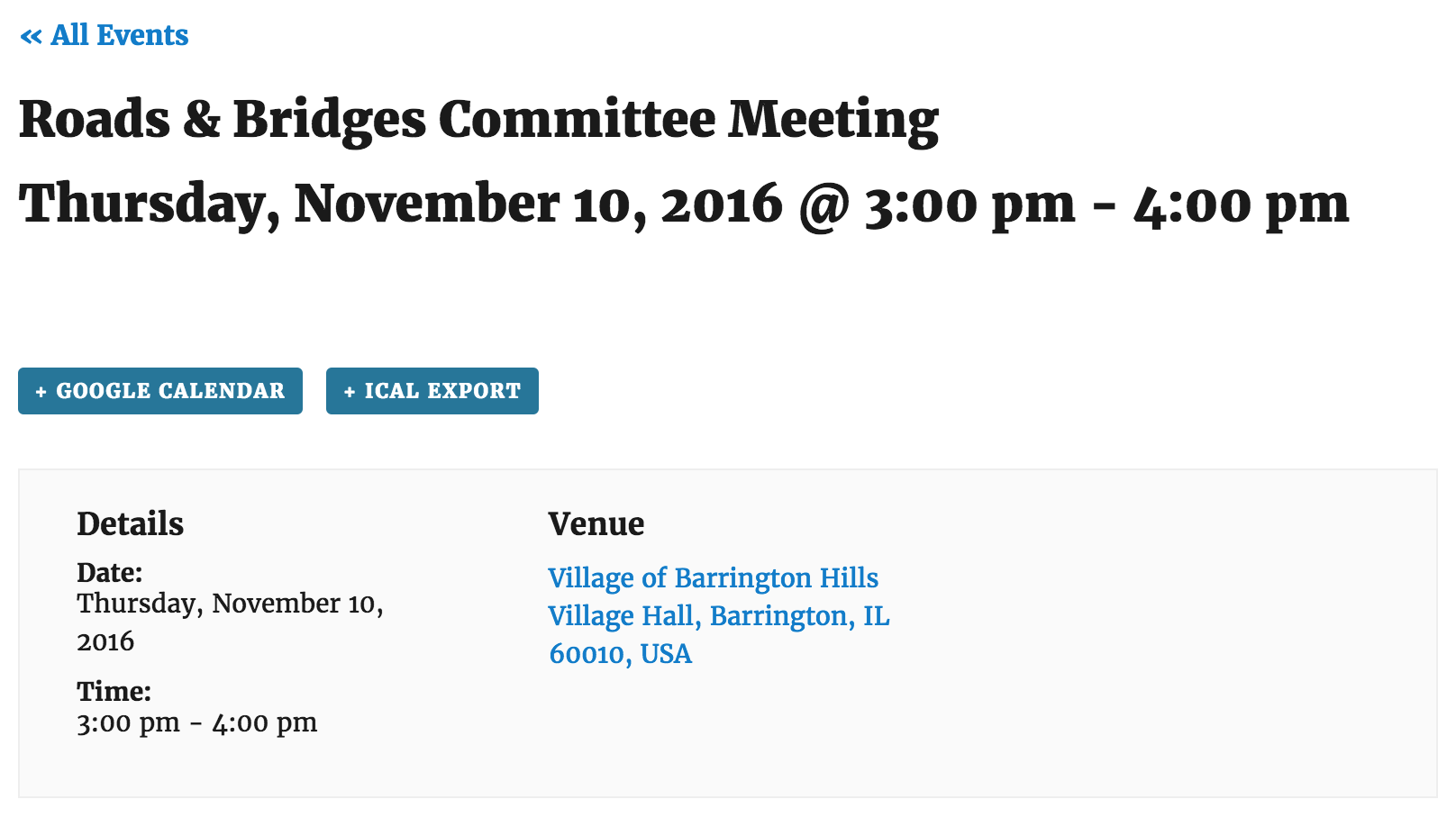
All of this leads me to believe there is an issue somewhere, whether it be your hosting provider, WP setup, etc. Are you able to set up a test environment on your local computer or a subdomain using only the default WP theme and the iCal Importer plugin to see if you can replicate the issue? You might need to review this KB article on using your license for a test and live environment.
I have a feeling this will help figure the issue out once and for all, so please let me know if it’s a possibility and what the results are. Thanks for working with me on the issue and have a good rest of the day.
September 28, 2016 at 10:16 am in reply to: Request information for each attendee during registration #1169918ModeratorDale,
When I open my ‘Inspect’ console by right-clicking my mouse, I get a message about needing to set up your Google Maps API key once I click the (+) icon to add a ticket. I’m not sure if these two issues are related, but can you please review the linked article above and retest the issue as explained in our Testing for conflicts guide to see if the issue still occurs?
Let me know how things go and we’ll take the next step. Cheers!
ModeratorHello and thank you for the response,
What you’ve described leads me to believe the code has changed with a recent update, so you’ll need to review and reapply any custom coding you have in your default-template.php override.
Please let me know if what I’ve said makes sense on your end and have a good Wednesday 🙂
ModeratorHey Mark,
Welcome to our premium forums! Can you please review our Testing for conflicts guide and reply back with your findings? Once we rule out theme and plugin conflicts, we’ll have a better idea on a solution.
Thanks and have a great Wednesday. Cheers!
-
AuthorPosts