

Forum Replies Created
-
AuthorPosts
-
Hunter
ModeratorHello,
We are unfortunately unable to provide support through our Pre-Sales forum channel, but you can head over to The Events Calendar WordPress.org support forums for assistance and answers.
If you have a PRO license, you can log into your account and get assistance through the PRO forums.
Thanks for understanding and good luck resolving your issue. Have a good day!
ModeratorHey Travis,
Welcome to our premium support forums and thank you for your purchase! This type of customization is a little outside the scope we’re able to cover, but I’d review our Themer’s Guide and create a template override which wraps the link around the specific content you want as your link.
If you get caught up on which file you need to be editing or something along that nature, please feel free to respond and I’ll do my best to accommodate. I also recommend reviewing our What support is provided for license holders? Knowledgebase article. Thanks and have a great weekend ahead!
ModeratorHi Martin,
Welcome to our forums and thank you for your purchase! I’d be happy to help troubleshoot, though we are fairly limited on these types of conflicts as it’s most likely due to a theme and/or plugin conflict. I say that because I’m unable to reproduce your issue and I don’t see any logged bugs of users reporting similar behaviors.
Please review our What support is provided for license holders? Knowledgebase article for more info.
Please review our Testing for conflicts guide and reply back with your findings. Thanks again and have a great rest of your weekend. Cheers!
ModeratorHi and welcome 🙂
Please visit Events > Settings > General > Map Settings > ‘Fix geolocation data‘ and select the ‘Fix venues data‘ button. (see screenshot below)

Please let me know if this helps and have a great rest of your weekend. Cheers!
ModeratorHey Ben,
Welcome back. Recurring events has been part of PRO for quite awhile now, but if you’re asking whether Event Tickets/Event Tickets Plus supports recurring events, that is still in the works.
Please let me know if this helps answer your question and have a great upcoming weekend. Cheers!
ModeratorHey Nick,
Welcome back! I attempted to reproduce the behavior, but my calendar seems to be holding the category after navigating to the next and previous months. Can you please review our Testing for conflicts guide and reply back with your findings? It would also be helpful if you included your System Information as a private reply.
Thank you and have a great rest of your weekend. Cheers!
ModeratorJames,
Welcome back and thank you for being so thorough in your initial post. I attempted to reproduce the behavior and I did experience what you described. I went ahead and created a bug report for the developers to review and make improvements in an upcoming maintenance release.
I unfortunately don’t have a timeline when that will be available, but please stay tuned to our Release Notes and the plugin changelogs for more info.
Thanks again and please let me know if you have any more questions or concerns. Have a great weekend!
ModeratorHi and welcome back,
Thank you for including the screenshot. I checked our logged bug reports but don’t see anything resembling your issue. I would be happy to further investigate, but before doing so, can you please review our Testing for conflicts guide and reply back with your findings? Please include your System Information as a private reply.
Thanks again and have a great weekend ahead. Cheers!
ModeratorHi and welcome,
Thank you for your purchase. I did a quick check and located a feature report logged resembling what you’ve described. We are not able to provide specific information on when it will be released, but please keep an eye on our Release Notes and the plugin changelogs.
I’ve added this forum thread to help expedite the feature request. I also notice recent activity on the log which is a good indication it’ll be out sooner rather than later. Thanks again and have a great weekend!
ModeratorThank you for that update. Reason it doesn’t pick up the override is due to it not being included in files we’ve allowed for overrides, essentially meaning you’ll lose the customizations you’ve made when you update the plugin.
Thanks again and as previously mentioned, stay tuned to our Release Notes for more info. Have a great weekend ahead!
ModeratorGlad to hear everything is worked out for the time being and please feel free to create a new thread if you have any more questions or comments. Cheers!
November 18, 2016 at 10:32 am in reply to: Showing past events below the [tribe_mini_calendar] #1194621ModeratorJan,
Thank you for your patience. My apologies for the misunderstanding, I believe I finally understand your request. I’m not able to come up with anything at the moment, but please check back Monday and I should have a snippet for you which will help out. Have a great weekend!
November 18, 2016 at 10:27 am in reply to: Events not printing Ticket Availability Messages #1194620ModeratorCallie,
Thank you for the response. Below is a screenshot of an event in the past with tickets.
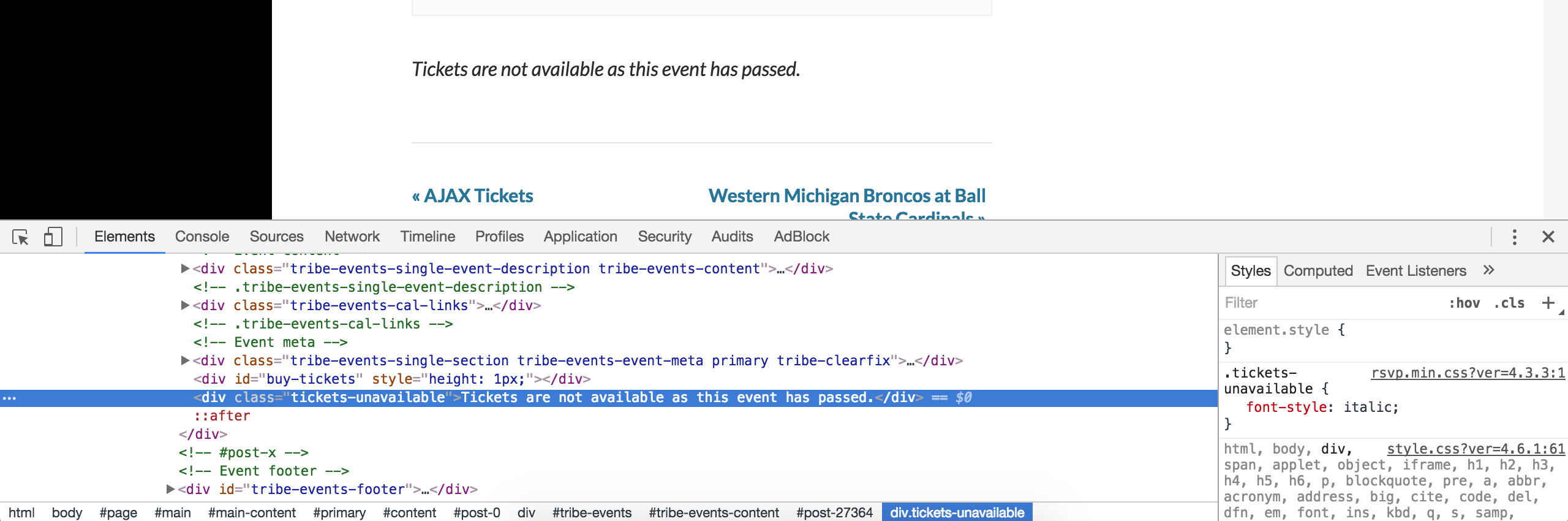
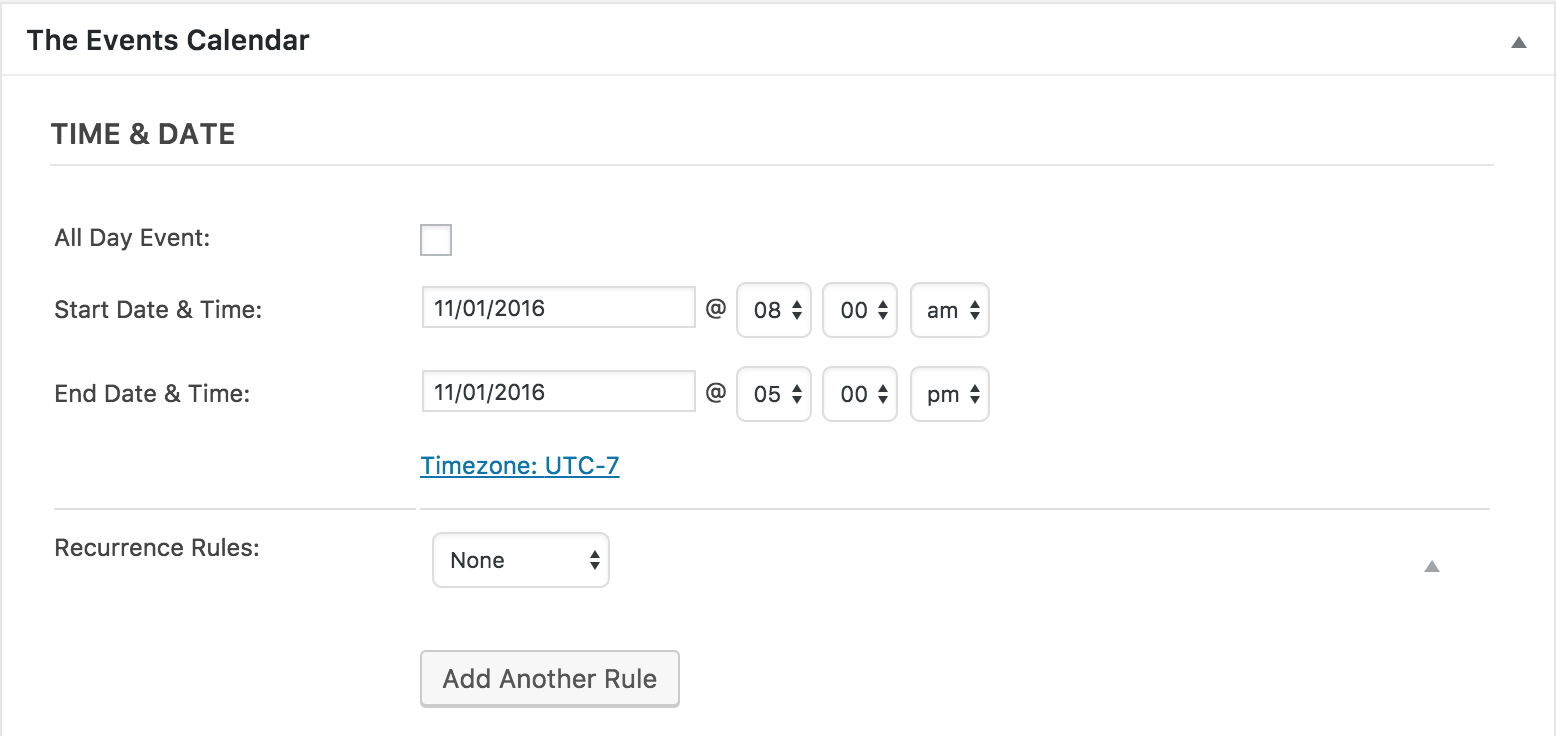
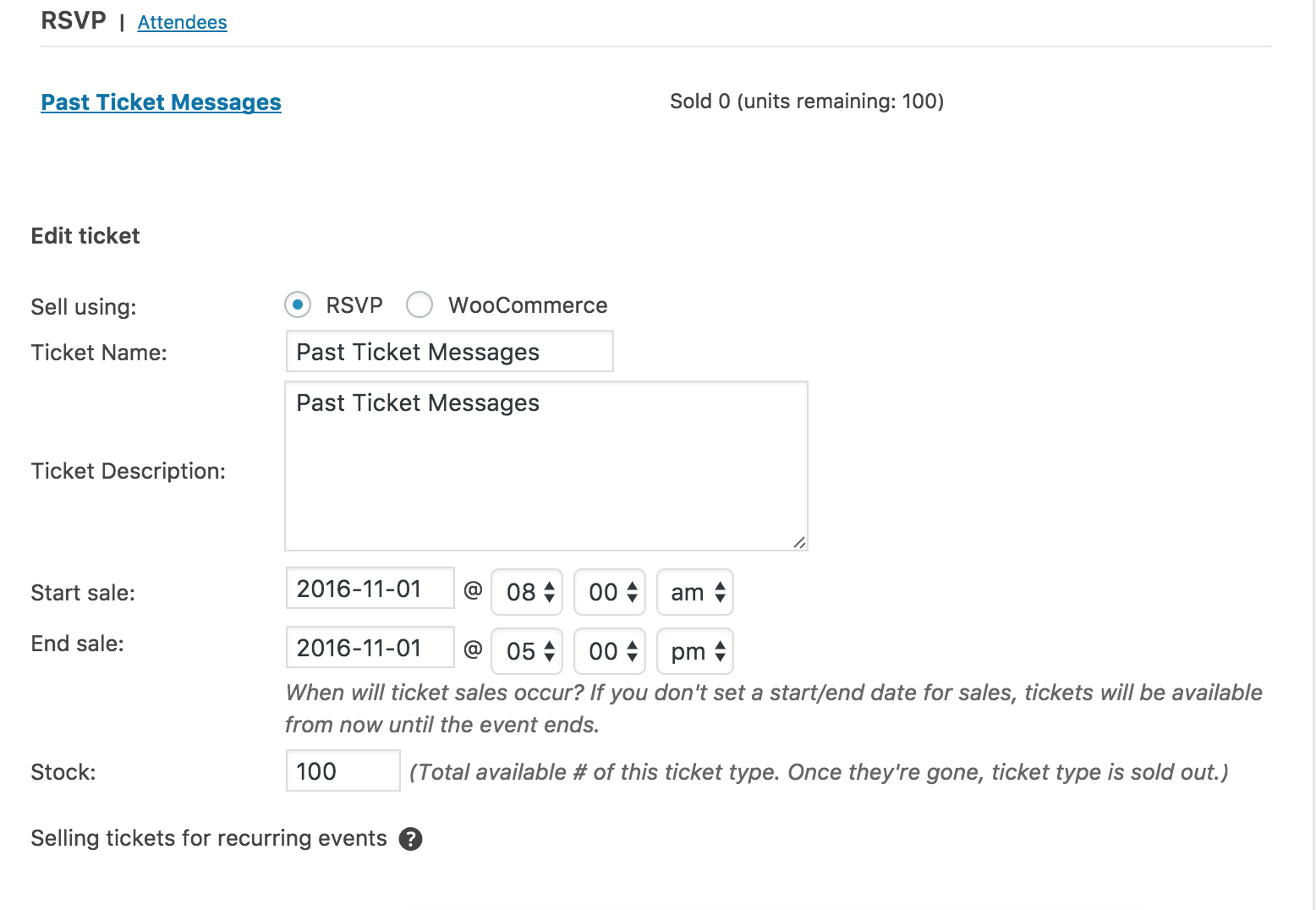
Below is a screenshot with of an event in the future with tickets that are not on sale yet.
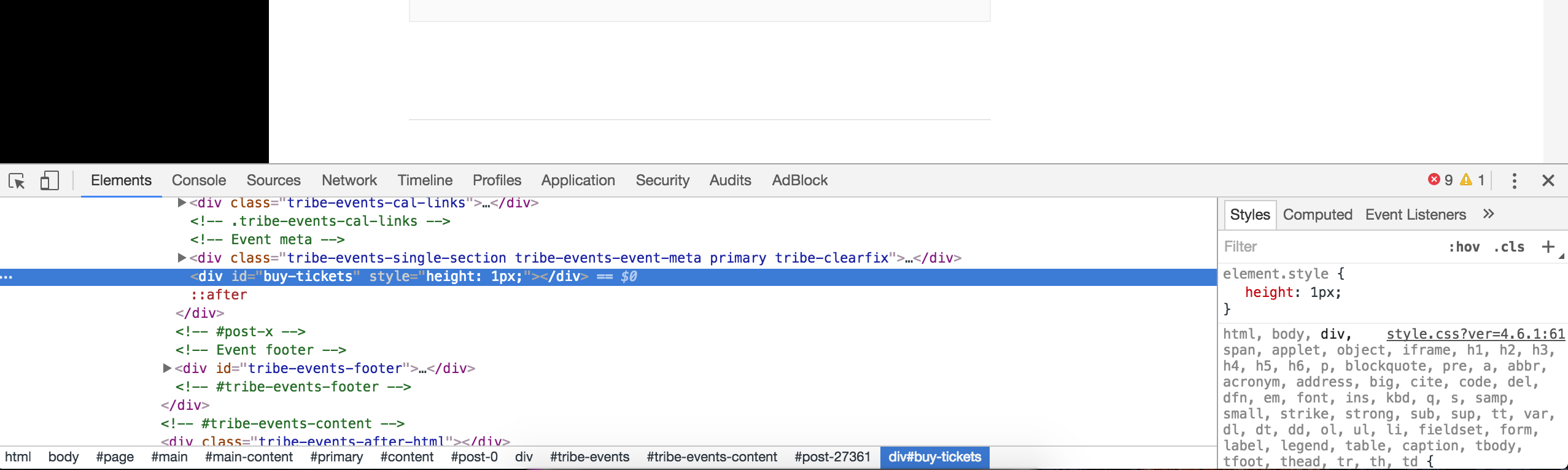
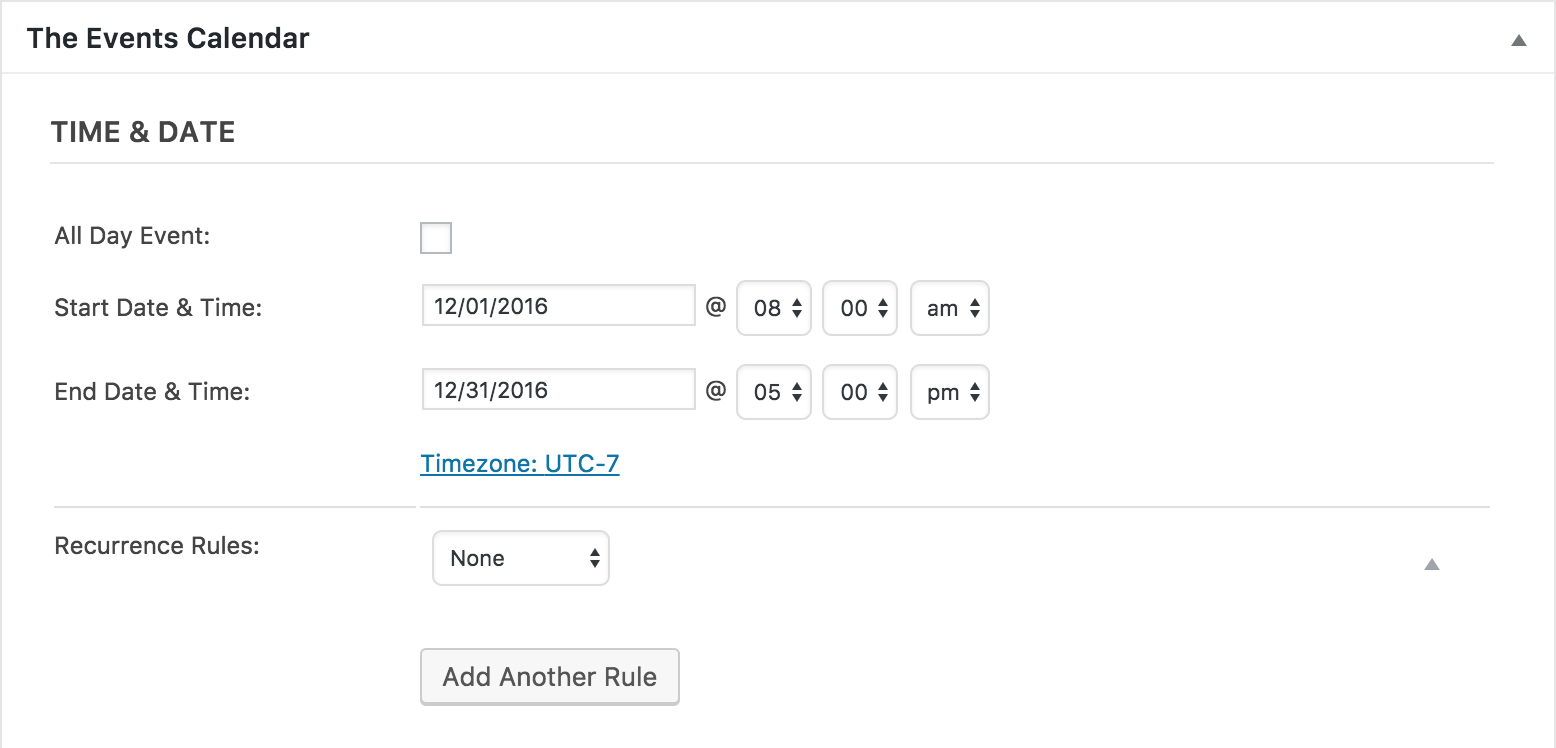

As previously mentioned, the behavior I’m experiencing is correct and was hashed out in the previous bug ticket you’re referring to. The messages based on ticket start sale and end sale dates appear to be working properly.
Please let me know if this makes sense and have a great weekend ahead. Cheers!
November 18, 2016 at 10:10 am in reply to: [tribe_events] shortcode CSS doesn't match the "main events page" #1194616ModeratorWelcome back,
I notice one site is served over http and the other https. Can you updated version 4.3.3 for both TEC and PRO and let me know if you’re still experiencing the same issue? According to our Release Notes, we just included a fix which might be the cause of conflict:
Fix — Prevent HTTPS websites from attempting to load plugin assets over HTTP.
Please update and let me know if the conflict is still occurring and we’ll continue investigating. Thanks again and have a great afternoon. Cheers!
November 18, 2016 at 10:01 am in reply to: Events Aggregator – Import using keyword refine returning incorrect events #1194610ModeratorHey Kenneth,
Unfortunately there isn’t much to report at this time. I wish I had more for you, but as previously mentioned, stay tuned to our Release Notes and your WP admin for update info.
Thank you for your patience and have a great weekend ahead!
-
AuthorPosts