

Forum Replies Created
-
AuthorPosts
-
Barry
MemberThe versions I tested with match those, but I still don’t see the same issue:
Based on your opening post it sounds like you were unable to test this yourself; is this something being reported only by a single user, then, and might it be specific to them (perhaps the result of browser extensions/add-ons they have installed or something like that)?
You could certainly override our CSS by adding some of your own either via the theme customizer options provided by WordPress (assuming your theme supports this) or else by creating a custom tribe-events.css stylesheet following the directions in the following knowledgebase article:
theeventscalendar.com/knowledgebase/themers-guide
If you suspect the problem is with the rule you noted in your opening post then you could make changes to override this. Not being able to replicate the problem on my end though means I’m not in a great position to write that snippet for you, unfortunately.
August 18, 2017 at 12:40 pm in reply to: Description randomly not being pulled from Google Calendar #1337535MemberYou’re welcome!
MemberIt’s provided examples of real failures and some prospective fixes are in the works as a result, which we hope to see deployed in the near future.
As ever, thanks for bearing with us through this.
MemberReally sorry about the delay, Clinton. Geoff has been out this week and though we should still have responded this unfortunately slipped through the cracks.
Go here http://staging1.waterbirth.org/events-calendar/ and you’ll see the events hovers display fine but navigate to September and you’ll see all of the images are broken.
That is weird!
I notice that the problem is the staging1 subdomain is missing for the image URL (after navigating by ajax). Do you have custom code in place somewhere that dynamically adds that subdomain, or anything of that order?
It seems odd that there would be a seeming mix-up of staging and live data if not.
MemberThis reply is private.
MemberHi Ryan,
We’ve since identified what we believe to be the bug.
We are working on a fix and though I can’t guarantee anything, we’re hopeful of seeing it included in next week’s release of Events Calendar PRO.
Thank you for your help in troubleshooting this and for your patience while we iron out the last few details of the fix.
MemberI appreciate that, Scott.
The team are working on this and we expect further fixes to deploy next week (via changes on our Event Aggregator server and also through an update to The Events Calendar).
MemberThanks, Antonio.
I really appreciate your perseverance with this so far.
Next week we will be deploying further fixes via a further update to The Events Calendar and changes on our Event Aggregator service.
If possible, let’s wait out and see if those clear things up some more.
August 17, 2017 at 10:33 am in reply to: Append fixed content (shortcode) to events of a given category #1336969MemberHi Louise 🙂
As Shelby noted, there is a limit to how much support we can offer for customization and custom development tasks in general.
I wish it were different and that we could write custom code for every customer, but we don’t have the resources to do so and always try to be clear that this is not something we are generally able to offer.
There are certainly times where we can go a little further depending on the question being asked – but in general the most we can commit to is pointing you in the right direction. This topic which you referenced is actually a really good example of that: while the user was good enough to share notes on their solution, we weren’t actually writing snippets for them.
In this other topic George is providing answers and guidance in relation to specific questions, but you will again note that we’ve drawn a line and were unable to provide them with a pre-written snippet.
If you do have some specifics you need guidance on, definitely let me know and if I can provide any suggestions I’ll be happy to do so — but this is certainly the sort of custom development task that really needs to be driven forward under your own steam and some familiarity with WordPress development is going to be needed on your side.
Thanks for understanding!
MemberYou’re welcome, Terri 🙂
MemberHi Tasha,
Thanks for contacting us!
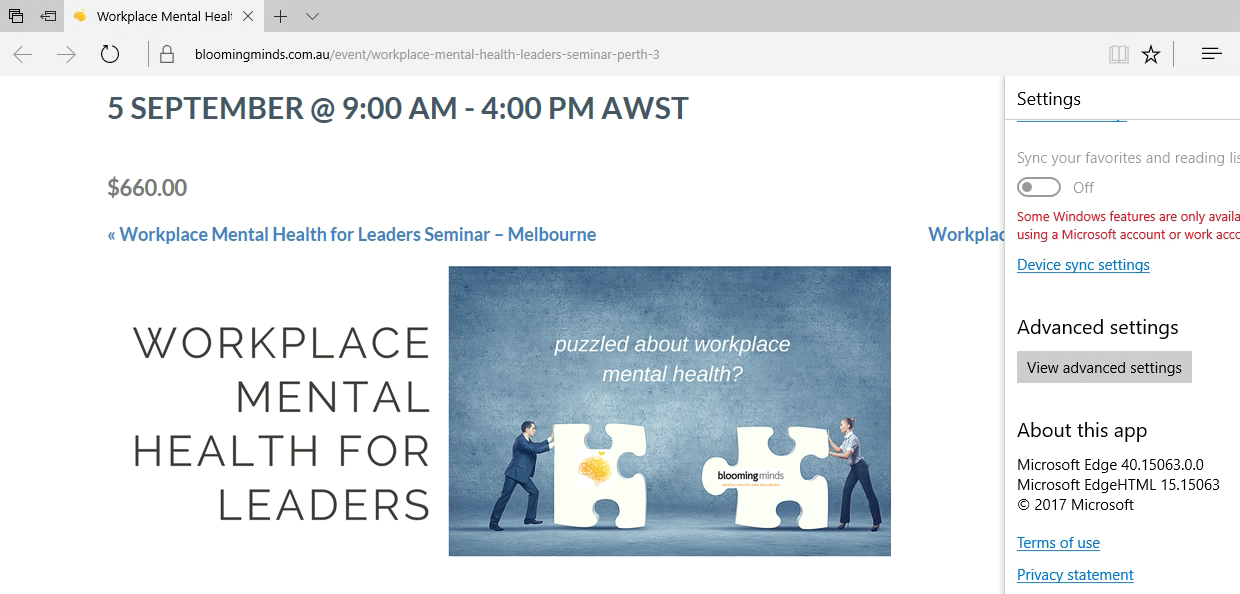
The screenshot you shared makes me think the browser is Edge (IE’s modern replacement) rather than Internet Explorer itself – if I’m wrong or if there are any other notes/specific version numbers you can share, that would be awesome.
Whether I test with Edge 15 (latest version) or IE 11 (latest/last version of that browser), though, I don’t actually see the problem as it appears in your screenshot — the featured image seems to render as expected.
August 16, 2017 at 4:11 pm in reply to: Translating Date of recurring Events in Single View #1336463MemberHi Gernot!
Thanks for persevering while we looked into this.
This isn’t related to your theme as such – that just makes the problem more obvious – it actually looks like a bug in Events Calendar PRO itself.
There are a couple of problems here in relation to the recurrence description: one is that the time format is ‘fixed’ and so at present won’t reflect the format you have configured WordPress to use, the other is that we don’t pass the dates through the expected translation functions.
Of course, this needs to be fixed so I’ll get this bug logged and we’ll attach this topic to the bug report so that you receive an update as soon as the fix is ready.
Sorry for the delay – and thank you for your continued support and patience 🙂
August 16, 2017 at 2:28 pm in reply to: Show price from WooCommerce instead of price on Event #1336378MemberHi there Matt,
Apologies for the delay — but let me see if I might be able to help a little further.
I’m not quite sure what Geoff was about to suggest (and I’m afraid he’s out of office this week), but following your previous question about making the code you added to single event posts functional within list view, I suspect the problem there is that $tickets has not been defined.
Therefore, when used elsewhere, you would need to fetch that data with some code along these lines:
$provider = Tribe__Tickets_Plus__Commerce__WooCommerce__Main::get_instance();
$tickets  = $provider->get_tickets();
Perhaps that would work for you if placed immediately before your existing snippet? Please note though that these are really ideas for you to take and explore under your own steam: as Geoff noted previously, the amount of support for custom dev tasks like this one does tend to be rather limited.
I hope that above helps, though!
MemberSorry for the delay there, Linda.
By default, in single event posts, we use the ‘full’ size (not ‘featured-image’). Would you be down to make that change? Alternatively, you can alter the size we default to with code along the following lines:
add_filter( 'tribe_event_featured_image_size', function() {
    return 'featured-image';
} );
The above code could also be added to your theme’s functions.php file if that’s where you mostly keep this sort of customization 🙂
I hope that helps!
MemberHi Richard,
Sorry for the delayed response!
That’s very true and we have a ticket to implement that functionality: I’ve linked this topic to the internal ticket and so you should receive an update here once we take that work forward.
Coming back to your core question: right at this time there is no native way to enforce a system where customers can only buy in units of 10, so custom development or clever use of third party plugins (or both) is likely to be the best path forward for the time being.
I hope that clarifies things 🙂
-
AuthorPosts