Forum Replies Created
-
AuthorPosts
-
Cliff
MemberI’m glad we’re getting somewhere! 🙂
The Google Maps issue was saying that more than just our plugin is trying to render Google Maps on your page(s). This is either from your theme or a plugin.
Could you try temporarily activating the default Twenty Fifteen theme and seeing if the issue persists?
If disabling the theme fixes it, we have narrowed the issue down to a theme conflict. Do you have any theme overrides for the Events Calendar? If so could you try disabling them by renaming your [themename]/tribe-events/ folder to ‘tribe-events-bak’. Did that fix it?
If the issue persists in the default Twenty Fifteen theme, then we have a different set of debugging steps. Please keep the Twenty Fifteen theme enabled, and also disable any plugins other than the ones from Modern Tribe to see if that fixes it. If it does, please try re-enabling the plugins one at a time until the issue resurfaces. When it does resurface, can you let me know which plugin caused that to happen?
MemberScott, if a WordPress default theme works and you haven’t made any theme overrides, it’s probably a theme conflict.
Please activate the theme you actually want to use and send me a link to the site to see if there’s anything obvious I can help with. (Note that if there isn’t, we do not provide support for third-party themes.)
Looking forward to hearing back. Thanks.
MemberOh, sorry I misunderstood. You weren’t asking about the ‘display location’ of the map on the single events page.
You are saying the venue is mapped incorrectly.
You’ll want to make sure you enter the venue’s details accurately, just how Google Maps’ website displays it.
If you don’t want to do that or it’s still not working for you for some reason, you do have the option to manually enter latitude/longitude information:

Please let me know how things go for you.
MemberHi annandaleefree.
Please explain what you mean by a “highlighted event”.
Also, please provide 2 links to the site you’re having this issue with:
- a single event page that’s working properly
- a single event page that’s experiencing this issue (i.e. link to a “highlighted event”)
Then I should be able to assist you.
Thanks.
December 3, 2015 at 10:10 pm in reply to: .tribe-events-cal-links won't float left properly #1035220MemberHi Alex. Please remove all custom CSS for .tribe-events-cal-links and add
width: 100%;to it. That should do it.Let me know if you have any further questions.
December 3, 2015 at 10:05 pm in reply to: Block all recurring events from a particular day (e.g., Crhist #1035218MemberHi Sean. Interesting idea.
You could HIDE the events with CSS from the month view via this CSS:
[data-day="2015-12-10"] > .tribe_events {
display: none;
}
However, this isn’t really recommended because, if someone used a different view (e.g. Week), it would NOT hide the events. If someone got the direct link to the event, that’d still work too, which is probably not what you’re wanting.
If you’re wanting a more strict “protection” (i.e. actually not working on those dates), you’d need to use PHP, such as our tribe_events_pre_get_posts hook.
Please let me know your feedback. Thanks.
MemberHi Scott. I tested this on the Twenty Fifteen theme and it works correctly.
Could you try temporarily activating the default Twenty Fifteen theme and seeing if the issue persists?
If disabling the theme fixes it, we have narrowed the issue down to a theme conflict. Do you have any theme overrides for the Events Calendar? If so could you try disabling them by renaming your [themename]/tribe-events/ folder to ‘tribe-events-bak’. Did that fix it?
If the issue persists in the default Twenty Fifteen theme, then we have a different set of debugging steps. Please keep the Twenty Fifteen theme enabled, and also disable any plugins other than the ones from Modern Tribe to see if that fixes it. If it does, please try re-enabling the plugins one at a time until the issue resurfaces. When it does resurface, can you let me know which plugin caused that to happen?
MemberHi Zach. I’ve confirmed this issue and saw we already had this logged as a bug (that it actually orders using the post date).
I’ve added this forum thread to the bug report, and it should get a notification once the fix is released.
Our Advanced Post Manager plugin may help you in this situation too.
We don’t provide ETAs. Thanks for your understanding.
MemberHi Manuel.
Please reference the following information and let me know if you need any further assistance:
- Translating the premium plugins
- Translating The Events Calendar (free/core plugin)
Note: when I loaded the page you linked to, I saw “Find Events” button in non-English, but then it converted to English before my eyes. I’m not certain why, but I thought I’d let you know.
MemberIt appears your site is using Avada theme. I’d suggest asking Avada support about that. Please let me know what they reply.
MemberAh, much better.
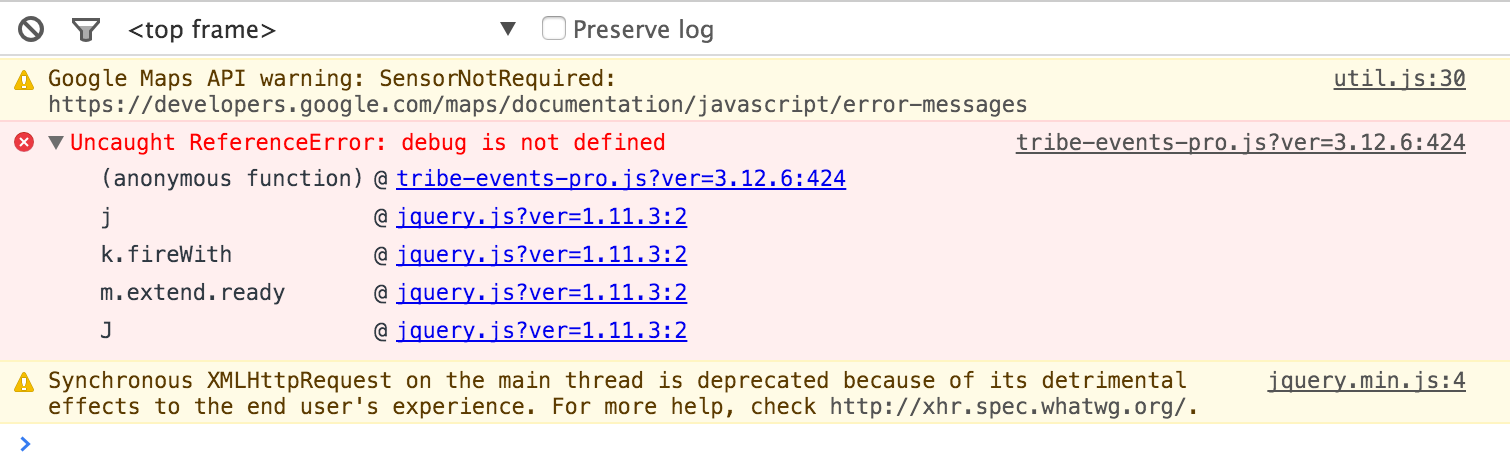
I still see some issues in the Console:

We see that Google Maps message sometimes when there’s another plugin including the Google Maps API script and that should be turned off or a conflict should be reported.
Additionally, since we have release version 4.0 of our plugins, please upgrade to those so we can proceed with this so it’s a long-term solution for you.
Thanks.
MemberSure, Wendy. Did you update to v4.0 of both The Events Calendar and The Events Calendar PRO yet?
If yes, please check out https://theeventscalendar.com/knowledgebase/pro-color-customizer/
Then let me know if you have any follow-up questions.
Thanks.
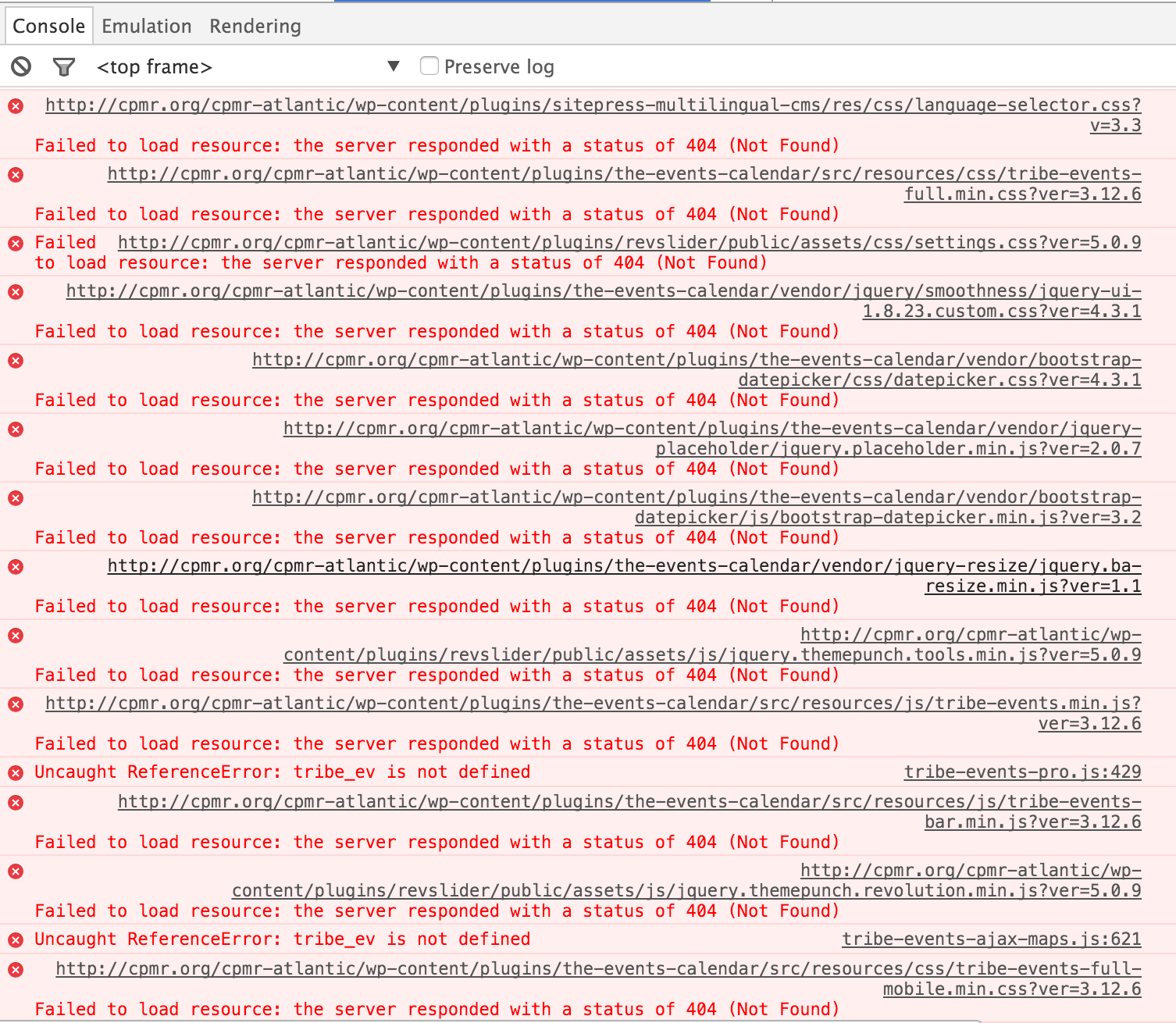
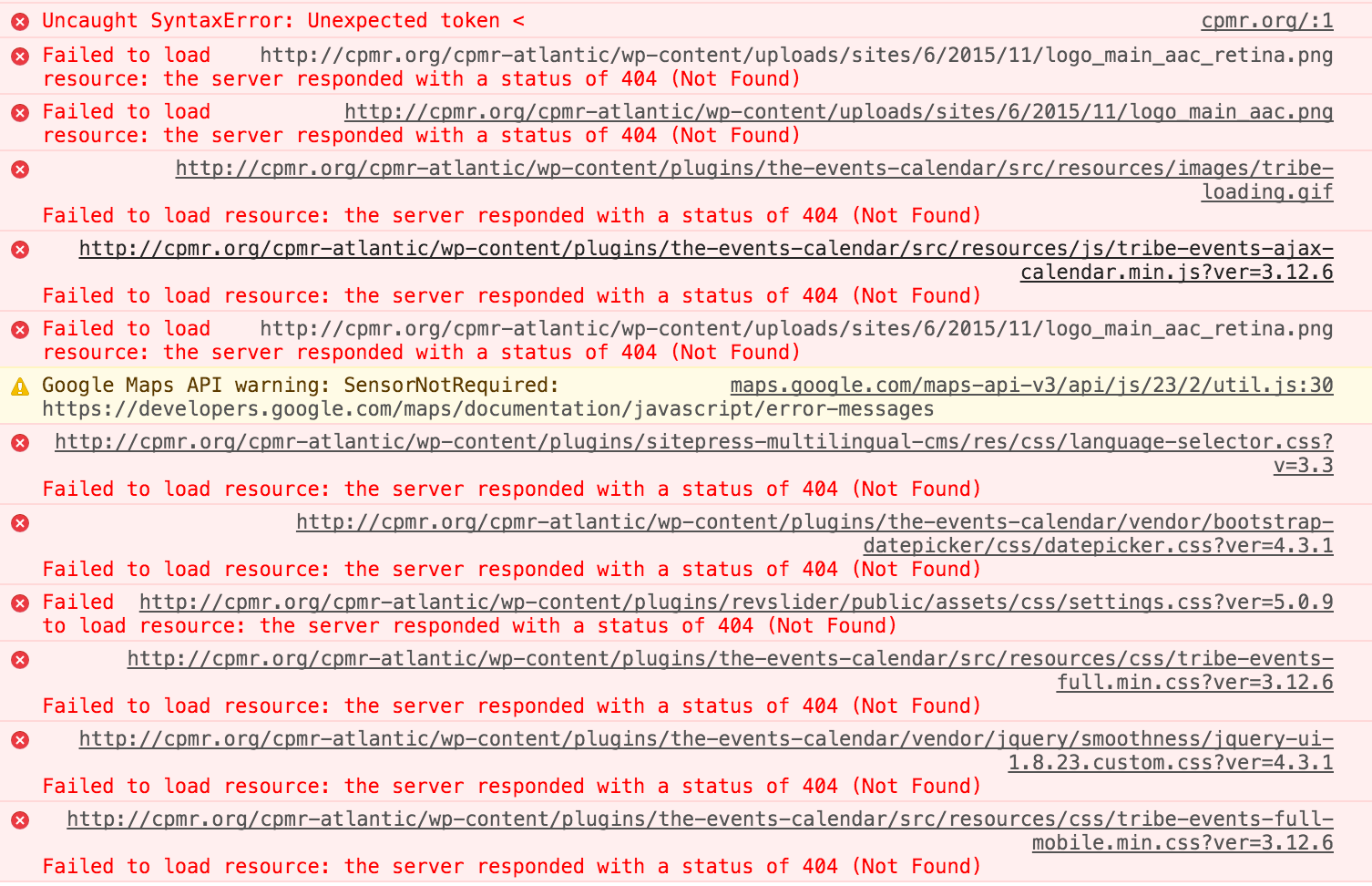
MemberGreg, your website has many, many issues to address:
Console Errors (mostly 404’s):


Fixing these would be step 1. I’m not sure how your site can generate this many errors from a variety of sources, but, in general, when I see this happening I suggest totally deleting the relevant plugin(s)/theme(s) — at least The Events Calendar and Avada theme in your case — re-downloading the latest versions from each source, and installing the latest versions.
Hopefully that’ll resolve many of these console errors.
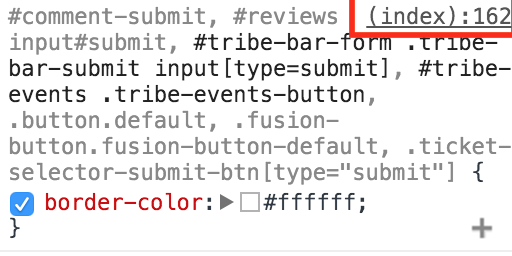
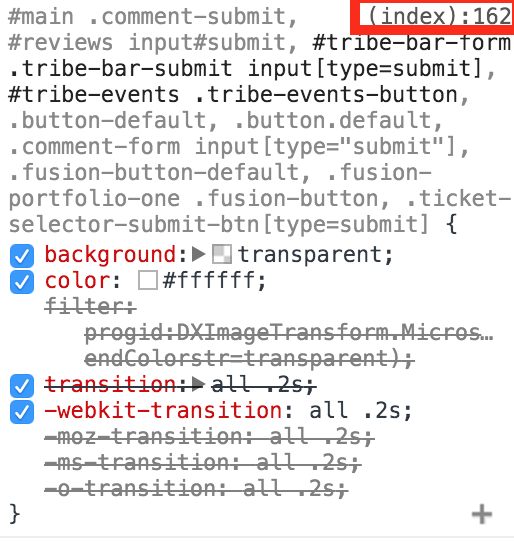
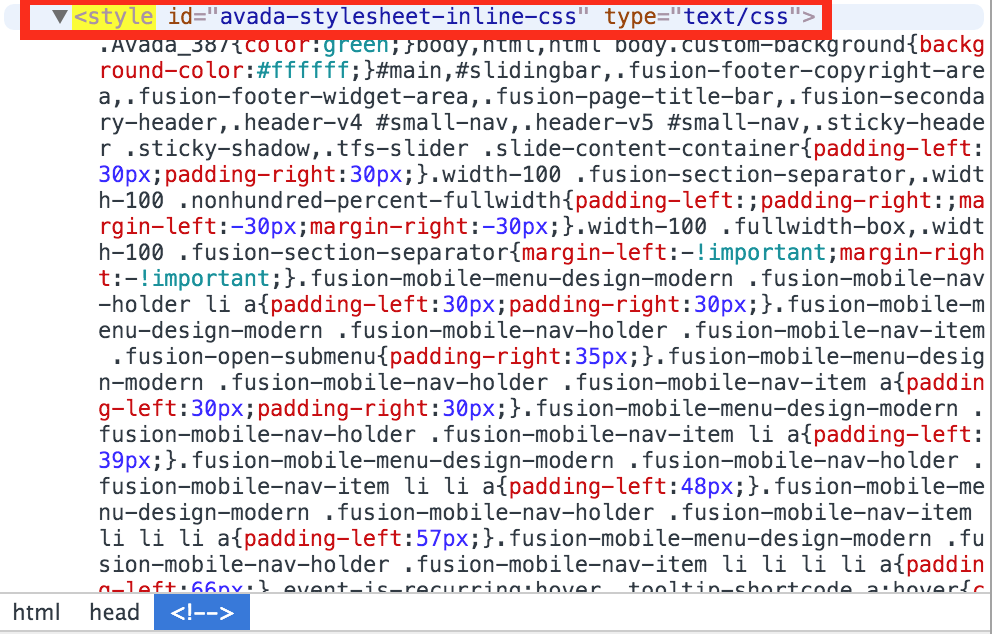
Secondly, the “Find Events” button styling isn’t from Avada core nor from The Events Calendar core stylings. It’s from “avada-stylesheet-inline-css” (wherever that comes from in your Avada theme settings). Here are some applicable screenshots:


Please reply back once you’ve solved all your console errors and I can assist further if needed.
Thank you.
MemberSusan, please explain exactly what you’re considering the “right location” of the venue map.
MemberHi Dawn. Thanks for your question.
In the VERY near future (watch https://theeventscalendar.com/blog/ for an announcement), we’ll be releasing a new, free plugin called “Event Tickets” (mentioned here and here).
Besides using the free The Events Calendar and Event Tickets plugins, it sounds like all you’d need is an eCommerce plugin (e.g. WooCommerce).
I hope this helps you make your decision to at least get started with our free versions! 🙂
-
AuthorPosts