Forum Replies Created
-
AuthorPosts
-
January 19, 2016 at 1:34 pm in reply to: How to add address via GPS coordinates (Google Lat/Long) #1058845
Cliff
MemberI saw you marked my answer as “correct”. I’m stoked it solved your issue. I’m going to close this ticket. Feel free to open a new ticket if you have any other questions come up. Have a great day!
MemberHi.
You posted in our Pre-Sales forum from a user account that doesn’t have any purchases associated with it.
We don’t answer support questions for Events core/free or PRO add-on in the Pre-Sales forum.
If you made your purchase(s) through a different user account, please login to that account and then post in one of the paid forums.
Thank you for your understanding and thank you for using our plugins.
===
That being said…
I previously answered this question at https://wordpress.org/support/topic/set-startend-time-interval-to-single-minutes
Which links to this code snippet:
Here: https://gist.github.com/cliffordp/0e69539fc092d0c9e678
I hope that helps. 🙂
MemberI saw you marked my answer as “correct”. I’m stoked it solved your issue. I’m going to close this ticket. Have a great day!
January 19, 2016 at 7:17 am in reply to: Presentation of the information in the list widget #1058666MemberThanks for letting me know I answered your questions. Have a great week!
MemberHi Tim.
If I understand your question correctly, please let me clarify how the plugin works:
- Events, Venues, and Organizers are 3 different custom post types (CPTs).
- Our plugins do not manage or have any affect on WordPress user accounts.
- In other words, WordPress user accounts are not the same thing as our plugin’s Organizers post type.
If your WordPress users are creating new Venues and Organizers via wp-admin and are therefore set as the post author in WordPress, you may be able to find an existing WordPress plugin that does what you’re wanting — creating a profile page and/or restricting access to only the posts they are the author of.
I hope that clears things up a bit for you.
Please let me know if you have any follow-up questions.
Thanks!
MemberHi Els. You posted in our Pre-Sales forum from a user account that doesn’t have any purchases associated with it.
We don’t answer support questions for Events core/free or PRO add-on in the Pre-Sales forum.
Since you mentioned considering purchasing PRO add-on, please note our Scope of Support Terms (one of which is that we don’t provide support for theme integrations).
We do have a pretty great Refund Policy so you can buy one or many of our add-ons and thoroughly test them.
Let me know if you have any follow-up questions.
Thank you.
January 19, 2016 at 1:15 am in reply to: Events Calendar Pro accepts license key, but does not save it #1058340MemberHi Pasi. Thanks for your detailed question.
After seeing the green message, you then also need to click the “Save” button at the bottom of that Settings page.
If you do it correctly, the next time you load that page the license key will already be saved in there.
Sorry for the confusion there. Please confirm if this solves your issue.
Thank you.
January 19, 2016 at 1:04 am in reply to: Review event option not functioning properly for community events #1058333MemberHi Krystal. Thanks for reporting this issue. I have confirmed this bug and reported it to our developers.
I determined that if an image is NOT uploaded via Community Events form, the “Review Event” email link is correct (e.g. edit post ID 251). However, if an image is uploaded, it links to the attachment (e.g. post ID 252). Therefore, a workaround might be — if it links to edit post 252 — change the URL in your browser address bar to edit post ID 251.
I’ll mark this ticket as Pending Fix, which means this thread should receive a reply once the applicable fix has been released. I apologize for this issue and appreciate your understanding and patience.
January 19, 2016 at 12:33 am in reply to: WPML: "Different languages in directories ", Month Nav not point to correct Dir #1058325MemberI saw you marked my answer as “correct”. I’m glad it answered your question for now. I’m going to close this ticket. Feel free to open a new ticket if you have any other questions come up. Have a great day!
January 18, 2016 at 3:15 pm in reply to: Presentation of the information in the list widget #1058126Member3)
Dien, since you didn’t get it that way, maybe this would be a better route for you to take for item #3:
Go to wp-admin > Events > Settings > Display > Date Format Settings section and see if one of those options provides you with a workaround for how you want dates displayed (using any of these date formats).
2)
As for removing the “View More” link (“bekijk meer” in your language), item #2:
You should be able to add this custom CSS to just HIDE it on the page (instead of totally disabling it from rendering, which would need to be done via PHP):
.tribe-events-widget-link { display: none; }You can add custom CSS code via your child theme’s style.css file or via a plugin like Simple Custom CSS or, my favorite, Jetpack. Jetpack supports regular CSS and the LESS and Sass pre-processors.
If you’re not a CSS expert, Jetpack’s Custom Design reference may prove helpful.
Please let me know how it goes for you.
1)
I do not see the shortened date on your site at the moment. Maybe you already figured out how to remove it? If not, it might be able to be removed via CSS, like #2 above, but with a different CSS selector. Please take a screenshot and annotate it to show me where the shortened date is rendering on your page and I’ll help with the CSS code if you need me to.
I hope this information helps. Please let me know how things go for you. Thanks!
MemberThanks for the screenshot and shortcode example.
FYI: Your site link requires logging in, but don’t worry about it.
I tested the shortcode in German and French and neither translated the ordinal indicators/suffixes.
I looked into the code and figured out the shortcode and widget (same code base) output via WordPress’ date_i18n function.
As such, if I’m understanding everything completely, the translation for English ordinal indicators/suffixes should be in WordPress core language files.
However, I’ve notified our developers of this issue in case there’s anything they can optimize in their usage of date_i18n() for this issue in the future.
A workaround you could implement right away is to just remove the ordinal indicator in your date format by going to wp-admin > Events > Settings > Display > Date Format Settings section > Week Day Format option and change it from the default “D jS” (e.g. Mon 18th) to “D j” (e.g. Mon 18) or any other valid PHP date format. FYI: The “S” in the date formatting is what adds the ordinal indicator.
I hope this information helps. Please let me know how it goes for you.
Thanks.
MemberHere’s what I’d recommend:
- keep a backup of all the customizations you did
- delete all copies of the plugins
- download, install, and activate fresh copies from w.org and https://theeventscalendar.com/my-account/downloads/
- if there are any custom translations you want, use the gettext filter instead of custom mo/po files
This way, you’ll have the latest translations available in our released versions and you’ll be able to customize any bit of text you want without messing with mo/po files.
I hope this solution will work well for you for the long-term. Please let me know how it goes.
Thanks.
MemberThanks for the update, Erin. Have a great weekend.
January 15, 2016 at 10:29 am in reply to: Sales Report – Unable to view due to permission issue #1056745MemberThanks, Mark! Glad to help.
Leslie, please let me know if you need anything else.
MemberThank you very much for the screenshots.
To help test, I switched my local testing site to German.
I didn’t see the same results as you did. Please make sure you’re using the latest versions of all our plugins (The Events Calendar, PRO add-on, etc), WooCommerce, and WordPress — and please make sure to install the language packs for those last two.
For our plugins’ translations, you’ll either need to wait for the next release if some of the translations weren’t in the files by the time it was released, or you can go to the applicable glotpress page and export the po/mo files (e.g. Event Tickets Plus – German).
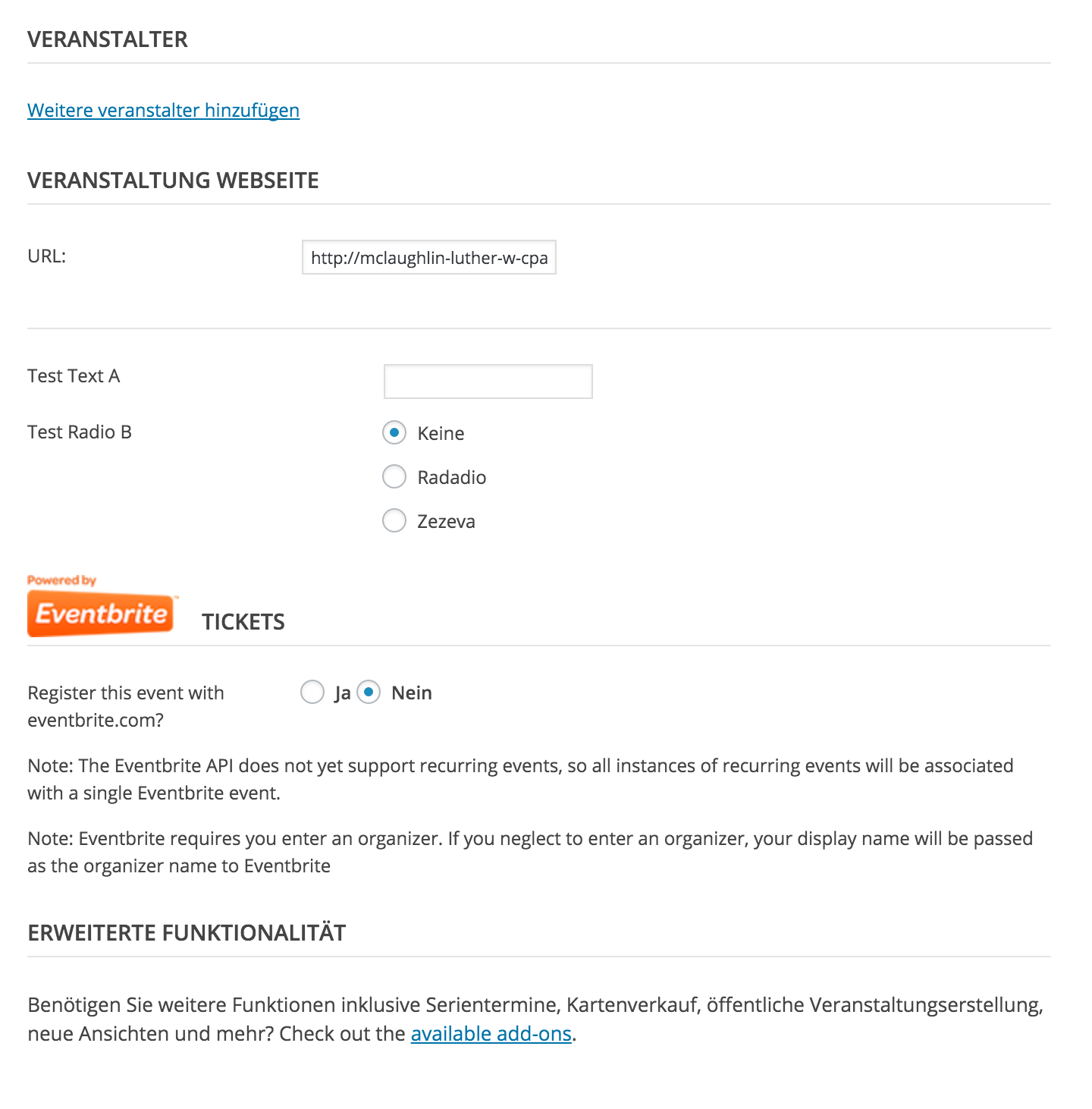
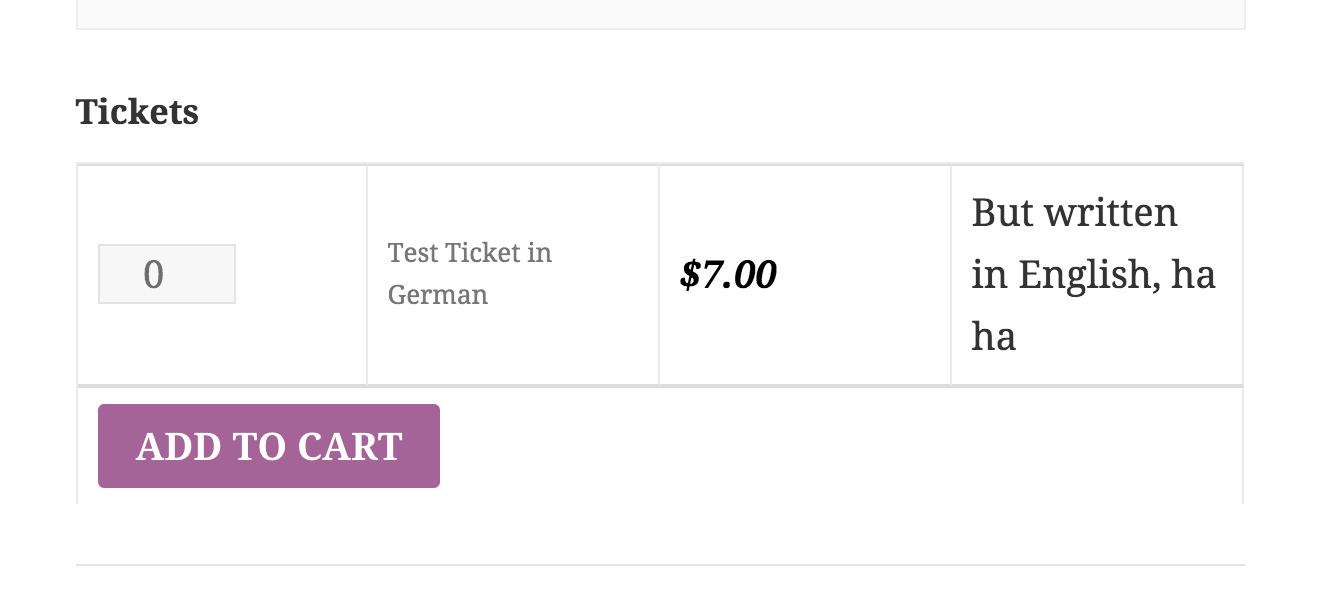
Without any custom po/mo files, I saw the following:


Again, some of the translatable things like “Price:” and “Stock:” in the 2nd screenshot are already translated in glotpress but not in the current release of Event Tickets Plus.
If you see anything different than what my screenshots display, you’ve probably got something custom in place.
Please let me know if you need anything else.
-
AuthorPosts