Forum Replies Created
-
AuthorPosts
-
Cliff
MemberI understand, and thank you for the additional information.
I am unfamiliar with your theme or whom its author is. Is it a theme available on WordPress.org?
(Please note that, per our Scope of Support / Terms, we only guarantee support for WP’s default themes so I may end up being limited in what I can assist with here.)
MemberThanks for the updated info.
Would you mind enabling WP_DEBUG and sharing any PHP errors you see while navigating your site’s home page, events page (especially Photo View in your case), single-event pages, and any other of your site’s pages relevant to this ticket?
Once you share your WP_DEBUG findings, we may be able to get an idea of any plugin or theme conflicts.
Please enable WP_DEBUG on your site. You’ll need to edit to your site’s wp-config.php file and change this line of code:
define('WP_DEBUG', false);to this:define('WP_DEBUG', true);
(or add this line of code if you can’t find mention of ‘WP_DEBUG’ in your wp-config.php file)If any errors do appear while navigating your site’s pages, please copy and paste them in their entirety into a new ticket reply — along with the URL of where you saw the error(s) — and make sure you set it as a Private reply.
Let us know what you find. 🙂
MemberHi. Popping in real quick.
Here’s a video demonstrating the CSS Brook provided: http://cl.ly/2N0b1f0u2M2j
You can add custom CSS code via your child theme’s style.css file or via a plugin like Simple Custom CSS or, my favorite, Jetpack. Jetpack supports regular CSS and the LESS and Sass pre-processors.
If you’re not a CSS expert, Jetpack’s Custom Design reference may prove helpful.
Please let me know how it goes for you.
P.S. I’ll mark this ticket as Pending Fix, which means this thread should receive a reply if/when the applicable fix has been released. I cannot guarantee if/when it will be fixed as it’s in the development team’s hands now. They need to decide how to handle it, assign it, code it, test it, and schedule it for release. I apologize for this issue and appreciate your understanding and patience.
MemberThanks for that information.
I can see there’s an issue with Role Scoper plugin. It’s possible that all of those are from Role Scoper, but I cannot tell for sure on some of those messages.
Please deactivate Role Scoper and see if any of those messages remain and if our plugins work fine without Role Scoper activated.
Thanks!
May 2, 2016 at 9:35 pm in reply to: Duplicate Event Names by 2 Different Community Event Users – Future Proofing #1109867MemberI’m glad it’s working fine for you. Thanks for letting me know!
MemberI’m very glad to hear you got it figured out. I haven’t heard of this situation before, but sorry you experienced it.
Have a great weekend!
MemberPeter,
Sorry I missed that part about ET+. My apologies.
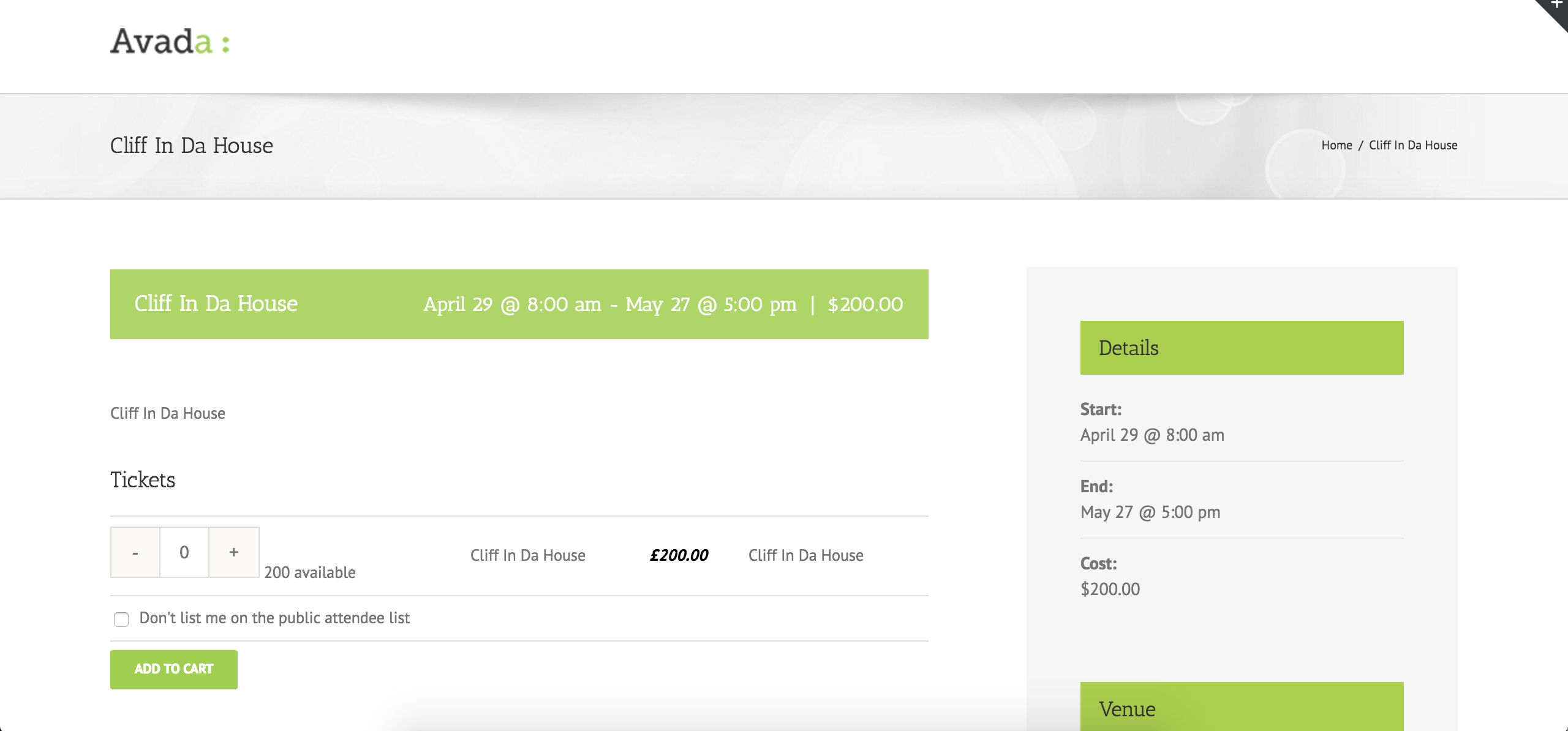
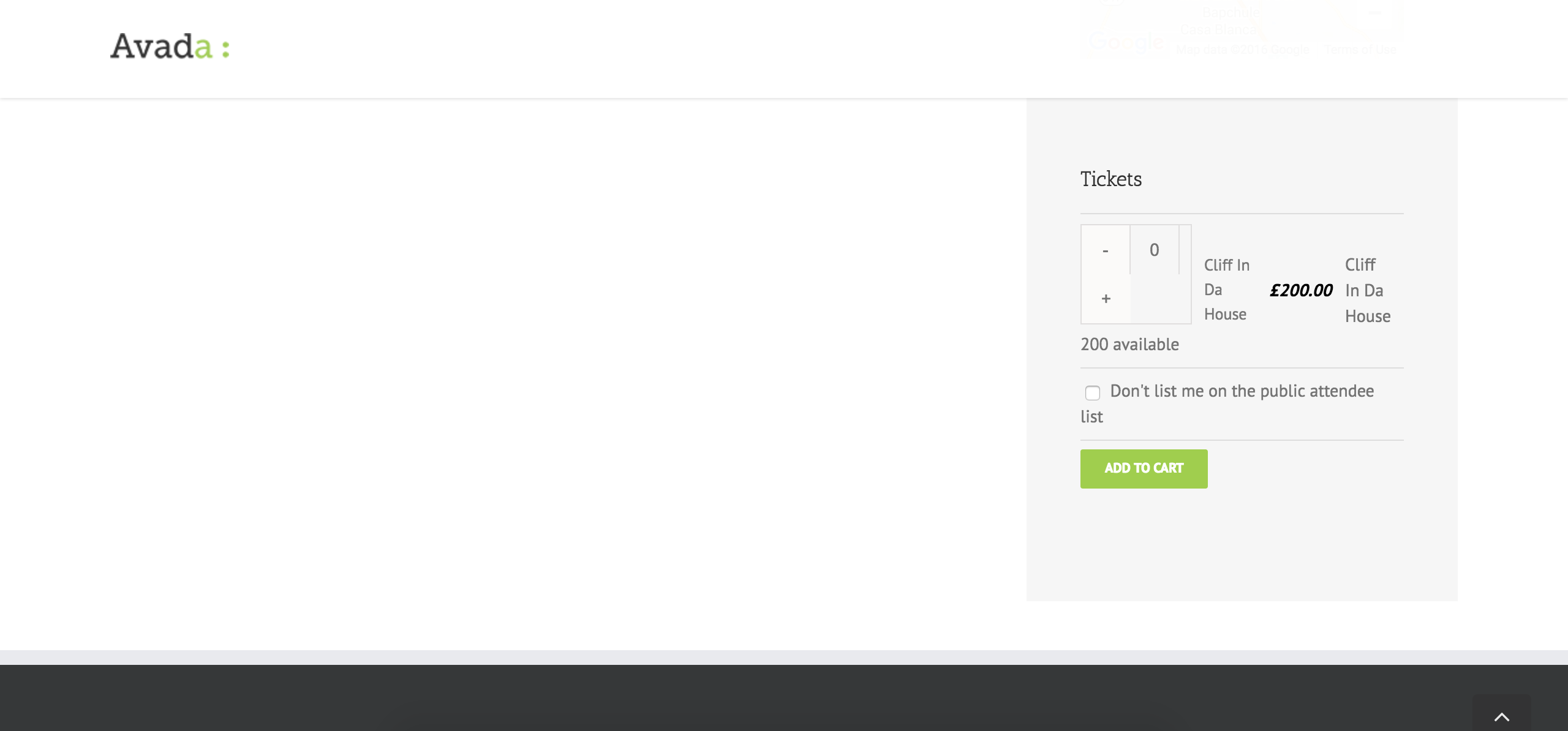
Regarding Avada: we tried the code snippet from https://theeventscalendar.com/knowledgebase/moving-the-ticket-form/ with the same version of Avada and ET+ and it worked for us: before / after.
Therefore, please follow our Testing for Conflicts Guide and see if that helps narrow down the cause of this.
Let us know what you find out.
Thanks.
April 29, 2016 at 2:39 pm in reply to: Can we add geolocation to find point of event on the map? #1109009MemberThanks for the additional info.
I wasn’t quite sure how to help so one of our developers helped.
This snippet may be of use to you, but if it’s not you’ll need to work things out yourself or reference our list of known customizers because it’s outside our Scope of Support / Terms.
Here it goes:
// Get the post list for the current query
global $wp_query;
$posts =& $wp_query->posts;

// Get current coords - needs safety checks
$lat = $_REQUEST['tribe-bar-geoloc-lat'];
$lng = $_REQUEST['tribe-bar-geoloc-lng'];

// Assign distance values
$tribe_geo = Tribe__Events__Pro__Geo_Loc::instance();
$tribe_geo->assign_distance_to_posts( $posts, $lat, $lng )
If you feel our plugin needs some sort of enhancement, please post it to our UserVoice page.
If you post it, feel free to link to it from here in case anyone comes across this forum thread in the future.
MemberThis reply is private.
MemberOh, I see: http://cl.ly/3K00280W1P0E
I don’t know why they’re like that. Could you please provide me a screenshot of your Event Tickets setup for this ticket on this event? (the more screenshots the better)
MemberWould you mind enabling WP_DEBUG and sharing any PHP errors you see while navigating your site’s home page, events page, single-event pages, and any other of your site’s pages relevant to this ticket?
Once you share your WP_DEBUG findings, we may be able to get an idea of any plugin or theme conflicts.
Please enable WP_DEBUG on your site. You’ll need to edit to your site’s wp-config.php file and change this line of code:
define('WP_DEBUG', false);to this:define('WP_DEBUG', true);
(or add this line of code if you can’t find mention of ‘WP_DEBUG’ in your wp-config.php file)If any errors do appear while navigating your site’s pages, please copy and paste them in their entirety into a new ticket reply — along with the URL of where you saw the error(s) — and make sure you set it as a Private reply.
Let us know what you find. 🙂
MemberGroovy!
MemberMeena, if you’re still having this issue remain, please share your System Information. That will give me a lot of extra information to help diagnose the problem.
Spool, I’m glad things got fixed for you.
MemberI’m guessing you have The Events Calendar PRO active without having The Events Calendar active, since that’s where tribe_get_event_label_singular_lowercase() is from…
Please activate TEC core/free first, then activate PRO (latest versions of each, of course, since we had another update today), and I hope that solves your issue.
Thanks!
MemberHi Peter.
Are you using WooTickets (Legacy/old plugin) or Event Tickets Plus?
What custom code are you using?
Have you discussed this with Avada’s support (since we do not provide support for non-default WordPress themes, like Twenty Sixteen)?
-
AuthorPosts