

Forum Replies Created
-
AuthorPosts
-
Hunter
ModeratorHey Joey,
Welcome to the forums! Sorry to hear about the troubles; I’d be happy to help you out 🙂
From the sound of it, I would guess you’re experiencing a theme and/or plugin conflict. Can you please review our Testing for conflicts to see if that’s the case?
Let me know how it goes and we’ll take it from there. Enjoy your weekend and thank you so much for choosing PRO!
ModeratorHello Stephen,
Thank you for reaching out and also for choosing PRO!
I’d be happy to help. Can you please provide any more information in regards to the issue described? If possible, can you send over your System Information as a private reply?
Let me know and we’ll go from there. Have a great weekend!
April 1, 2016 at 9:37 am in reply to: Mobile: Days of week not shortening and dots not opening events pages #1097110ModeratorPieter,
I’m so happy to hear you’ve got it resolved 🙂
Thank you for the update and please open a new thread should you have any more questions or concerns. Enjoy your weekend!
ModeratorMason,
We strive to deliver a product that works for everyone, but realize we can’t please everybody (yet!) Thanks for giving our plugins a shot and if the idea for WPML compatibility hasn’t already been added, feel free to submit it via our UserVoice Feature Ideas.
To request a refund, simply fill out the form found on our Contact page and we’d be glad to get that finished for you.
Again, thanks for the patience and understanding exercised on your end and we look forward to seeing you around the forums in the near future 🙂
April 1, 2016 at 9:29 am in reply to: Calendar filter and pagination not working – getting 'null' #1097031ModeratorHey Tamara,
Welcome to the forums and thanks for the patience! I just finished my coffee, so let’s see how this goes 😉
Just to be clear, does the issue still occur when reverting back to the default WP theme? Additionally, can you please send your System Information as a private reply?
April 1, 2016 at 8:57 am in reply to: Community Ticket creation missing from frontend and edit by members #1096995ModeratorHey Albert,
Welcome to the forums!
Sorry to hear about the troubles. Would you mind deactivating both Event Tickets and Event Tickets Plus, then reactivating them? Once you’ve done that, visit an add/edit new event page and see if the Community Tickets section shows back up for you.
Let me know how it goes and we’ll take it from there. Thank you again and enjoy your weekend!
ModeratorHello and welcome back,
Can you please provide your System Information as a private reply? I see you checked Yes for both reverting to the default theme and deactivating all other plugins, but can you please confirm this?
I’ve been testing locally (including tickets) and haven’t encountered this error nor seen any logged bugs of users reporting similar issues, so my first hunch is you’re experiencing a theme and/or plugin. If you haven’t already, please review our Testing for conflicts guide.
Thanks for choosing PRO and I look forward to resolving this with you!
ModeratorHi Susan,
Sorry to hear about the conflict. I visited the link and did experience the behavior you described. I’m unfortunately unable to reproduce the issue using the default WP Twenty Sixteen theme and only our plugins activated.
Can you respond back with your System Information as a private reply? Additionally, please confirm you’ve reviewed our Testing for conflicts guide.
Thank you and I look forward to getting this resolved with you. Have a great day 🙂
ModeratorHello,
Running the latest versions, you can see the Near function appears to be working when searching for a city or state (see screenshot below), but it doesn’t seem to find events when searching for a specific venue name that does have upcoming events attached to it. This is the same case when searching for venue names in the Search field.

This thread is attached to the logged bug for the developers to reference to, so please hang tight while we work on this. Thank you for the updates and enjoy your Thursday.
ModeratorJohn,
Welcome back and thanks for the response. I just updated to the latest versions and tested to see if I could replicate the issue. I was unfortunately unable to do so (see screenshot below) and we don’t have any logged bugs of users reporting similar issues. Can you please confirm you’ve tested as outlined in our Testing for conflicts guide?
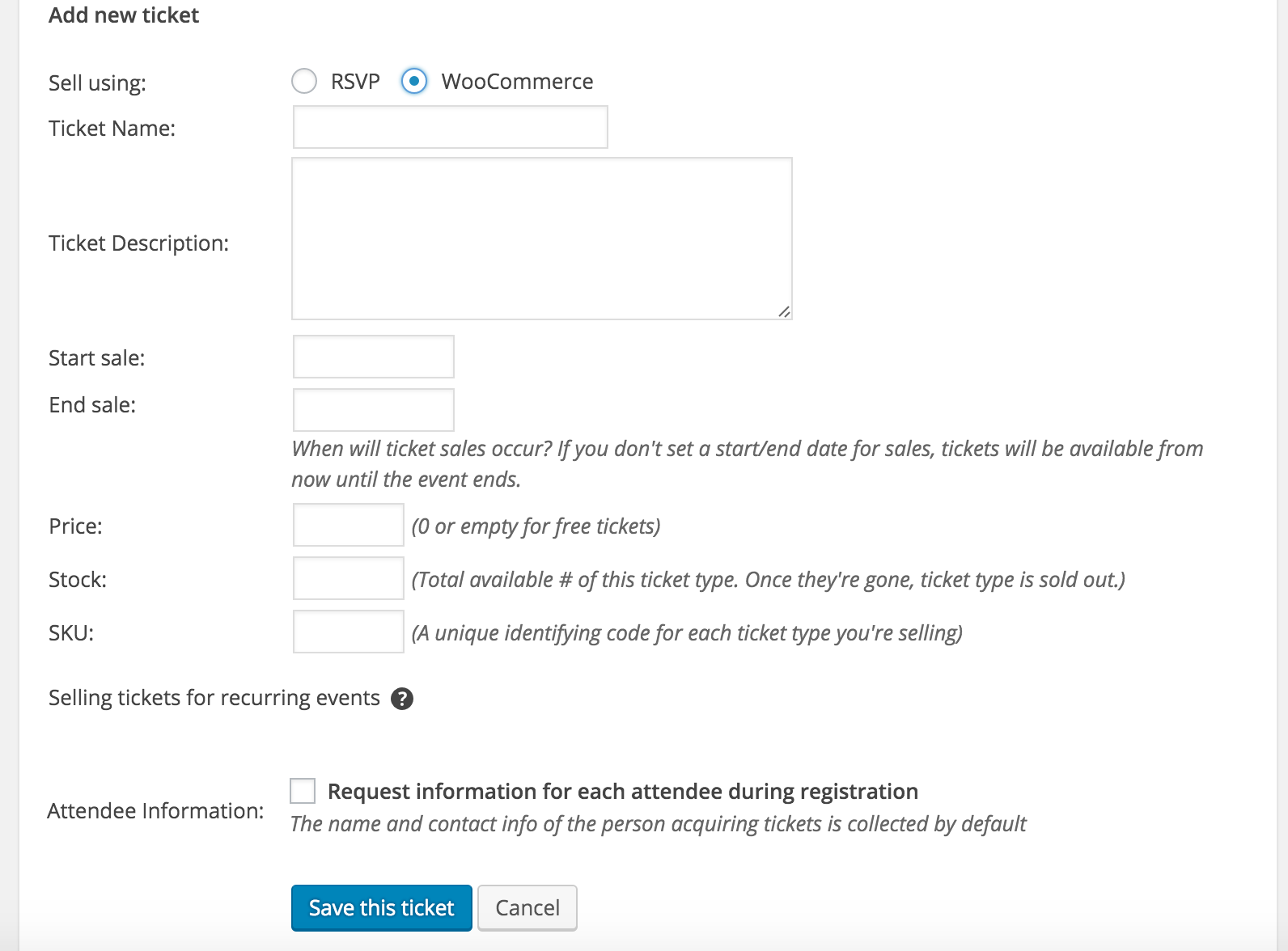
Thanks again for the update and enjoy your Thursday 🙂
ModeratorHey Daniela,
Thanks for the response. Can you please send over your System Information as a private reply? Also, when you visit Events > Settings > Licenses, do you see the option to input your Filter Bar license key?
Enjoy your Thursday and thanks again for the update 🙂
ModeratorFeye,
These questions will be addressed via email, so to start the upgrade process, go ahead and visit the Contact page and we’d be glad to help you out.
Thanks again and enjoy your Thursday 🙂
ModeratorHey Mason,
Thanks for the update. Glad to hear we’re headed in the right direction. Unfortunately, we only guarantee WPML compatibility with ECP (free) and the PRO versions. I truly apologize if you were under the impression Community Tickets is included in this. If you have any links to documentation stating the contrary, please send those over so we can update accordingly.
As mentioned, we do have plans to support global stock for EDD, so hang tight while we get that worked out and into the wild. Thanks for working with me on the issue and enjoy your Thursday.
ModeratorHi and welcome back,
Sorry to hear about the troubles! I must admit, I’m a little stumped right off the bat as you’ve answered whether you’ve reverted back to the default WP theme and deactivated all other plugins as outlined in our Testing for conflicts guide.
I just checked my local test environment to see if I experienced map issues. I do see the API errors issue, but the map is displaying as designed (see screenshot below). We did release an update today (3/30/16). Can you update to the latest versions and report back if the issue still arises?
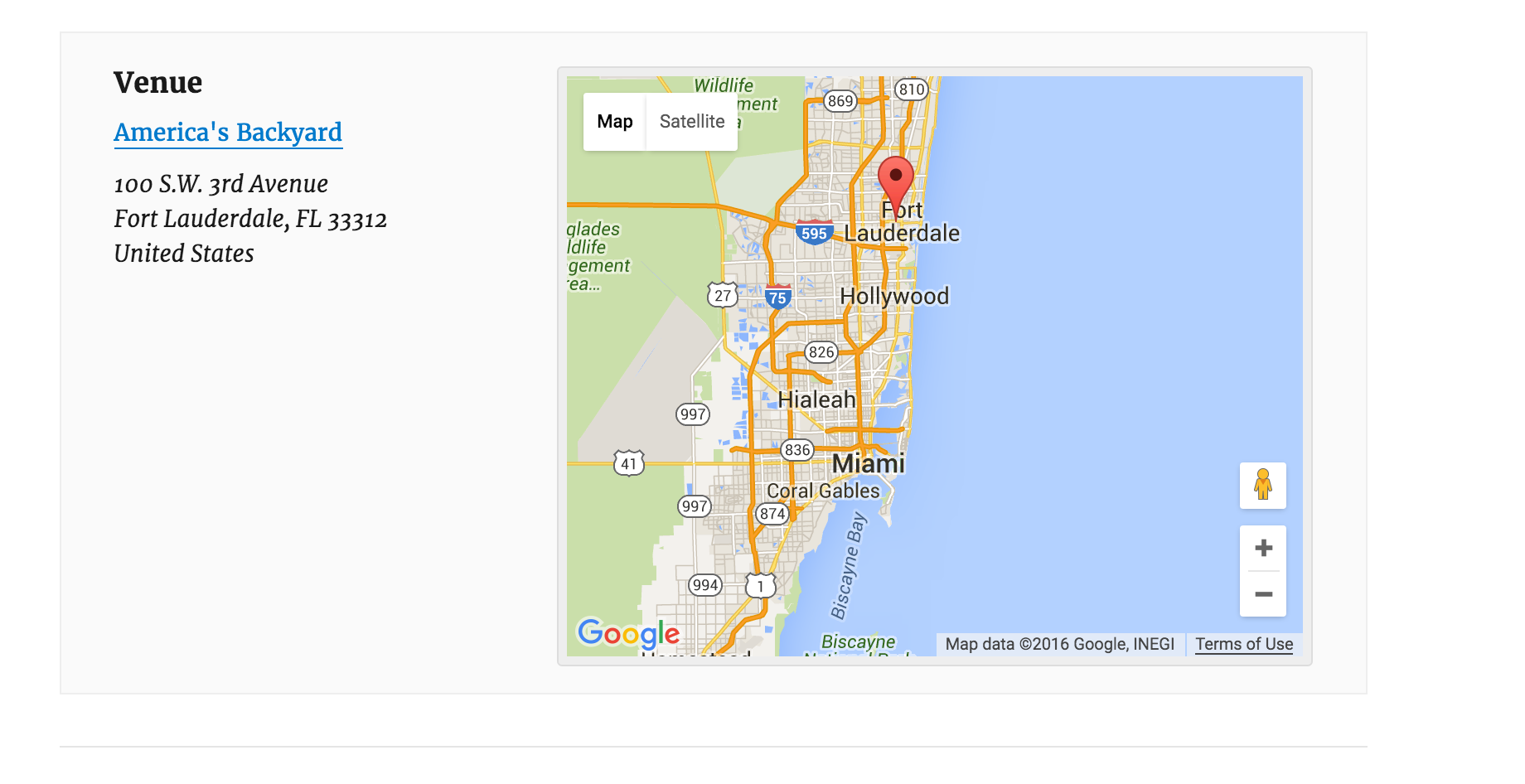
Also, can you possibly create a fresh WP install on your live server with only our plugins and the default theme to see if you’re able to recreate the issue? This will help us identify if we’re possibly experiencing a hosting conflict.
Thank you for the post and I look forward to resolving this with you. Enjoy your week.
ModeratorHey Greg,
Please review this article and let me know if it helps. I know sometimes the order can be confusing. We try our best to find that middle ground, but usually provide adjustments for the contrary. Thanks for choosing PRO and enjoy your week.
-
AuthorPosts