QR Codes are Here! Connect Promotional Material to Your Event Calendar with Ease
Estimated reading time:
1 minute
Today 72% of event planners consider QR codes a must-have in their event toolkit. That’s why, with the latest update to The Events Calendar, we’ve rolled out built-in QR code generation– a feature designed to bridge the gap between your digital calendar and real-world experiences. Whether you manage conferences, concerts, or community events, this new feature makes it easy to connect your audience to the right information at the right time.
Is This Made for You? (Spoiler: Yes!)
This feature automatically generates QR codes for every event you publish. These codes can be downloaded and used across digital and physical marketing materials (think posters, flyers, jumbotrons, and more.) No long URLs or confusion, just instant access.
For users of Events Calendar Pro, this feature includes dynamic series QR codes that automatically redirect attendees to the next upcoming event in a recurring series. So instead of updating and reprinting materials every month, you can use one evergreen code all season long.
This feature is built for you. It’s especially useful if you want to:
- Bridge physical and digital event promotion
- Provide instant access to event info, registration, and more
- Integrate QR code functionality seamlessly into your event creation workflow
- Limit manual entry errors and friction for attendees
- Reduce printing costs with evergreen marketing assets
- Share events quickly across a variety of platforms
4 Smart Ways to Use QR Codes
QR codes can make your job easier and your event planning smoother. Whether planning a massive conference or a cozy community meetup, QR codes can do more than just point to an event page. Let’s explore creative and innovative ways to make the most of them.
- Promote Recurring Events Without Reprinting: Festival promoters or music series organizers can save serious time and printing costs by using dynamic series QR codes. Print one code on all materials and it can automatically direct fans to the next upcoming event.
- Connect Print Materials to Online Ticketing: Theater directors can use QR codes on posters, flyers, and programs to link directly to show details. It makes it easy for patrons to go from interest to purchase in seconds.
- Maximize Space on Flyers: University events managers dealing with limited poster space can use QR codes to pack in more information—event details, RSVP links, calendar add-ons—without cluttering up the design.
- Turn Tables into Promo Tools: Restaurant owners can boost attendance for special events by adding QR codes to receipts, menus, or table tents. Diners can scan to see upcoming wine tastings, live music nights, or chef’s dinners.
Using the Event Calendar’s New QR Code Feature
Based on customer feedback we know that many of our users depend on third party solutions for QR code generation–especially if they need dynamic QR codes for recurring events or event series. With this feature we have made QR code generation and management as simple as a few clicks within your WP Admin.
How to Generate and Download QR Codes
To get your QR code for an event, go to Events → Events. Hover over the event and select Generate QR Code. After a code has been generated for an event, this text will read “View QR Code.”
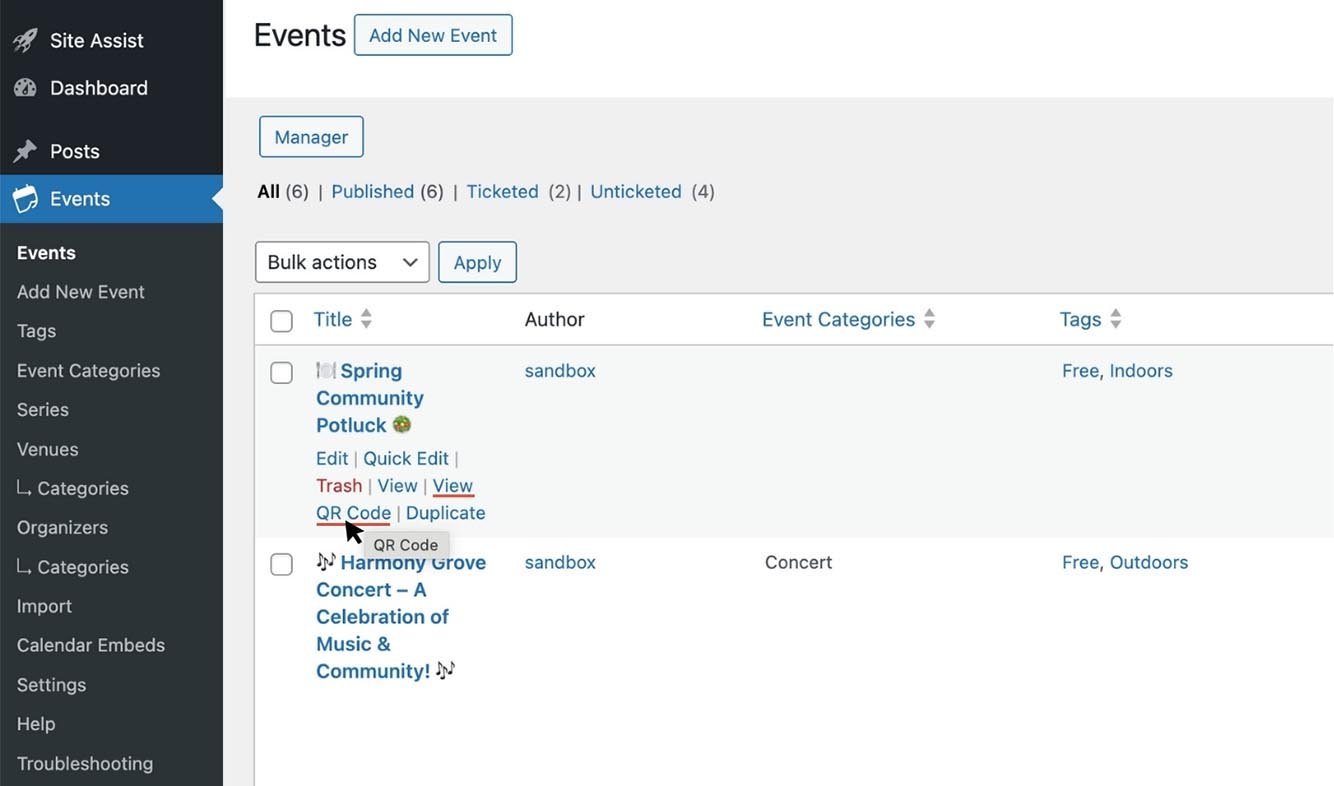
A popup will appear in the middle of your screen. Download the PNG by selecting the size (if different than the default) and hitting the Download button.
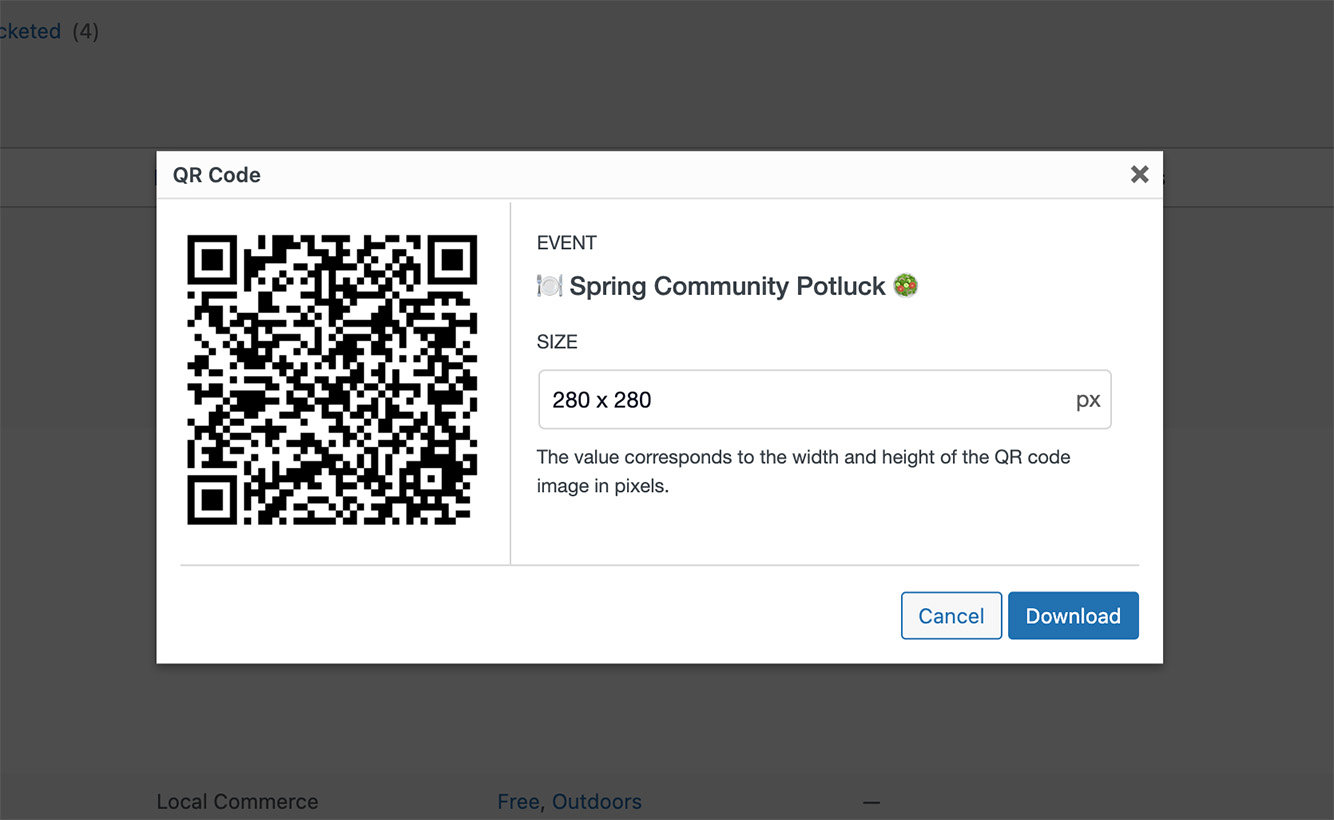
Event QR codes can also be found on each event’s editor screen.
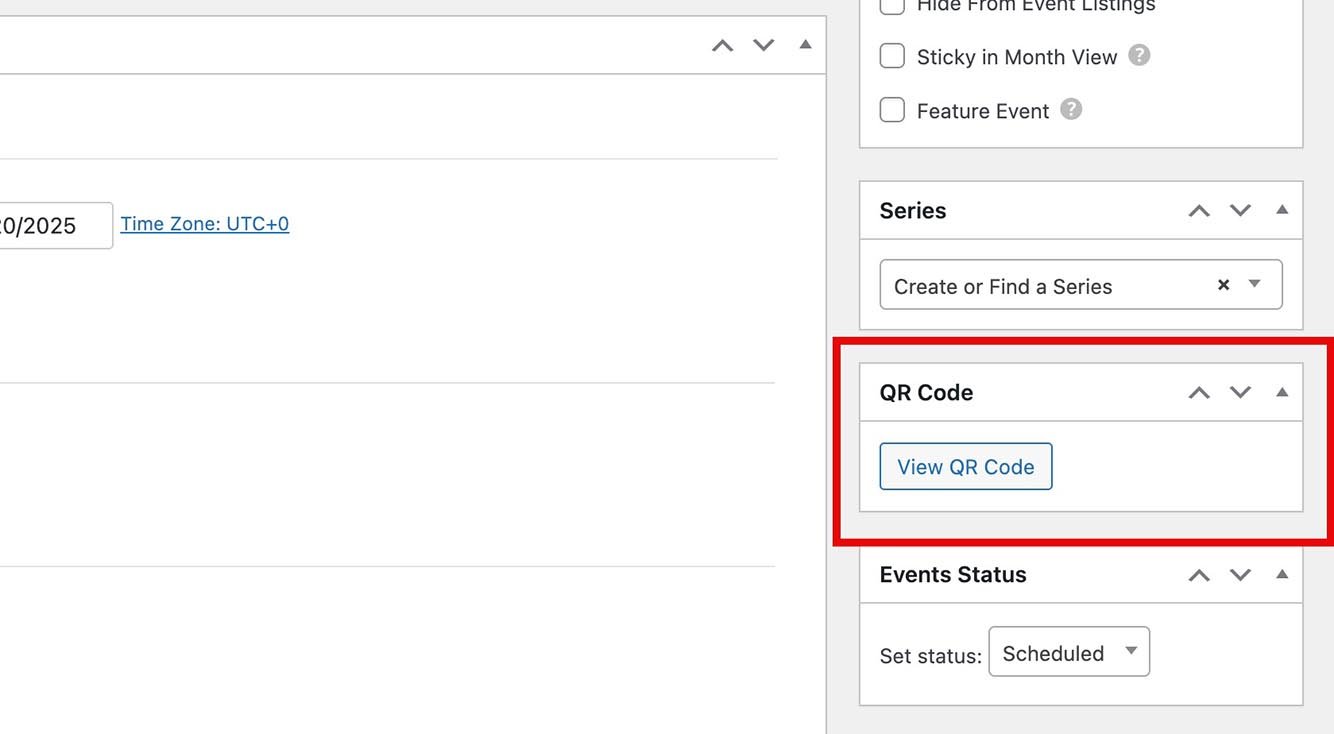
The two other areas Events Calendar Pro users will find QR codes available are under Events → Series and the editor screen for each series, same as the above example for single events. These QR codes are dynamic, which means the destination of the QR code changes over time. After each event in a series passes, the QR code will begin re-directing to the next event in the series.
QR Code Block, Widget, and Shortcodes
There are some use cases in which you may want to use an event QR code on your website itself. You may be presenting or displaying your site on a large screen, for example. In those instances, you can use our new events QR code block, widget, and shortcodes.
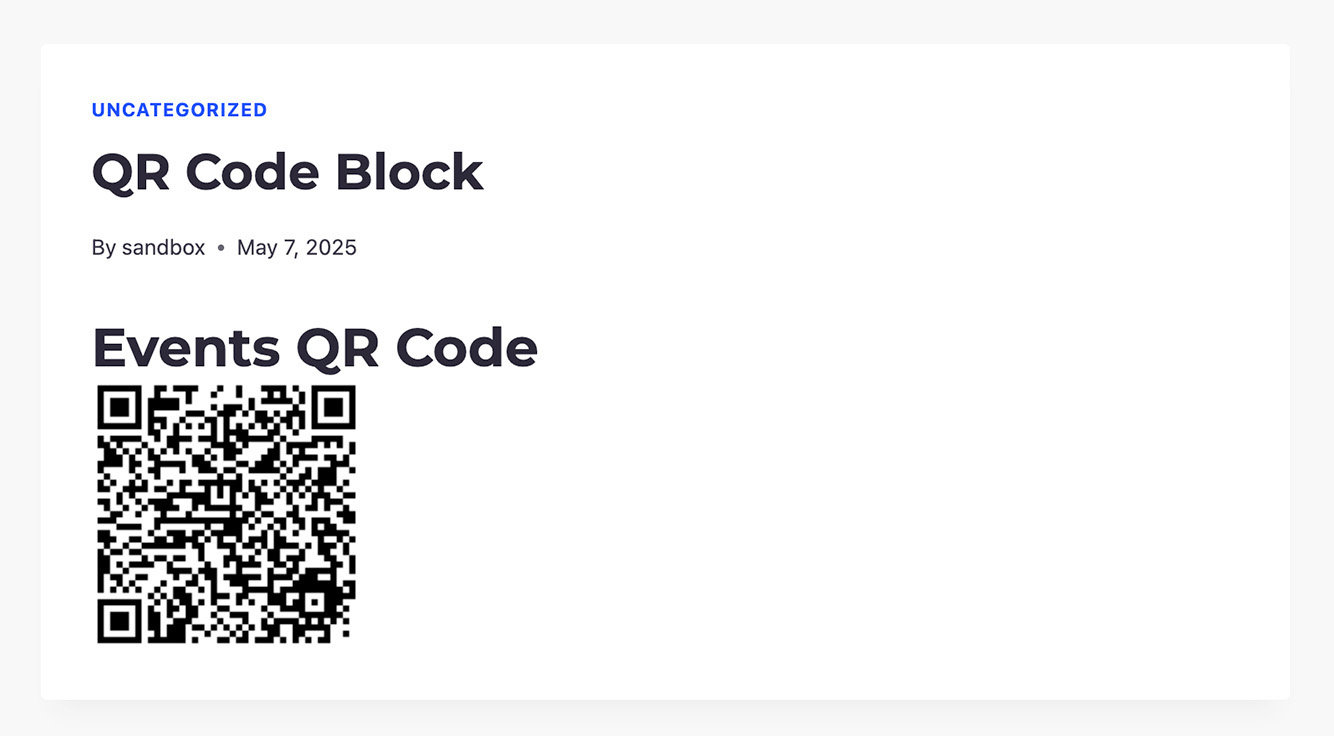
Event QR Code Block
To add an Event QR Code to a page or post, add the Event QR Code Block.
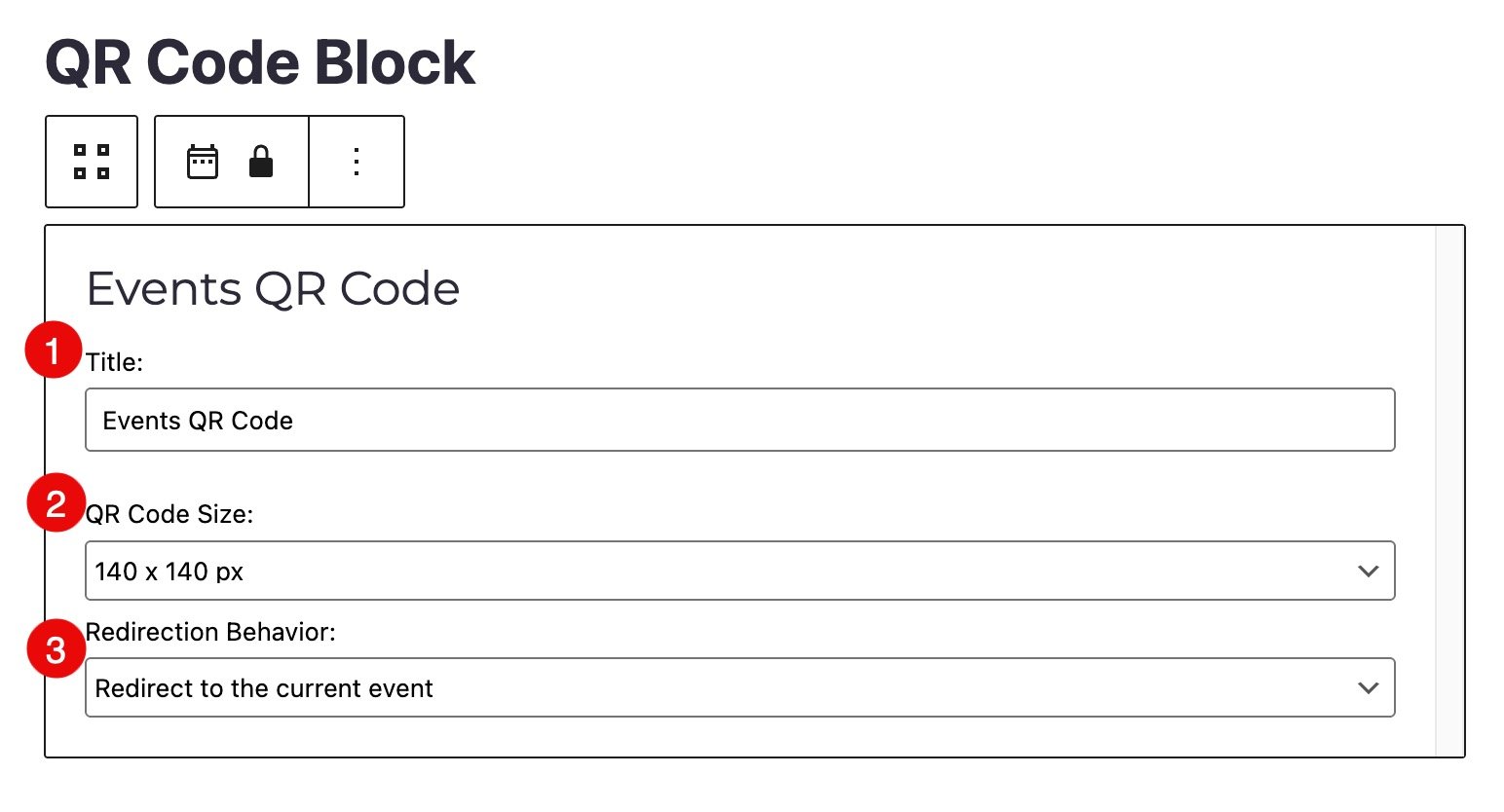
You’ll be able to:
- Give your QR code a title
- Set its display size
- Choose where the code redirects to when scanned
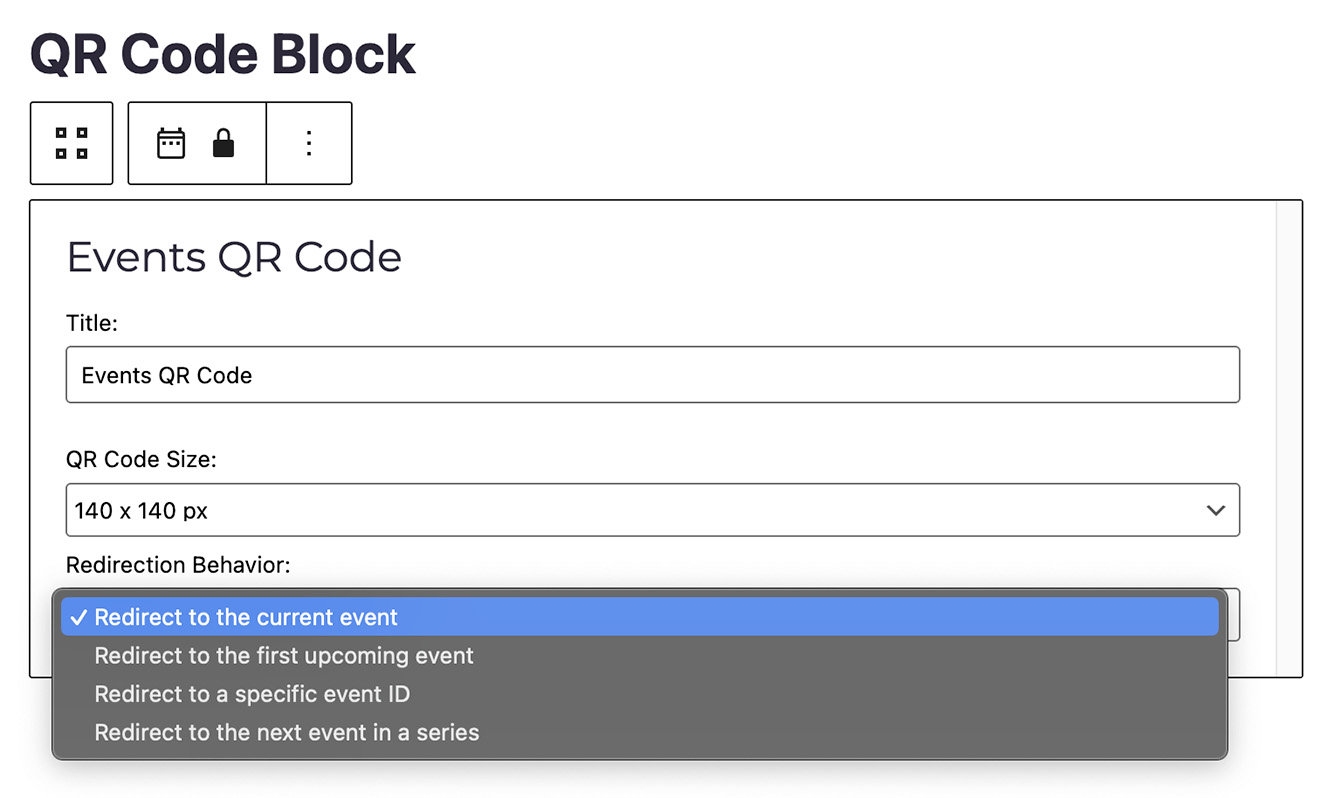
There are a few redirection options to choose from:
- Redirect to the current event: send users to the event that is currently happening. If there isn’t one, send them to the next future event.
- Redirect to the first upcoming event: send users to the next future event on the calendar.
- Redirect to a specific event ID: send users to a specific event you’ve selected.
- Redirect to the next event in a series (Pro feature): send users to the next recurring event or event in a series.
When you choose either of the last two options, a second dropdown will appear where you can choose the event you want to redirect to.
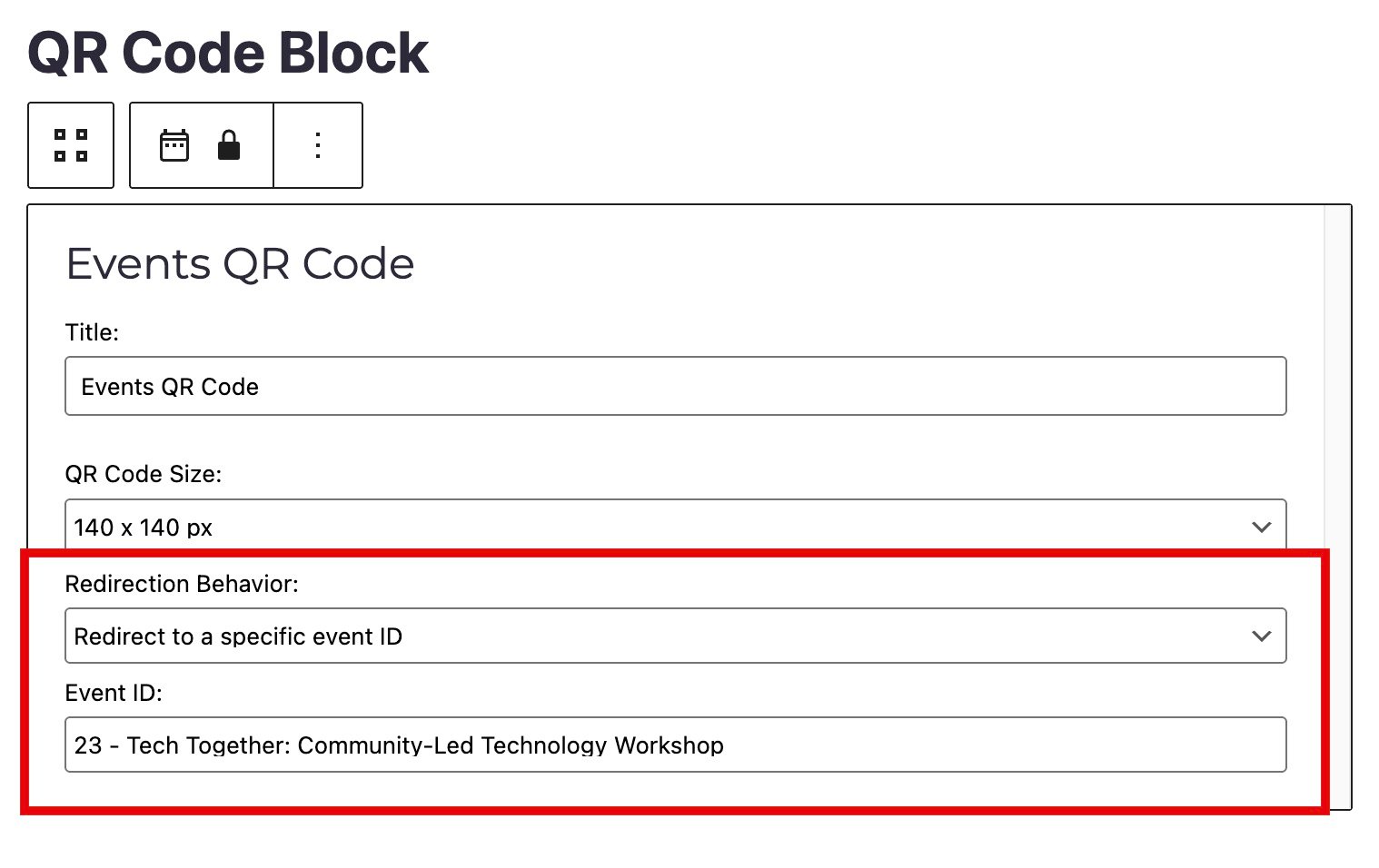
Once the Event QR Code Block is configured and saved, you’ll have a custom QR code on your website!
Event QR Code Widget
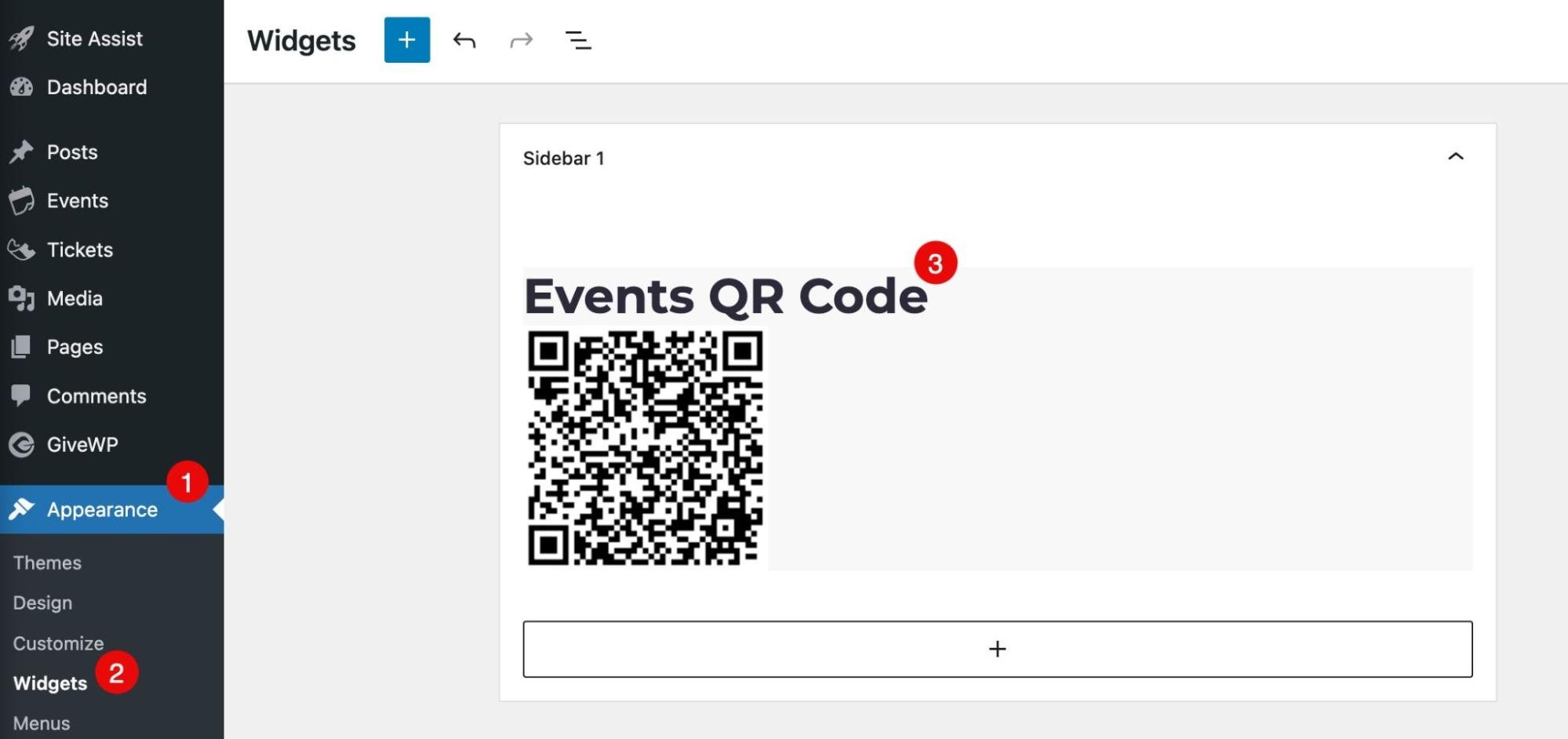
Our widget is just like the block. You can access it by navigating to Appearance → Widgets and then adding the Events QR Code wherever it makes sense.
Event QR Code Shortcodes
You also have the option of using a shortcode.
[tec_event_qr mode=specific id=216 size=16]The shortcode can be modified in a few specific ways:
- mode: current , upcoming, specific, next.
- Id: if specific mode then it’s the event id and if next mode, then it’s the series id.
- size: integer from 1 to 28 (steps of 35px).
Pro Tips for Marketing QR Codes
Here are pro tips to make your QR codes effective:
- Test it first: Make sure your code links to the correct event page! Nothing kills momentum like incorrect links.
- Place them strategically: Near entrances, registration tables, or session doors– anywhere someone might pause or notice. Think beyond paper, too. QR codes work great on social media posts, digital signage, receipts, name badges, and merch!
- Pair with a call to action: Use action-oriented language. A QR code with a CTA like “scan to register” or “get the full schedule” can increase engagement.
- Combine with other channels: Use them in tandem with email, social media, direct mail, or packaging. QR codes shine when they’re part of a broader campaign, not the entire strategy.
Ready to Add Scanning to Your Event Planning?
QR codes are your new event sidekick. Let the QR codes do the heavy lifting by connecting your people to all your event details. Less printing, less friction, more engagement.
So go ahead: share, scan, and simplify. Your future events (and your attendees) will thank you.
We’ve got even more exciting features on the way, so don’t miss a beat. Subscribe to our newsletter and stay in the loop!
In Case You Missed It 🔍 👀
We’re always working to make our product suite better for you. Below are just three, recent examples, of new features we’ve released that bring new functionality to our products while making your life easier. To see all major feature and product releases, check out our full news feed. If you’d like to see all product updates, including maintenance and security releases, you can find that information in our release notes.
Embed Your Events Calendar on Any External Website
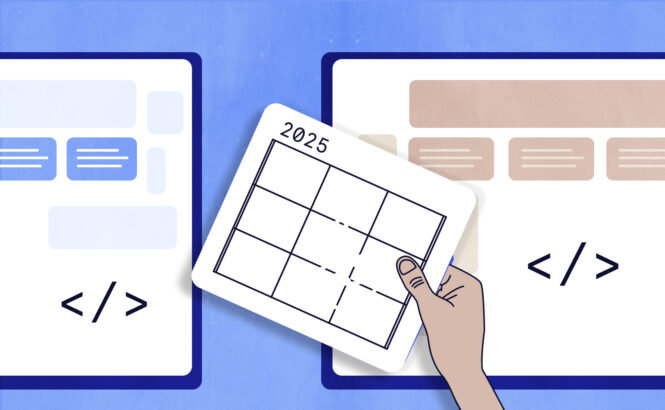
You can now easily share your full events calendar beyond your main site! With our new embed feature, you can place your calendar on any external website to boost visibility.
Offer Discounts and Increase Sales with Event Tickets Coupons
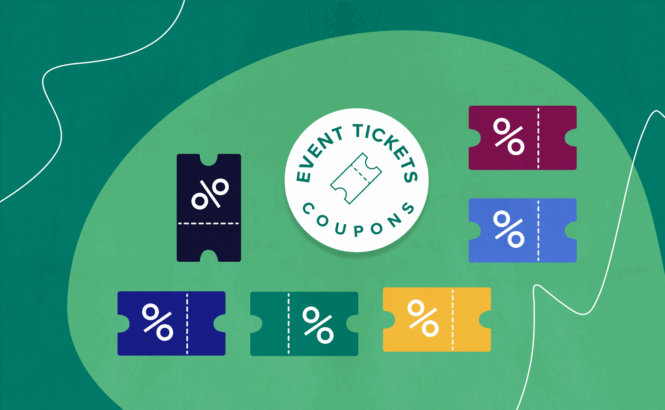
Give your attendees a little extra incentive to click “buy.” Our Event Tickets Coupons feature lets you create and manage discount codes directly within your dashboard. It’s a great way to drive ticket sales and reward your audience.
Seating is Compatible with WooCommerce
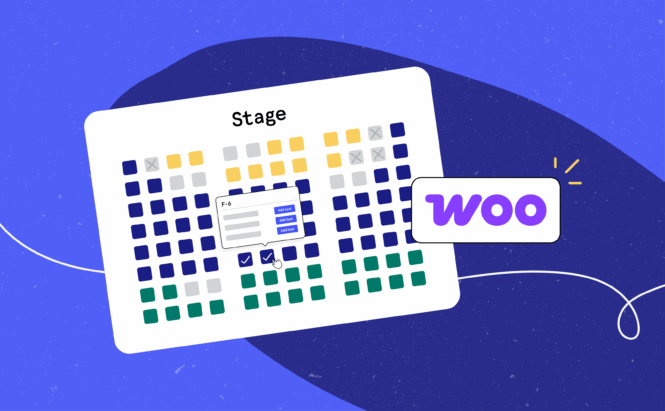
You asked, we delivered! Seating now fully integrates with WooCommerce. Sell tickets, choose seats, and process payments with WooCommerce—no add-ons or workarounds required.

Sarah
View author page