New Filter Bar Enhancements Are Here!

Estimated reading time:
1 minute
Filter Bar is one of our most popular add-ons because it helps site visitors cut through the noise of a busy calendar to find just the events they’re interested in. We’re happy to announce that this week, it just got better. Our most recent release includes two new, highly requested filters that will make navigating your calendar easier than ever.
What’s New?
We’ve added two new Filter Bar filters you–and your site visitors–are going to love:
- Date range: Users can now filter events by a date range, viewing just the events happening on the dates they’re interested in.
- Categories: Users can now select the event categories they want to explore, hiding everything else.
Let’s take a look at these filters in action.
Filtering by Date Range
To add the date range filters to your calendar, navigate to Events > Settings > Filters in your WP Admin. Under “Available Filters,” you’ll notice two new date filter options: “Date From” and “Date To.”

If you want to give users the ability to filter events from a specified date onwards, add “Date From” to “Active Filters.” If you want to allow users to filter events up to a specific date, add “Date To” to “Active Filters.” If you want users to be able to set a particular range, such as “from this date to that date,” add both.
When you’ve made your desired changes, click “Save Changes.” On the front end, users can now sort events by a date range.

Filtering by Categories
To add event category filters to your calendar, head back to the filters setting page and select “Event Category” under “Available Filters.” Under “Active Filters” you will now have some options to configure, such as filter title, display type, and most importantly, which categories you want to display.

By default, the category filter on the front end will appear as a dropdown that contains all event categories.

However, as a site admin, you have the option to select which categories appear as well as the type of display: dropdown, checkboxes, or multi-select checkboxes.

Look out! We’ve got another filter on the way!
There’s one more filter we’ve been working on that didn’t quite make it into this release, but we can’t help but tease now: Sold Out Status. This filter will allow users to hide events that are sold out, removing listings for events that aren’t an option for them to attend anyway, and clearing the way for other events to be more easily discovered. Our team is hard at work finalizing this feature and we can’t wait to get it into your hands.
In Case You Missed It 🔍 👀
We’re always working to make our product suite better for you. Below are just three, recent examples, of new features we’ve released that bring new functionality to our products while making your life easier. To see all major feature and product releases, check out our full news feed. If you’d like to see all product updates, including maintenance and security releases, you can find that information in our release notes.
Category Colors Now Included in The Events Calendar!
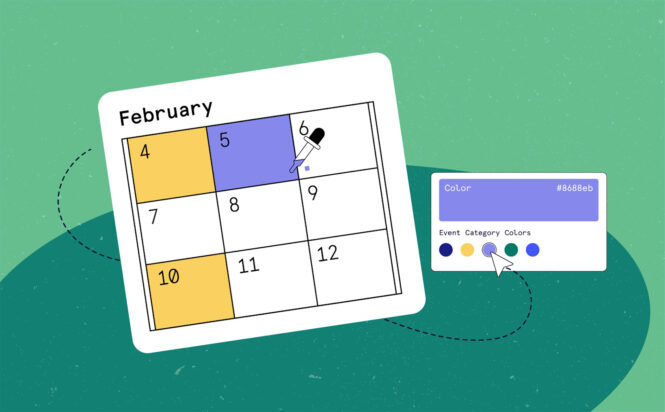
Color-coding is a fundamental aspect of productivity design for a reason, it works. By adding color-coding to event categories, users will discover the events they’re interested in more easily, and you’ll enjoy higher community engagement.
Ticket Presets Have Arrived! Save Time, Reduce Errors, & Improve Consistency with this New Event Tickets Plus Feature
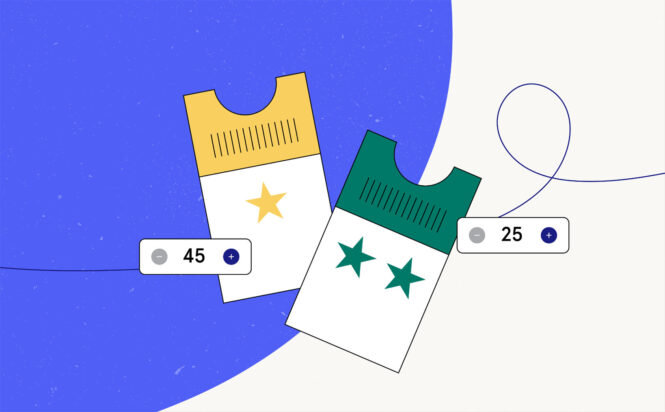
Ticket Presets make it easy to streamline your event setup by letting you save and reuse ticket configurations. Instead of building the same ticket types from scratch every time, you can create presets once and apply them to future events with just a few clicks, ensuring consistency and saving valuable time.
Announcing Our New Event Tickets Square Integration!

With our Event Tickets Square Integration, you can sync your online ticket sales with your Square point of sale system. Tickets sold online through our platform will automatically reflect in your Square system, and vice versa.

Nathan
View author page