Featured Calendar: Kneads Bakeshop

Estimated reading time:
1 minute
Kneads Bakeshop isn’t just about delicious pastries and freshly brewed coffee; it’s a place to create memorable experiences. This month, we’re looking at Kneads Bakeshop’s event calendar. They offer everything from seasonal events to baking workshops that help you unleash your inner pastry chef. With their fresh lineup of events, you’re certainly lucky if you can attend one!
Whether you’re a seasoned foodie or just looking for something fun to do with friends, Kneads Bakeshop offers an event for you. Let’s take a look at their calendar!
A Taste of What’s on the Calendar
Every month, Kneads Bakeshop brings a range of events that cater to all ages and interests. Some of their event categories include:
- Baking Classes and Workshops: Whether you’re a beginner or an expert baker, Kneads Bakeshop offers classes to help master the art of baking. Past workshops have covered everything from bread-making techniques to decorating cakes.
- Seasonal Events: They know how to get into the holiday spirit! Kneads Bakeshop throws seasonal events that are fun and festive. Previous events have included halloween sugar cookie decorating classes and ugly Christmas sweater parties.
- Community Experiences: They host general community events perfect for bringing together family and friends. One of their fan favorites is a tea party, where you sip tea and catch up with the best friends in your life.
Kneads Bakeshop offers an amazing range of events. If you run a bakery or cafe, drawing inspiration from their events could be a great way to build stronger connections with your customers.
The Main Events Calendar
Now, let’s see what’s working well on their calendar and where there’s room for some tweaking.
Design
When it comes to the overall design, Kneads Bakeshop has done a great job of keeping things simple and on brand. The calendar is seamlessly blended into the website design, making for a good user-experience. Plus, the simple permalink (www.kneadsbakeshop.com/events) is something we recommend for all calendars.
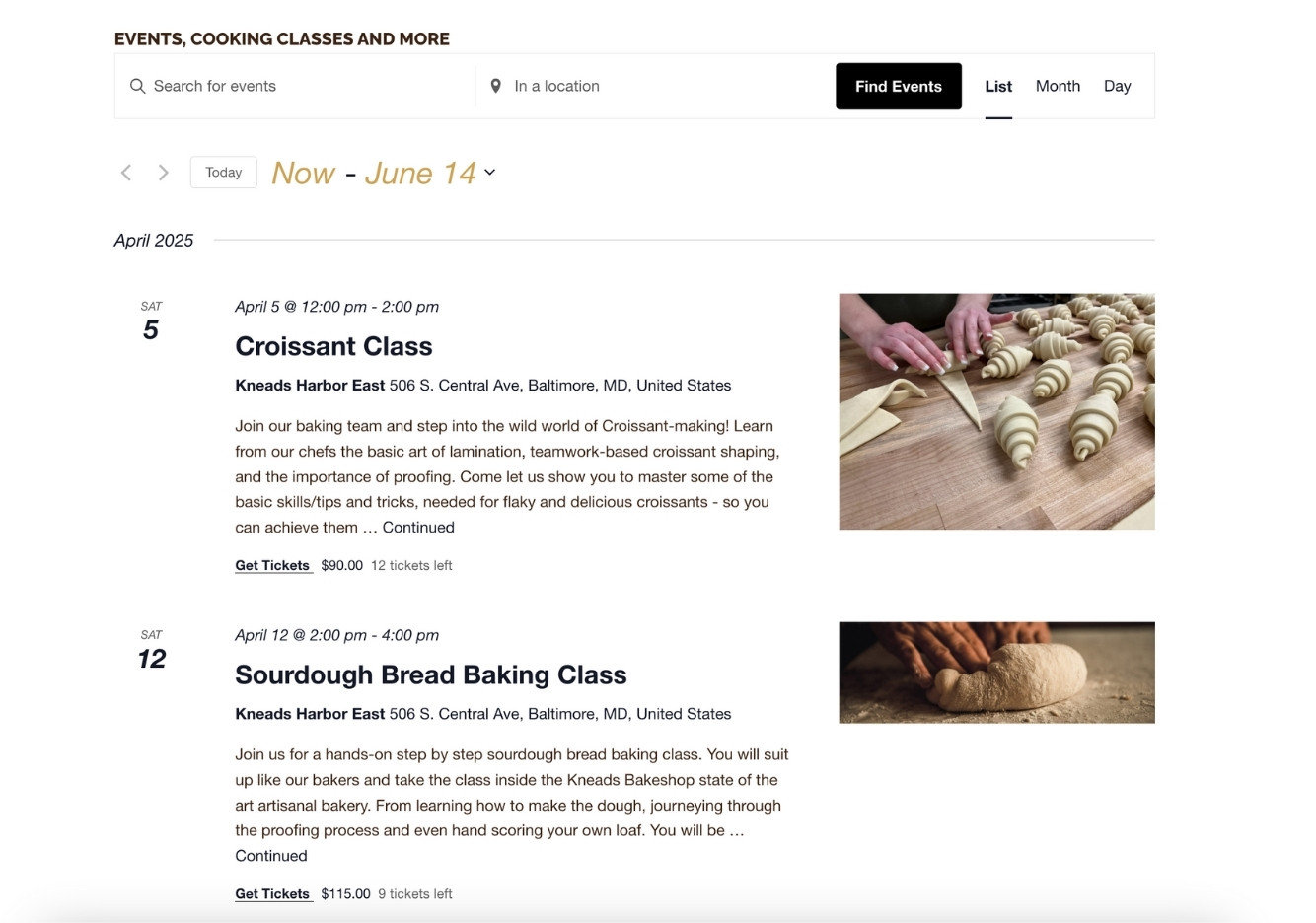
However, there are a few design elements worth discussing. For starters, the Archives – Events section at the top feels a bit out of place. Also, the varying image ratios make the page a little distracting. Which leads us into the next topic: featured images!

Featured Image
We do recommend consistent image proportions to limit distractions and make a more cohesive page. If they were to adjust the aspect ratio of the images, it would go a long way to the overall aesthetic of the page!
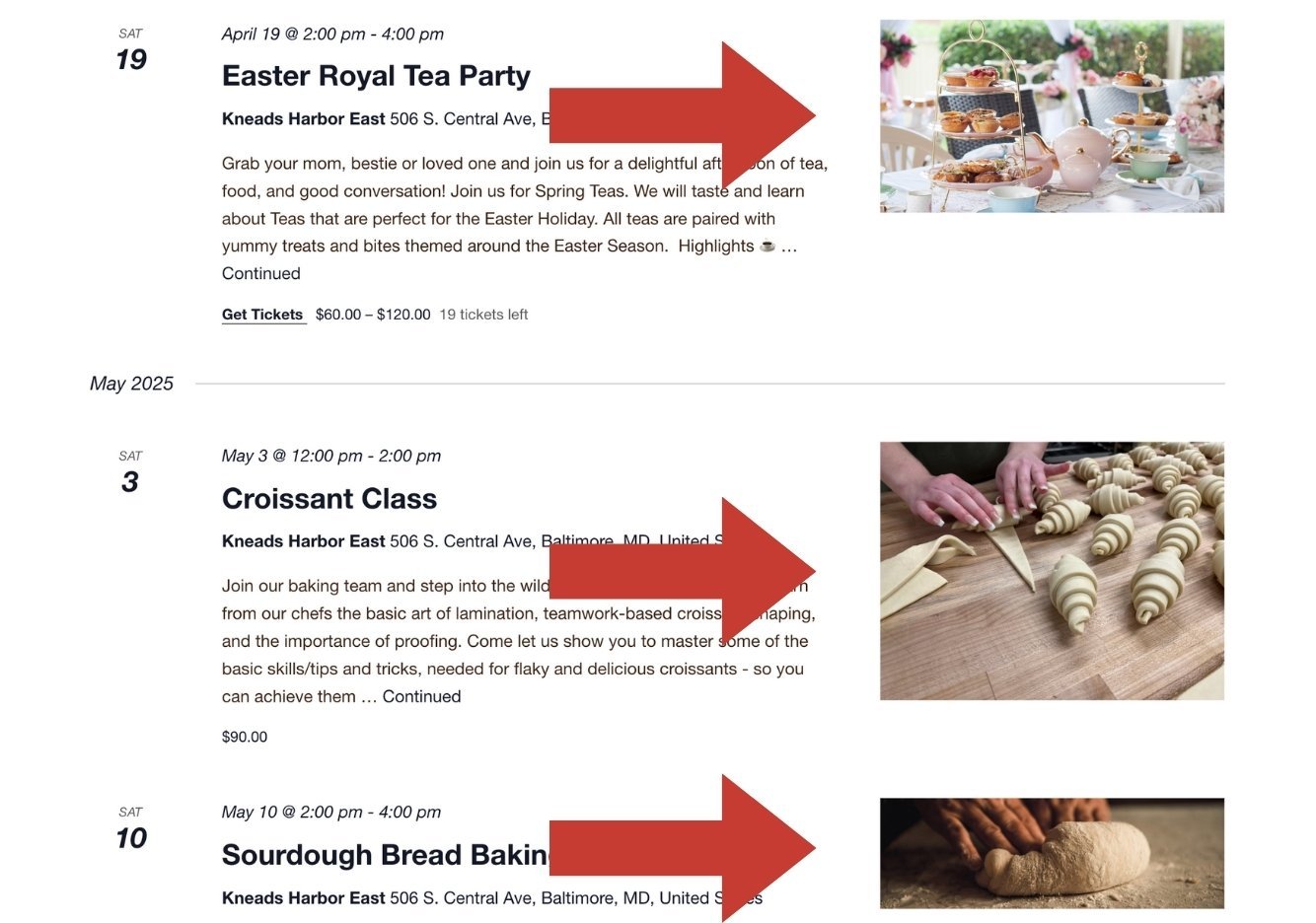
There’s also a lot to love about the featured images, of course! The colors are perfectly aligned to the brand. Each image also gives a great glimpse into the event itself, helping users get excited about what’s coming up and bringing an extra pop to the calendar.
Navigation
This calendar has navigational elements to help users find what they’re looking for. The search bar allows users to find specific events or activities. Plus, you can search for events based on location (another great feature of Events Calendar Pro.) These additions are simple and clean, blending seamlessly into the calendar as a whole.

Views
While this calendar offers a few different calendar views, the default list view is a great choice. Seeing the featured images adds visual appeal and makes browsing through events more engaging. For those who prefer a different view, there are also monthly and daily views available.
Easy to Find Calendar
One of our favorite features is how easy it is to find the events calendar on their website. The Events & Classes menu tab is front and center. A clearly visible calendar naturally drives more traffic, which is why we highly recommend adding it to your menu!

The Single Event Page
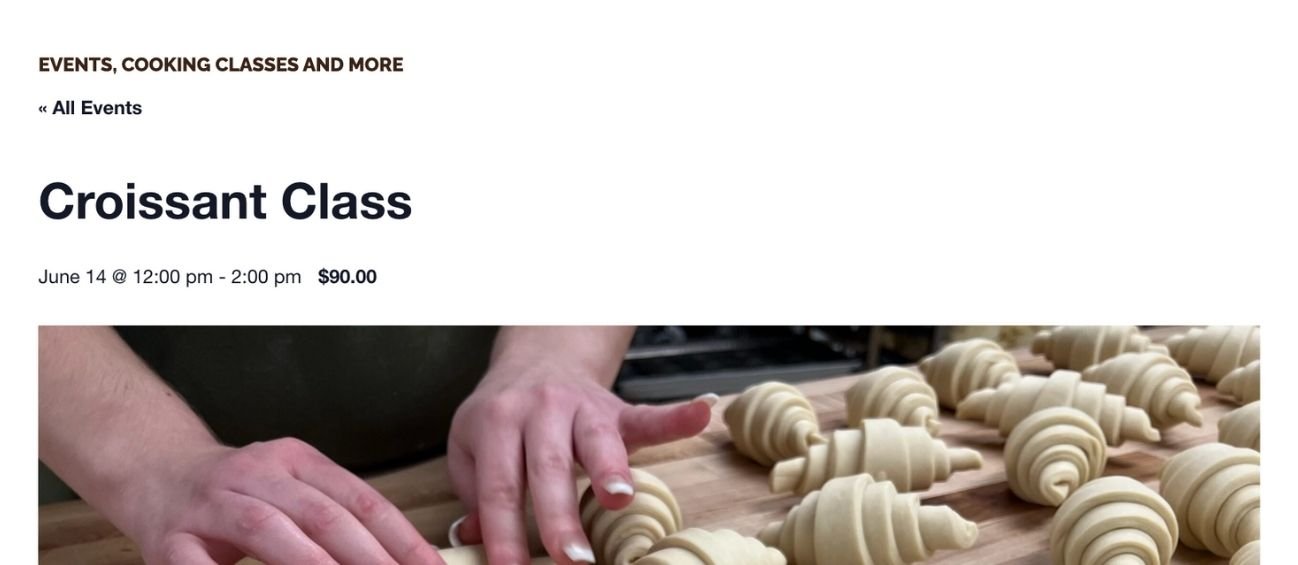
From the main events calendar, clicking on a single event page is easy. Let’s dive into what the Croissant Class has in store for us. There are some great details on this page. Let’s just say that if I lived closer, I would 100% sign up for this class!
What We Love
Event Descriptions
First, we appreciate how clear and concise the event descriptions are. They provide all the key details without overwhelming you with too much information.
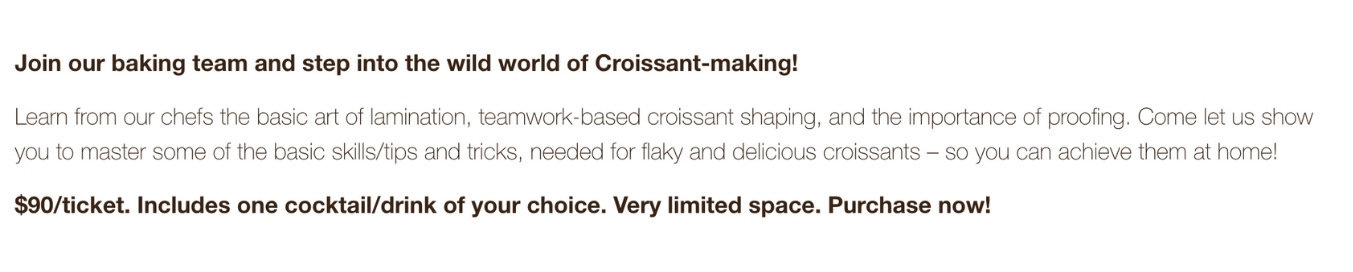
Seamless Integration
We also are loving how seamlessly the calendar integrates into the website’s overall aesthetic. It feels like a natural part of the site, blending beautifully with the design. It’s a great example of form and function working together!
Ticketing
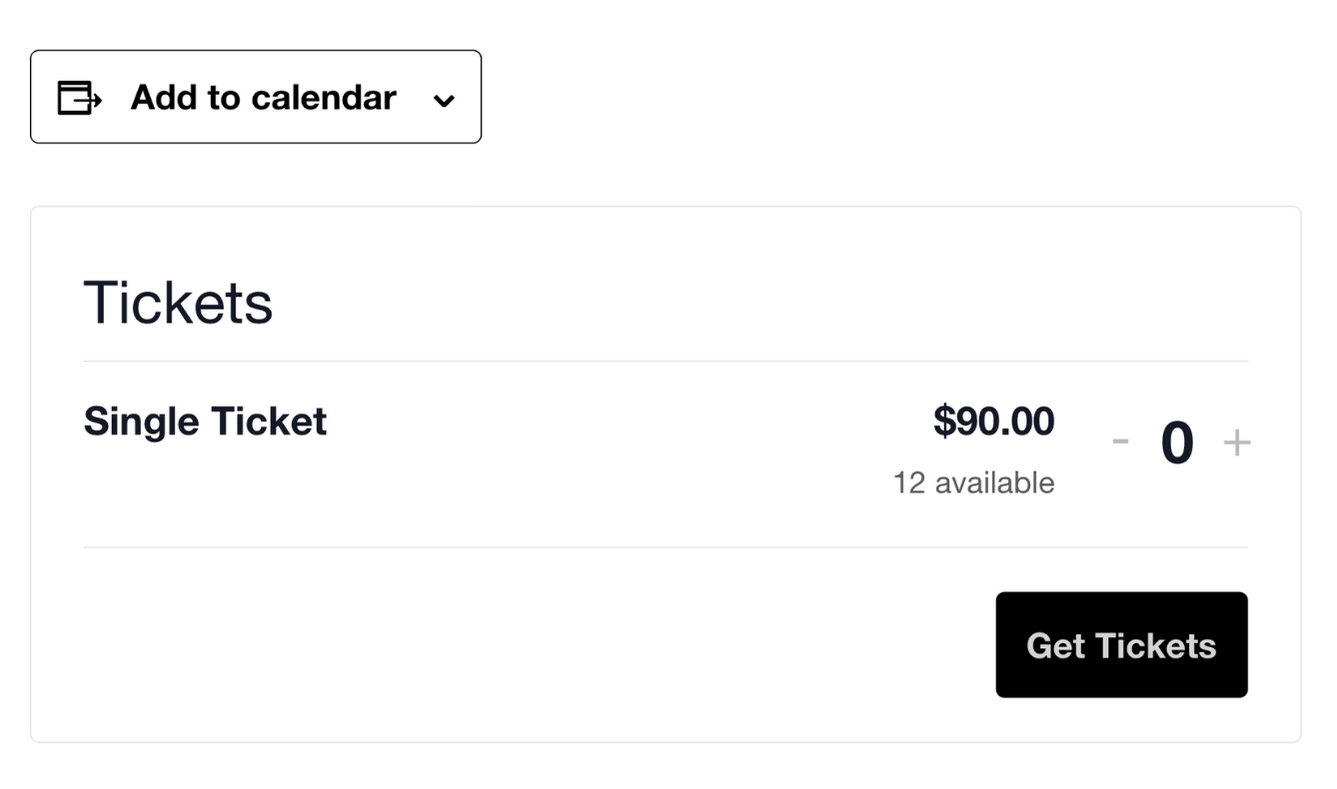
Ticketing fits perfectly onto the page thanks to Event Tickets Plus. Grab tickets with a quick and easy checkout. Just add your name, email, and payment, and you’re done!
Emojis
Adding emojis is a great way to draw attention to key details. On some single event pages, the use of emojis adds a fun and helpful touch, highlighting important information effectively.

Possible Improvement
Featured Images
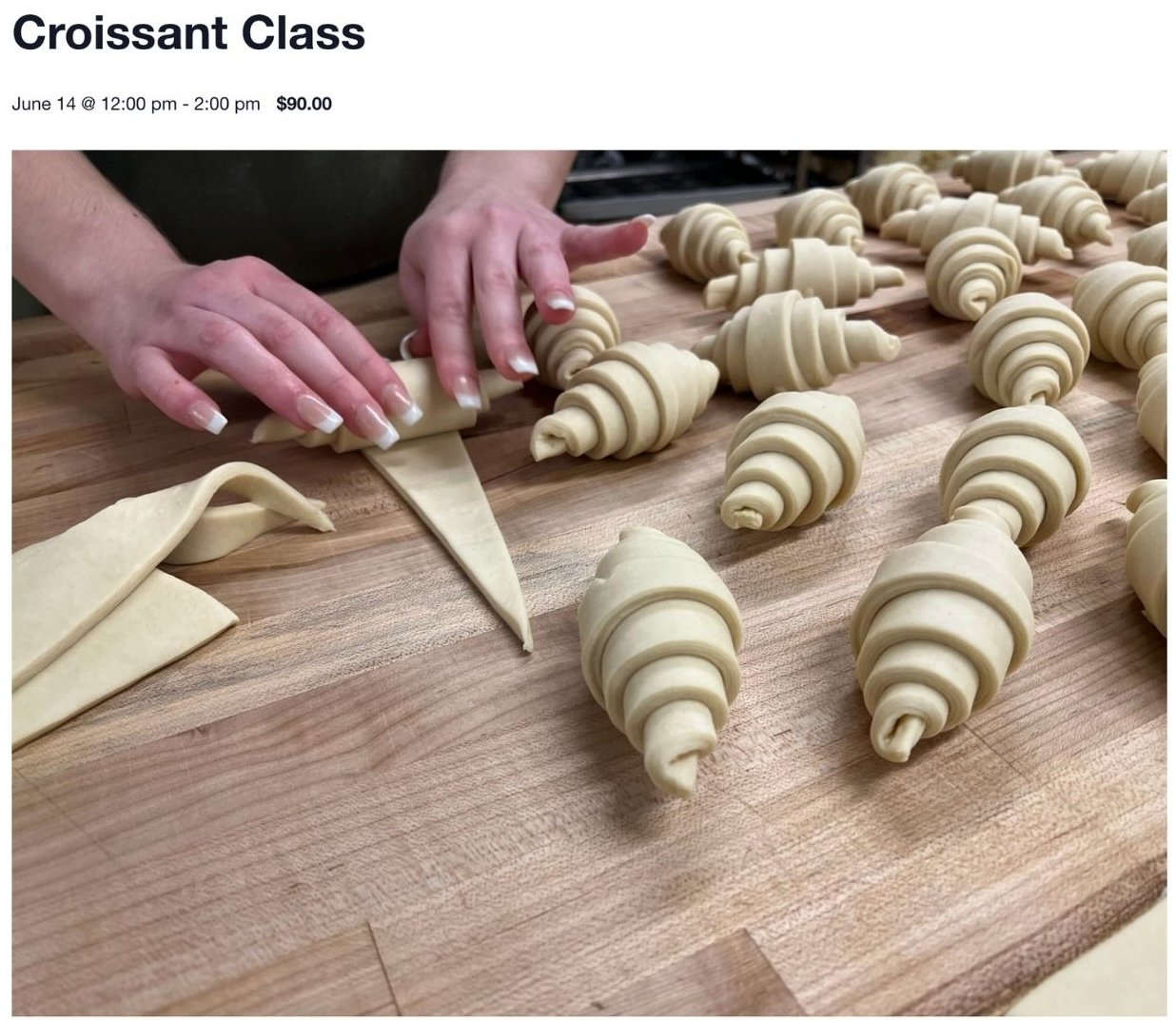
Although they select great featured images that offer a fantastic preview of the event, their large size makes the page feel somewhat crowded. Reducing their size or adjusting the ratio could help balance the layout.
Font
The font size also feels too big in certain sections, which can be a little distracting. Some of the fonts are also harder to read (such as the headers below), especially on smaller screens. Switching to a clearer, more legible font could improve the user experience.

These small adjustments would make the calendar even more user-friendly and visually appealing. Let’s do this!
The Events Calendar is a Recipe for Creating Memorable Experiences
Kneads Bakeshop’s event calendar is a fantastic tool for both the bakery and its customers. The calendar is easy to navigate, beautifully integrated into the website, and showcases a variety of fun and engaging events. From baking classes to seasonal celebrations, there’s something for everyone to enjoy.
While there are a few tweaks that could enhance user experience, the overall calendar is seamless and inviting. Kneads Bakeshop has done a great job blending functionality with their aesthetic, and we love how the events calendar brings both value and excitement to their website.
Did you know getting started with an events calendar doesn’t have to cost you anything? The Events Calendar is free in the WordPress plugin directory. Just install, activate, and start customizing– it’s as easy as pie! But if you’re looking for more customization, we have just the products for you. Check them out!

Sarah
View author page