Forum Replies Created
-
AuthorPosts
-
Joseph Coppola
ParticipantOk thanks!
1. For now duplicates seems to be fixed. Will know more as the import runs daily.
2. The TZ problem is not 100% fixed. Spurious events are not being TZ corrected
3. Since this site is now live I am no longer able to change the theme to see if its fixed. However I can’t imagine the theme has any effect.Lastly, I need someone to work through this issues… waiting 12 or 36 hours between replies is super inefficient.
ParticipantYes all events have the same timezone on the source calendar. If you look at the iCal file you will see the time of the event follows the same time as the rest of the events however that one event time doesn’t get corrected by the TZ settings.
Please note this happens on other events… http://www.grymesschool.org/events/2016-02-09/ See the 11p event
ParticipantOk I was able to get some of this fixed by using SQL to delete all of the “tribe_events” and “deleted_event” post types removed. And re-setting the TZ setting (using city) PRIOR to the import. It seems changing the TZ setting on the site causes issues.
But now only SOME of my events are not showing the proper time. For example:
http://www.grymesschool.org/events/2016-02-09/Shows event 5th & 6th Grade Boys Basketball vs. Madison at 11p when its really supposed to be at 6p. Yet all the other event have the proper time. The feed for this event is here: https://api.veracross.com/grymes/v2/events.ics?event_types=17,18,19,20,21,22,24,27
Please help! I need a fix immediately.
ParticipantThis reply is private.
ParticipantAlso this is the other thread I was posted on
ParticipantThis reply is private.
ParticipantActually I have deleted the events using a SQL command… however it does seem to work now that I optimized the DB
ParticipantI am having the same issues with timezone and ICAL import.
In the ICS file the events are all GMT-O time zone. However even though my site is set to GMT-5 it displays the events as GMT-0
For example. In the ICS file Event One has a STARTDATE as 20160202T210000Z (which is 9p GMT0) however the event really occurs at 4pm which should be GMT-5.
Please let me know how to get the timezones working properly.
ParticipantOk. I have tried this numerous times… I deleted all the events from the calendar… and now when I try to re-import the events its not bringing in ANY events.
Even if I do a one-time import and click SEARCH it says “Your search returned no results. Please adjust your search.”
ParticipantAny update on this? There seems to be lots of posts about duplicating events and no resolution. EVen this topic hasnt been updated in almost a week.
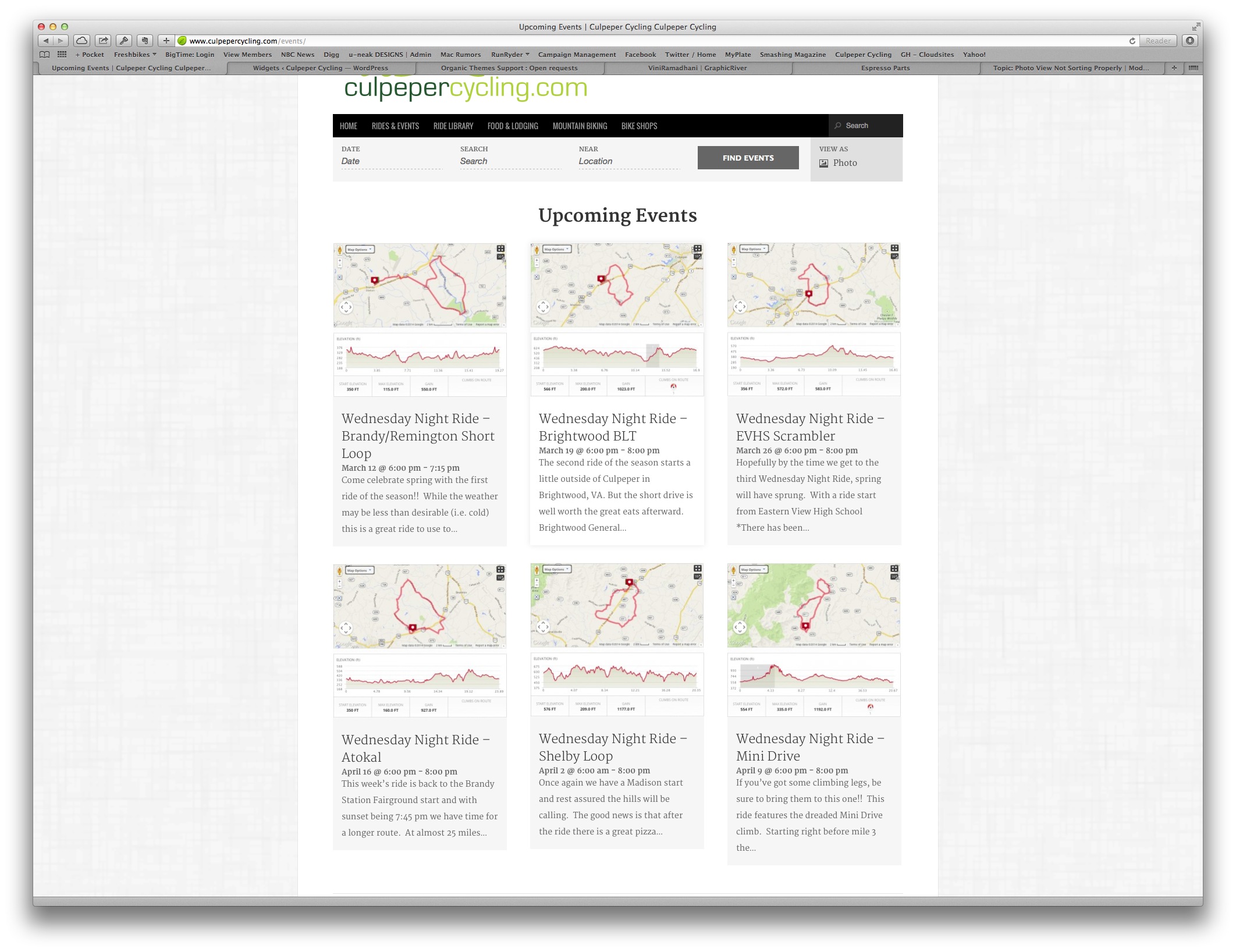
ParticipantParticipantSee this screen cap for the out of order.
http://s3.amazonaws.com/CulpeperCycling/Website_Content/CueSheets/ScreenCap-1.jpgParticipantThe whole reason I purchased the PRO version is for this layout. Nowhere in your sales documentation does it state you cannot control the order of items in photo view. And it makes NO sense why that it would be random. If I wanted to code a completely new view I would have went with another plugin.
ParticipantOk. So then the post I linked to was wrong? That post said it would return the featured image… not a formed link.
Since Im not a WP developer any chance you can tell me what the right code would be to display the featured image with a link to the Event URL?
ParticipantIt keeps cutting off my code… not sure how to paste code in here.
-
AuthorPosts