

Forum Replies Created
-
AuthorPosts
-
Lance
ParticipantHmmm. This may seem dumb, but I don’t know what Sharedaddy is. Does it have to do with Jetpack? In any event, in order not to appear dumb, I’ve been trying to find out. I looked at the Settings –> Sharing menu. There, under “Sharing Buttons,” I found a list of “Show button on” options. Among those options, I saw “Events,” “Venues,” and “Organizers.” I noticed that neither “Venues” nor “Organizers” was checked. Checking them seems to have solved the problem.
Are those three options added to the Jetpack sharing plugin by The Events Calendar (Pro)?
Thanks, as always!
ParticipantHmmm. Seems to have fixed itself. Strange . . . .
ParticipantI’ve looked into creating a development site, for example
https://codex.wordpress.org/Running_a_Development_Copy_of_WordPress
Looks tricky and time-consuming. What about just making a complete backup of my site before hitting the “update now” link for TEC Pro?
And, would I be correct in assuming that I should update the basic “The Events Calendar” plugin first, then the “Pro” add-on?
Would it make any sense to deactivate both or either before updating?
Thanks! Lance
ParticipantOK, it seems we have a fix, and a fairly simple one at that. Josue at Kriesi.at entered some code in my Code Snippets plugin that did the job. See:
http://www.kriesi.at/support/topic/the-events-calendar-pro-title-page-problem-w-enfold/#post-448556
The “fine folks over at Kreisi” came trough. Thanks to them, and to you, Geoff.
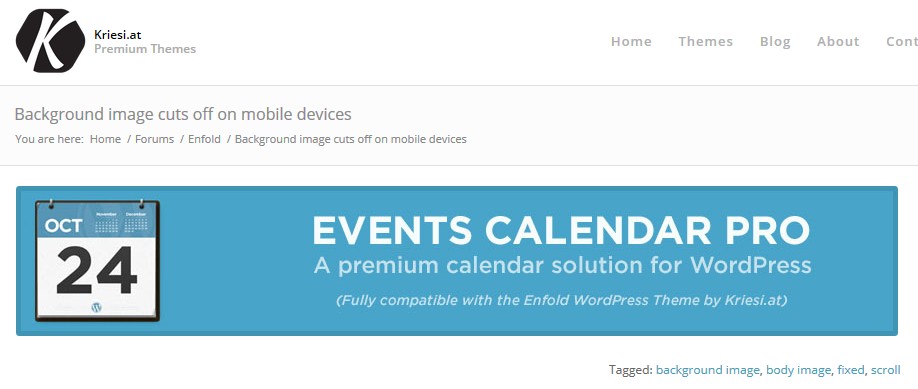
ParticipantHere’s a screen capture of a banner ad that appears randomly, with two others, at the top of topics in the Enfold forums:
 Participant
So far, I have no response from Kriesi.at. Further frantic searching revels that this is a long-standing problem, going back to TEC v. 2.0. I’d really appreciate some real help on this, given that you are advertising TEC Pro as “fully compatible with the Enfold Theme by Kriesi.at”
Is this a solution?
https://theeventscalendar.com/knowledgebase/calendar-page-shows-event-title/
ParticipantThanks, Geoff. That code snippet is for the Kriesi.at Replete theme. I can’t figure out how to enter it in the Enfold theme. I have left a query on the Kriesi.at Enfold forum.
Curiously, there was a banner ad at the top of the topic I started advertising The Events Calendar Pro as “Fully compatible with the Enfold theme by Kriesi.at.” I’m waiting to see about that . . .
ParticipantThanks, Barry. It seems to me that, retro as it may be, there are many folks in corporate, educational, and other company environments that “still” use “legacy” desktop Outlook.
In any event, see:
In any event, keep up the good work!
ParticipantAccording to Andy Fragen’s website:
You would only need this plugin if you use The Events Calendar and your users only use Outlook for their calendar app. If your users don’t use Outlook then using this plugin may have deleterious effects when importing events into Google Calendar or Apple’s Calendar
Is there a solution for this that does not break functionality for non-Outlook users? There can’t be many environments in which “users only use Outlook.”
-
AuthorPosts