
Home › Forums › Calendar Products › Events Calendar PRO › Organizer not saved when editing an event
- This topic has 19 replies, 4 voices, and was last updated 9 years ago by
Hans-Gerd.
-
AuthorPosts
-
March 14, 2017 at 12:10 am #1253684
Hans-Gerd
ParticipantHi,
same issue here in described manner.More Informations in following private reply.
Cheers,
Hans-Gerd========================
PLEASE LEAVE FOR SUPPORT
Reporting the same issue as: https://theeventscalendar.com/support/forums/topic/some-organizers-wont-display-or-save/March 14, 2017 at 12:13 am #1253685ParticipantThis reply is private.
March 14, 2017 at 11:48 pm #1254257Hunter
ModeratorWelcome back Hans-Gerd 🙂
I am able to search our logged bug reports by forum threads, but nothing came up when using the URL of the issue you believe to be related. I notice in your System Information you have multiple versions of our plugins not updated to their current version.
Is it possible for you to update to the latest versions and attempt to reproduce the behavior? I also notice you indicated you have not reviewed the Testing for conflicts guide to see if a theme or plugin is the cause of conflict.
I also attempted to reproduce the behavior on my test site which has the latest versions of our plugins in addition to the default WordPress Twenty Seventeen theme, but I did not run into any similar troubles:
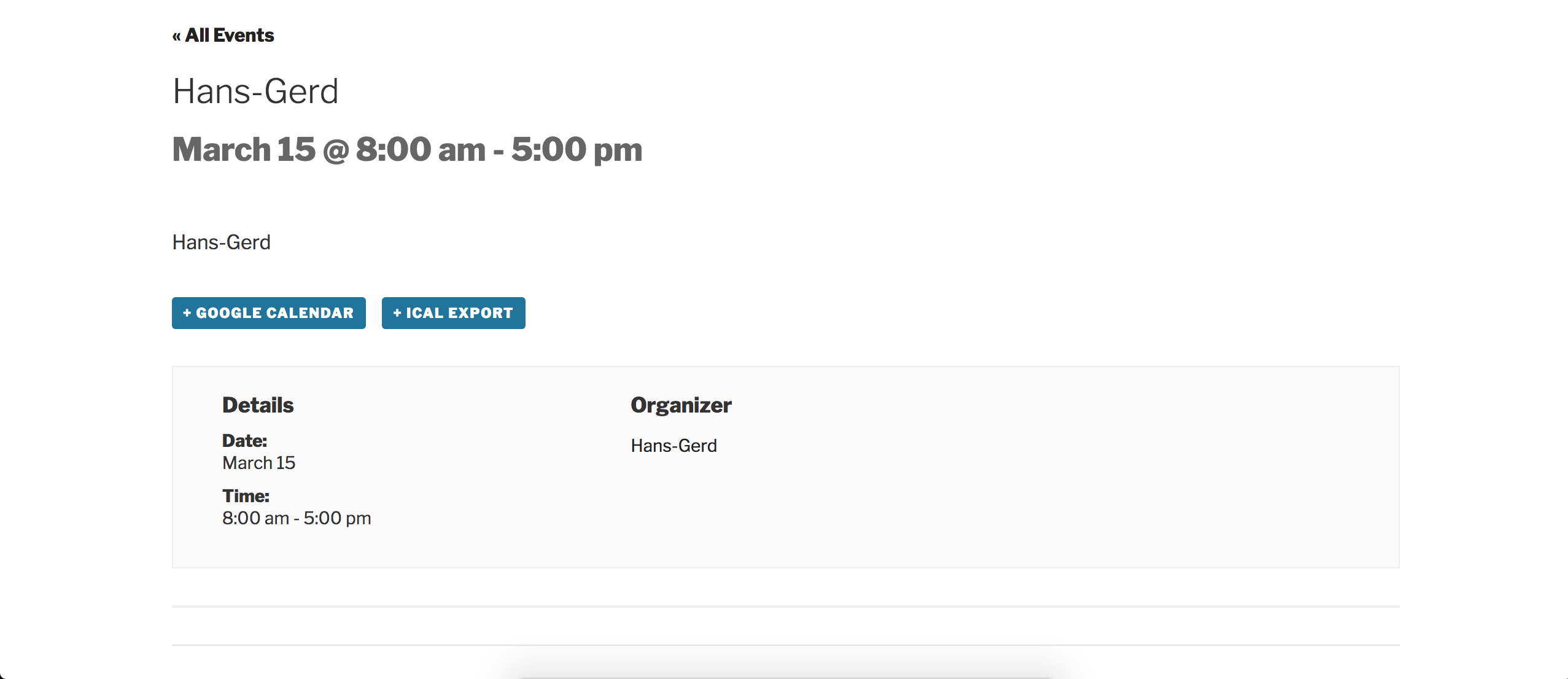
Front end of the event I created on my test site:
Edit event screen of the event after it was published:

Please keep me updated and enjoy the rest of your day. Cheers!
March 15, 2017 at 8:56 am #1254499ParticipantHi Hunter,
thanks for answer.
I will check this probably tomorrow and will back here again.For information: Reading the post on https://theeventscalendar.com/support/forums/topic/some-organizers-wont-display-or-save/ it is exactly the issue I described here.
Cheers,
Hans-GerdMarch 15, 2017 at 1:22 pm #1254715ParticipantHi Hunter,
now I checked the issue on our dev environment – unfortunately without success (same issue):- Switch to the Twenty Seventeen theme
- Disable all plugins except Tribe Events plugins.
- And of course I have cleared my browser cache
More Informations in following private reply.
Cheers,
Hans-GerdMarch 15, 2017 at 1:33 pm #1254721ParticipantMarch 15, 2017 at 5:16 pm #1254814ModeratorThank you for the update. Can you possibly check your database to see if there are multiple _EventOrganizerID entries for the event you referred to in your last response? I’m still unable to find any bugs I’m confident relate to your particular issue and am not able to reproduce the behavior on my test site. Additionally, Trisha mentioned she didn’t experience any similar issues while testing.
There is the potential a bug is present, but until I’m able to reproduce the behavior there is not much I can do. Please let me know what you find in your database and we’ll continue investigating. Thanks! Cheers 🙂
March 15, 2017 at 8:52 pm #1254864Mathew
ParticipantJust to add to the conversation. I have a ticket open, much like this one.
One thing to look for in the DB. Not only look for multiple _EventOrganizerID entries for the same post, but if one of the entries has a value of 0.
If so, reply here.
March 15, 2017 at 10:20 pm #1254904ParticipantHi Hunter, hi Mathew,
thanks for replies and advice.
I just have checked the DB “wp_posts” and the result seem to be ok (see screenshots).Now I have duplicated the event with plugin “Duplicate TEC Event”, after that I try to add the organizer but also without success.
Cheers,
Hans-Gerd-
This reply was modified 9 years, 7 months ago by
March 16, 2017 at 12:54 am #1254937ParticipantHans-Gerd,
I believe you are looking at the wrong DB Table. The _EventOrganizerID is within wp_postmeta.
In wp-admin, make note of the post_id of an event that exhibits the issue from the URL in the browser. It will look something like …/wp-admin/post.php?post=1234&action=edit. The post_id in this example is 1234. This is helpful when you have thousands events to contend with.
Run a search in phpMyAdmin within the wp_postmeta table for the post_id obtained from the URL.
Look for the _EventOrganizerID entries within the search results.
In the results, look for two things:
Are there multiple entries for _EventOrganizerID? And more importantly, is there and entry with a value of 0 (Zero)?
March 16, 2017 at 1:14 am #1254942ParticipantHi Mathew,
thanks for helpful explanations and sorry for misunderstanding.Just I have checked the issue in “wp_postmeta” and you are right: There are multiple entries for _EventOrganizerID and an entry with a value of 0 (Zero). See screenshot.
Cheers,
Hans-GerdMarch 16, 2017 at 1:37 am #1254944ParticipantHans-Gerd,
Thanks for confirming the scenario. Now let’s wait for the support staff to chime in on the topic.
March 16, 2017 at 4:01 pm #1255569ModeratorWell, my work is done here 😉
You guys are on the same page and 100% correct – the multiple _EventOrganizerID issues present in the wp_postmeta table which affects the publishing/updating of Organizers is a known issue. I’ve included this forum thread to the logged report which helps increase attention on the matter.
I unfortunately am not seeing a workaround other than possibly downgrading to the version that works for you. You could also review our Release Notes and the plugin changelogs in hopes of identifying a note indicating the _EventOrganizerID data was altered.
As Cliff mentioned in the first thread Mathew has open related to this situation, I’ll mark this thread as ‘Pending Fix’ and will update you here once a fix has been included in a maintenance release. I’ll also update you should I learn anything helpful in the mean time.
@Mathew, I’m going to assign your newest thread to myself to help expedite the process all around. I’ll respond accordingly.
Thanks to the both of you for your patience while we found the needle in the haystack. That’s often times the difficult part! Now that we’re aware of the situation, we have a clear direction forward. Have a pleasant rest of your week and let me know if you have any more comments or questions. Cheers!
March 17, 2017 at 12:50 am #1255692ParticipantHi Hunter,
thanks for information.Do you think it is a possible workaround to delete the record with the _EventOrganizerID=0 in wp_postmeta?
Because of more critical issues in TEC 4.4.x (especially the issue with datepicker) we haven’t updated TEC.
Cheers,
Hans-GerdMarch 20, 2017 at 10:16 am #1256771ModeratorGo ahead and give it a shot – from what I’m hearing that should be fine. It’s always best to backup your database before making these sort of changes. Let me know how it goes!
-
AuthorPosts
- The topic ‘Organizer not saved when editing an event’ is closed to new replies.