
Home › Forums › Calendar Products › Event Aggregator › Facebook Import dropdown
- This topic has 3 replies, 1 voice, and was last updated 9 years, 6 months ago by
Damian.
-
AuthorPosts
-
March 28, 2017 at 7:53 am #1260798
Damian
Participantwhen trying to import from facebook, after selecting Facebook from the first dropdown, the second dropdown gets unclickable, so I cannot select anything there.
How can I solve that?
Thanks
DamianMarch 29, 2017 at 12:19 am #1261275Hunter
ModeratorHi Damian,
I’d be happy to look into this issue for you. Before I’m able to do much, I’ll need you to review the Testing for conflicts guide, take notes on what you find, and them along with your System Information as a private reply.
Sorry to see you here under the circumstances. I was recently testing the process similar to what you described for another user and also could not figure out a way to have the orders marked as “Complete” when purchasing test tickets in my PayPal Sandbox Dev account. I’m still awaiting a response from our dev team in hopes of learning more. I’m not even sure a bug is present, it could be a simple setting. Please review the following resources just to make sure you have things set to your liking:
• https://theeventscalendar.com/knowledgebase/woocommerce-specific-ticket-settings/
• https://theeventscalendar.com/knowledgebase/woocommerce-specific-ticket-settings/
• https://docs.woocommerce.com/document/automatically-complete-orders/
• https://wordpress.org/plugins/woocommerce-autocomplete-order/Should you decide to test more and come up with a solution, it would be sincerely appreciated if you could what you come up with in this thread. The majority of our team is on a team retreat, so the turnaround time may be a slower than our typical 24 hour response time, but hang tight and I’ll update you once I learn more information. If it’s been longer than a few days, feel free to ping me here and I’ll see what I’ve got for you.
I have just discovered an even bigger problem…… when a ticket is sold the community organiser does not get any notification. The site owner gets a notification but not the event organiser!
Download and install this extension as you would a normal plugin: https://theeventscalendar.com/content/uploads/2016/10/tribe-ext-tickets-email-options-0-4-1.zip
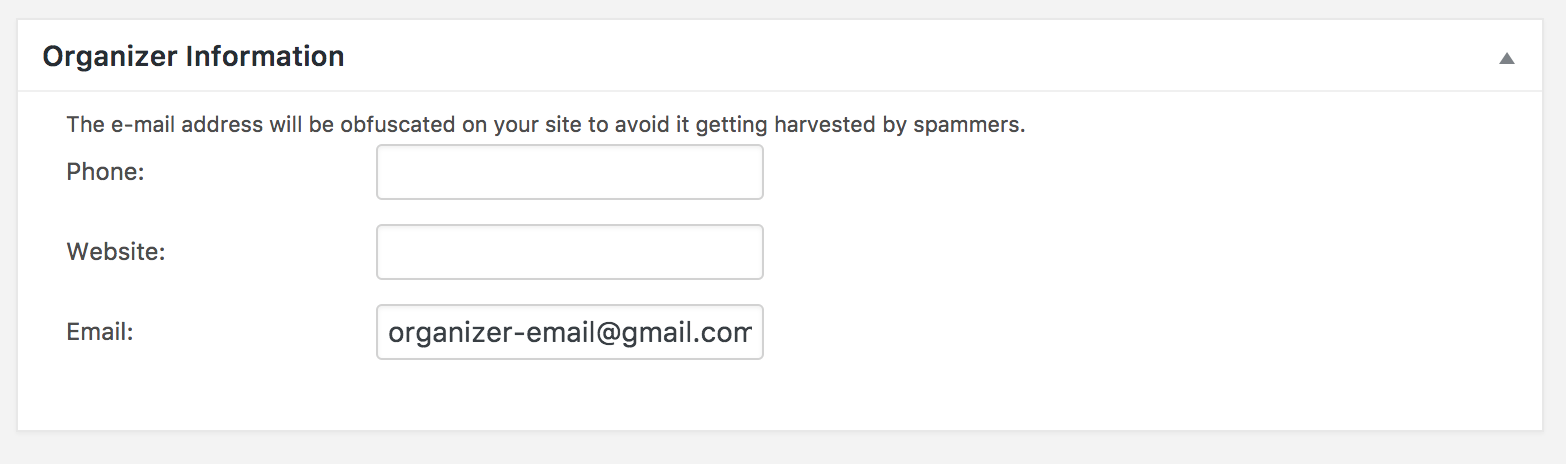
Whatever email address entered into the ‘Organizer’ field should receive an eamil notifying an order was placed
 April 20, 2017 at 9:35 am #1272231
Support Droid
KeymasterHey there! This thread has been pretty quiet for the last three weeks, so we’re going to go ahead and close it to avoid confusion with other topics. If you’re still looking for help with this, please do open a new thread, reference this one and we’d be more than happy to continue the conversation over there.
Thanks so much!
The Events Calendar Support Team -
AuthorPosts
- The topic ‘Facebook Import dropdown’ is closed to new replies.