Forum Replies Created
-
AuthorPosts
-
February 23, 2016 at 7:48 am in reply to: .csv import is ignoring the events category column #1080689
Alison
ParticipantHi Josh,
It’s been a little bit since i’ve heard from you and I’m getting a little worried about having these calendars up for my client by march 1. Can you give me an update on where we are with this issue?
Thank you
AlisonFebruary 19, 2016 at 8:23 am in reply to: .csv import is ignoring the events category column #1078115ParticipantHi Josh,
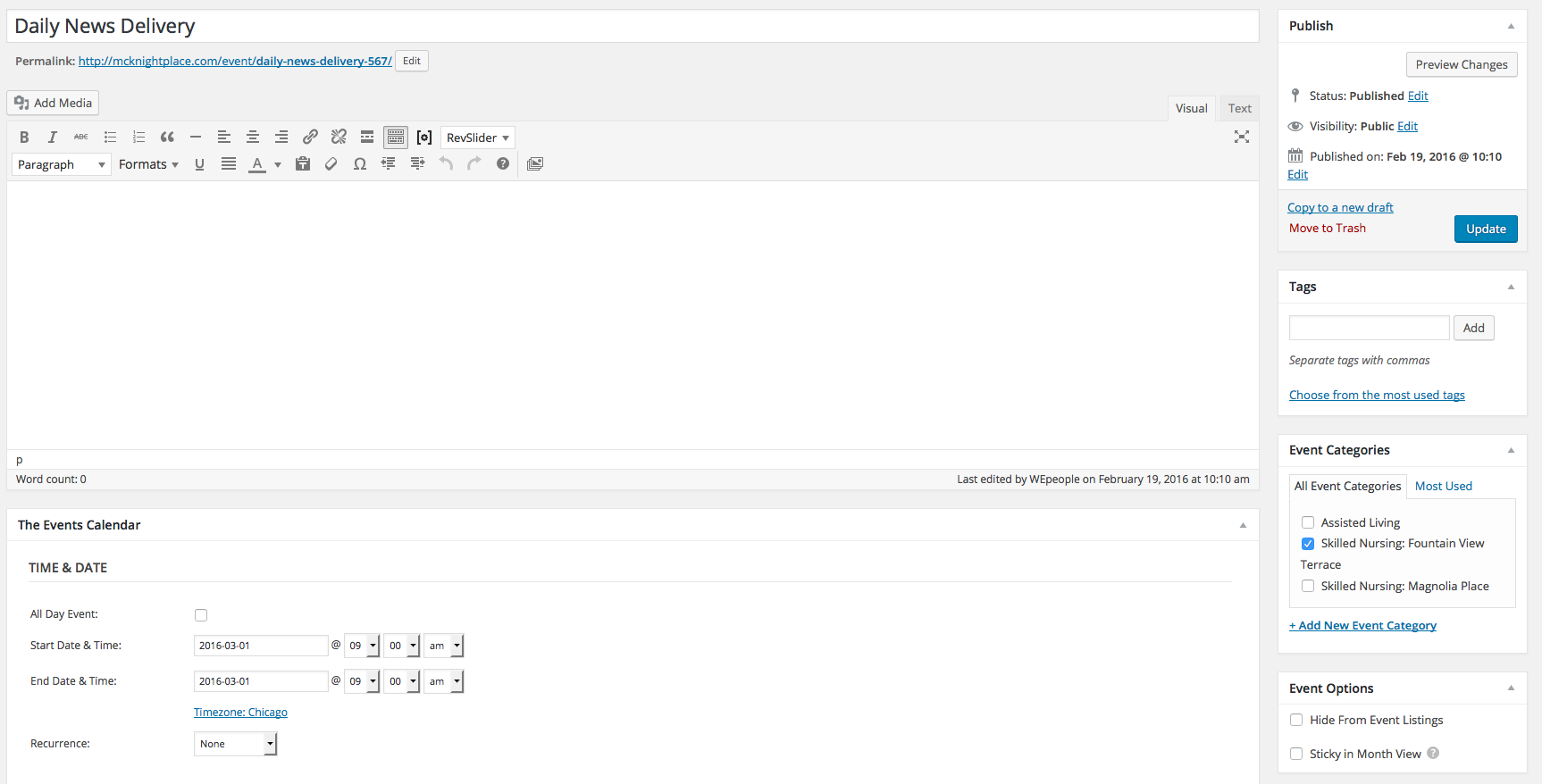
I wanted to let you know that I manually added one event for the “Skilled Nursing: Fountain View Terrace” category and it seemed to take(http://mcknightplace.com/wp-content/uploads/2014/09/Screen-Shot-2016-02-19-at-10.19.51-AM.png). So it seems it is just when I am importing the .csv file it isn’t recognizing the event category. Didn’t know if that helped while you were troubleshooting.
Thank you
February 18, 2016 at 10:27 am in reply to: .csv import is ignoring the events category column #1077196ParticipantHi Josh (sorry i misspelled your name in the last reply!),
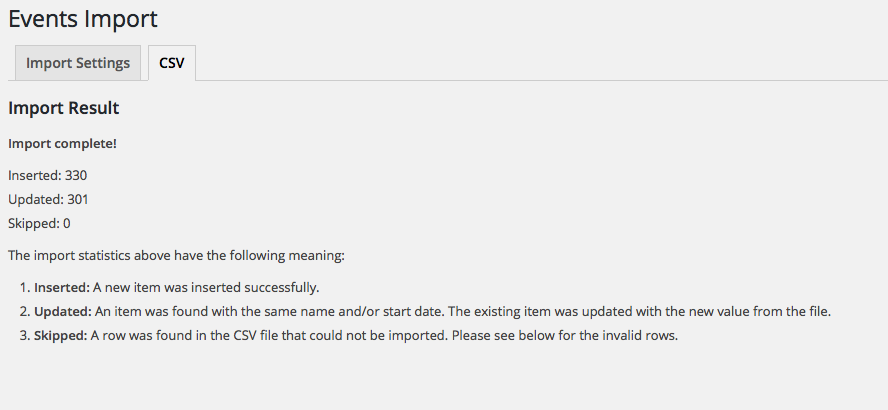
I did as you suggested and combined the two calendar event lists together in one .csv file to upload and it did the same thing: http://mcknightplace.com/wp-content/uploads/2014/09/Screen-Shot-2016-02-18-at-12.22.04-PM.png
Skilled Nursing: Magnolia Place:http://mcknightplace.com/calendar/category/skilled-nursing-magnolia-place/2016-03/?tribe_events_cat=skilled-nursing-magnolia-place&tribe-bar-date=2016-03
Skilled Nursing: Fountain View Terrace: http://mcknightplace.com/calendar/category/skilled-nursing-fountain-view-terrace/2016-03/?tribe_events_cat=skilled-nursing-fountain-view-terrace&tribe-bar-date=2016-03
Please advise.
February 18, 2016 at 8:37 am in reply to: .csv import is ignoring the events category column #1076998ParticipantHi John,
I have a couple questions:
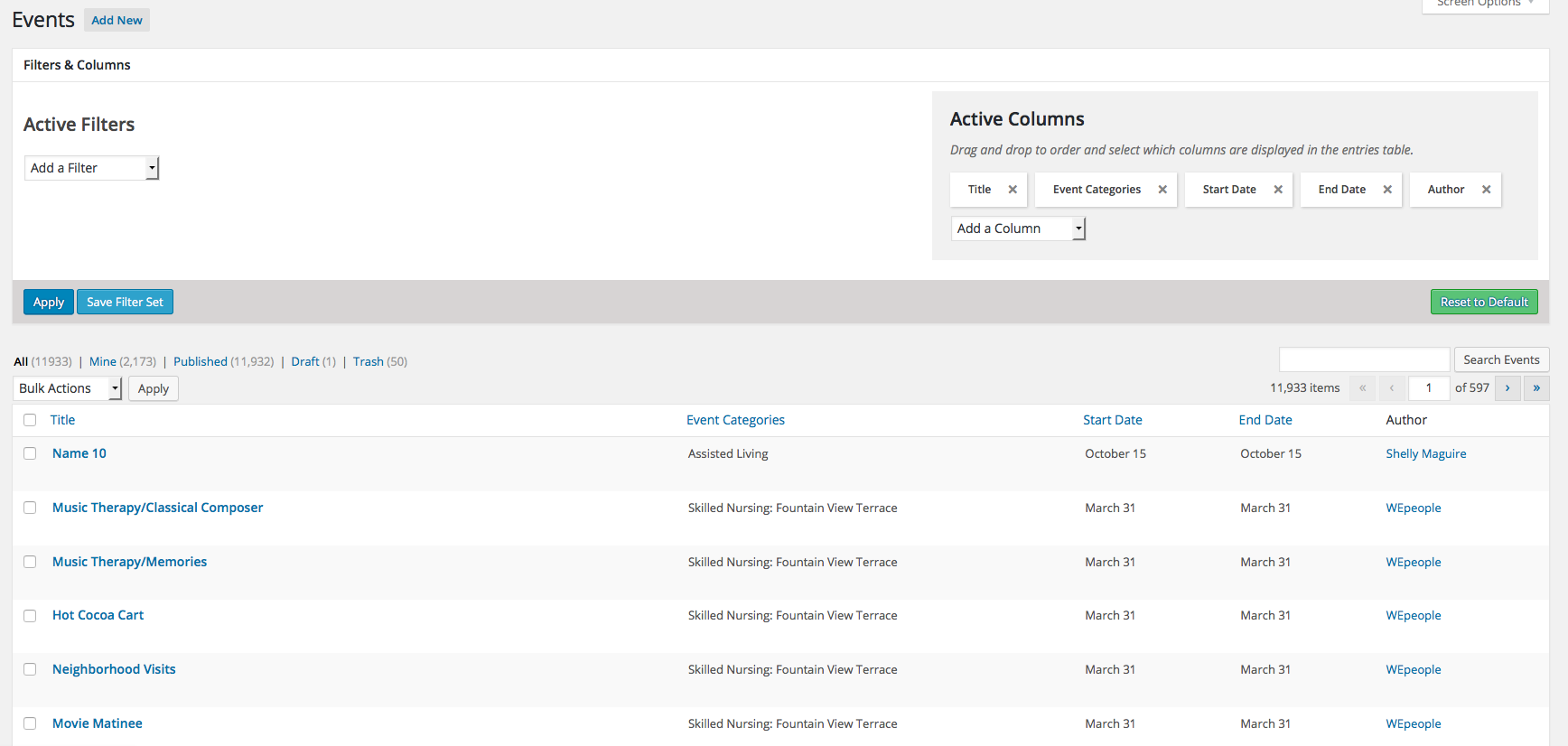
1. There are over 300 events in the “Skilled Nursing: Fountain View Terrace” category. As far as I can tell there isn’t an easy way to filter just that category and month to easily delete? But there is an add-on called Advanced Post Manager (https://wordpress.org/plugins/advanced-post-manager/) that is suggested but when I activate it I still don’t see the ability to filter still? See screenshot: http://mcknightplace.com/wp-content/uploads/2014/09/Screen-Shot-2016-02-18-at-10.29.14-AM.png
2. Even if this new way of a combined upload works this won’t work for my client since they have 3 calendars (each using a different event category) that are uploaded and they are uploaded by different departments in the company so they will need to be able to upload each calendar separately. This hasn’t been an issue until this most recent upload and we have been using this plugin for a year now. Is this an issue others have been running into?
Thank you
February 17, 2016 at 7:52 am in reply to: .csv import is ignoring the events category column #1074491ParticipantHi Josh,
The steps I went through were:
1. I imported Skilled Nursing: Magnolia Place and everything looked fine like for you
2. I imported Skilled Nursing: Fountain View Terrace and it showed “updating” most of the events and this is what showed and everything looked fine: http://mcknightplace.com/calendar/category/skilled-nursing-fountain-view-terrace/2016-03/?tribe_events_cat=skilled-nursing-fountain-view-terrace&tribe-bar-date=2016-03
3. BUT when I check Skilled Nursing: Magnolia Place again this is what showed: http://mcknightplace.com/calendar/category/skilled-nursing-magnolia-place/2016-03/?tribe_events_cat=skilled-nursing-magnolia-place&tribe-bar-date=2016-03It only seemed to recognize the events that had a different time assigned to them and the others as duplicates which is why it said that they were “updating” vs “posting”. Does that make sense? Would it be easier if I made you a user to test the upload yourself?
February 16, 2016 at 11:43 am in reply to: .csv import is ignoring the events category column #1073942ParticipantThis reply is private.
February 16, 2016 at 11:38 am in reply to: .csv import is ignoring the events category column #1073938Participantthis was suppose to be logged under Events Calendar Pro Forum. I created a new thread in that forum.
January 11, 2016 at 12:46 pm in reply to: 500 Internal Server Error when importing events csv file #1054111ParticipantHi Barry – I was able to make some php changes to that domain on our hosting and it seems to have done the trick. Thank you so much for your fast responses and help with this issue.
January 8, 2016 at 11:31 am in reply to: 500 Internal Server Error when importing events csv file #1052759Participantit also looks like the most recent update to the event calendar plugin was on Dec 24. Which might make sense why the client ran into issues importing on Dec 31 and hadn’t had a problem before?
January 8, 2016 at 11:16 am in reply to: 500 Internal Server Error when importing events csv file #1052747Participantthank you for being so responsive. I will try testing no other plugins and default theme. But I do know that WordPress just recently updated. When was the last update for this plugin?
January 7, 2016 at 3:45 pm in reply to: 500 Internal Server Error when importing events csv file #1052195January 7, 2016 at 8:27 am in reply to: 500 Internal Server Error when importing events csv file #1051974ParticipantThis reply is private.
-
AuthorPosts