Forum Replies Created
-
AuthorPosts
-
February 16, 2016 at 12:19 pm in reply to: Duplicate footer on events and community ad page. #1073958
Elizabeth
ParticipantHi Josh!
I attempted what you mentioned above. We are currently using Divi – the most up to date version.
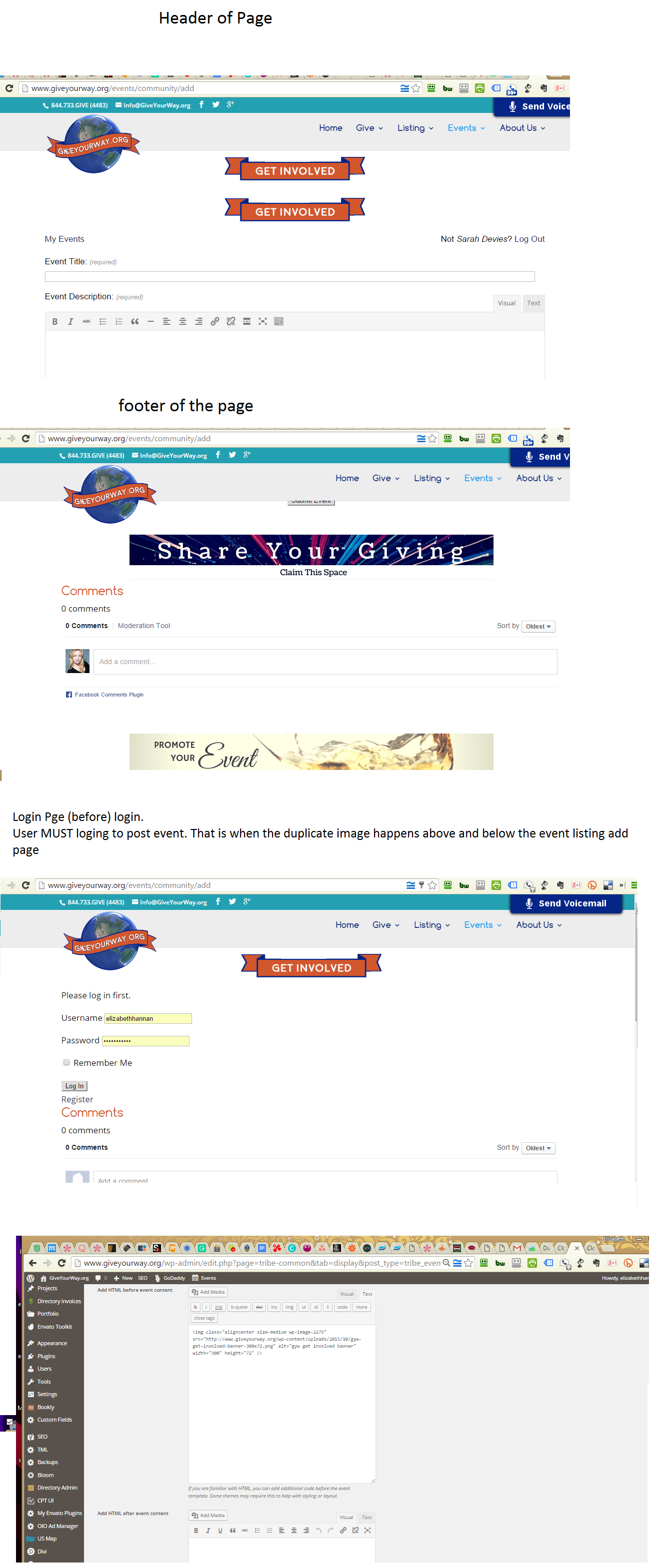
-Changing the above event pro settings for styling did not affect the double image banner issue. It did stretch out the content body beyond full width.
– Changing the theme did fix the issue.
– Within the Divi theme which the site is built upon I changed the page template to include the sidebar verse a full width page. When I did change the page template to include a side bar it removed the duplicate banner above and below the content issue.I have access to the Divi child theme and a child function files.
So perhaps that “the issue may be associated with a template call or function that includes an “is_user_logged_in()”” is the issue. I am not an expert in code. With specific instructions I can handle it.
Could you please provide me a specific list of “to-do” to rectify the issue with the theme code conflict?
I am happy to follow the steps that you provide.Thank you!
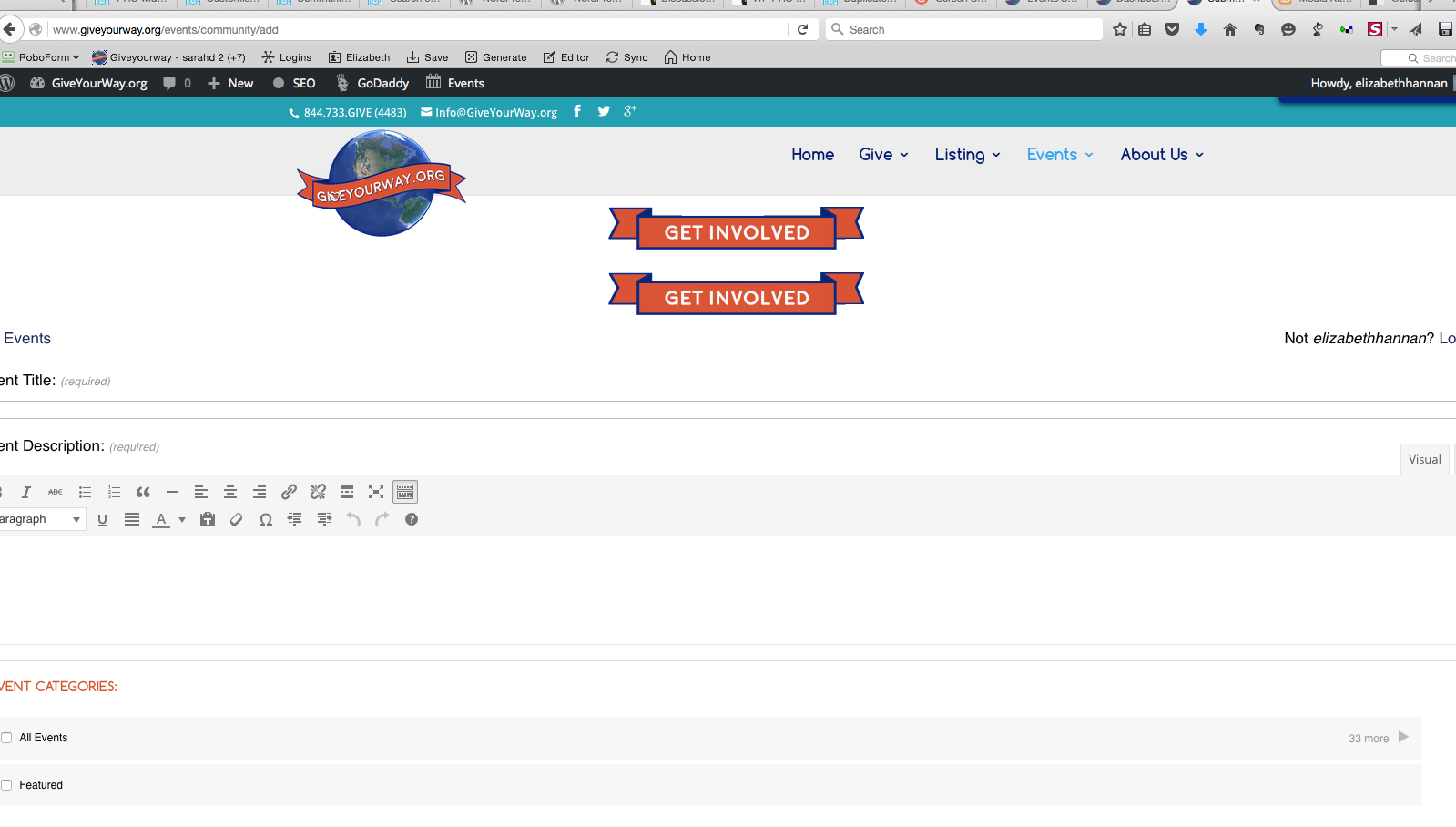
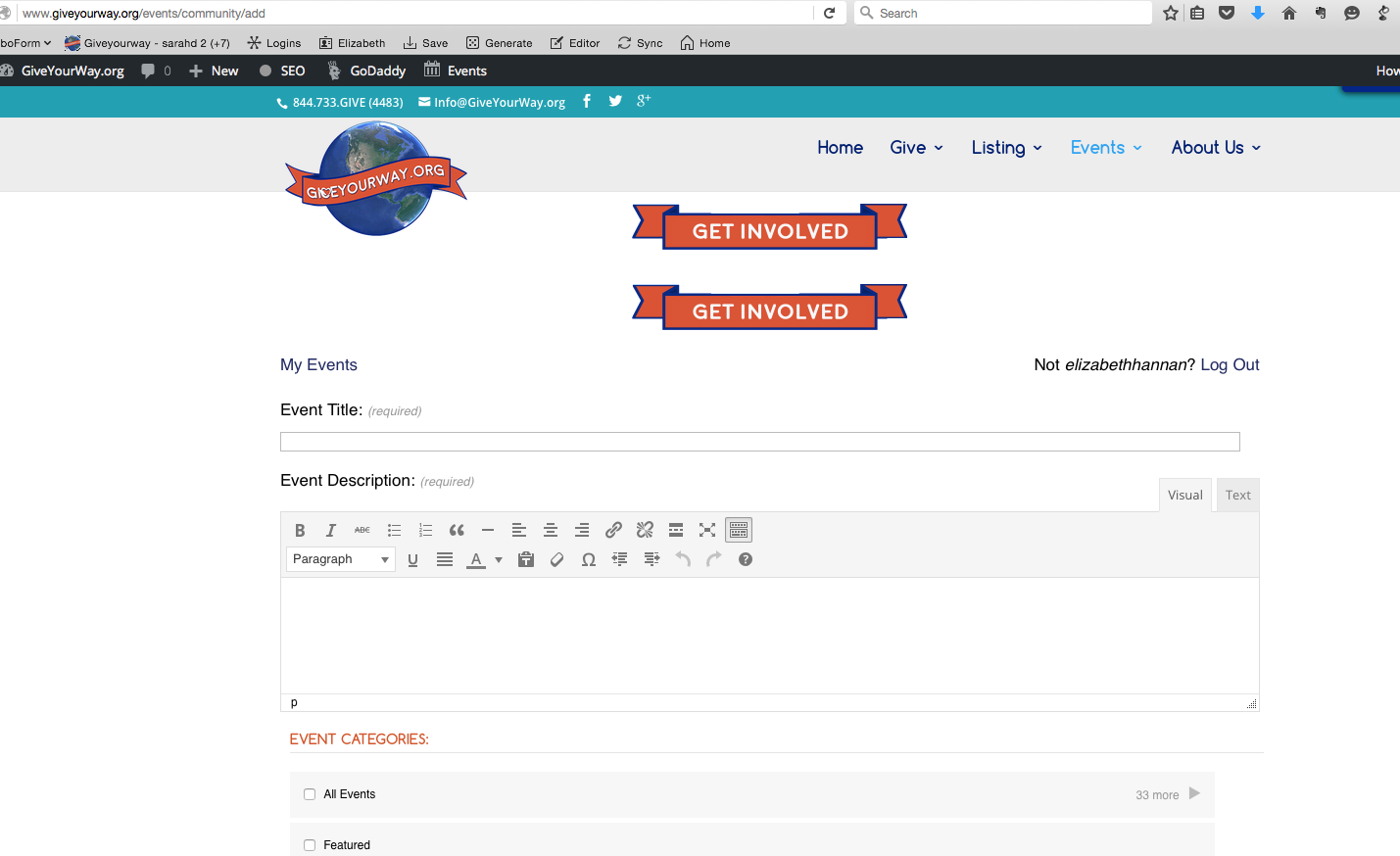
Here are some screen shots:
https://cldup.com/kkQ7FTGu_Q.png
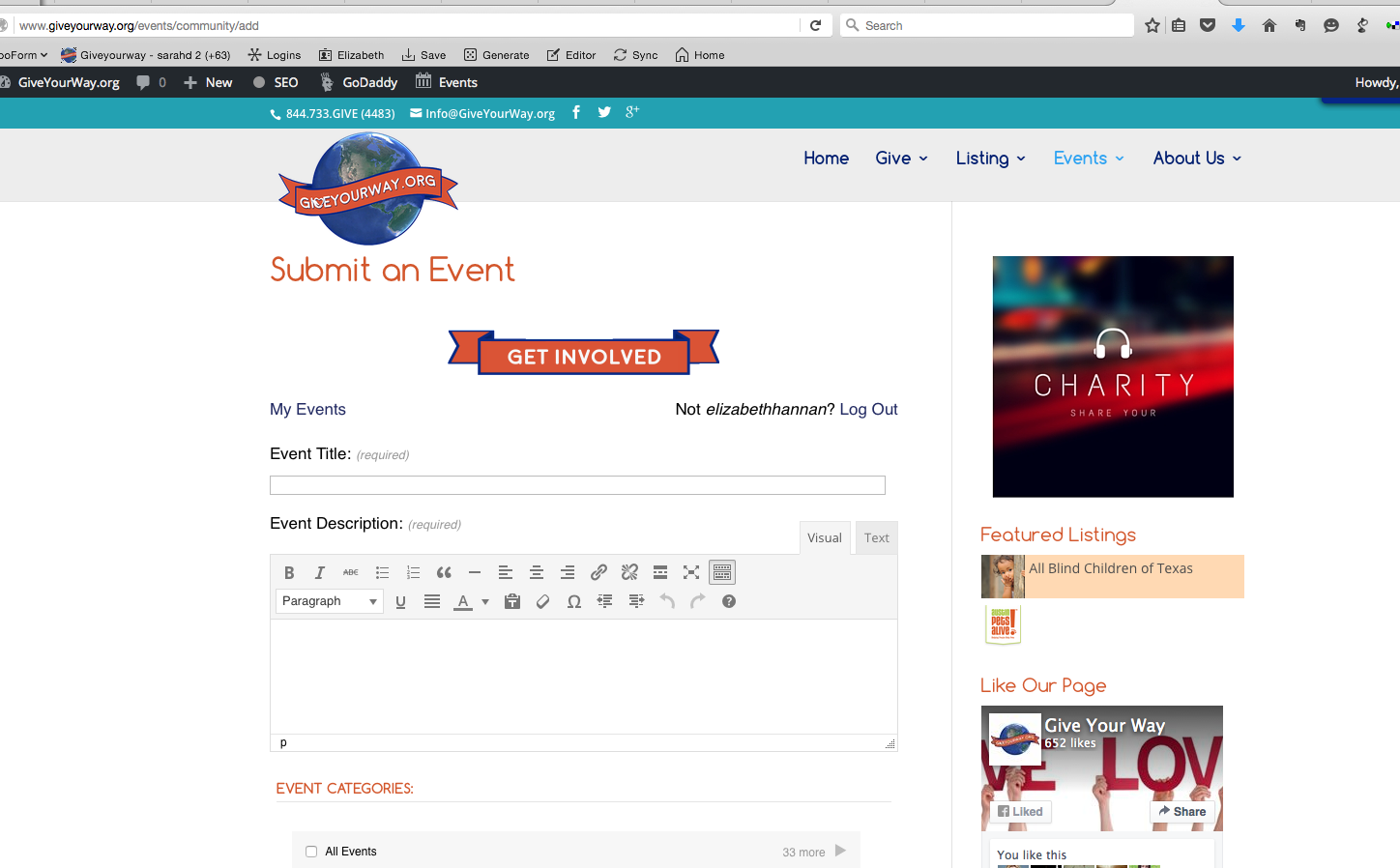
https://cldup.com/rS9v9VUhAh.pngSingle banner above and below content successfully with standard theme page template
https://cldup.com/2WyfWhrLPJ.pngFebruary 12, 2016 at 11:21 am in reply to: Set United States Time Zone in Community "Add" Event Page #1072244ParticipantTHAT WAS AMAZING!! thank you so much. It worked. Here is the final code I replaced at line 93.
...
						<option value="America/Chicago">Central_Chicago</option>
						<option value="America/Los_Angeles">Pacific_Los_Angeles</option>
						<option value="America/Phoenix">Mountain_no_DST_Phoenix</option>
						<option value="America/Denver">Mountain_Denver</option>
						<option value="America/Anchorage">Alaska_Anchorage</option>
						<option value="America/Adak">Hawaii</option>
						<option value="Pacific/Honolulu">Hawaii_no_DST_Pacific/Honolulu</option>
						<option selected="selected" value="America/New_York">New York</option>
						...					</select>
February 11, 2016 at 10:52 am in reply to: Duplicate footer on events and community ad page. #1071641ParticipantThis reply is private.
February 11, 2016 at 10:47 am in reply to: Duplicate footer on events and community ad page. #1071640ParticipantThank you. The name has been removed.
2. http://www.giveyourway.org/events/community/add Yes, when logged in it is present but since you have to login to post an event on the site it is an issue.
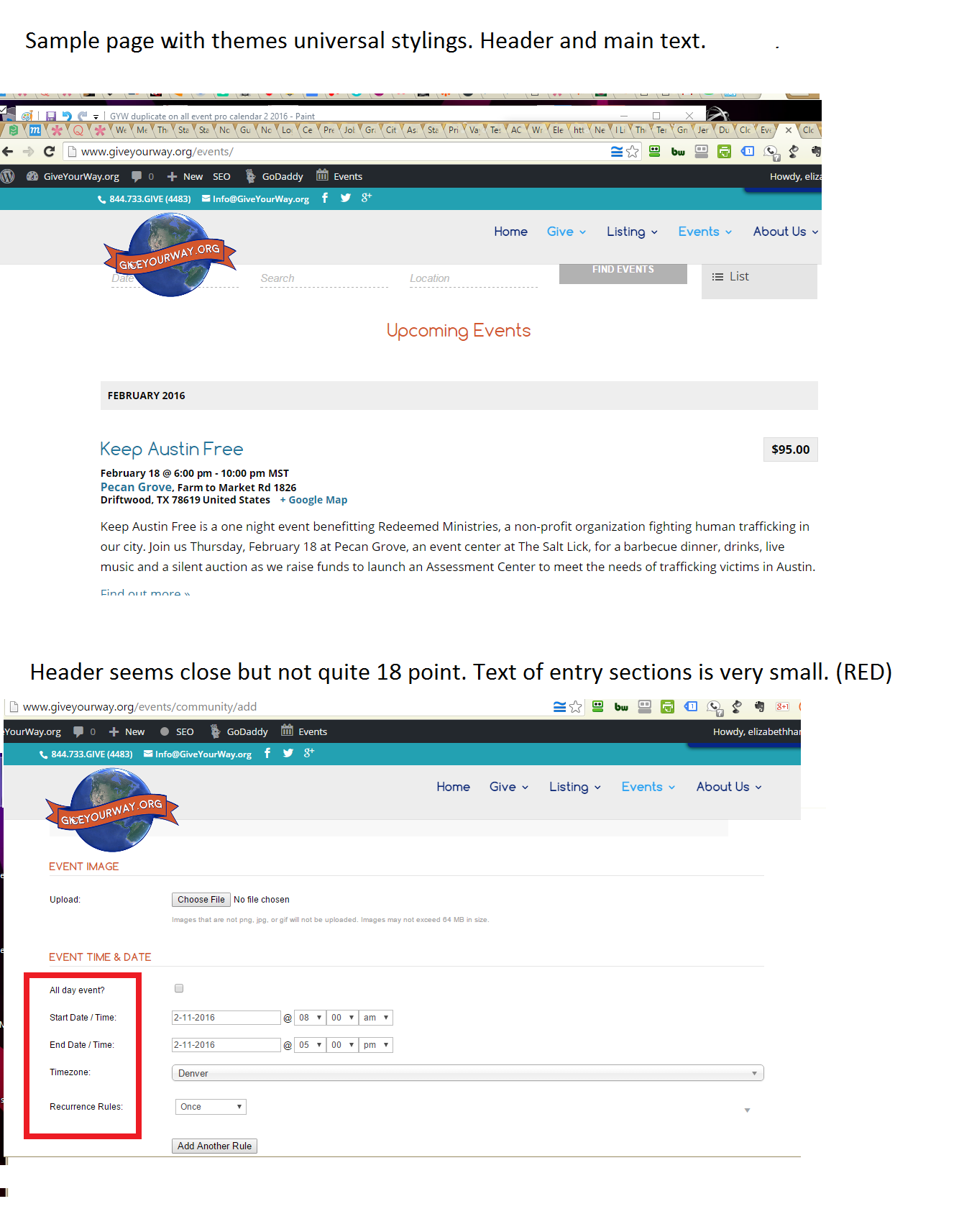
https://cldup.com/CKCdSehbf6.png3> The event pro calendar does not seem to be adhering to the divi theme stylings. Sample images here: https://cldup.com/sY0lt-YV_6.png
I am new-ish to coding an we use a child theme, would I update the child theme css file? I’d prefer to not alter the theme code itself by mistake but rather make the event pro calendar retain the same heading and font size features. (heading 18 pts. text @ 14 pts). Do you know what the specific code is I would add tot he child css file?December 4, 2015 at 2:14 pm in reply to: Set United States Time Zone in community events add event page #1035770ParticipantThanks Brian!
I am a little new to coding but ill try this out today and report back.July 13, 2015 at 12:30 pm in reply to: Compatible WP Plugins: Job Board + Business/Charity Directory + Membership Plugi #986007ParticipantI see Woo Commerce has a Membership Platform. WooCommerce Memberships Plugin Paid
Do you think that this might be a more likely compatible plugin to your Events Pro Calendar and Community Plugin?
ParticipantHi,
I installed your Events Calendar PRO yesterday. Right out of the box and ONLY on the Chrome browser The background on the individual events page and n the calendar view page the background is missing.
In Safari, Firefox and IE is the correct background but 100% Chrome browser there is no background image. Which causes and issue because is dark text on a dark background.
I installed the code listed above in the style.css file but unfortunately still no win with Chrome browser.
We are running on the WP Divi Theme all updated. Your plugin is the first plugin I installed on the theme so I know that there is no theme conflict.
Below are my two sample pages.
http://stayclassyarizona.com/event/blank-space-dinner-series/The calendar page it’s self is not bad with the current dark background. SO if you could just provide me the code to add that will force the issue within the Chrome browser for the above individual events that would be great!
Many Thanks ahead of time!!
-
AuthorPosts