
Home › Forums › Calendar Products › Community Events › pb with the saerch bar, the place doesn't work
- This topic has 6 replies, 3 voices, and was last updated 10 years, 7 months ago by
Support Droid.
-
AuthorPosts
-
January 2, 2016 at 3:41 pm #1049149
Clémence
ParticipantHello
I saw a topic with similar problems but no solutions allowing me to resolve this. In the search bar, when I try to search an event by date and key words, it’s ok. But if I try with the place for the same event, I have this message :”There were no results found for”.
I tried with several cities that are registered on the site and geolocated on the google map of each location, it’s the same problem.
Could you help me please ?
-
This topic was modified 10 years, 8 months ago by
January 2, 2016 at 3:58 pm #1049152George
ParticipantHey @Clémence,
I’m sorry to hear about these issues!
Can you do the following things to help us get started on a proper investigation here?
1. Share your system information. Here’s how → https://theeventscalendar.com/knowledgebase/sharing-sys-info/
2. Share links to the older forum threads that you mentioned in your post – I’m just curious about this issue and these other threads so as many links as possible would be helpful.
3. Can you link to a place on your site where I can see this issue in person? I went to the link you provided but was met with the following notice 🙁
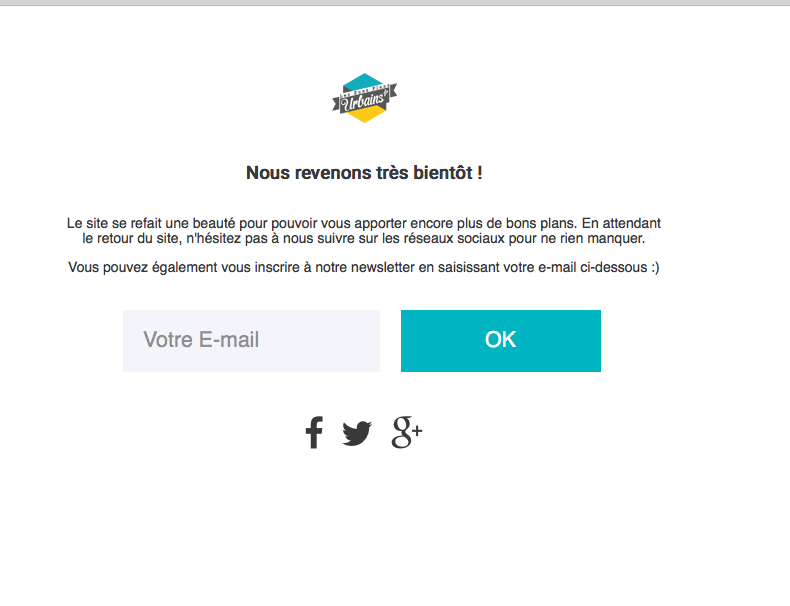
We cannot log into customer sites for any reason, so the link you share should be publicly visible.
Thanks!
GeorgeJanuary 3, 2016 at 8:07 am #1049446ParticipantThis reply is private.
January 3, 2016 at 9:03 am #1049453ParticipantGeorge,
I think I have found the problem.
I want to use also the view map and when I display it, I have a message that I don’t have event. So I read an other topic (https://theeventscalendar.com/support/forums/topic/events-not-showing-in-map-view/). I follow the instruction to add the lat/long values, and now it’s ok for the search bar too.
So when we entered places, if we don’t add lat/long values, only the google map in the single event works, not the search and the map view. If we add lat/long values, it’s ok. Maybe, the lat/long values should be mandatory ? Because it’s confused and gives the impression of a bug.
Another question ? How we can add a button to reset the search bar for users ?
January 4, 2016 at 6:37 pm #1050177ParticipantHey @Clemence,
I removed the login information you posted as soon as I saw it. As I stated in my reply above, we cannot log into user sites for any reason whatsoever. Please do not post log information anywhere here, elsewhere online, etc. – it’s a security risk!
I will address your other questions next but just wanted to posted this now, because I just saw your login information and removed it from our site.
Thank you,
GeorgeJanuary 4, 2016 at 6:42 pm #1050178ParticipantHey @Clémence,
So when we entered places, if we don’t add lat/long values, only the google map in the single event works, not the search and the map view. If we add lat/long values, it’s ok. Maybe, the lat/long values should be mandatory ? Because it’s confused and gives the impression of a bug.
This is indeed the behavior of the plugin at this time – latitude and longitude are only required for map placement in the Map View, but you are right, we could probably do a better job of making this clear within the admin of the plugin.
This is not something that we can change immediately, for example, but I will raise these concerns and hopefully over time we can see some improvement of this UI. Stay tuned to plugin releases and to http://theeventscalendar.com/blog to see when updates come out, and what is included in the updates. If there’s anything to help with the Map View and latitude/longitude requirements, it will be noted there.
—
Another question ? How we can add a button to reset the search bar for users ?
There is a “Reset Filters” link in the filter bar by default – do you not see this on your site? If so, I would recommend trying to make your site publicly visible temporarily, and then share a link directly to where we can see the filter bar and this lack of the “reset filters” link.
If you mean something other than our Filter Bar, can you share a screenshot of where you mean? You can do so by uploading the screenshot to Imgur.com, Flickr.com, CloudUp.com, or any similar image-hosting site; then just share the links to those images here and I’ll take a look.
Thank you!
GeorgeFebruary 18, 2016 at 8:33 am #1076459KeymasterThis topic has not been active for quite some time and will now be closed.
If you still need assistance please simply open a new topic (linking to this one if necessary)
and one of the team will be only too happy to help. -
This topic was modified 10 years, 8 months ago by
-
AuthorPosts
- The topic ‘pb with the saerch bar, the place doesn't work’ is closed to new replies.