
Home › Forums › Calendar Products › Events Calendar PRO › Reccuring Events shortcode
- This topic has 7 replies, 4 voices, and was last updated 10 years, 4 months ago by
Jonathan.
-
AuthorPosts
-
May 28, 2016 at 10:57 am #1120131
Jonathan
ParticipantHi guys!
I’m trying to make list of the events with certain category..
I read the article https://theeventscalendar.com/knowledgebase/pro-widget-shortcodes/
and i’m doing with this way:
[tribe_events_list category=”tickets-available”]How can i make description for it? Because, it’s showing only date and title of the events. Is it any way to add excerpt or description??
Because, according to your article venue i can add
country
address
city
region
zip
phone
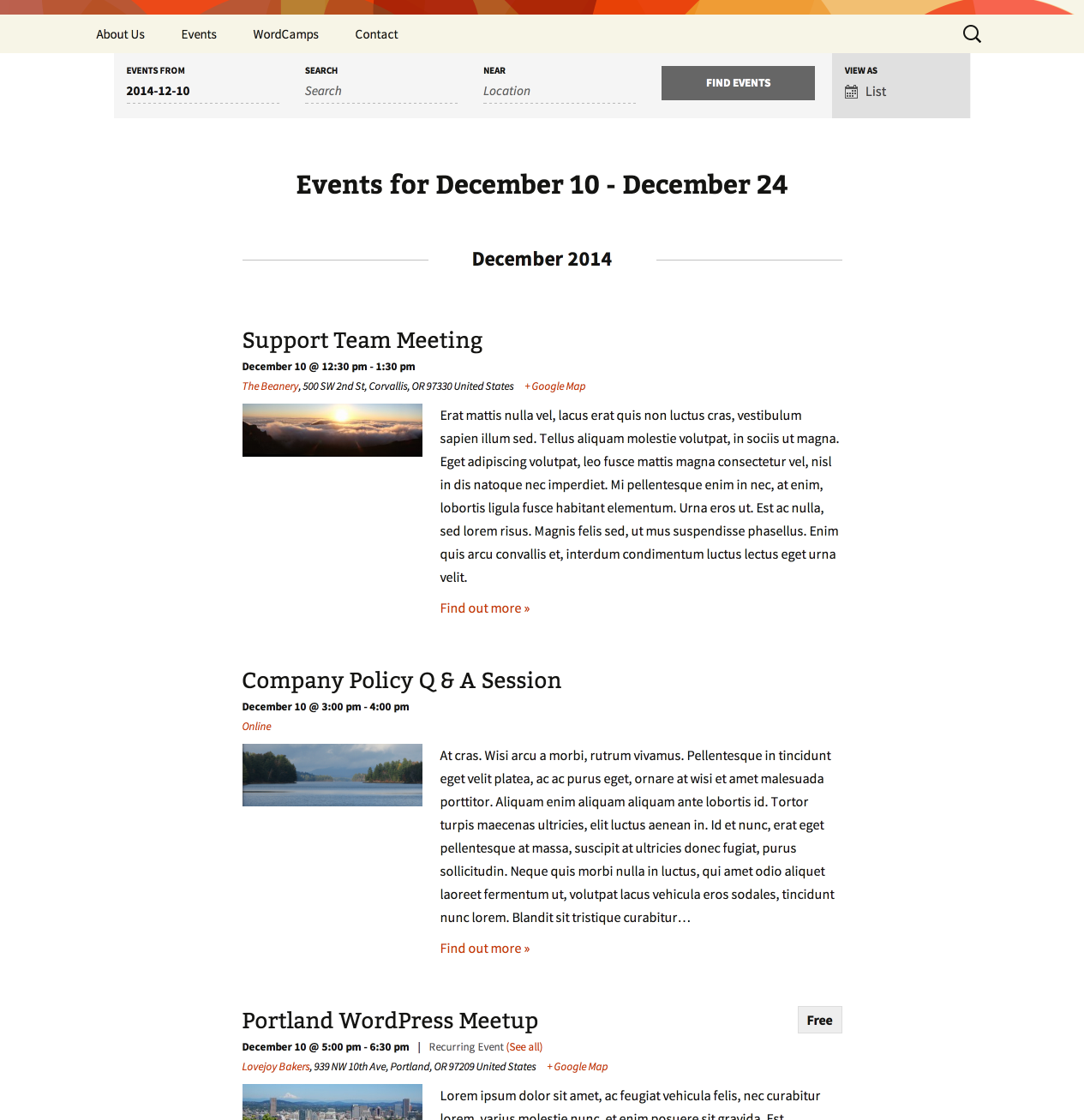
costI want something, like on your screenshot on the main page – https://theeventscalendar.com/content/uploads/2013/02/2-PRO-List-View-cropped.png
Honestly, i bought this plugin because i thought it will be easy to do that….
May 28, 2016 at 5:36 pm #1120171Cliff
MemberHi Jonathan. Sorry to disappoint in this area.
For reference:
- the widget/shortcode output is indeed different (simpler) than the Event List archive view
- you could follow our Themer’s Guide to customize the shortcode/widget to render like the Event List archive view, but that would take custom coding, which we do not provide
- We do have a list of customizers who may be able to help if you are unable or unwilling to implement such a customization yourself
Please let me know if I can be of further assistance on this topic.
May 28, 2016 at 5:56 pm #1120176ParticipantSo, as i understand i need to edit ” list/content.php ” for my case ?
Or is it list/loop.php ?PS: Delete those screenshot, so as not to mislead people
May 28, 2016 at 9:08 pm #1120194MemberThat shortcode is defined at /wp-content/plugins/events-calendar-pro/src/Tribe/Shortcodes/Events_List.php
And it basically just loads the widget, which is at /wp-content/plugins/events-calendar-pro/src/views/pro/widgets/list-widget.php
At the top of that file is this comment:
Override this template in your own theme by creating a file at [your-theme]/tribe-events/pro/widgets/list-widget.php
===
The List View that you’re wanting to use/replicate via shortcode or widget is at /wp-content/plugins/the-events-calendar/src/views/list/
Hopefully this gives you enough information to succeed in achieving your desired customization.
===
I’d also suggest you add your vote to this existing feature request.
Let me know how things go!
May 31, 2016 at 4:09 pm #1120951ParticipantThank you Cliff, that’s done.
Can you help me with one more question?Here’s yours calendar, that on the left side of list view.
How can i change day “Tue” on month? So on the top of calendar it will be not day but month.
Here’s code for day:<span class="list-dayname"><?php echo apply_filters( 'tribe-mini_helper_tribe_events_ajax_list_dayname', date_i18n( 'D', $postDate ), $postDate, $mini_cal_event_atts['class'] ); ?></span> <spanHow can i change for month?
Thanks.
May 31, 2016 at 5:52 pm #1120990MemberNo problem. Use that filter and return date_i18n() with a different PHP date format, like ‘M’ instead of ‘D’
I hope that helps!
June 15, 2016 at 9:35 am #1127385Support Droid
KeymasterThis topic has not been active for quite some time and will now be closed.
If you still need assistance please simply open a new topic (linking to this one if necessary)
and one of the team will be only too happy to help. -
AuthorPosts
- The topic ‘Reccuring Events shortcode’ is closed to new replies.