
Home › Forums › Ticket Products › Event Tickets Plus › My tickets disappeared
- This topic has 3 replies, 1 voice, and was last updated 9 years, 6 months ago by
Lynn.
-
AuthorPosts
-
March 31, 2017 at 2:20 am #1262488
Lynn
ParticipantHello,
I spent 2 1/2 hours setting up events and tickets yesterday, and now the events are still there, but the tickets have ALL DISAPPEARED. Each event was to have 2 tickets – Seniors for $16 and General for $18.
If you view our calendar here: http://66a.c2d.myftpupload.com/events/2017-04/ you will see all of the tickets show up on the calendar and the prices are listed as $16 -$18. When you click on the event there are NO TICKETS. I verified all of the tickets were there and working properly yesterday.
One modification I made was to re-order the way the tickets appear (so General was first, Senior was second). I did this by following the instructions here: https://theeventscalendar.com/knowledgebase/changing-the-order-of-tickets/ I verified all of the tickets were there and working properly yesterday with this modification.
Since the tickets disappeared, I disabled all plugins and that did not fix it. I also tried with the theme Twenty Fourteen to no avail.
I deleted Event Tickets and Event Tickets Plus and reinstalled both of them to no avail.
I thought perhaps they disappeared because I didn’t input a start and end selling date, but I went in today and created new tickets for this event: http://66a.c2d.myftpupload.com/event/bell-book-and-candle-saturday-040817/
I included start and end selling dates and the ticket still does not show up.By the way – with the exception of the new tickets I created today, the tickets do not even show up on the EDIT EVENT – My logo image is there, and it says “ADD TICKET”.
I am so frustrated, as it took me so long to input those tickets. Thank goodness I didn’t do the other 50 or so I need to do!
I hope someone can help me! Please!
March 31, 2017 at 10:01 pm #1262930Hunter
ModeratorHi and welcome,
Sorry to see you’re having troubles. I’d be happy to help investigate. You mention you reverted back to the default WP theme and deactivated all plugins other than ours, but did you do this at the same time? If you did not review the Testing for conflicts guide and follow the instructions exactly as they’re written, it’s highly recommended you do so as it will help identify the exact source of conflict.
When testing, it’s key you have WP_DEBUG and WP_DEBUG_LOG set to “true” on your site’s wp-config.php file. Any errors will display at the top of your page and in your error log as you try to reproduce the conflict. I also recommend right-clicking your mouse and opening the ‘Inspect’ tool to see if any errors display in the console. Note what you find and please include it in your reply.
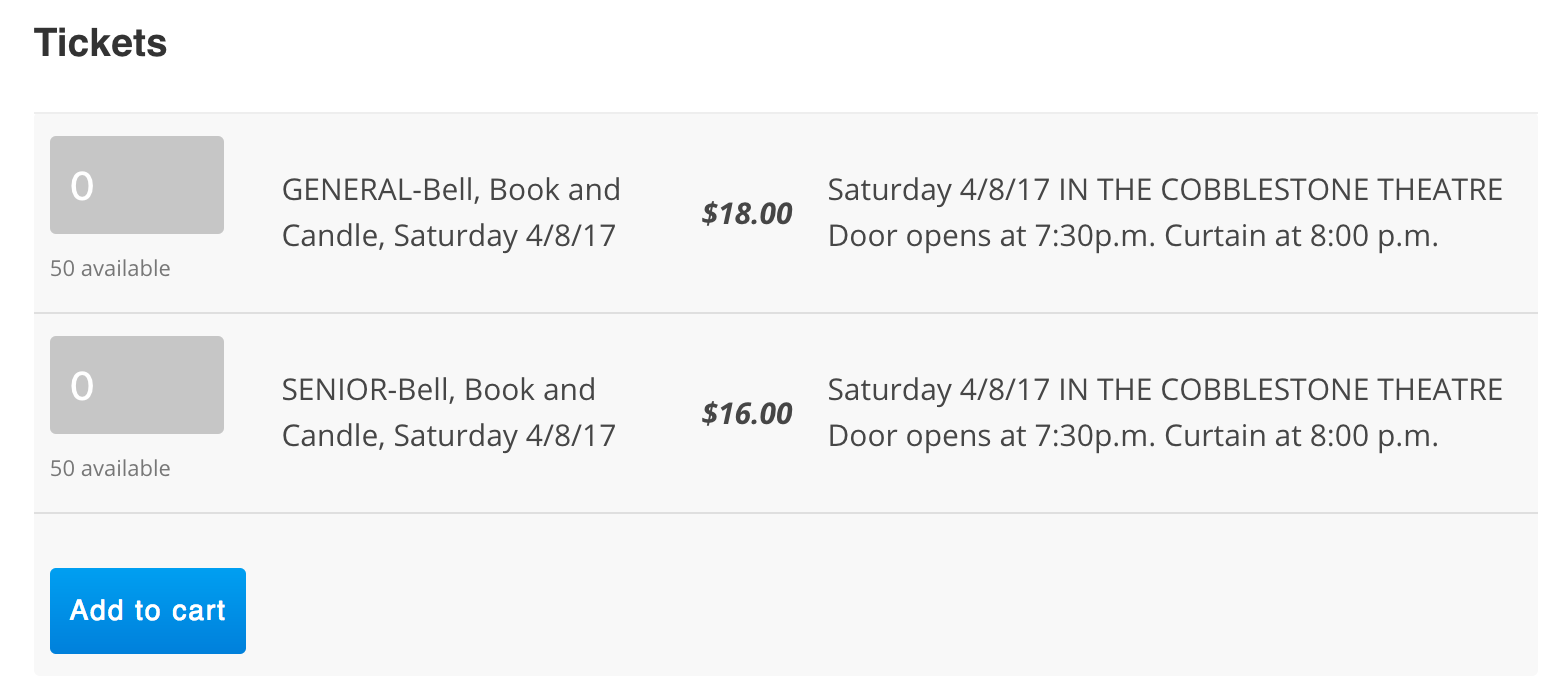
I visited this event: http://66a.c2d.myftpupload.com/event/bell-book-and-candle-saturday-040817/
It appears the tickets are displaying properly:
I mimicked the event details and the tickets are displaying for me as well:
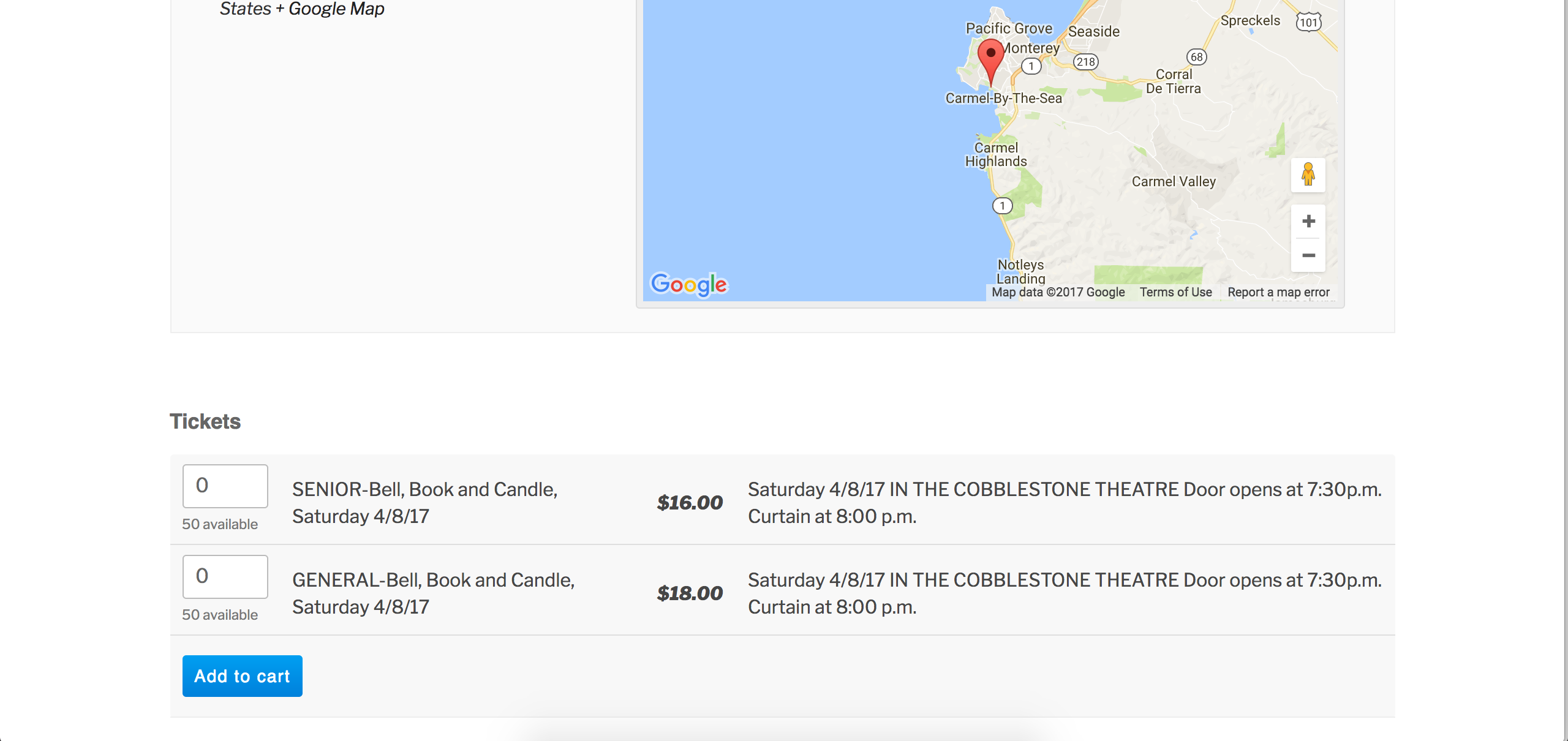
Did you update TEC, ET, ET+, or PRO yesterday while you were setting up events and tickets? What about any other major updates (to your theme, other plugins, etc.) If so, is it a possibility the events with tickets created prior to updating are not displaying tickets, and events with tickets created after updating displaying tickets?
I skimmed over our logged bug reports but am not finding anything resembling what you’ve shared with me. This typically means it’s an issue with settings, a theme/plugin conflict, etc. Obviously there is the potential a bug is present, but until I’m able to reproduce the behavior there is not much I can do.
I visited this event and opened my Inspect tool. There are a plethora of issues you may need to look into which are likely a contributing factor:
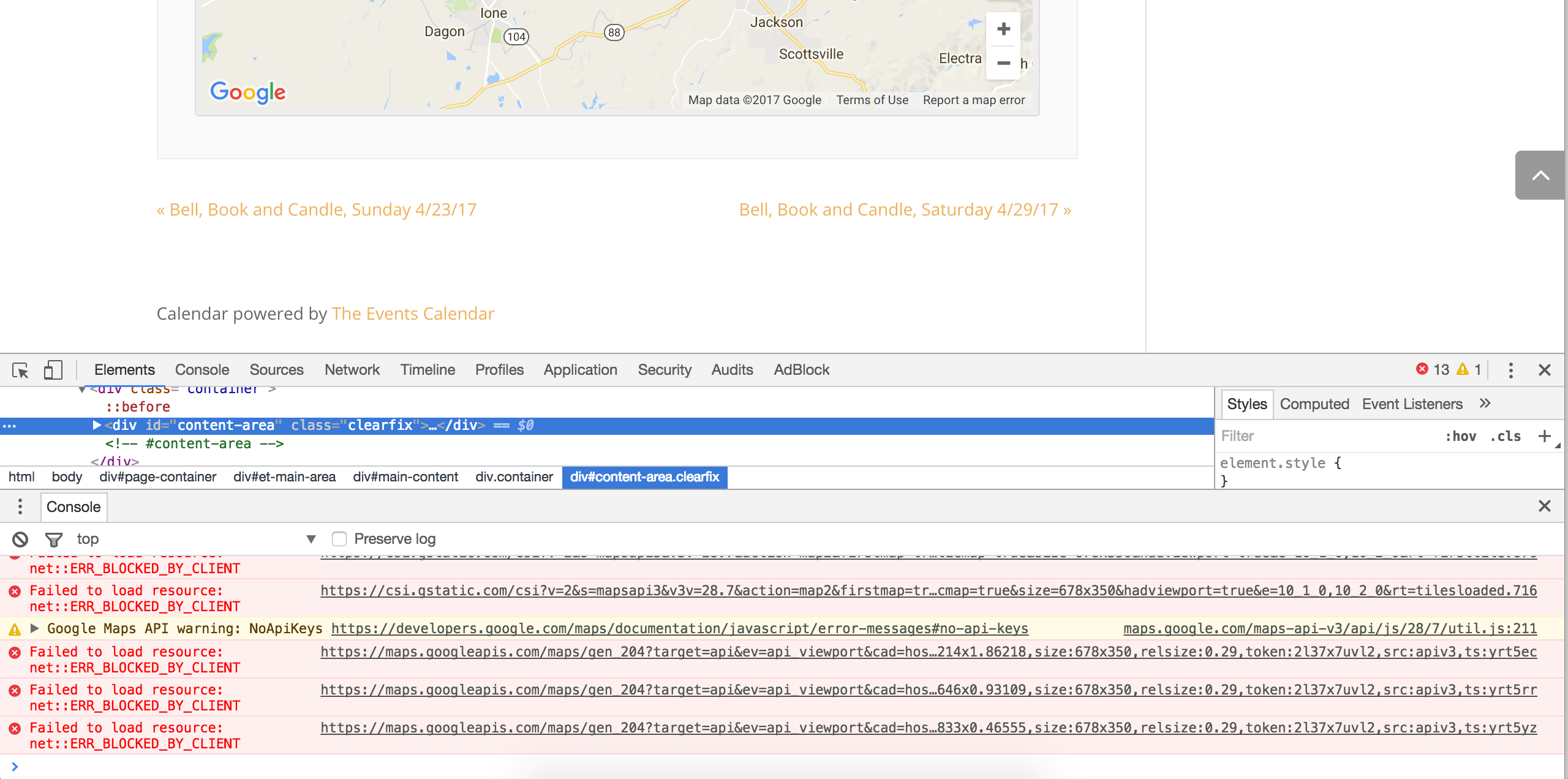
There might be a few errors/warnings/notices in the console related to Google Maps (which we’re aware of), so what that in mind, look out for any you think relate to the missing tickets. Check out our Using Google Chrome Developer Tools tutorial for more info. This Customizing WordPress #2 – Using Chrome Developers Tools YouTube video is also pretty handy.
You could try to downgrade to see if that has any effect on the behavior. Well… that exhausts all potential causes I can think of at the moment, so please respond to each question I’ve posed in the most descriptive manner possible. Screenshots and screencasts are always helpful.
Have a great rest of your day! Cheers 🙂
April 22, 2017 at 9:35 am #1273109Support Droid
KeymasterHey there! This thread has been pretty quiet for the last three weeks, so we’re going to go ahead and close it to avoid confusion with other topics. If you’re still looking for help with this, please do open a new thread, reference this one and we’d be more than happy to continue the conversation over there.
Thanks so much!
The Events Calendar Support Team -
AuthorPosts
- The topic ‘My tickets disappeared’ is closed to new replies.