
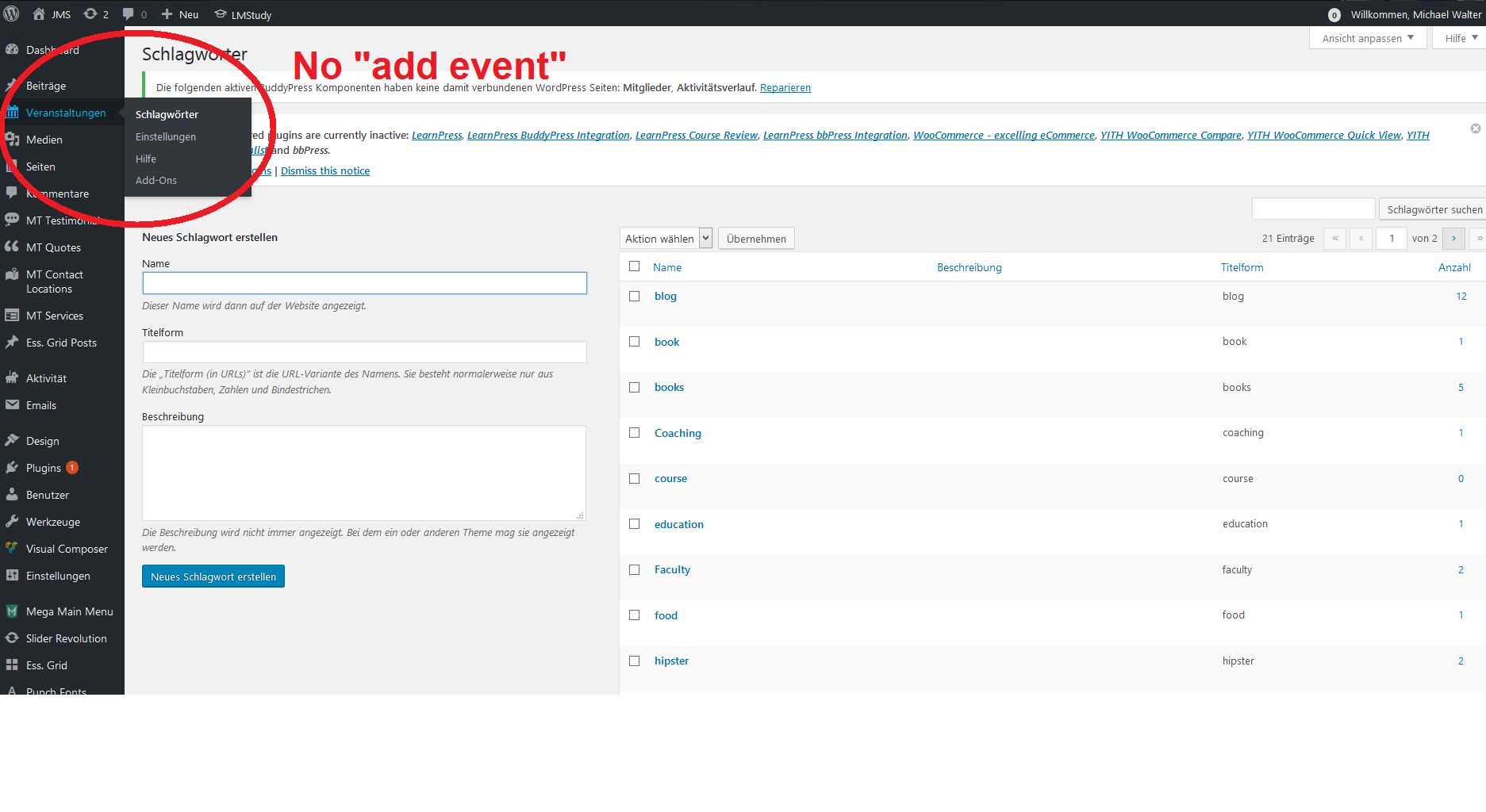
Home › Forums › Welcome! › Pre-Sales Questions › I Can't create Events. The menu is smaller, what's wrong?
- This topic has 2 replies, 2 voices, and was last updated 9 years, 3 months ago by
Support Droid.
-
AuthorPosts
-
April 29, 2017 at 9:58 am #1276344
Michael Walter
GuestHi guys,
i have an issue with the plugin, i bought a wordpress template including the events calendar plugin from themeforest.
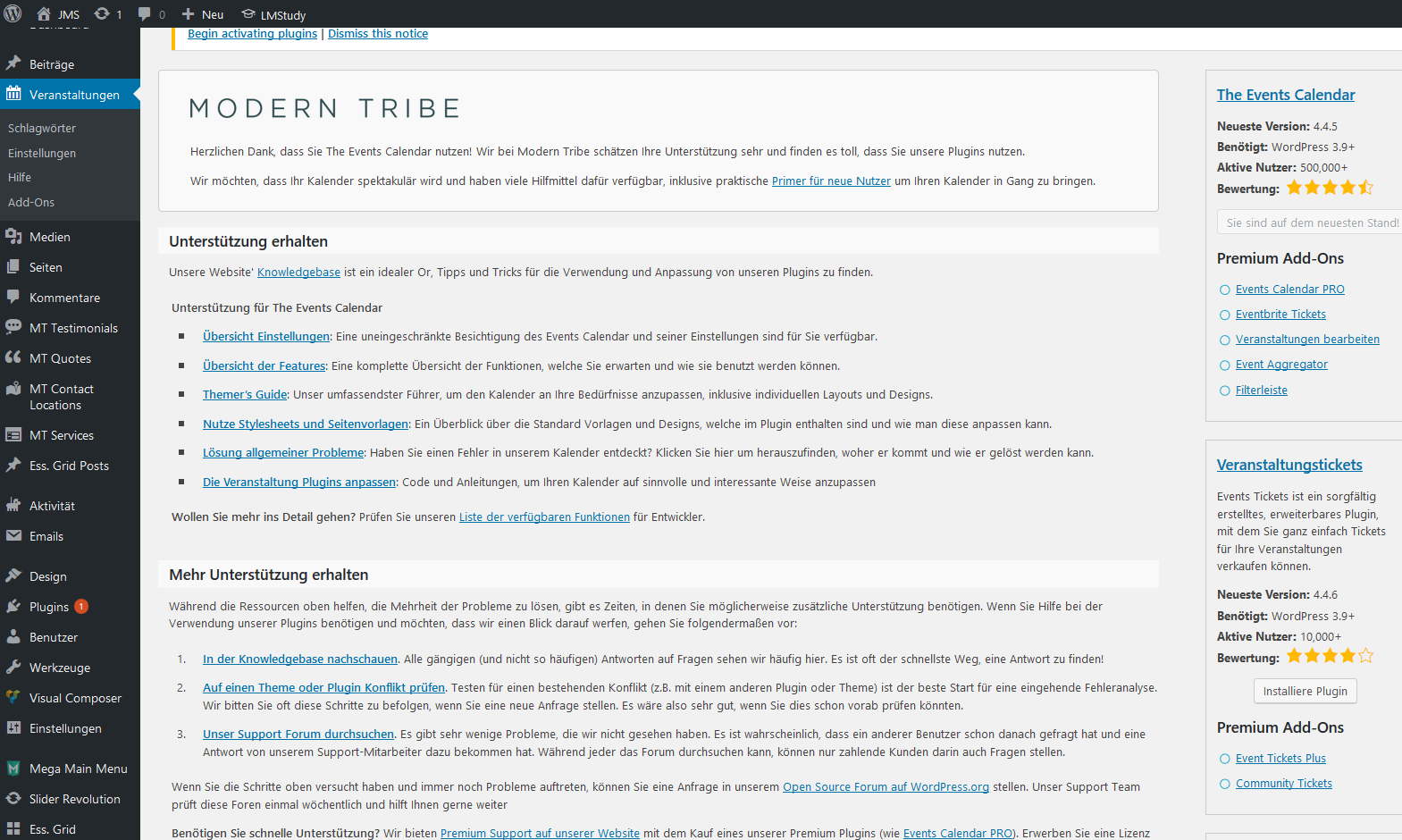
So i installed the plugin, but i can’t create new events. Please look at the screenshots below, maybe you find something helping me out?http://fs5.directupload.net/images/170429/hn5e4plu.png
http://fs5.directupload.net/images/170429/6yav2c44.pngI also copy the System info here:
Home URL
http://jms-krautheim.de
Site URL
http://jms-krautheim.de
Site Language
de_DE
Character Set
UTF-8
Name
Michael Walter
Email
[email protected]
Install keys
–
WordPress version
4.7.4
PHP version
7.0.18
PHPmax_execution_time = 30
memory_limit = 64M
upload_max_filesize = 26M
post_max_size = 26M
display_errors = 1
log_errors =Server
Apache
SAPI
cgi-fcgi
PluginsRedux Framework version 3.6.4 by Team Redux(http://reduxframework.com)
BuddyPress version 2.8.2 by Die BuddyPress Community(https://de.buddypress.org/)
Essential Grid version 2.0.9.1 by ThemePunch(http://themepunch.com)
WPBakery Visual Composer version 5.1 by Michael M – WPBakery.com(http://wpbakery.com)
Mega Main Menu version 2.1.3 by MegaMain.com(http://megamain.com)
ModelTheme Framework version 2.4 (17-NOV-2016) by ModelTheme
Parallax Backgrounds for VC version 4.3 by Benjamin Intal – Gambit(http://gambit.ph)
Slider Revolution version 5.4.1 by ThemePunch(http://themepunch.com)
The Events Calendar version 4.4.5 by Modern Tribe, Inc.(http://m.tri.be/1x)Network Plugins
–
MU Plugins
–
Theme
LMStudy
Multisite
–
Settingsschema-version = 4.4.5
recurring_events_are_hidden = hidden
previous_ecp_versions =Array
(
[0] => 0
)latest_ecp_version = 4.4.5
last-update-message-the-events-calendar = 4.4.5
earliest_date = 2016-04-13 08:00:00
earliest_date_markers =Array
(
[0] => 4403
)latest_date = 2017-01-09 17:00:00
latest_date_markers =Array
(
[0] => 6407
)stylesheetOption = tribe
tribeEventsTemplate = default
tribeEnableViews =Array
(
[0] => list
[1] => month
[2] => day
)viewOption = month
tribeDisableTribeBar =
monthEventAmount = 3
enable_month_view_cache = 1
dateWithYearFormat = j. F Y
dateWithoutYearFormat = F j
monthAndYearFormat = F Y
dateTimeSeparator = @
timeRangeSeparator = –
datepickerFormat = 0
tribeEventsBeforeHTML =
tribeEventsAfterHTML =WP Timezone
Europe/Berlin
WP GMT Offset
2
Server Timezone
UTC
WP Date Format
j. F Y
WP Time Format
G:i
Week Starts On
1
Common Library Dir
/var/www/web24224426/html/wp-content/plugins/the-events-calendar/common/src/Tribe
Common Library Version
4.4.5dev1May 1, 2017 at 10:23 pm #1277076Geoff B.
MemberGood evening Michael and welcome to the Events Calendar forum!
Thank you for your interest in our products. It’s truly appreciated.
However, please note that we do not offer support for our free plugin in this premium add-ons forum.
But, the good news is that you are still welcome to consult this forum to your liking and browse it for solutions, snippets and tutorials.
If you don’t mind, in the future could you please post your support questions here: https://wordpress.org/support/plugin/the-events-calendar or perhaps consider the purchase of one of our premium plugins to get access to premium support ?
With that in mind, it looks like there is some type of conflict at play.
This is usually because of:- A conflict with another plugin
- A conflict with your WordPress theme
- A template customization for the Events Calendar that requires updating
A first quick test is to simply temporarily revert back to a default WordPress theme such as twenty-sixteen to see if the issue persists.
The next step would be to go through our testing for conflicts procedure (preferably in a staging/dev environment or local install of your WordPress website).
Basically the goal here is to revert back to a bare WordPress installation to see if the problem persists. It also allows you to pinpoint what the cause of the issue is.
But, before you do that, there are 2 things I would advise:
- Make a backup of your database
- Consider activating a “Maintenance Page” plugin if you are doing this on your live
Best regards,
Geoff B.
May 23, 2017 at 9:35 am #1287805KeymasterHey there! This thread has been pretty quiet for the last three weeks, so we’re going to go ahead and close it to avoid confusion with other topics. If you’re still looking for help with this, please do open a new thread, reference this one and we’d be more than happy to continue the conversation over there.
Thanks so much!
The Events Calendar Support Team -
AuthorPosts
- The topic ‘I Can't create Events. The menu is smaller, what's wrong?’ is closed to new replies.