
Home › Forums › Calendar Products › Events Calendar PRO › Events Calendar Community Pro Genesis Theme Error – Please Help
- This topic has 8 replies, 3 voices, and was last updated 10 years, 7 months ago by
Support Droid.
-
AuthorPosts
-
November 5, 2015 at 8:39 pm #1022408
brianjking
ParticipantHello,
I’m attempting to get the Community Pro theme setup and have run into an issue and can’t seem to get their development team to respond. This is a Genesis Framework Theme built to specifically support The Events Calendar.
I have the most recent Events Calendar & Events Calendar Pro plugins installed and activated on my site. I can confirm that the errors displayed in the Debug Bar plugin cease to exist when I follow the suggestion to eliminate theme overrides by renaming the folder, however, the page rendering issues are still present.
Demo Site Single Event Page from Theme Developer
Community Pro Theme Demo – Single Event ExampleDebug Bar Output on my site
https://gist.github.com/brianjking/fb4393fc45d73e69b66bwp-content/plugins/the-events-calendar/src/Tribe/Autoloader.php:140 - wp-content/plugins/the-events-calendar/src/Tribe/Autoloader.php is deprecated since version 3.10! Use Tribe__Events__Main instead. require('wp-blog-header.php'), require_once('wp-includes/template-loader.php'), include('/plugins/the-events-calendar/src/views/default-template.php'), tribe_get_view, include('/themes/community-pro/tribe-events/single-event.php'), spl_autoload_call, Tribe__Events__Autoloader->autoload, include_once('/plugins/the-events-calendar/src/deprecated/TribeEvents.php')November 6, 2015 at 7:24 am #1022541Brian
MemberHi,
Sorry for the issues here. I can try to help out, but we are limited in supporting 3rd party coding.
I do use Genesis myself though so I maybe to help out a little more.
I am not experiencing this errors though on my test site.
So it appears the theme templates for the events calendar are outdated and that is causing the errors.
And because the theme has those overrides it looks like it has custom css too that causes the issue after the overrides are removed.
Can you get me a copy of the child theme in a private reply? I will take a quick look and might be able to resolve the issue that way.
Let me know.
Thanks
November 6, 2015 at 11:12 am #1022628ParticipantThis reply is private.
November 6, 2015 at 11:14 am #1022630Participanthttps://gist.github.com/brianjking/51333bfd3faabf3eb1f5
https://gist.github.com/brianjking/db4a90201f71056bf9ed
Here are the theme overrides. I’ve sent a private reply as well.
Please, anything you can do to help would be greatly appreciated as I’m kinda FUBAR at the moment and need to deliver on this project right away.
Thank you!
November 6, 2015 at 11:16 am #1022631ParticipantThis reply is private.
November 8, 2015 at 5:58 pm #1023095MemberHi,
The only issue I could find in this template:
\tribe-events\single-event.phpChanging this:
<?php if ( get_post_type() == TribeEvents::POSTTYPE && tribe_get_option( 'showComments', false ) ) comments_template() ?>
To this:<?php if ( get_post_type() == Tribe__Events__Main::POSTTYPE && tribe_get_option( 'showComments', false ) ) comments_template() ?>That removes the deprecated notice.
Thanks
November 9, 2015 at 8:11 am #1023231ParticipantHello,
Thank you for the fix for the deprecated message, I can confirm that is working. However, my main issues with the template still remain and I’m baffled for how to fix them.
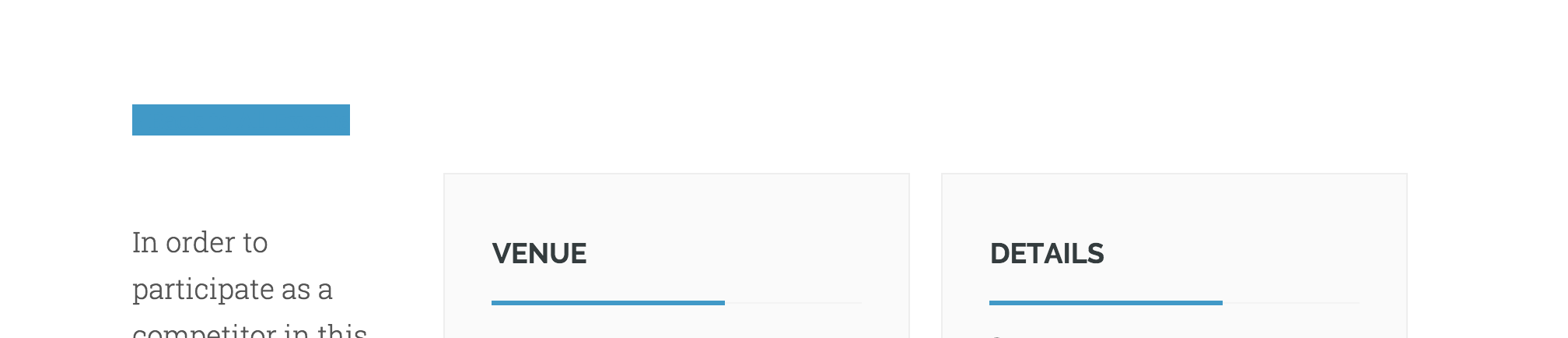
- Back button shows as Blue box without the text included in it
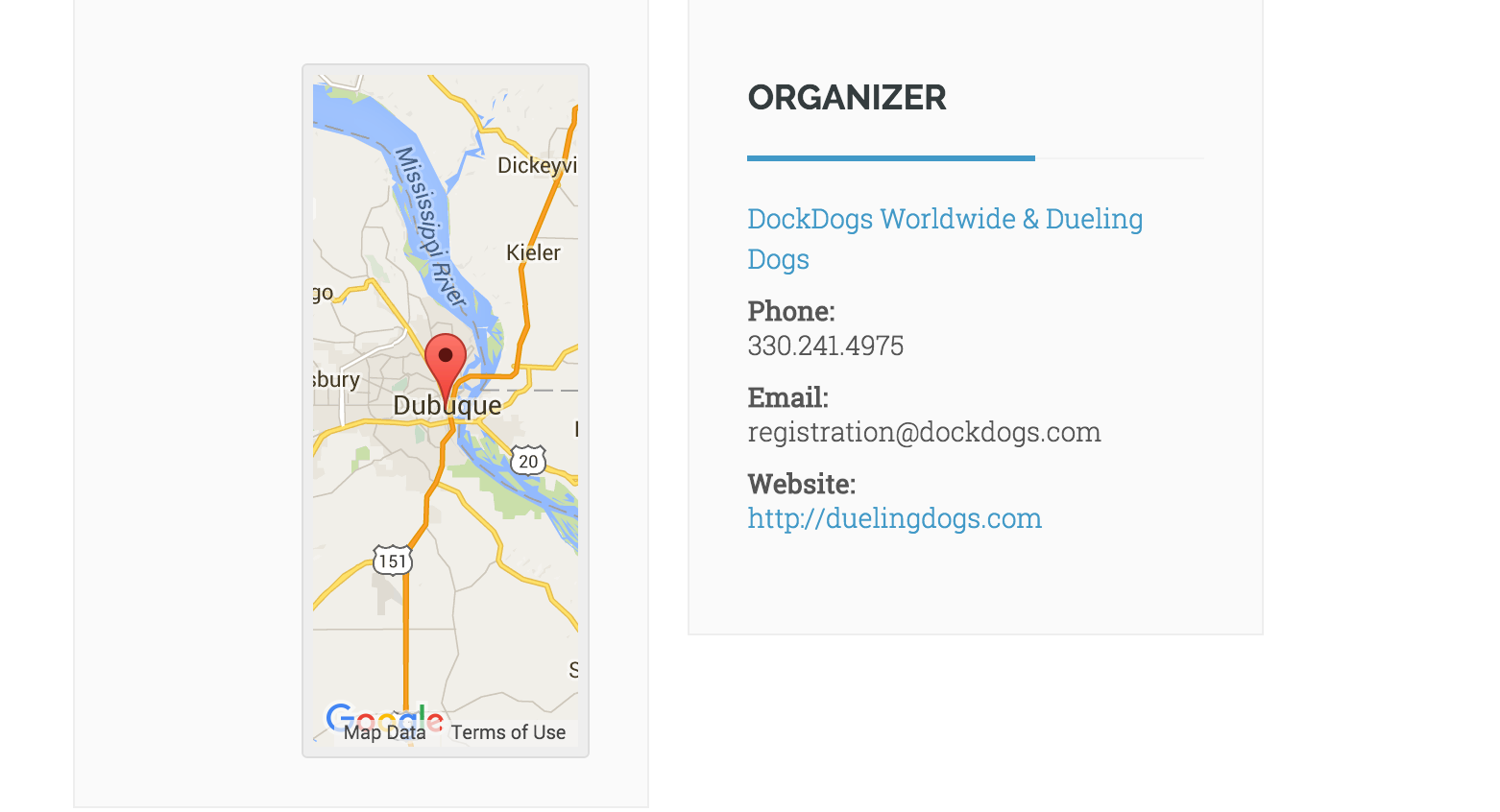
- Google Map shows very small and distorted
- In the demo the “Venue” and “Details” portions are in a single container that comprises a single column. However, in my template it’s showing as two
Were these also true of when you attempted to install the Child Theme?
Do you know of anyone, perhaps yourself, that would be interested in helping me fix it? At this point I’m likely willing to pay someone else as I do not have time at the moment to troubleshoot.
Thank you so very much for your support up to this point and appreciate any additional assistance you can provide.
Here’s the demo I’m referring to: http://demo.communityprotheme.com/event/church-in-the-park/
November 9, 2015 at 3:18 pm #1023493MemberHi,
Unfortunately, that is beyond the support we can provide.
I fixed the one error, but we are unable to provide support on custom theme templates this per our terms and conditions.
We are unable to make the changes ourselves or be hired to do it.
We do have this list of customizers that you might be able to hire to help:
https://theeventscalendar.com/knowledgebase/find-a-customizer/
February 18, 2016 at 8:30 am #1075502KeymasterThis topic has not been active for quite some time and will now be closed.
If you still need assistance please simply open a new topic (linking to this one if necessary)
and one of the team will be only too happy to help. -
AuthorPosts
- The topic ‘Events Calendar Community Pro Genesis Theme Error – Please Help’ is closed to new replies.