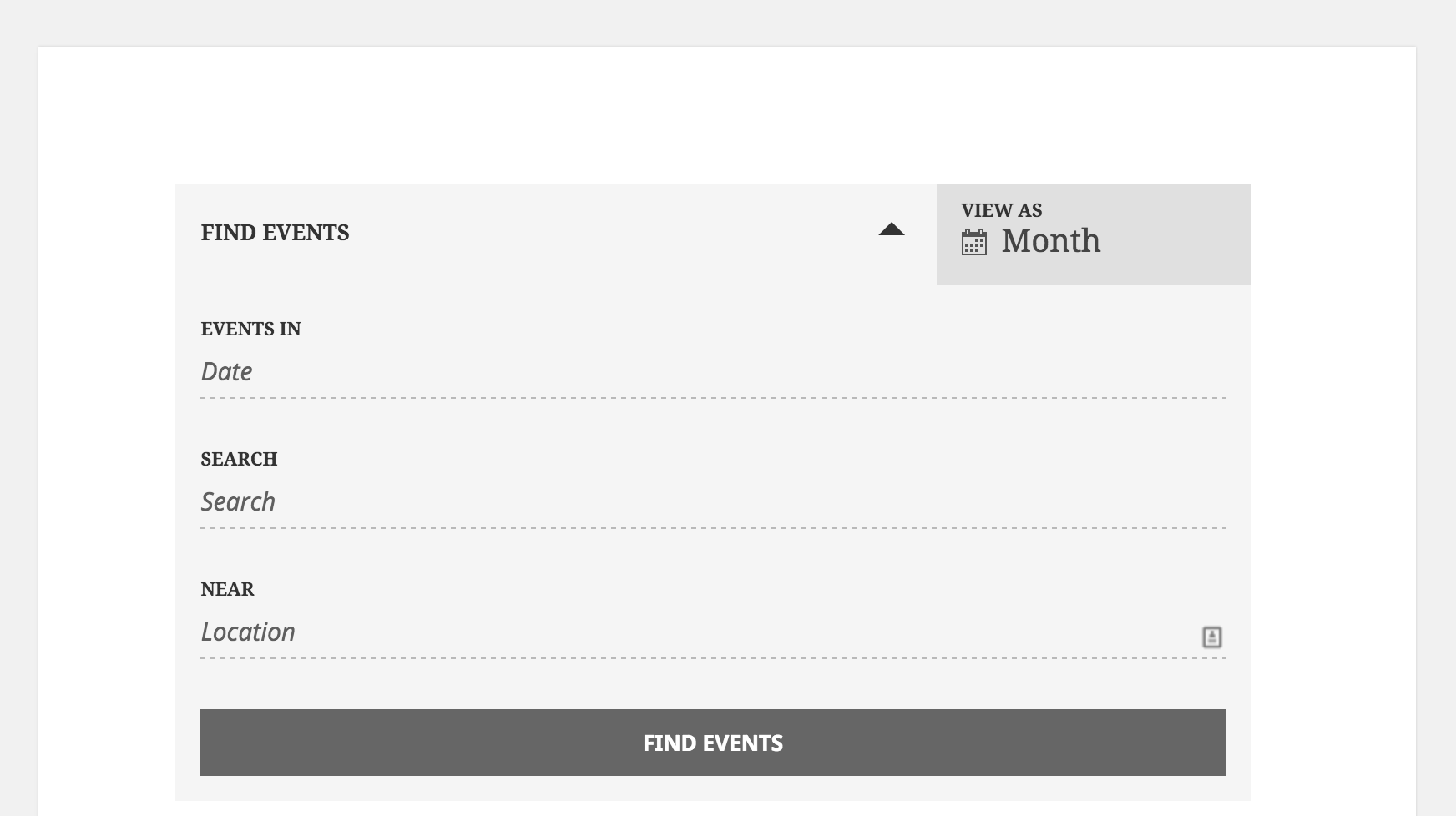
Default Date Search Date is 1970

Home Forums Calendar Products Events Calendar PRO Default Date Search Date is 1970

Viewing 3 posts - 1 through 3 (of 3 total)
  • Author
    Posts
  • #1055554
    bkeller49
    Participant

    When viewing the calendar, the default date for search comes up as 01/01/1970. Is there any way to change that?

    Can’t really revert to Twenty Fourteen. The last time I switched themes it blew the settings of the theme we’re using up.

    Screan shot: https://cloudup.com/cm6nB-f4Mqh

    I noticed that Events Calendar is version 4.04 and Events Calendar Pro is 4.03 but I don’t see a 4.04 version available for Pro.

    #1055638
    Cliff
    Member

    Hi. Thanks for your question and the screenshot.

    Here’s what I see on my default/testing install with Twenty Fifteen theme:
    Screenshot 2016-01-13 17.23.09

    In other words, there’s no date whatsoever in that field so I’m not certain where it would be coming from.

    Also, I saw this in the Chrome Console at your site’s Events page:
    Screenshot 2016-01-13 17.23.37

    I know you don’t want to switch themes, but my suggestion with the information I have is to please follow our Testing for Conflicts Guide and see if that helps narrow down the cause of this. (Hopefully it’s a plugin issue and not a theme issue, or something in your theme’s functions.php file that you can comment out to test.)

    Let us know what you find out.

    Thanks.

    #1076763
    Support Droid
    Keymaster

    This topic has not been active for quite some time and will now be closed.

    If you still need assistance please simply open a new topic (linking to this one if necessary)
    and one of the team will be only too happy to help.

Viewing 3 posts - 1 through 3 (of 3 total)
  • The topic ‘Default Date Search Date is 1970’ is closed to new replies.