Change time format in the list view

Home Forums Ticket Products Event Tickets Plus Change time format in the list view

Viewing 4 posts - 1 through 4 (of 4 total)
  • Author
    Posts
  • #1056638
    Marina
    Participant

    Hello,

    Is there a function to change the time format in the list view from month-date-time to month-date-year?

    Thank you

    #1056694
    Marina
    Participant

    Actually, it would be helpful to know what function can be used to return just the month of the current event and the date of the current event. Can you please point me in the right direction? Thank you.

    #1056857
    Hunter
    Moderator

    Hey Marina,

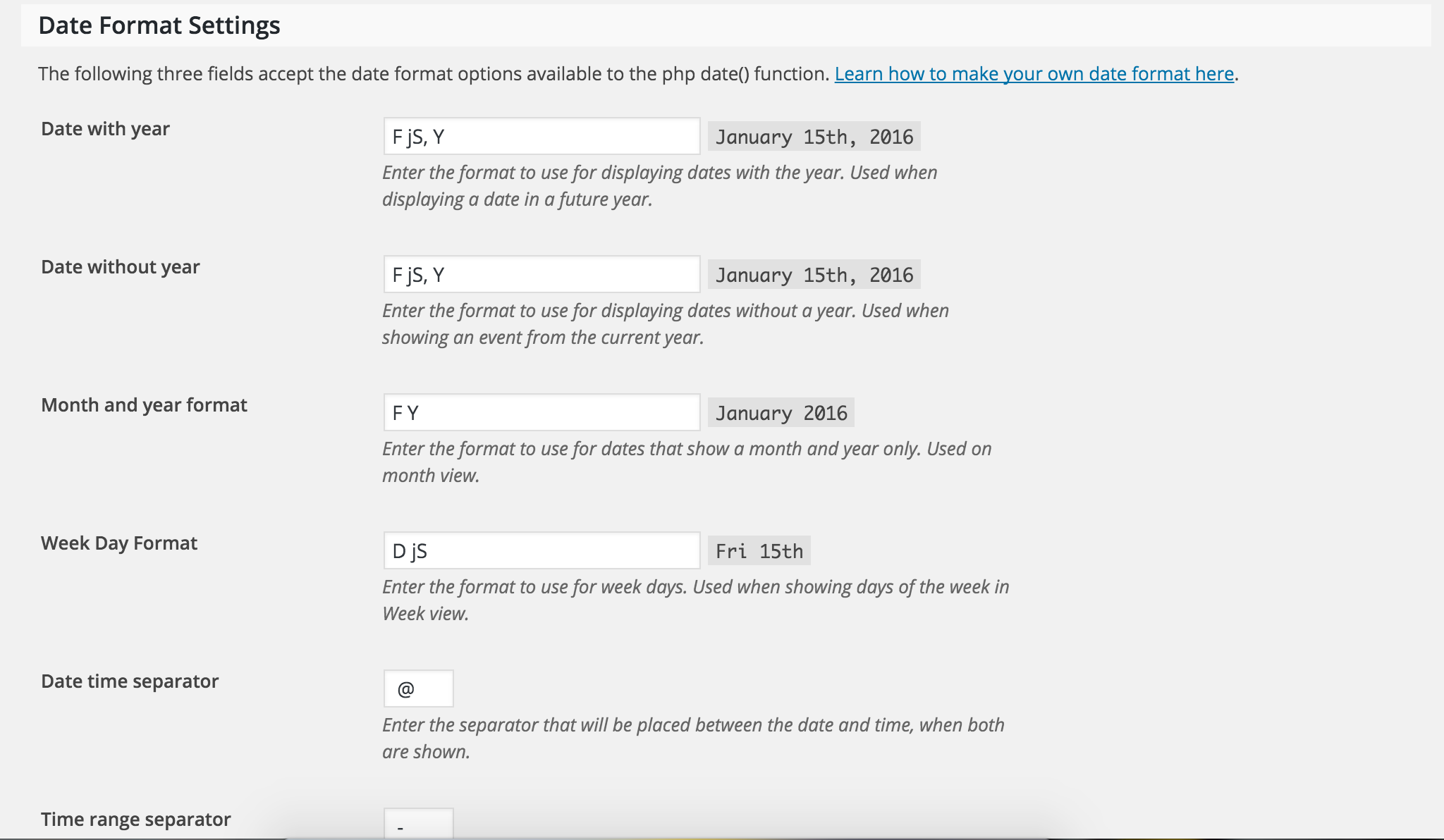
    Welcome back! I’d start by visiting Events > Settings > Display. Try adjusting the settings provided and see if you’re able to accomplish your desired date/time format.

    If that doesn’t work, read through this Knowledgebase article – Setting the time format. Let me know if this does the trick. If not, we’ll continue troubleshooting.

    Have a good weekend!

    #1076813
    Support Droid
    Keymaster

    This topic has not been active for quite some time and will now be closed.

    If you still need assistance please simply open a new topic (linking to this one if necessary)
    and one of the team will be only too happy to help.

Viewing 4 posts - 1 through 4 (of 4 total)
  • The topic ‘Change time format in the list view’ is closed to new replies.