
Home › Forums › Ticket Products › Event Tickets Plus › Additional Attendee Information
- This topic has 12 replies, 3 voices, and was last updated 9 years, 9 months ago by
Hunter.
-
AuthorPosts
-
January 7, 2017 at 2:18 am #1214644
Alexander
ParticipantHello to everyone,
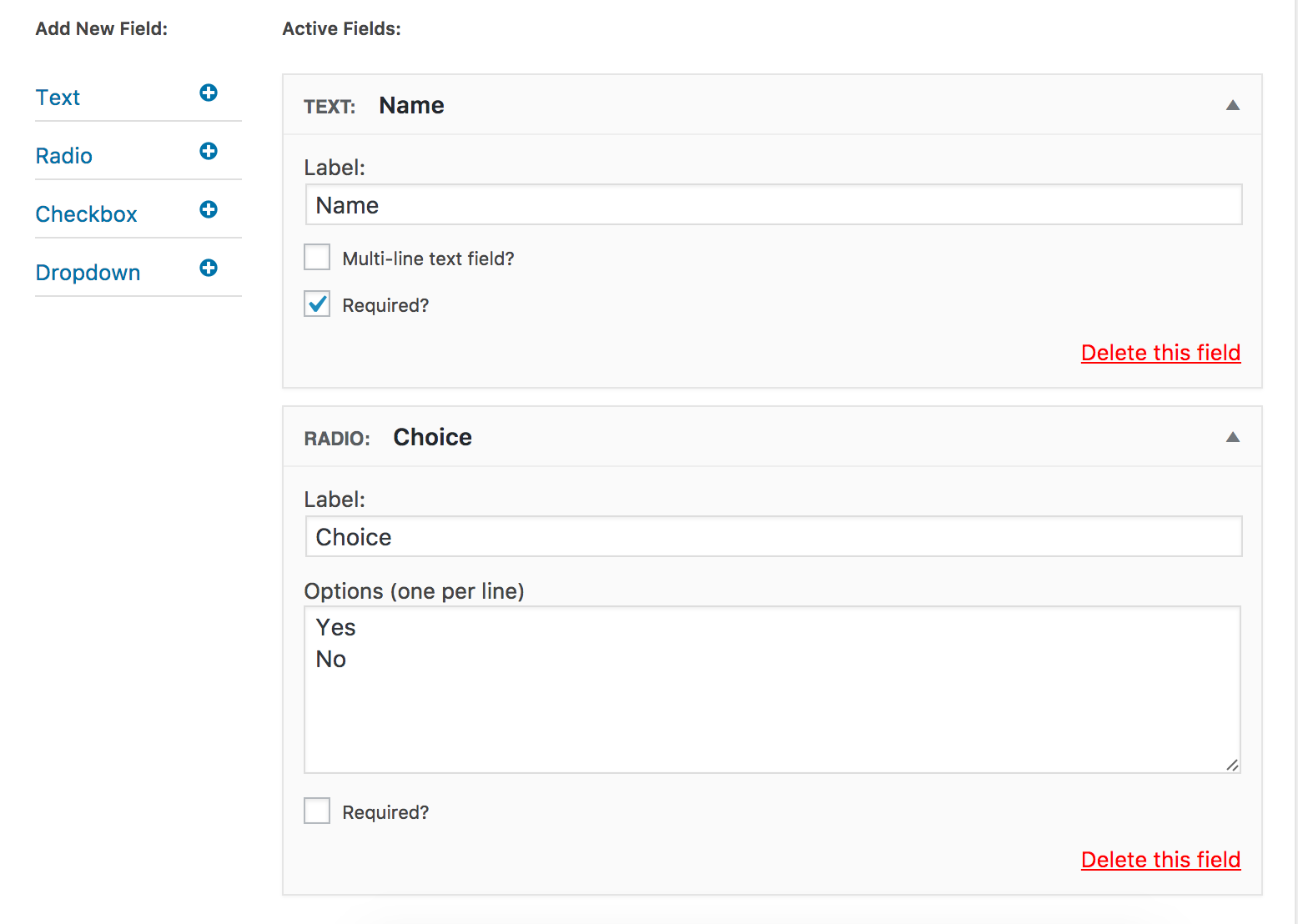
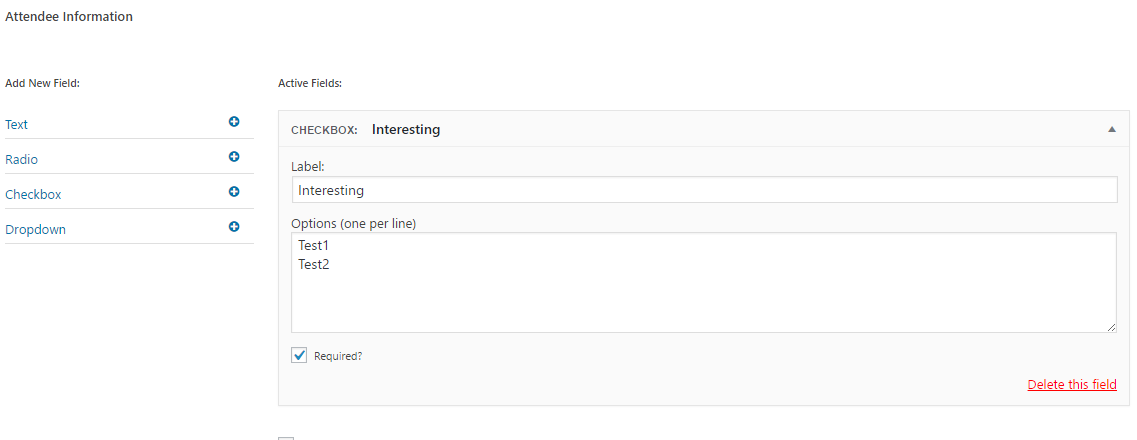
I added additional info for the ticket.
https://i.gyazo.com/65bacf617358dea568cbc669aee10743.pngAnd I’m trying to firure out how to show it now because it’s not showing.
WP: Fresh install
Theme: Twenty SeventeenWhat should I do to show additional fields?
January 8, 2017 at 7:13 pm #1214938ModeratorHi and welcome 🙂
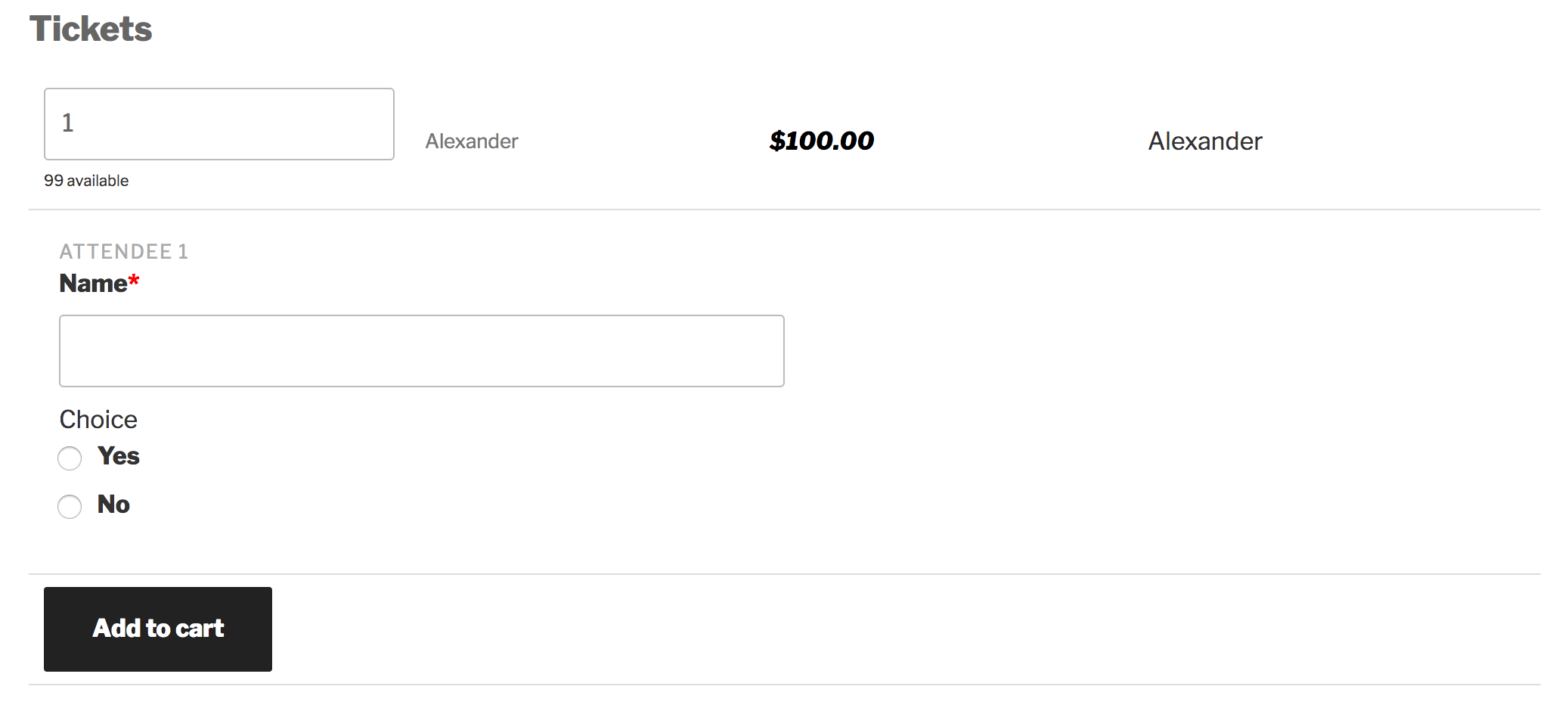
Thank you for your purchase and sorry to see you’re experiencing issues. I went ahead and created a test event with a ticket and additional fields:
As you can see, the additional fields are displaying correctly:
Please make sure WP_DEBUG and WP_DEBUG_LOG are enabled on your site’s wp-config.php file. Any errors will display at the top of your page as you try to reproduce the conflict. Note what you find and please include it in your reply. I’d also use your browser’s ‘Inspect’ tool to see if any errors display in the console. Again, if any do, please share them in your reply.
Thanks again and have a great rest of the day. Cheers!
January 9, 2017 at 1:52 pm #1215336ParticipantThanks for your reply. Enabled WC debug but with no luck. And I still can’t figure out what to do.
Moreover I’m not sure when this fields should be shown.
At start page, at cart or even at checkout?You can page it here: http://store.nextcastle.ru/
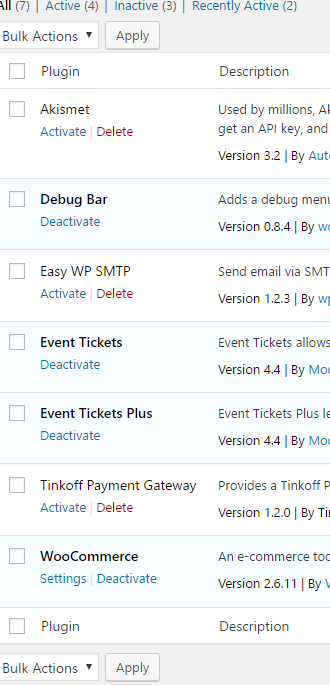
3D ticket has additional 2 fieldsJanuary 9, 2017 at 1:55 pm #1215339ParticipantMy plugins:
 January 10, 2017 at 5:35 pm #1216240Moderator
Go ahead and send over your System Information as a private reply. The tickets should display beneath the event information on events which have tickets created for them. Check out our Making tickets KB article for further instructions.
Have a good evening!
January 10, 2017 at 11:28 pm #1216384ParticipantThis reply is private.
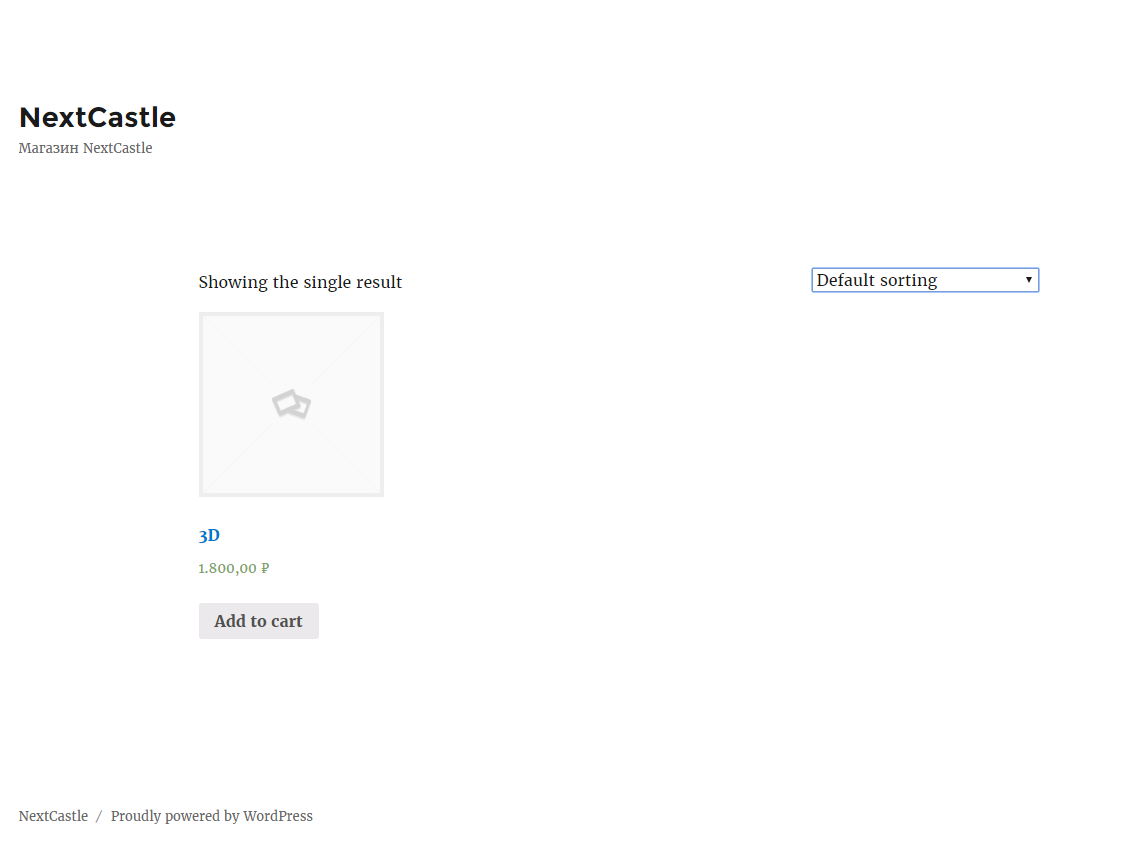
January 10, 2017 at 11:30 pm #1216386ParticipantI see no counter field in default WP theme.
 January 11, 2017 at 4:12 pm #1217048Moderator
Hello,
That appears to be a product page rather than an event page. Have you added an event with tickets? Again, please review our Making Tickets and New User Primer: Event Tickets & Event Tickets Plus Knowledgebase articles and let me know if you’re able to successfully bring up an event with tickets.
These might also come in handy:
https://theeventscalendar.com/knowledgebase/plugin/event-tickets/
https://theeventscalendar.com/knowledgebase/plugin/event-tickets-plus/Cheers!
January 12, 2017 at 5:48 am #1217316ParticipantNo, it’s not a product page.
I reset all databases and made all settings from scratch.
Default page is available here: http://store.nextcastle.ru/shop/
Can you please go over the link?I read your documents many times. Can you please help me to find what’s problem is?
January 12, 2017 at 4:27 pm #1217769ModeratorI visited the link but when I try clicking on a product, it simply redirects me back to the same page. And the screenshot you provided earlier actually appears to be the WooCommerce main shop page.
I’m really unsure on how to help here. The information in the articles I linked to above should provide clear instructions on how to properly install and setup the plugin and help get you started making tickets.
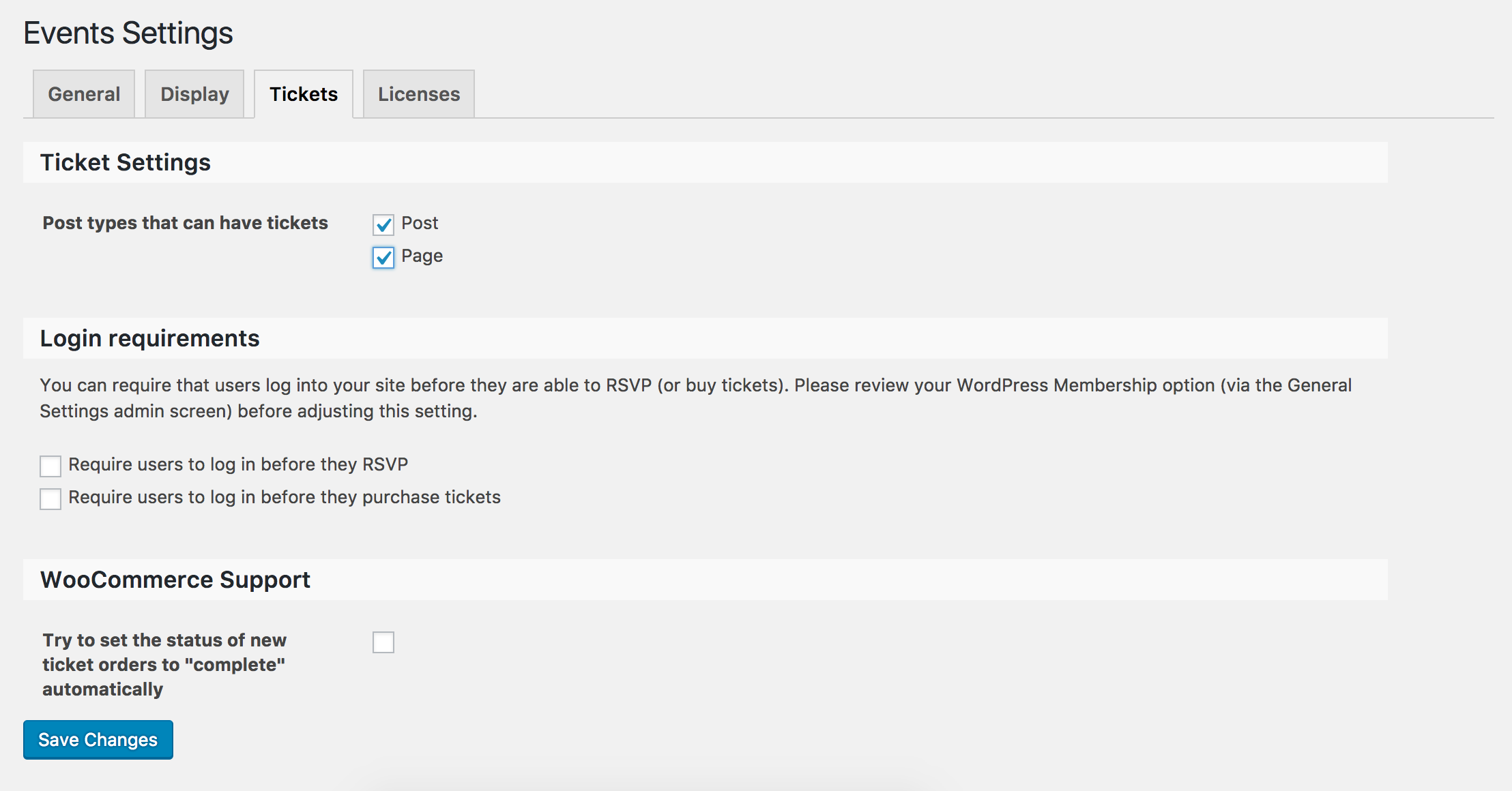
Make sure you have enabled post types so they can have tickets under Events > Settings > Tickets:
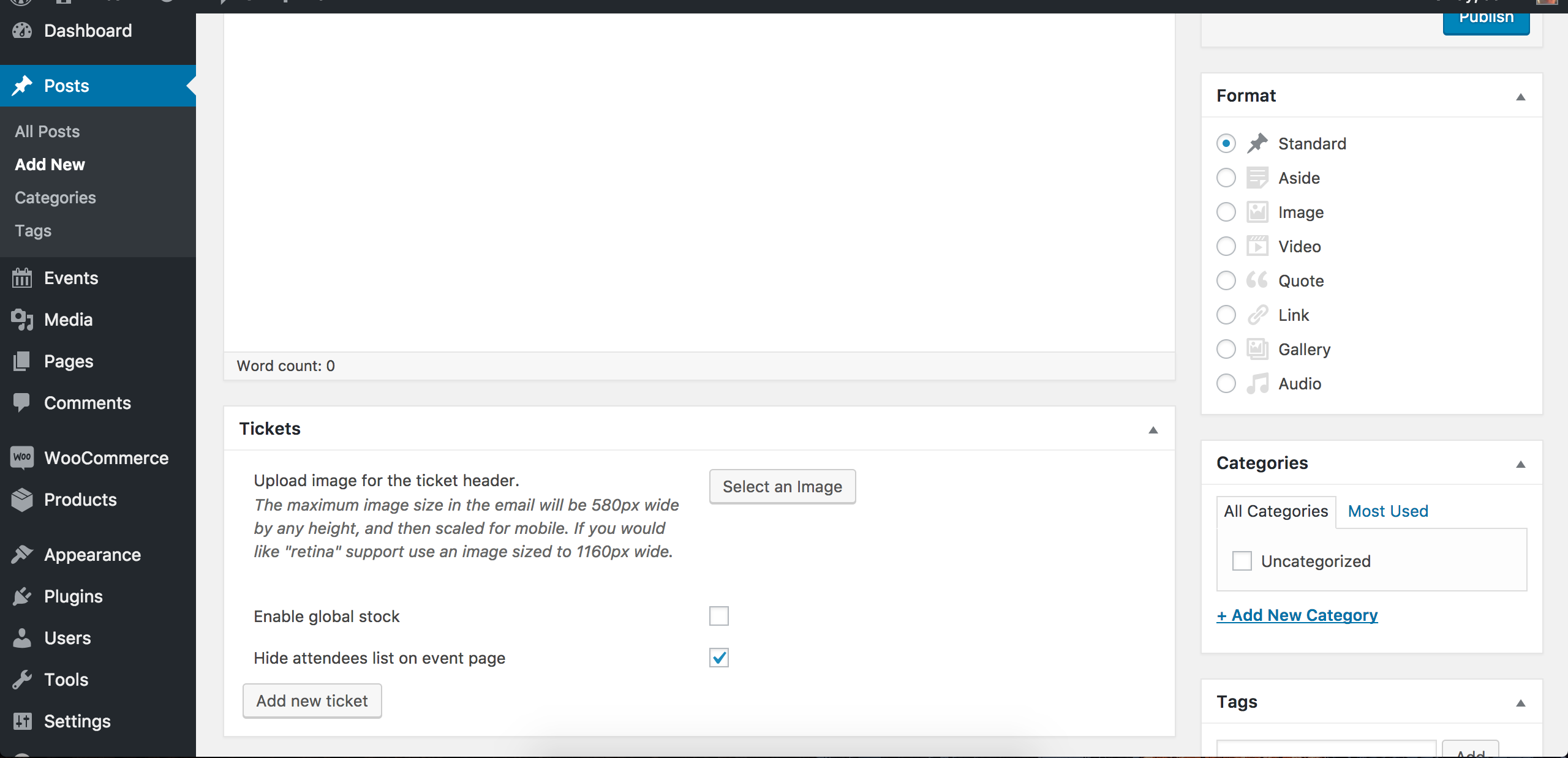
Then, add/edit a new page or post and you should see the option to create a ticket:
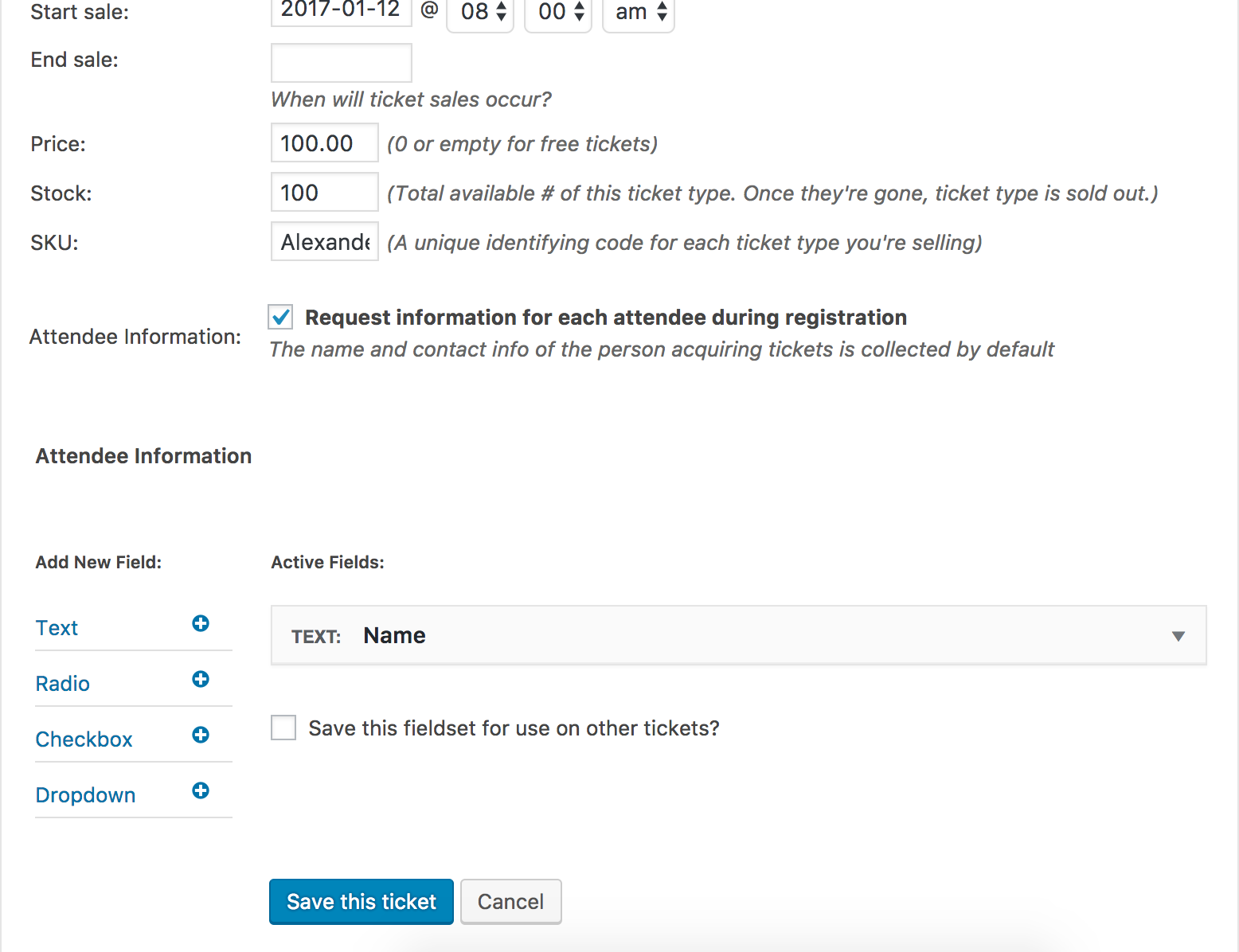
Follow the instructions from our Making Tickets Knowledgebase article to create tickets. I went ahead and created a sample post and added a ticket:
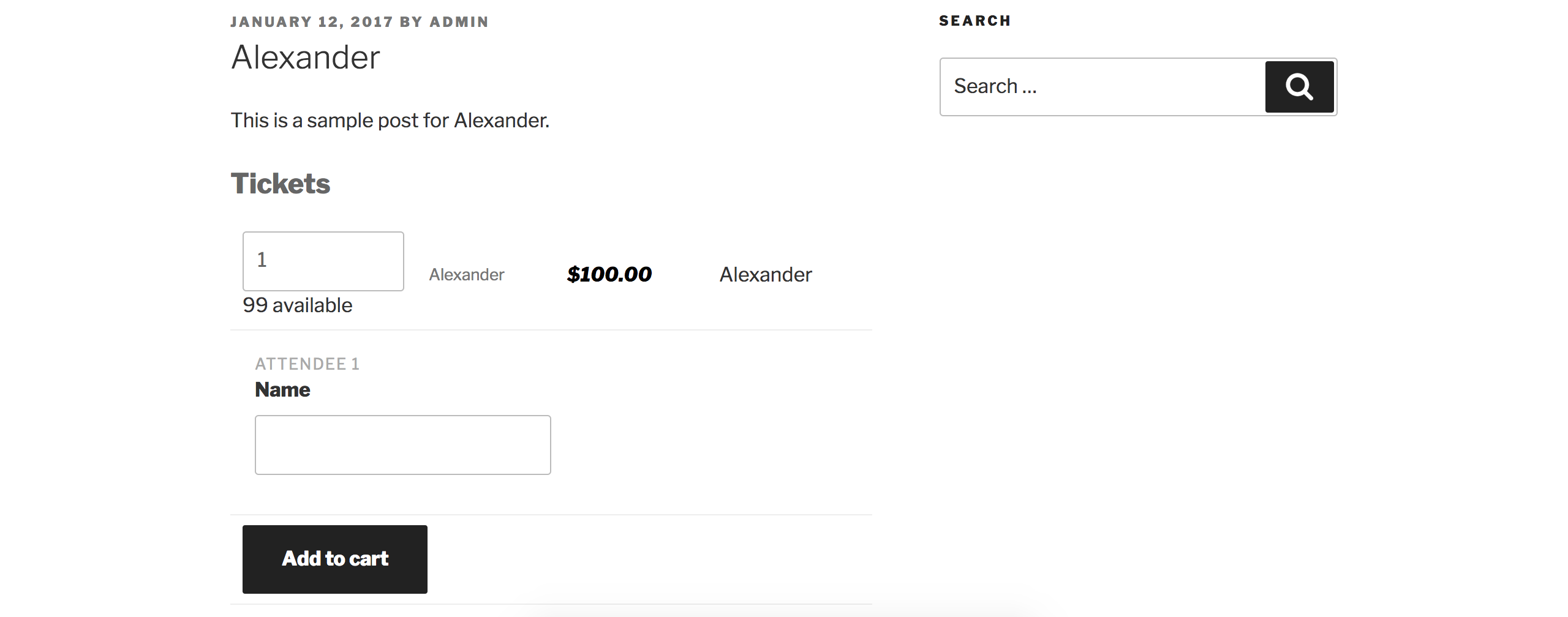
As you can see, the ticket is visible on the front end of the sample post I just created:
There are no current known bugs that might be affecting anything you’re currently attempting to achieve, so please re-read the aforementioned documentation I provided. Cheers.
January 13, 2017 at 7:15 am #1218051ParticipantIt seems that I found issue finnally.
I used WooCommerce main shop page as page to add tickets.
It seems that something going wrong in such case.Thanks for your assistance, Hunter.
January 13, 2017 at 1:07 pm #1218321ModeratorThank you for letting me know the issue has been resolved and please feel free to create a new thread if you have any more questions or comments. Take care!
-
AuthorPosts
- The topic ‘Additional Attendee Information’ is closed to new replies.