
Home › Forums › Ticket Products › Event Tickets Plus › Urgent help please!
- This topic has 5 replies, 3 voices, and was last updated 10 years, 5 months ago by
Support Droid.
-
AuthorPosts
-
May 7, 2016 at 10:46 am #1111893
Marcus
ParticipantI have some questions I need to be answered quckliy!
– Where or how can I hide the “Don’t list me on the public attendee list” both text and checkbox? Don´t want it on the page. I´ve tryed added this in the CSS but not working (see my site at http://nybroloppis.se/nya/boka/
body.single-tribe_events tr.tribe-tickets-attendees-list-optout {

display: none;

}
– Where can I translate the “available” text and also the “Add to Cart” text to swedish??
– Can I change so that the total amount of remaing tickets don´t counts down until the booking is payed and confirmed? Now it counts down direct when you add it in the cart.
Best Regards
Marcus JanssonMay 7, 2016 at 11:12 am #1111898George
ParticipantHey @Marcus,
Thanks for reaching out. Our response times are one reply every 24 hours during the workweek. It is the weekend. So thank you in advance for your patience with the support exchanges here.
– Where or how can I hide the “Don’t list me on the public attendee list” both text and checkbox? Don´t want it on the page. I´ve tryed added this in the CSS but not working (see my site at http://nybroloppis.se/nya/boka/
I am happy to take a look at your site to try and recommend some better CSS. I cannot see your content at this time, though. This screenshot shows what I find when I try to view your site:
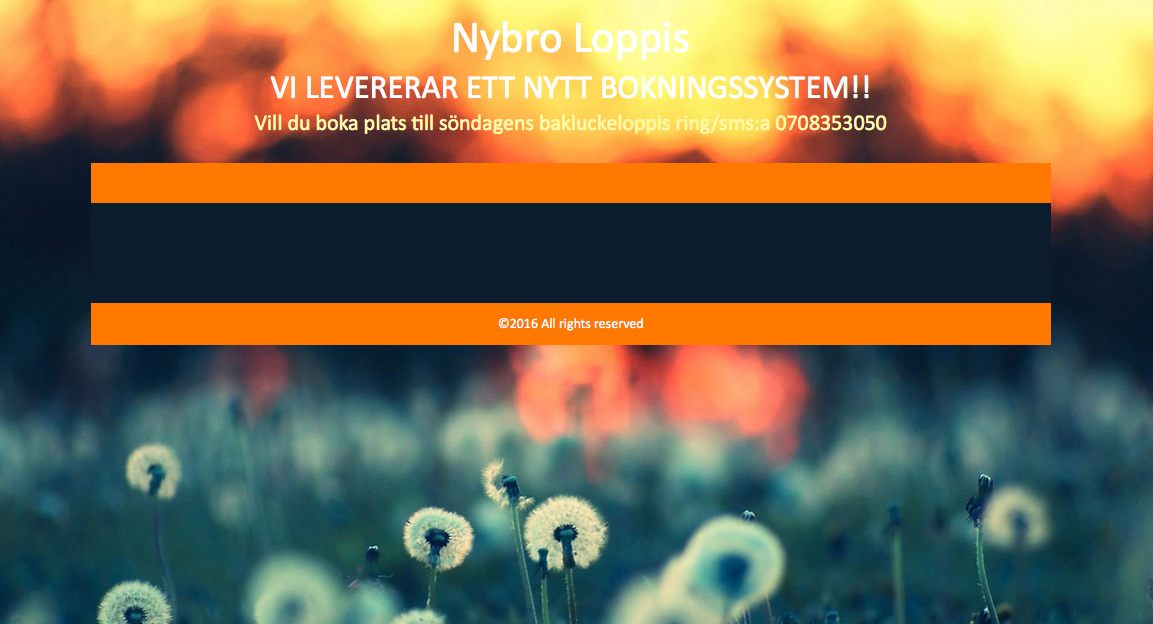
Can you temporarily make your site publicly visible? We cannot log into customer sites for any reason, so for me to see the site it has to be publicly viewable. I understand why you might want to keep it private at this stage, but it is only temporary and I will work as quickly as I can.
– Where can I translate the “available” text and also the “Add to Cart” text to swedish??
There are numerous ways to translate things. You can learn about translating in general in these articles:
• Translating The Events Calendar: http://theeventscalendar.com/knowledgebase/translating-the-events-calendar/
• Translating our premium add-ons: https://theeventscalendar.com/knowledgebase/adding-or-updating-a-translation/
• Changing the language on your site: https://theeventscalendar.com/knowledgebase/changing-the-language-on-your-calendar/To just change the text of some specific terms, though, you can do that using a method that is shown here:
• https://theeventscalendar.com/knowledgebase/change-the-wording-of-any-bit-of-text-or-string/
– Can I change so that the total amount of remaing tickets don´t counts down until the booking is payed and confirmed? Now it counts down direct when you add it in the cart.
You unfortunately cannot change the behavior of our plugins in this sort of way without customizing the plugin code directly. We cannot help with code customizations, so you will have to take the reins on changing this behavior yourself or by hiring a professional developer to help you if you cannot do so your self. We have a list of great developers here if you are interested → http://m.tri.be/18k1 (and we have no affiliation with any of these folks–they’re simply some well-respected names in the community that we’ve compiled).
I hope this information helps,
GeorgeMay 7, 2016 at 11:24 am #1111903ParticipantSorry about the Maintenance mode, it´s now open agian 🙂
And super thanks for the quick support!!!
May 7, 2016 at 12:29 pm #1111917ParticipantI manage to fix the translation but still the checkbox and text for “Don’t list me on the public attendee list” is still there, can´t manage to remove it
May 7, 2016 at 3:01 pm #1111927ParticipantHi,
You can remove the opt-out button by adding CSS like this to the bottom of your theme’s style.css file:
tr.tribe-tickets-attendees-list-optout {

    display: none !important;

}
You will have to take the reins on all further customizations—if you need to write more custom CSS on your site, definitely check out a [free!] tool like Firebug if you use FireFox, or the Developer Tools for either Safari or Chrome. They have “Inspector” tools that let you zoom right over the element that you want to hide, and so you can easily determine what CSS is needed to hide it.
Cheers,
GeorgeMay 22, 2016 at 9:35 am #1117580KeymasterThis topic has not been active for quite some time and will now be closed.
If you still need assistance please simply open a new topic (linking to this one if necessary)
and one of the team will be only too happy to help. -
AuthorPosts
- The topic ‘Urgent help please!’ is closed to new replies.