
Home › Forums › Ticket Products › Event Tickets Plus › Ugly Displaying Stock left
- This topic has 8 replies, 2 voices, and was last updated 10 years, 9 months ago by
George.
-
AuthorPosts
-
December 21, 2015 at 11:36 pm #1045067
websource
ParticipantHi there
On 2016Theme it displays the stock left a little bit ugly. This only occurs at EDD Tickets not RSVP Tickets?
http://1drv.ms/1ke8bqeThanks for helping out.
December 22, 2015 at 5:34 am #1045120ParticipantHey there @websource,
Fixing the layout in your screenshot would unfortunately require some custom CSS 🙁
We can’t quite help with custom CSS much, but if possible can you share a link to the website where this is happening? I will make a “test” order on an event to get some tickets in my cart, then get to the checkout page in your screenshot and try to recommend some CSS to fix things.
Cheers,
GeorgeDecember 22, 2015 at 5:54 am #1045128ParticipantHi George
Thanks for your willingness helping out with a customn css.
You should be able to replicate it on your own testsites. There hasnt been any themes installed. Its just my testsite where i try out your new plugins, so nothing live which should get fixed with a custom css asap.Just want to help out test the new plugins. Can you provide me an answer to the question:
Will this get fixed in a upcoming release?Thanks George
BrianDecember 22, 2015 at 5:55 am #1045130ParticipantThis reply is private.
December 31, 2015 at 3:10 pm #1048617ParticipantHello,
I tried going to the URL you provided for this site, to check out the issue in person, and unfortunately I could not access the site. See this screenshot:
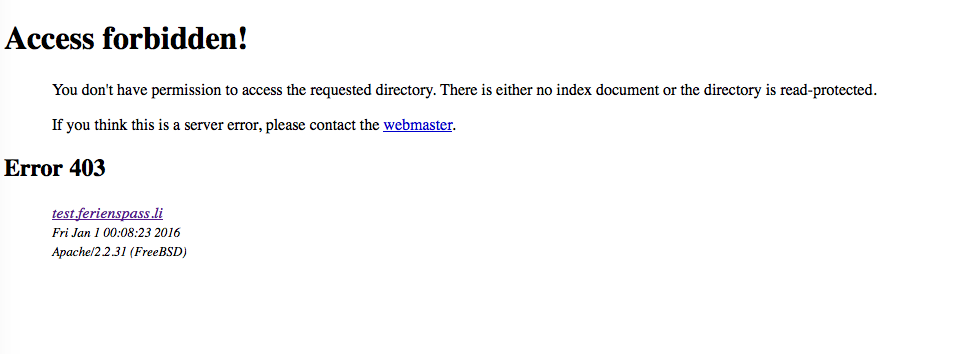
Since we are not allowed to log into customer sites, can you temporary ensure that the link you provided is publicly accessible? I will take a look at the page if so.
Thank you for your patience with our delayed response over the holidays!
GeorgeJanuary 4, 2016 at 1:33 am #1049526ParticipantJanuary 4, 2016 at 6:48 pm #1050179ParticipantHey @Websource,
Thanks for sharing the new link. I found an example event here → http://test.ferienspass.li/wordpress/event/test2/
To fix the stock display, you would need to add custom CSS on your site to adjust the width of the stock display. You can do that by adding CSS like the following to the bottom of your theme’s style.css file:
.tribe-events-tickets td.edd {

    width: 20% !important;

}
Play around with the value – try 30% instead of 20%, for example, and just play around until you find the right width.
We cannot help with customizations, so you will have to take the reins on this from here, but I hope this helps!
Sincerely,
GeorgeJanuary 4, 2016 at 10:59 pm #1050222ParticipantHi George
Thanks for your help here. Actually i wont implement this cause it is just a virgin test site. Could you tell me please if this gets fixed in the next version? If someone uses RSVP and WooCommerce or EDD it really looks ugly. Thanks
January 5, 2016 at 8:51 am #1050574ParticipantHey @Websource,
We will not have a fix inside our own plugin for this because our own plugins are not causing this layout issue. This layout issue is caused mainly by Easy Digital Downloads and the limited space of the content area within the 2016 Theme.
The Events Calendar is a plugin – it provides functionality. For the look of things, you unfortunately have to take the reins with your theme and/or with CSS customizations and such.
I’m sorry to disappoint! It is POSSIBLE that at some point we will include styles to better protect handle this field when Easy Digital Downloads is active, but that this time I cannot promise the inclusion of such styles.
With all of this in mind, then, I will close up this thread for now because of the reasons elaborated above and because I have shared the necessary CSS to fix this, along with steps to implement the CSS.
So for now, I’ll close this thread. I wish you the best of luck with your site! If other issues arise, come open a new thread any time.
Cheers,
George -
AuthorPosts
- The topic ‘Ugly Displaying Stock left’ is closed to new replies.