
Home › Forums › Calendar Products › Events Calendar PRO › sidebar is showing below content
- This topic has 10 replies, 2 voices, and was last updated 11 years ago by
George.
-
AuthorPosts
-
September 26, 2015 at 5:09 am #1008911
Lisa carr
Participanthi, i am using the events calendar and it seems that the sidebar on my site is being pushed down below the events listing and events pages. The sidebar is also displaying on the right side but my sidebar is set to display on the left. Could you please take a look and see how i can make it display properly? Here is the url: http://ccwomenandgirls.org/events/
September 28, 2015 at 9:26 am #1009247ParticipantHey @Lisa!
Sorry you’re having some layout issues here – these issues are likely a combination of CSS styles from your theme and from The Events Calendar itself.
I went to take a look at the events page you linked to, and was met with this notice:
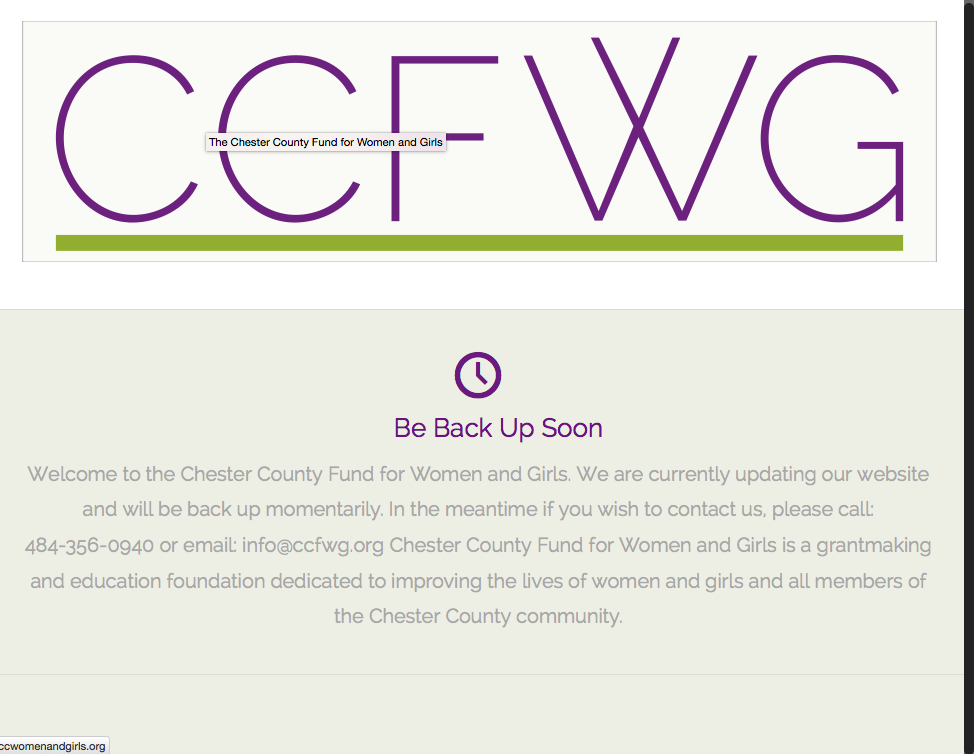
Can you temporarily disable that notice so that the site – and, especially, this sidebar-related issue – is publicly visible? That will allow us to take a closer look and recommend some specific steps for fixing this.
We unfortunately are not allowed to log in to customer sites or anything, so making it public is unfortunately the only option for us to see the problem first-hand. I’m sorry about that, but can assure you that it will only be “publicly” visible for a brief period of time! 🙂
Thank you!
GeorgeSeptember 28, 2015 at 12:29 pm #1009365ParticipantHey George,
Sorry about that! It is live now! thanks- LisaSeptember 29, 2015 at 10:44 am #1009757Participanthi George – is there a way you could take a quick look? My client doesn’t want the site live and I did it so you could check it out. It’s been live for almost 24 hours now…..
September 30, 2015 at 10:01 am #1010105ParticipantHey Lisa,
I’m sorry about the delay, we try to reply to everyone in under 24 hours and I’m sorry that I missed that deadline here. The site was back in maintenance mode, which I totally understand you doing. Can you temporarily disable that notice so that the site – and, especially, this sidebar-related issue – is publicly visible? That will allow us to take a closer look and recommend some specific steps for fixing this.
I will address the issue in under 24 hours!
September 30, 2015 at 3:15 pm #1010266Participanthi George thanks for getting back. My client did not want it up so i had to take it down again. I will let you know when it is up. thanks,
LisaOctober 1, 2015 at 10:28 am #1010550ParticipantI appreciate it Lisa, and am genuinely sorry about the inconvenience caused by all of this!
Keep us posted on things, even if it’s the weekend I will be checking this thread often so that I can act quickly once the site is visible again. (and P.S. – Fridays and the weekends are generally low-traffic times on the Internet…might be a good window for activating the site!)
Sincerely,
GeorgeOctober 1, 2015 at 11:17 am #1010567Participanthi george – i just received permission to make the site live in order to fix the dropping sidebar issue from my client. SO if you could take a look that would be great!
thanks,
lisaOctober 2, 2015 at 4:59 am #1010806ParticipantThank you for the update Lisa. You’ve used the term “client” here so perhaps you are being hired for custom web development services, in which case you’re probably familiar with CSS and using browser debug tools to tweak front-end design things. I used similar methods to come up with the following CSS to fix your layout:
body.post-type-archive-tribe_events .with_aside .sections_group {

    float: right !important;

}
body.post-type-archive-tribe_events .with_aside .four.columns {
float: right !important;
margin-right: 0 !important;
}
Here’s how that makes things render for me:
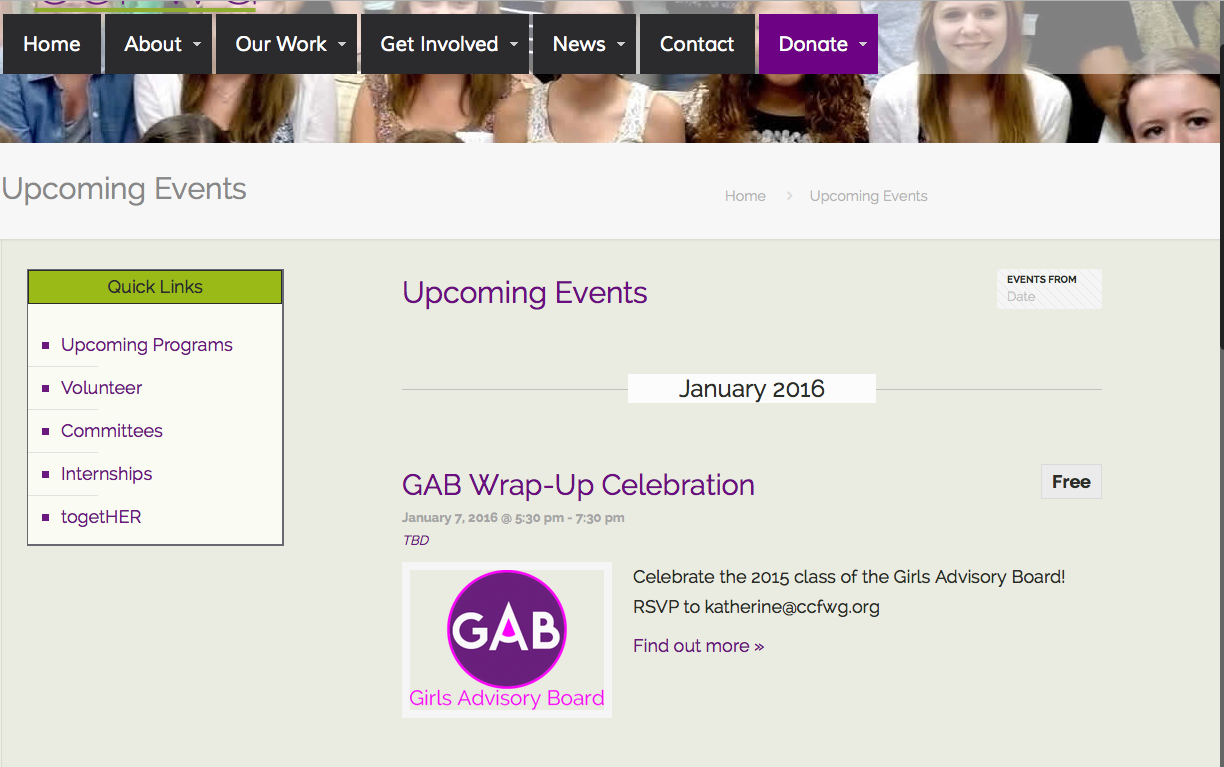
If you need to make more tweaks, I’d recommend using a tool like Firebug if you use FireFox, or the Developer Tools for either Safari or Chrome to help with the remaining CSS customizations.
And finally, for now, one thing I should mention is The Events Calendar’s “Events template” option. You can find this option in Events > Settings > Display in your site wp-admin. If you continue to have layout issues, I’d recommend trying out all the different settings for this option and seeing if any page templates work better for Events pages.
I hope this all helps!
— George
October 2, 2015 at 1:22 pm #1011078Participanthi George,
Thanks for taking a look. I was able to modify the events page and have the sidebar go up. Much appreciated!
Lisa-
This reply was modified 11 years ago by
October 6, 2015 at 12:24 am #1011774ParticipantAwesome! Be sure to keep a good backup of all custom code like this, and perhaps a bookmark to this here forum thread or something…you may have to re-add this custom CSS after you update your theme down the line in the future.
Best of luck with your site!
George -
This reply was modified 11 years ago by
-
AuthorPosts
- The topic ‘sidebar is showing below content’ is closed to new replies.