
Home › Forums › Calendar Products › Events Calendar PRO › Missing / Incorrect events
- This topic has 6 replies, 4 voices, and was last updated 9 years, 7 months ago by
Jeremy.
-
AuthorPosts
-
February 15, 2017 at 10:04 pm #1237985
Jeremy
ParticipantI am using Events Calendar 4.4.2, Pro v4.4 and Eventbrite Plugin 4.4.
http://www.rapportleadership.com.au/eventsthe issue I have is that the events I am publishing show up ok on my PC in my Firefox Browser but if I use Chrome on my PC or browse from my mobile device, it shows an incomplete list of events and some past events. (see screenshot)
Leadership Essentials – Should be for Mar 17, you can see in Chrome it is displaying an older version of this event from Feb. You can also see that it fails to load the image for leadership breakthrough one scheduled for April 27.
I am not running any cache on my website. Would appreciate your assistance.
Thanks,
Jeremy
February 16, 2017 at 7:36 pm #1239453Hunter
ModeratorHey Jeremy,
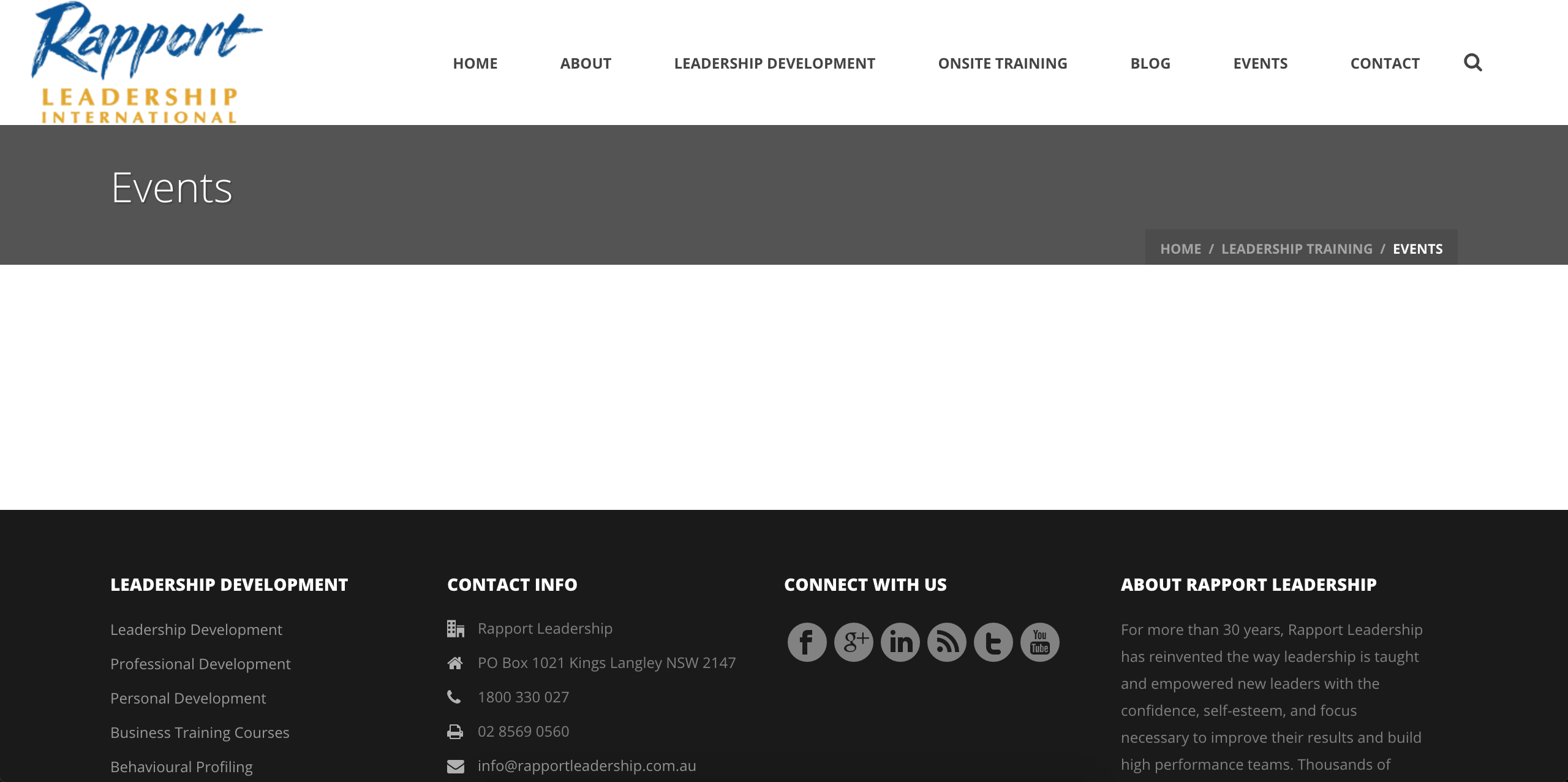
Before we go dig too deep, have you tried clearing your browser cache to see if that has any effect on the behavior? I attempted to visit the link provided but it’s not displaying anything other than the header/nav section, an empty main content area, and the footer/widgets.
Is the “Leadership Essentials” event you mentioned a recurring event? Does the behavior change when having any possible combination of our plugins activated/deactivated? E.g. it works if you have TEC and PRO active, but Eventbrite Tickets deactivated.
Any more information you can provide on the conflict will be helpful. When testing the issue again, please make sure WP_DEBUG and WP_DEBUG_LOG are enabled on your site’s wp-config.php file. Any errors will display at the top of your page as you try to reproduce the conflict. I also recommend right-clicking your mouse and opening the ‘Inspect’ tool to see if any errors display in the console. Note what you find and please include it in your reply.
Rest assured we’ll get to the bottom of this, so please keep me updated and have a pleasant rest of your day.
Cheers 🙂
February 16, 2017 at 7:45 pm #1239458ParticipantI updated events calendar pro to ver 4.4.2 and the behaviour changed.
Now as you observed, no events show up in the photo layout but they do show up in the list layout. I will disable Eventbrite and see if it changes anything.February 16, 2017 at 7:53 pm #1239463ParticipantDisabling Eventbrite did not have any effect.
Disabling Events Calendar Pro did not have any effect.
I have changed the default layout to list and cleared my cache.
It still defaults to photo layout??February 16, 2017 at 10:09 pm #1239577ModeratorThank you for the update. Can you follow the instructions in my previous response and let me know what you find from WP_DEBUG and your browser’s error console? Cheers 🙂
March 10, 2017 at 8:35 am #1252446Support Droid
KeymasterHey there! This thread has been pretty quiet for the last three weeks, so we’re going to go ahead and close it to avoid confusion with other topics. If you’re still looking for help with this, please do open a new thread, reference this one and we’d be more than happy to continue the conversation over there.
Thanks so much!
The Events Calendar Support Team -
AuthorPosts
- The topic ‘Missing / Incorrect events’ is closed to new replies.