
Home › Forums › Calendar Products › Events Calendar PRO › Media file images not showing in Events Calendar Pro
- This topic has 7 replies, 3 voices, and was last updated 10 years, 7 months ago by
Support Droid.
-
AuthorPosts
-
February 12, 2016 at 10:48 pm #1072345
Karen
ParticipantHi Team,
I have had issues with the redirect of my website to the secure version. I got this fixed today and in the process of that deleted a force SSL plugin.
Now I find that the images in my events listings are broken.
I don’t understand the link between this happening.The images have been showing up previous to today’s changes. I can see the images clearly in the media library.
I can see that there is an image attached to the event listing record. The image is not showing in the event listing page in WordPress. And when I go to my website inquiryatwork.com.au the images are now missing from the events listings.I have not turned off all plugins prior to sending this as nothing else has changed, apart from turning off and deleting the force SSL plugin.
I switched to the twentysixteen theme and the problem is still evident.
Any advice or guidance you can help me with would be appreciated.
Kind regards
Karen
February 14, 2016 at 11:39 am #1072883Hunter
ModeratorHey Karen,
Thanks for posting to the forums. I just checked out your website and the images on event listings and pages seemed to be working fine for me.
Often times, you’ll need to update your image links from https:// to http:// when you’re deleting an SSL plugin.
Let me know if you still need assistance and we’ll go from there. Thanks again for posting and have a great week!
February 14, 2016 at 12:13 pm #1072884ParticipantHi Hunter,
Thank you for your response.
I checked the link addresses yesterday and noticed that they are http and not https.
I have cleared my cache this morning and tried the site again and the links are still broken in my view.
Any other ideas or suggestions would be appreciated.
Thanks
Karen
February 14, 2016 at 12:18 pm #1072886ParticipantThis reply is private.
February 15, 2016 at 11:54 am #1073392ModeratorHey Karen!
Thanks for the response. Just checked your site again and images appear to be still working. Please send over a link to the screenshot when you have the time. Thank you 🙂
February 15, 2016 at 1:33 pm #1073447ParticipantThis reply is private.
February 16, 2016 at 9:16 am #1073867ModeratorHey Karen,
Thanks for the link 🙂
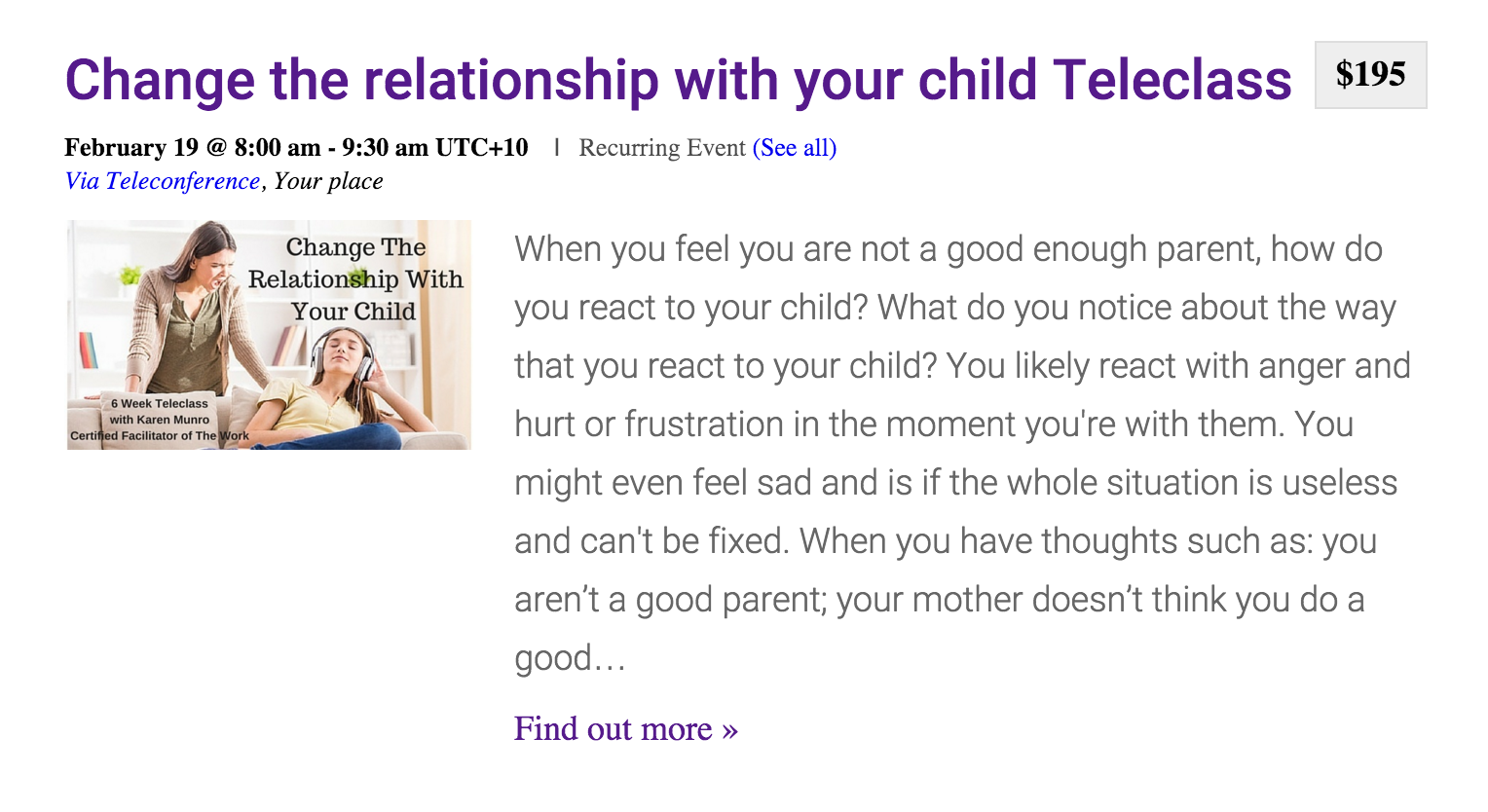
As you can see, the images appear to be working for me, so I’m just as stumped as you as to why the images aren’t working as desired. I wish I could be of more help, but this type of support is unfortunately out of our hands :-/
You may want to try posting on the SSL’s plugin support forum or try contacting the author. Best of luck resolving the issue and again, sorry I can’t do more. Have a great week!
March 2, 2016 at 8:35 am #1084380KeymasterThis topic has not been active for quite some time and will now be closed.
If you still need assistance please simply open a new topic (linking to this one if necessary)
and one of the team will be only too happy to help. -
AuthorPosts
- The topic ‘Media file images not showing in Events Calendar Pro’ is closed to new replies.