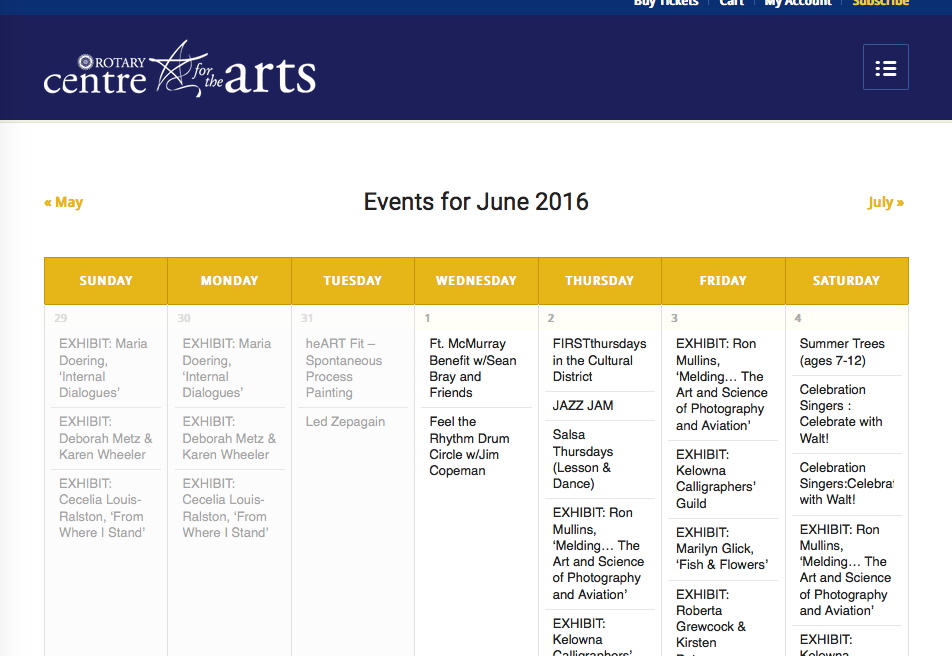
Just updated to Events Cal Pro 4.2 and now there is screen reader text being displayed that wasn’t before. It’s interfering with the Next/Prev navigation links – how do I hide it?
While I’m not sure why it is showing now when it wasn’t before, I would recommend adding this CSS to the bottom of your theme’s style.css file to hide that text:
The changes do seem to take effect, when I look at your site. Here is your month view, for example—the screen reader text (formerly in the top-left corner) is no longer there:
If there are other locations on your site where it’s not taking effect, can you share some more specific links to these locations?
.