
Home › Forums › Calendar Products › Events Calendar PRO › Hide "recurring event" text
- This topic has 8 replies, 3 voices, and was last updated 10 years, 2 months ago by
Emily Holton.
-
AuthorPosts
-
July 11, 2016 at 8:17 am #1138123
Emily Holton
ParticipantHi – I’d like to hide the “recurring event – see all” text on my single events and in on the list/month/map events pages (basically everywhere). Is there some code I can insert into my style.css for that?
Thanks!July 11, 2016 at 9:19 am #1138166George
ParticipantHey there!
You should be able to do this by adding the following line of CSS to the bottom of your theme’s style.css file:
div.recurringinfo {

    display: none !important;

}
If you add this and still the text in any specific locations, can you share links to the places on your site where you still see the text? An additional line or two may be required based on your theme’s CSS and such.
Cheers,
GeorgeJuly 11, 2016 at 11:04 am #1138240ParticipantThanks for replying! But sorry, it didn’t work…
I’ve attached a screen grab of my style sheet.
I want to remove the “Recurring Event (See all)” text from:
The individual event pages: http://wheretogokiddo.com/event/creating-together-drop-in-program-2015-10-26/2016-07-11/
And the list view: http://wheretogokiddo.com/search/
Thanks again!
July 11, 2016 at 1:51 pm #1138368ParticipantHey @wheretogokiddo,
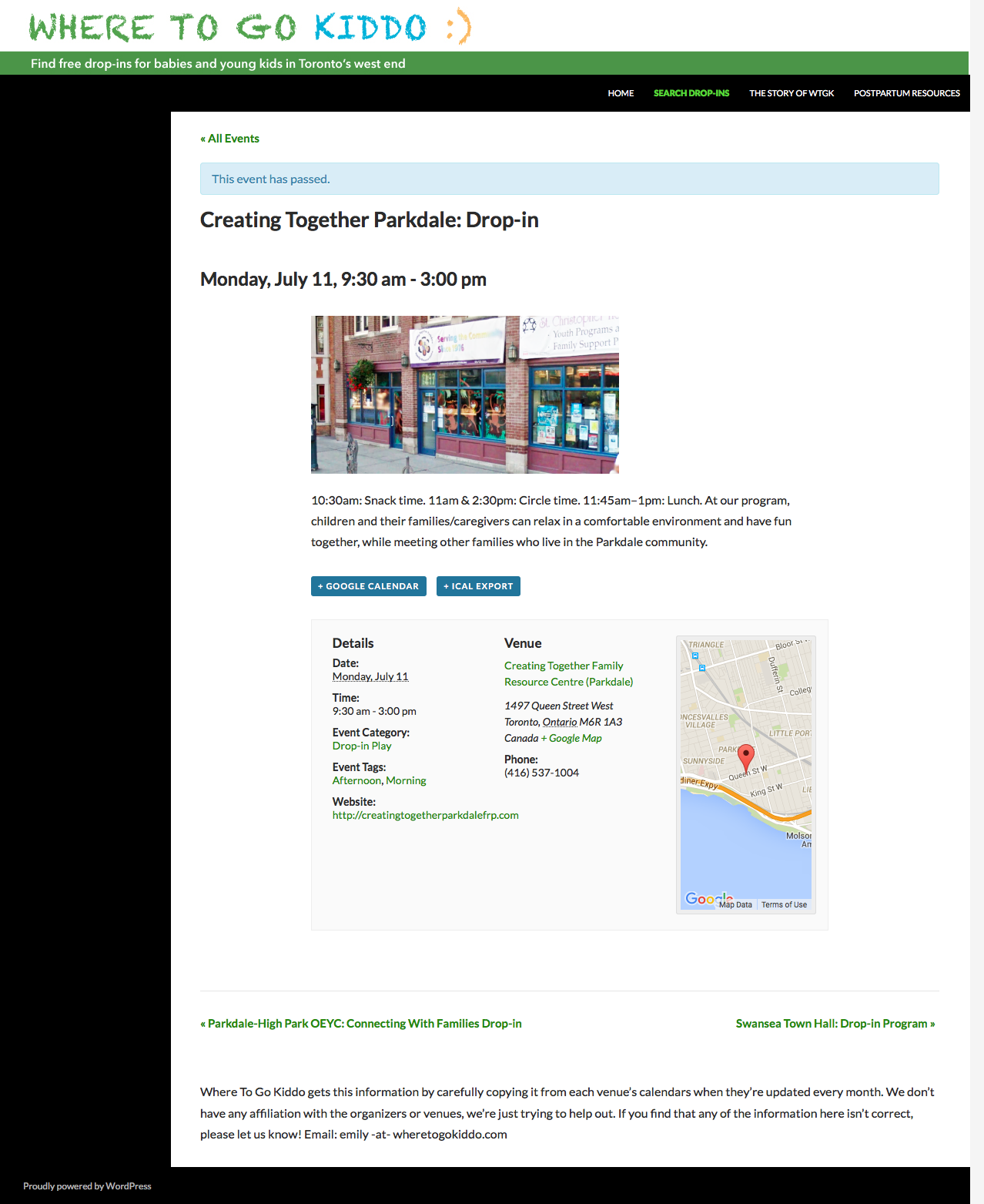
Thanks for your followup. I checked out your single-event page and the list page, but do not see that text any more. It seems to have worked, in other words.
Here’s a screenshot of the single event page, for example:
Here’s a screenshot of the full list view, too:
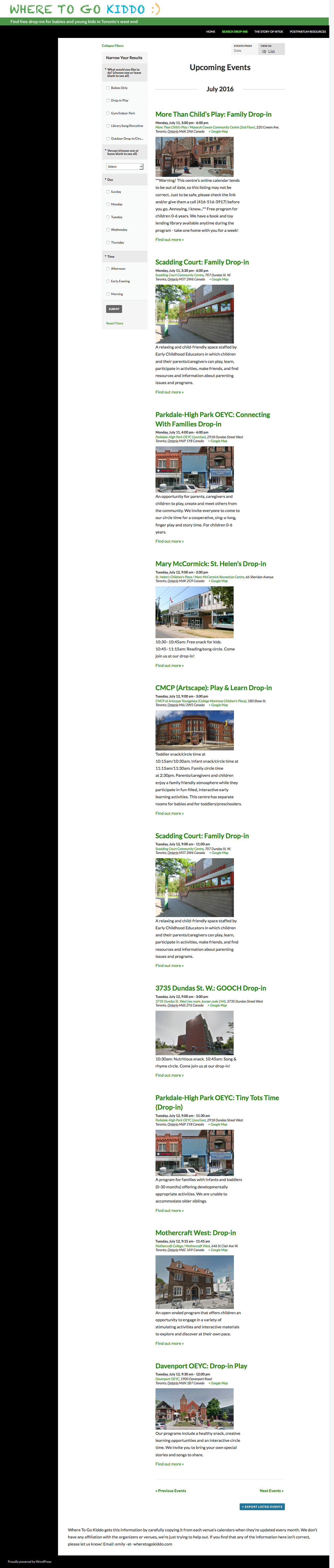
Do you still see the text when you view the site? If so, where?
Thank you!
GeorgeJuly 11, 2016 at 7:18 pm #1138497ParticipantYou are right! I see now that the code worked perfectly in Chrome (on my Mac and my Android).
However it doesn’t work in Safari (Mac) or HTC Internet (Android) – see screen grabs… So weird!
July 14, 2016 at 7:12 am #1139646ParticipantThank you for these screenshots!
(And for your patience with my delayed response; I had an urgent and unexpected outage and was thus unable to respond yesterday. My apologies!)
As for these issues, I have taken a look at things and am a bit puzzled. While different browsers can render CSS differently, these discrepancies usually only happen with advanced, recently-implemented CSS3 features or complex layout rules like absolute positioning trickery and such….
So, in other words, the simpler type of CSS that I shared here (just hiding things, basically) should be working consistently across browsers.
I’m wondering if the issue, then, is related to caching? Safari does cache aggressively, and mobile browsers in general do, too, so if possible I would recommend clearing the caches in either/both browsers and having another look at these locations on your site.
Does anything improve when you try this? If not, I’m sorry for the hassle–I’m just a bit surprised by the outcome thus far. But if you try clearing caches, and this does not make a difference, then no worries; I will take another closer look at the CSS and rope in a developer on our team to assist me if need be.
Thanks for your patience here,
GeorgeJuly 24, 2016 at 8:40 pm #1143557ParticipantYou’re totally right! It was a cache issue! Thanks so much.
July 25, 2016 at 8:46 am #1143656ParticipantThanks for the update! Caches can be weird sometimes! 😀
Best of luck with your site; if other issues or questions arise, open a new thread any time.
Cheers!
George -
AuthorPosts
- The topic ‘Hide "recurring event" text’ is closed to new replies.