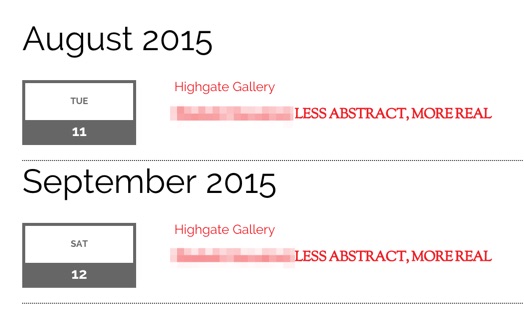
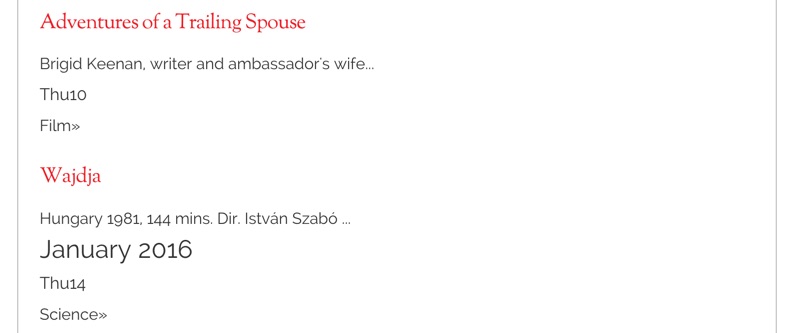
Styling seems to have gone AWOL for events displayed with the [tribe_events_list] shortcode.
It looked like this:
It has changed into:
Probably following an update of The Event Calendar Pro or the custom Theme I am using… What is the best way of troubleshooting this issue?
The best way to start troubleshooting would be to activate a default WordPress theme, like Twenty Fifteen. Does the shortcode style properly when it that is activated? It does for me when I give it a try (screenshot), so let’s start there and see what we find.
Thanks for chiming in, Steven! You’re welcome to follow along while I help Ian with his questions and try any of the recommendations that follow. You’re also welcome to open a new thread if you would prefer direct support. 🙂
In my case correct styling returned without my doing anything! Unsettling when things change for no obvious reason! Perhaps it was a local browser issue? Thought I checked in more than the one.
This reply was modified 10 years, 4 months ago by Ian.
That6’s great to hear! Certainly sounds like a local caching thing–either way, I’m glad everything is working smoothly. Thanks for following up to let me know. 🙂
Steven–please do check caching on your end as that seemed to work for Ian. If you’re still having issues, please do open a new thread and we’d be happy to help you there.
Cheers!
Geoff
Author
Posts
Viewing 6 posts - 1 through 6 (of 6 total)
The topic ‘Event List styling has vanished.’ is closed to new replies.