Display Single Event Sidebar is broken & remove second H1-Tag

Home Forums Calendar Products Events Calendar PRO Display Single Event Sidebar is broken & remove second H1-Tag

Viewing 3 posts - 1 through 3 (of 3 total)
  • Author
    Posts
  • #1055027
    Andreas
    Participant

    Hello,

    we got 2 Problems with our page and the calender layout.

    first – there is a SEO Problem, there are 2 H1 Tags in one Page, where can we remove one of them?
    second, on the single event, the right part (sidebar with widget) is broken and is now on the bottom under the event. can you send us a CSS patch?

    url: http://dev.kohl-online.de/veranstaltung/bauherren-stammtisch/

    thank you.
    andreas

    #1055513
    Hunter
    Moderator

    Hey Andreas 🙂

    In regards to problem #1 – can you please be a little more specific? Ideally you can share a direct link to the page(s) you’re referring to.

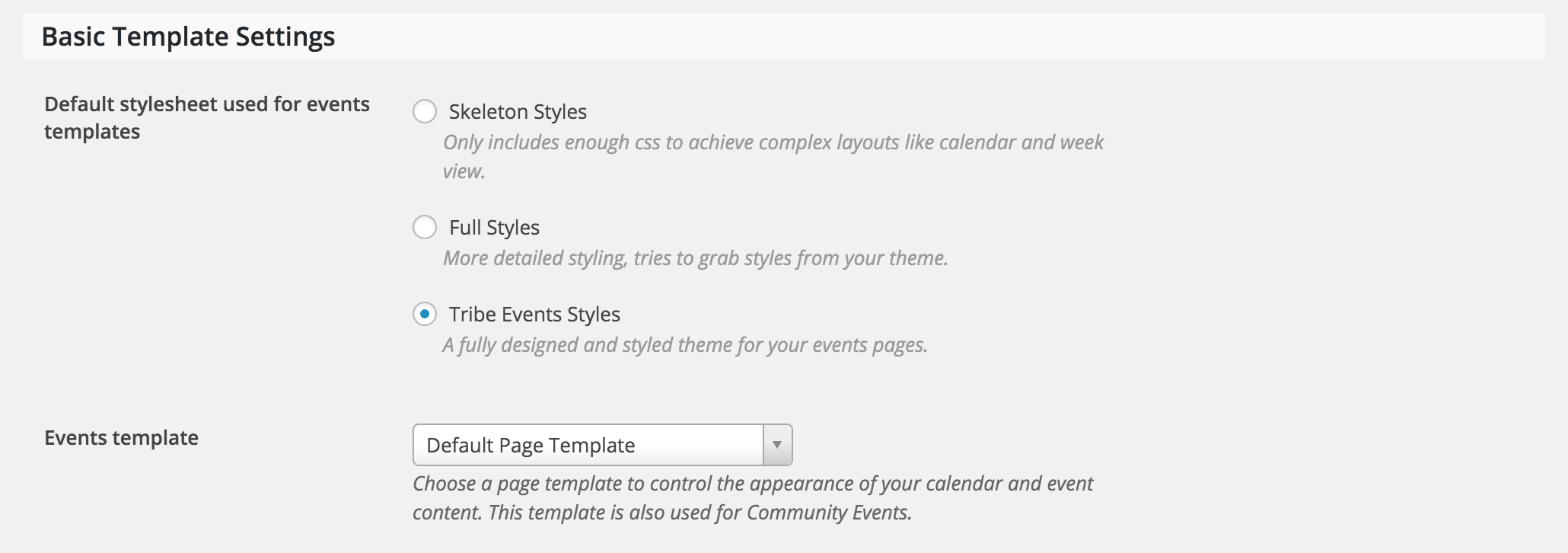
    The second issue mentioned sounds like a template setting. Try selecting different options found under Events > Settings > Display.

    If that doesn’t work, the next option would be to create a template override. Instructions for doing overrides can be found in our Themer’s Guide, starting right at the top.

    Let me know if either solution addresses the display issue! Thanks for choosing PRO 🙂

    #1076752
    Support Droid
    Keymaster

    This topic has not been active for quite some time and will now be closed.

    If you still need assistance please simply open a new topic (linking to this one if necessary)
    and one of the team will be only too happy to help.

Viewing 3 posts - 1 through 3 (of 3 total)
  • The topic ‘Display Single Event Sidebar is broken & remove second H1-Tag’ is closed to new replies.