Deleting outdated calendar items

Home Forums Calendar Products Events Calendar PRO Deleting outdated calendar items

Viewing 3 posts - 1 through 3 (of 3 total)
  • Author
    Posts
  • #1071555
    dutchess
    Participant

    Our Events Calendar Pro is posted on our website and we allow the public to post their events (well, what they submit goes in to a draft folder, then we review and post them.) We’re wondering if there is a setting that would automatically delete the event after the event date. Or if there is an easy way for us to do that. We now have over 6000 events published but they are a few years old by now.

    #1071633
    Hunter
    Moderator

    Good day, Dutchess 🙂

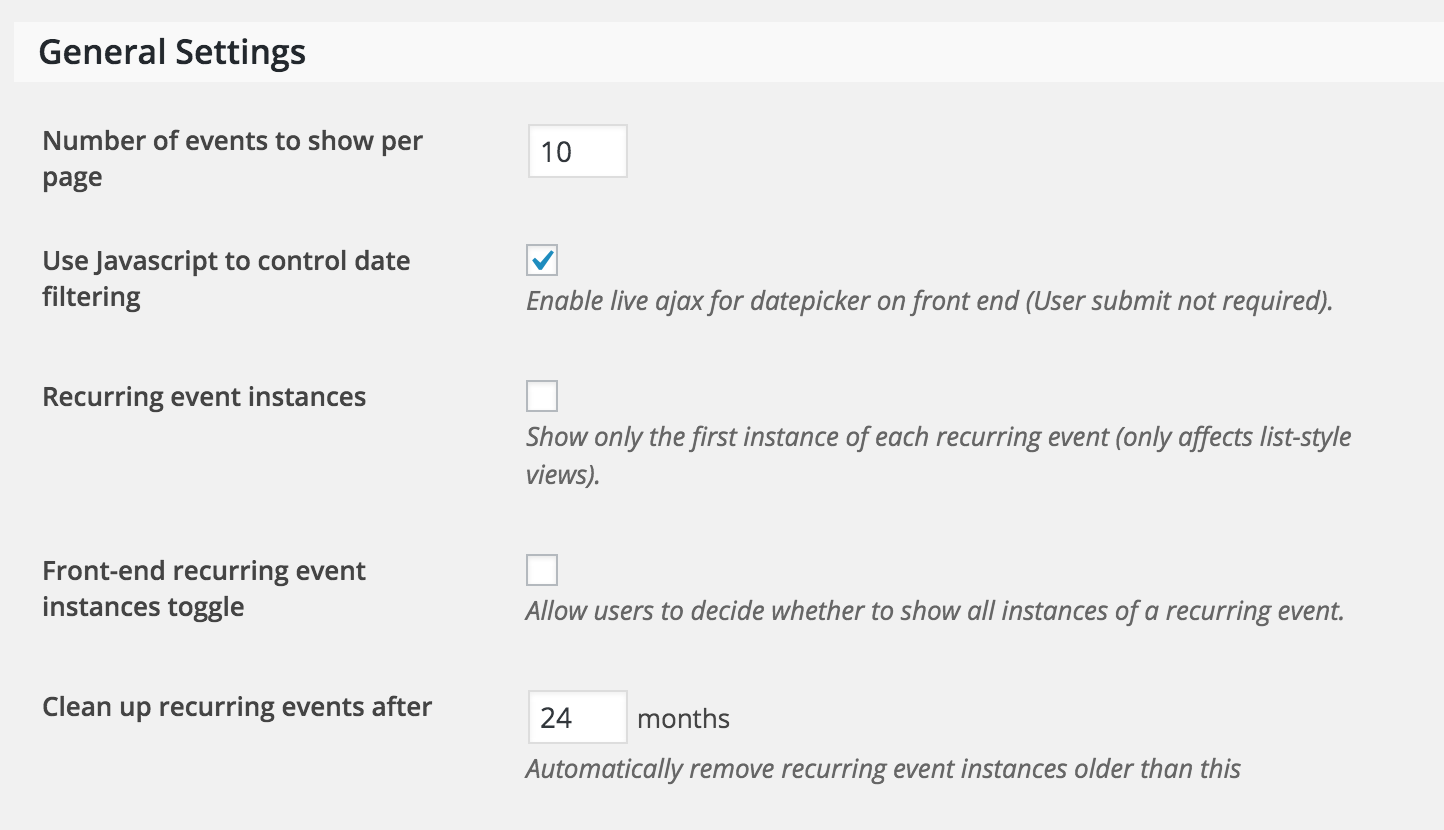
    We do have a built-in setting for cleaning up recurring events, but there is no built-in setting that allows you to delete single events based on date (see bottom field of screenshot below).

    One way you could delete events based on date would be to do an SQL query. As always, we recommend backing up your database prior to running any SQL queries.

    I hope this information helps and best of luck cleaning up your old events!

    #1082461
    Support Droid
    Keymaster

    This topic has not been active for quite some time and will now be closed.

    If you still need assistance please simply open a new topic (linking to this one if necessary)
    and one of the team will be only too happy to help.

Viewing 3 posts - 1 through 3 (of 3 total)
  • The topic ‘Deleting outdated calendar items’ is closed to new replies.