Hey Betsy,
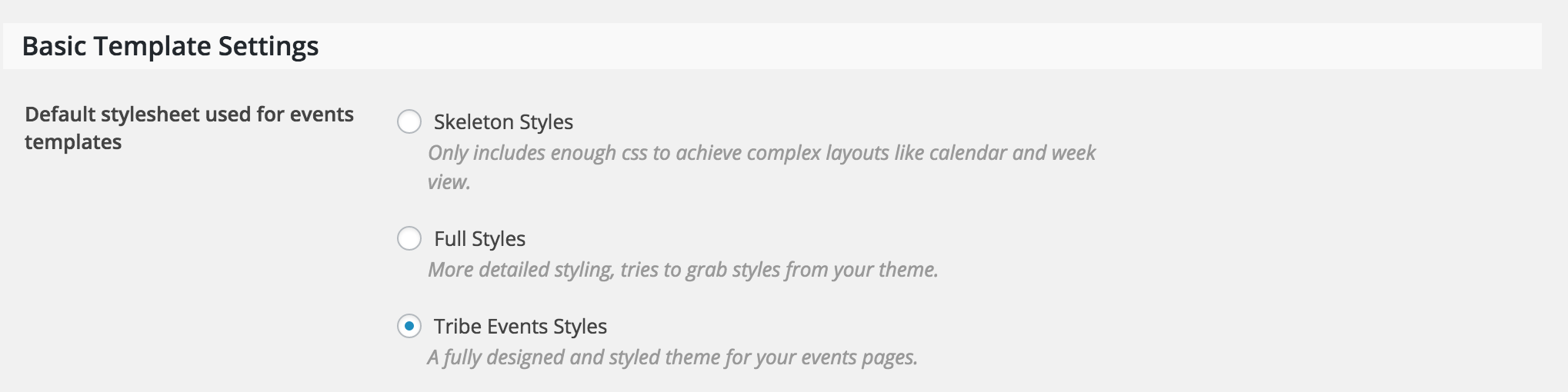
Welcome back! There is a “feature” found under Events > Settings > Display which might achieve what you’re looking for. Try selecting a different option, refresh your event page and see how they each look! (see screenshot below)
More info can be found here.
If that doesn’t work, this YouTube Video does a good job explaining how to identify classes/IDs and make changes using CSS. You’ll most likely need to apply the CSS changes to your “Theme Options” if your theme author included a similar “feature”.
I hope this helps and let me know how it goes. Cheers!
.


