Hi Bekee,
Thanks so much for stopping by and checking out our plugins!
You can create an account directly by following the “Register” Link below the “Log In” button (Please check the image below)
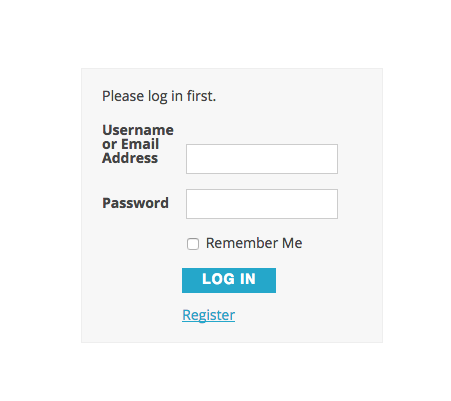
Once there, you’ll need to fill in your desired username and e-mail. You’ll get an email confirmation with a link to choose your password.
After you pick your password, you can log in and check the community add-on by going to this page: https://wpshindig.com/events/community/add
I hope that helps to clarify things a bit–let me know if you should have any other questions here! Cheers, and thanks again for your interest!
Juan.
.


