
Home › Forums › Ticket Products › Event Tickets Plus › Blank space under content on event page
- This topic has 6 replies, 3 voices, and was last updated 10 years, 2 months ago by
Leigh.
-
AuthorPosts
-
July 15, 2016 at 11:19 am #1140477
Leigh
ParticipantHello:
I am using The Events Calendar Pro. Since adding Tickets Plus to my account, my event pages have a large blank space under all the content and above the footer.
This is a bit maddening on a laptop, but it’s really an issue on a smart phone – people aren’t finding the ticket field because it looks like the page is finished long before any of the event detail headers show up.
We have a big event in a week and are in a bit of a panic – getting hit with a lot of calls about people not being able to use their phones to purchase tickets.
Can you please help?
I would very much prefer not to deactivate plugins as we have a lot of traffic on our site and many of them are needed to make the site functional.
Thanks so much!
Leigh
July 15, 2016 at 2:58 pm #1140587Geoff
MemberHi Leigh and happy Friday!
Ah, I see exactly what you mean and it looks like it’s coming from the Avada theme. I was able to remove that space by adding this CSS to the theme’s style.css or you can use the Simple Custom CSS plugin:
.fusion-portfolio-post .fusion-image-wrapper {
display: none;
}
Will this work for you? Please let me know. 🙂
Cheers!
GeoffJuly 15, 2016 at 7:17 pm #1140622ParticipantHi Geoff:
Thanks so much for your quick response.
I tried adding this to the CSS for the theme and then added the Simple CSS plugin and added it there.
I’m not seeing that the problem has been resolved. It’s possible that my caches are old (I’m in a rural area) but I don’t think that we’ve solved the problem.
What are you seeing? Is it still leaving a big blank space?
Thanks so much,
Leigh
July 18, 2016 at 7:39 am #1141023MemberHi Leigh and hope you had a great weekend!
Here’s what I’m seeing this morning:
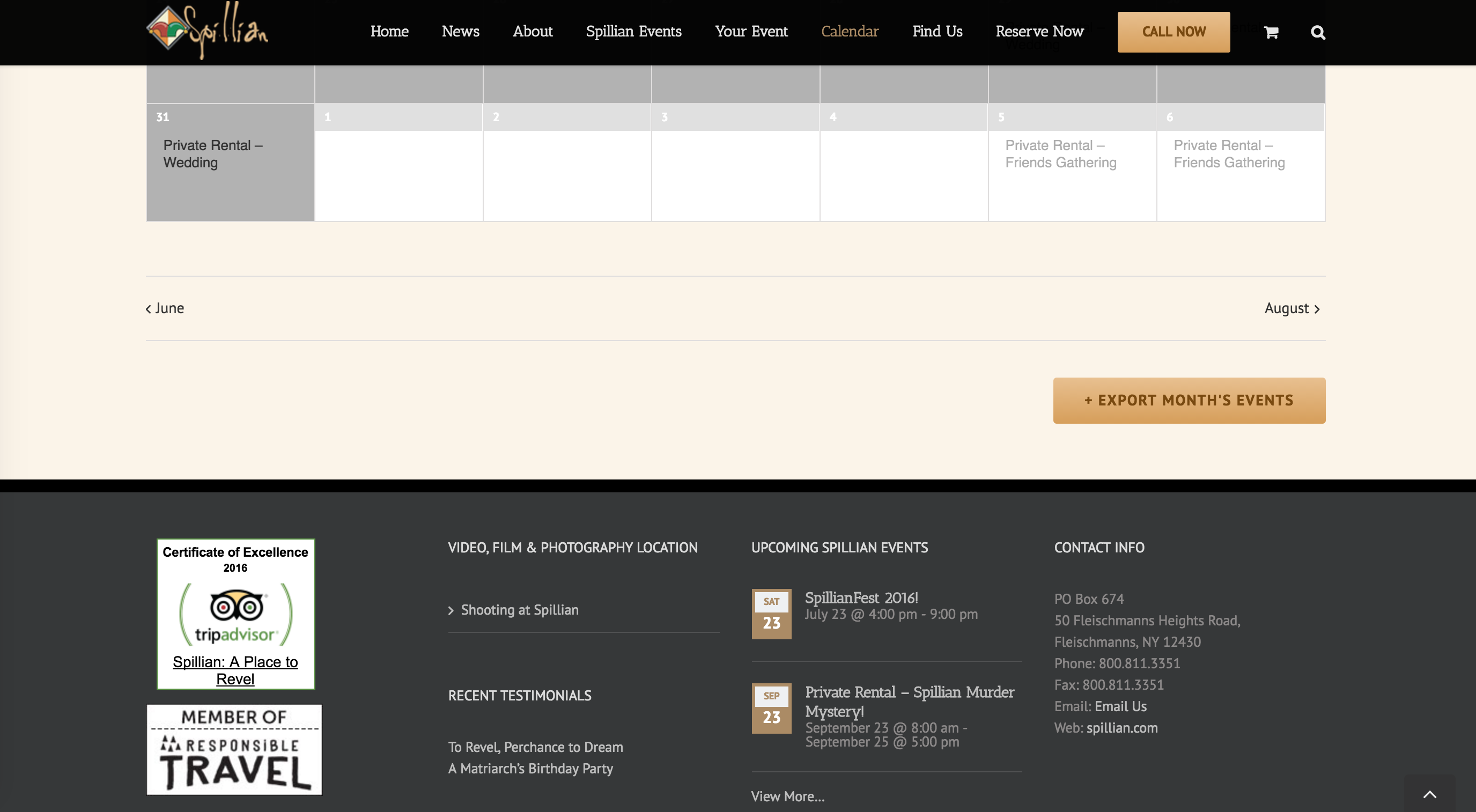
Are you seeing the same thing? I sure hope so because it looks like the code is doing the trick — at least when I view it.
Let me know if you’re seeing something different, and perhaps some information on which browser/version you’re using and I can dig a little deeper.
Cheers!
GeoffJuly 18, 2016 at 10:43 am #1141115ParticipantThanks, Geoff!
Looks like the magic gremlins were at work and took your code seriously at some point!
Magic.
All better.Thanks so much for your help.
All the best,
LeighJuly 18, 2016 at 2:53 pm #1141207MemberHeck yeah! Those gremlins are always a pain, but I appreciate the effect they have. 🙂
I’ll go ahead and close this thread but please feel free to let us know if any other questions pop up–we’d be more than happy to help.
Cheers!
Geoff -
AuthorPosts
- The topic ‘Blank space under content on event page’ is closed to new replies.