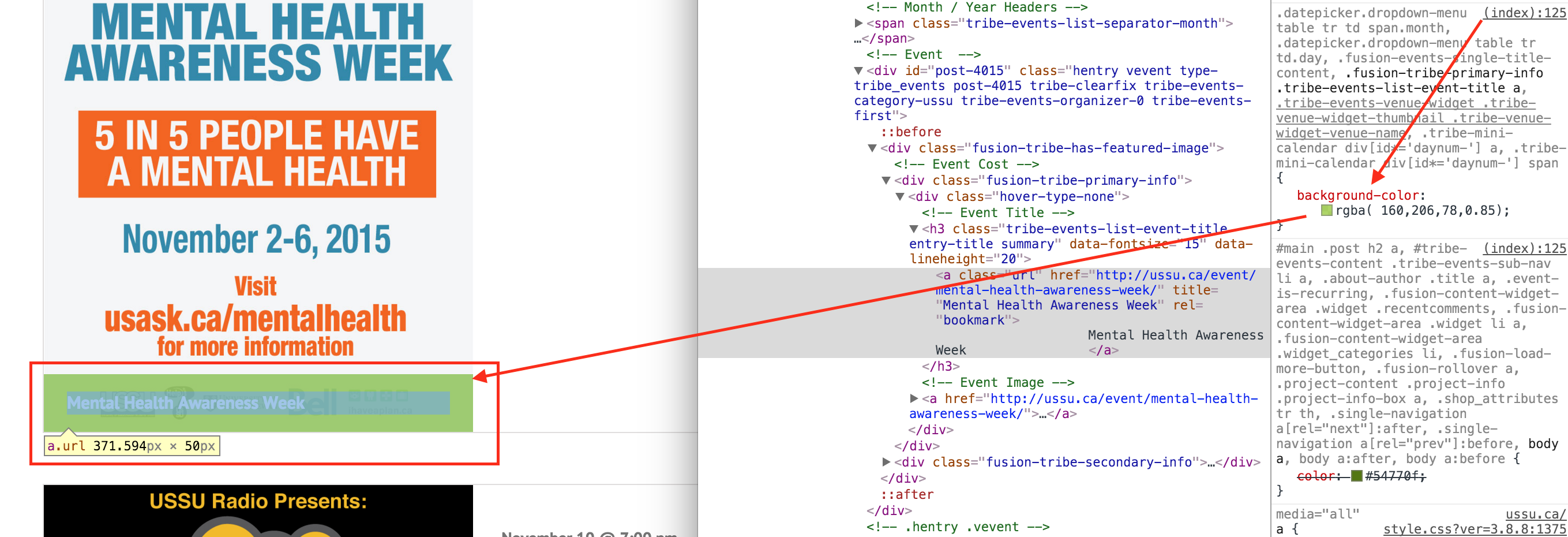
We are using Events Calendar Pro and the Avada WP theme. With the recent updates, the Event Calendar Pro events now follows some of the style of our main WP theme. The issue is that the images that we are adding as the Featured Image are getting a type of overlay with the event name. I don’t know where to turn this off in either the Avada Event options or in the Event Calendar Pro options. Any help?
Yes that is what I am trying to fix. I understand the CSS, just not sure where to put that so that all events, and all views have that change. Can you point me in the right direction?
You can add custom CSS code via your child theme’s style.css file or via a plugin like Simple Custom CSS or, my favorite, Jetpack. Jetpack supports regular CSS and the LESS and Sass pre-processors.
.