Add single event module to regular page layout

Home Forums Calendar Products Events Calendar PRO Add single event module to regular page layout

Viewing 3 posts - 1 through 3 (of 3 total)
  • Author
    Posts
  • #1052588
    britta
    Participant

    Hi
    I am using the Events Calendar Pro with the Divi theme. Inside the theme, I’ve built a regular page template that looks the following:

    fullwidth header incl. logo & menu
    fullwidth image
    MAIN CONTENT (2/3) plus SIDEBAR (1/3)
    fullwidth footer

    I’d like to keep that same layout for my single event pages – and therefore would need to add the single event to the “main content” section of my page.
    However, I don’t know how I can do this… I was looking for shortcodes, but didn’t succeed etc.
    Any ideas?

    #1052899
    Hunter
    Moderator

    Hey britta 🙂

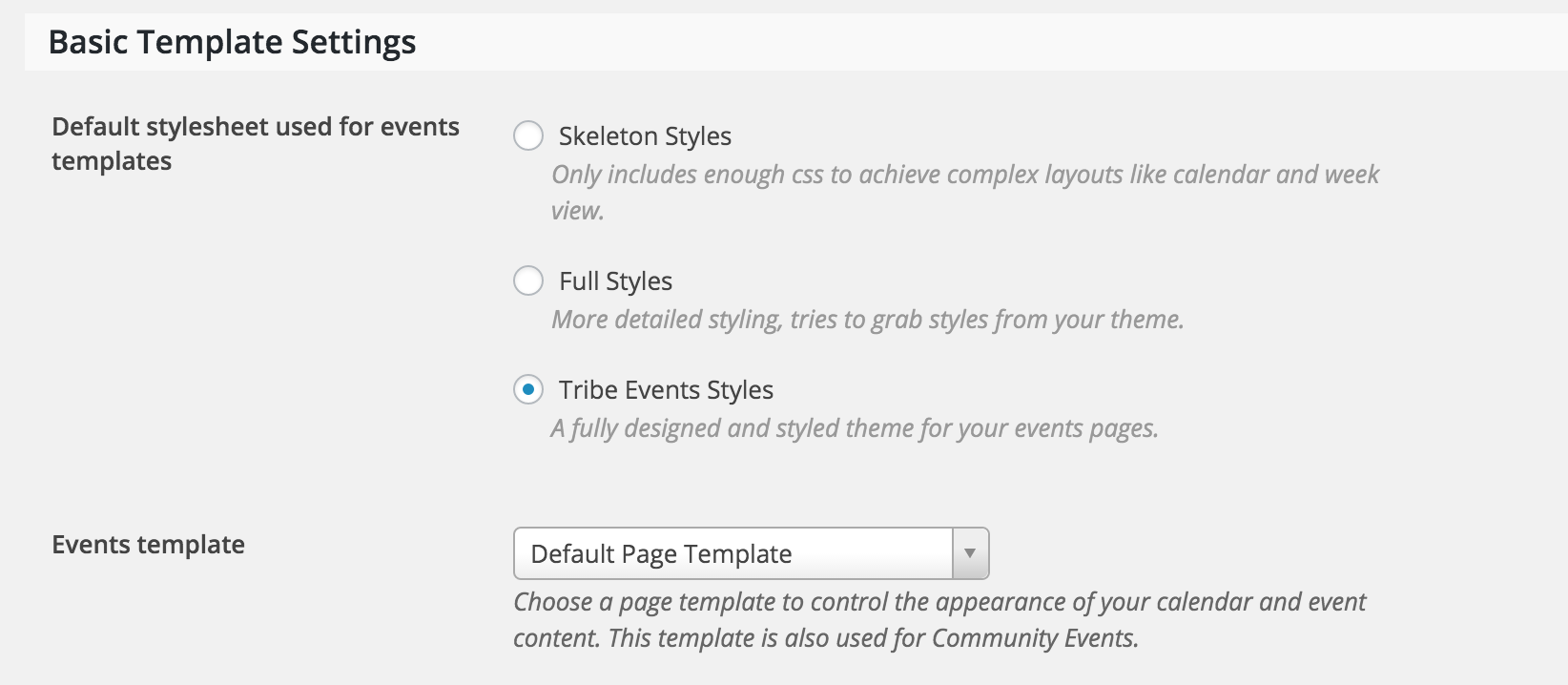
    Good to see you back on the support forums! There are a few different ways to achieve the layout you described. I recommend starting by trying different options found under Events > Settings > Display.

    If troubleshooting there doesn’t work, the next step would be reading through our Themer’s Guide. Information regarding template overrides can be found at the top under Customizing Template Files.

    Let me know if either of these accomplish the desired layout you described in your original post. Thanks again for reaching out to our support forums!

    #1076596
    Support Droid
    Keymaster

    This topic has not been active for quite some time and will now be closed.

    If you still need assistance please simply open a new topic (linking to this one if necessary)
    and one of the team will be only too happy to help.

Viewing 3 posts - 1 through 3 (of 3 total)
  • The topic ‘Add single event module to regular page layout’ is closed to new replies.