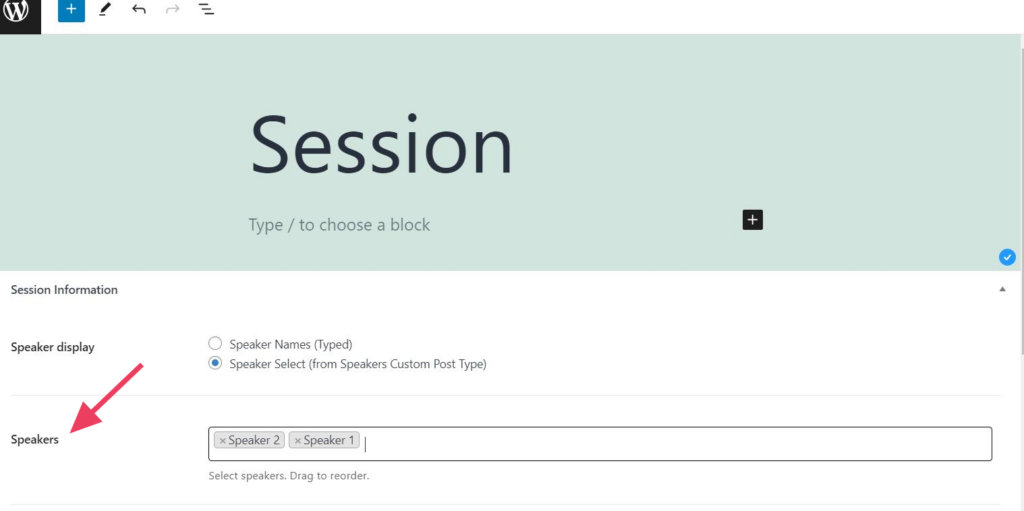
Want to add more than one Speaker to a Session?
To add multiple Speakers to a Session, repeat the normal process you used to add the first speaker:
- Create Speakers under Schedule > Speakers and add the necessary information for each.
- Add a new session or edit an existing one.
- Select Speakers under the Session Information section. Click into the Speakers box to select as many Speakers as you’d like, repeating for each one. You can drag the added Speakers to reorder them.