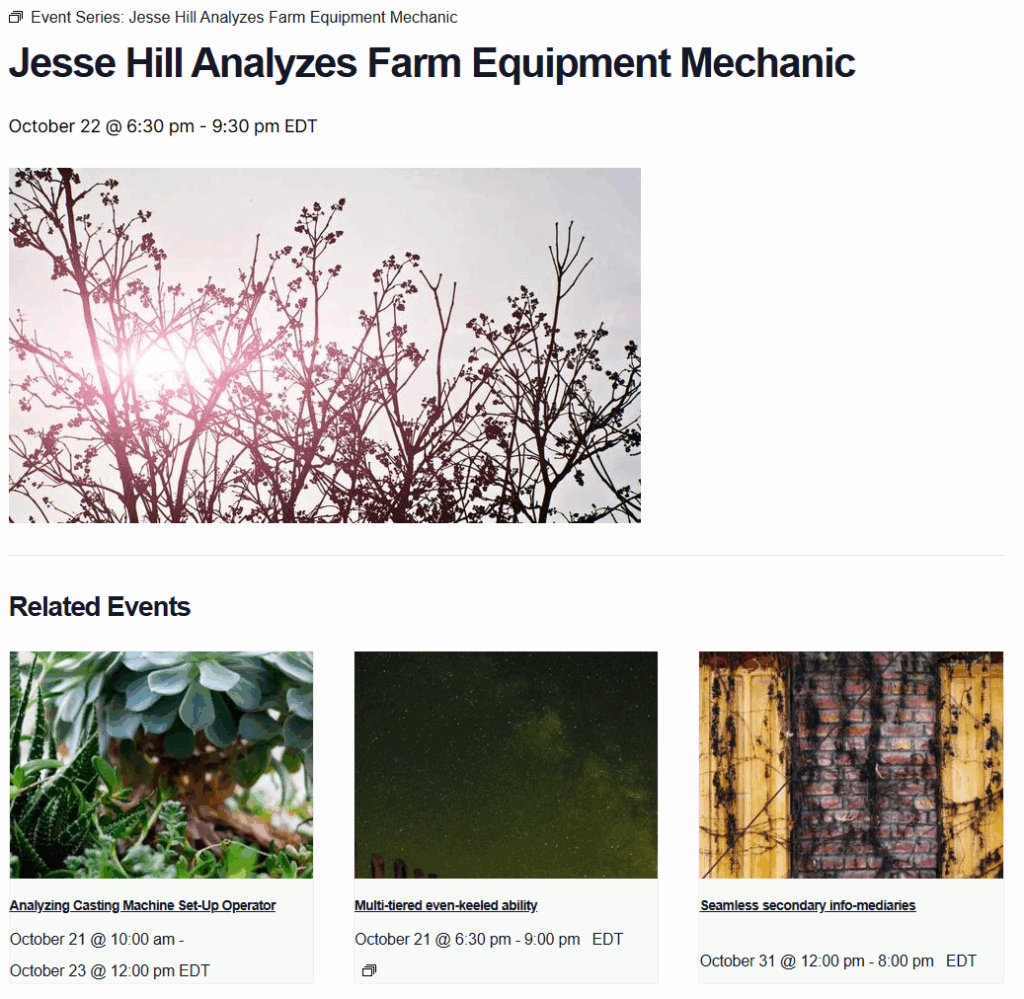
The “Related Events” feature in The Events Calendar plugin is a valuable tool that automatically displays a selection of events related to the one currently being viewed. This feature enhances user engagement by suggesting additional events that match the visitor’s interests, thereby increasing the likelihood of prolonged site interaction and event attendance.
Showcasing events with similar themes, categories, or locations helps users discover more of what they are interested in without needing to perform additional searches. Additionally, this feature is beneficial for internal linking for SEO, as it creates more interconnected pages within your site, improving navigation and potentially boosting your site’s search engine rankings.
This improves the user experience and helps event organizers promote a more comprehensive range of events, potentially boosting attendance and participation across the board.

Change the Number of Related Events Displayed
By default, the related events section will display three events, but that quantity can be modified by using the following PHP snippet:
function tribe_related_posts_args_limiter ( $args = array() ) {
$args['posts_per_page'] = 5; // Change this to whatever number you'd like.
return $args;
}
add_filter( 'tribe_related_posts_args', 'tribe_related_posts_args_limiter', 10, 1 );
The code above customizes the quantity to 5, but you can specify any number.
You can find a detailed guide about implementing custom Code Snippets here: Using Custom Code Snippets
Show Related Events at the Same Venue
The Related Events feature of Events Calendar Pro allows you to display additional upcoming events on your single events pages, based on the event category. If you’re not using event categories or simply find it more useful to show your users other events happening at the same venue, this snippet is here to help!
function tribe_modify_related_posts_args ( $args ) {
	$venue_id = tribe_get_venue_id();

	if ( $venue_id ) {
		unset( $args['tax_query'] );
		$args['meta_query'] = [
			'relation' => 'AND',
			[
				'key' => '_EventVenueID',
				'value' => $venue_id,
				'compare' => '=',
			]
		];
	}

	return $args;
}
add_filter( 'tribe_related_posts_args', 'tribe_modify_related_posts_args' );
Add this to the functions.php file of your child theme, and voila! Your Related Events section will now display upcoming events by venue.
Exclude Recurring Event Instances from Related Events
When working with recurring events, you might notice that multiple instances of the same event series appear in the Related Events section on an individual event page. At first glance, this can feel unexpected, especially if you’re aiming to use the Related Events area to showcase other upcoming events that visitors might be interested in.
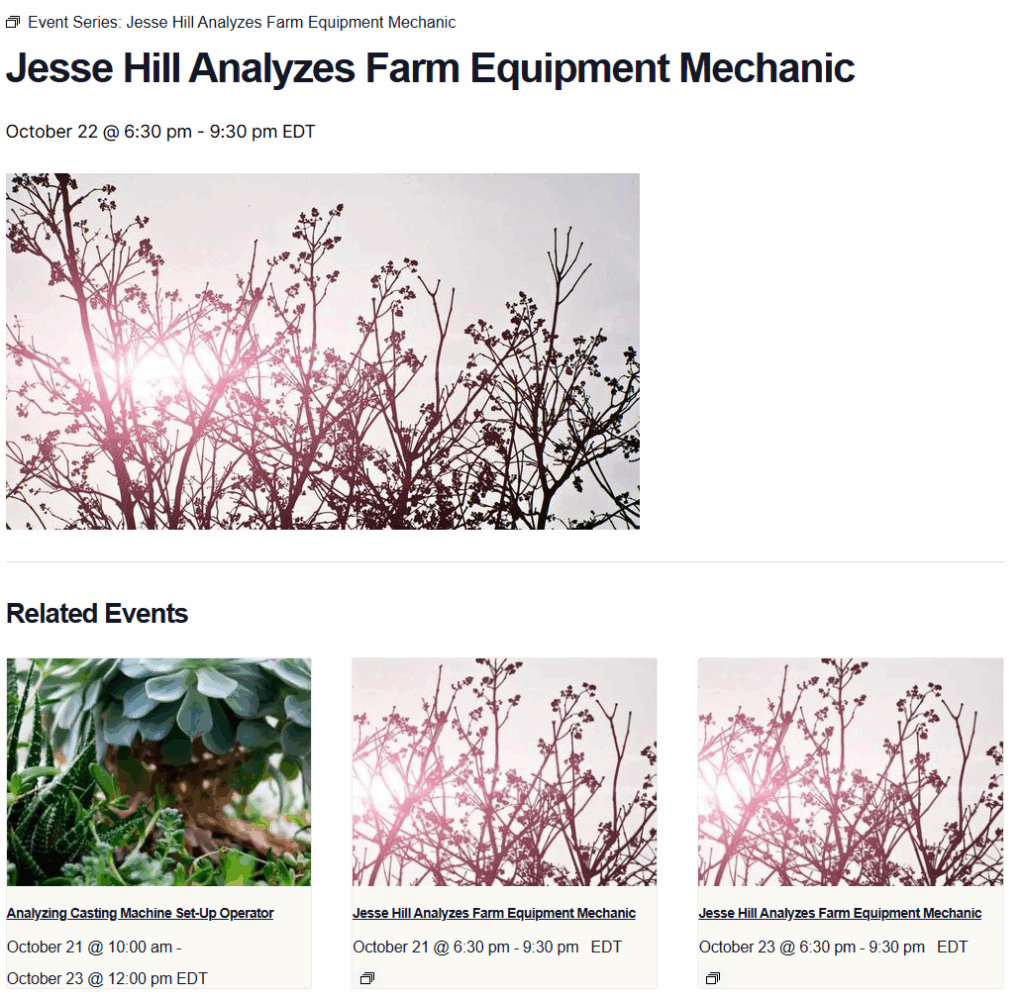
For example, if you have a daily recurring event, its other daily instances may fill all the slots, leaving no room for different events from the same category to appear.
Allowing variety in the Related Events section can make your event pages more engaging and useful for visitors. Instead of showing several versions of the same event, you can highlight a mix of upcoming activities, helping visitors discover more of what’s happening on your site and increasing overall event visibility.
Use the following snippet to filter out recurring event instances from the Related Events section, ensuring that only unique events appear instead of multiple dates from the same series.
Here’s how you can add the PHP code snippet to your site,
How to Add Custom PHP Code Snippets to WordPress Site
With this code in place, your Related Events section will now display a more diverse set of events, rather than multiple instances from the same series.